
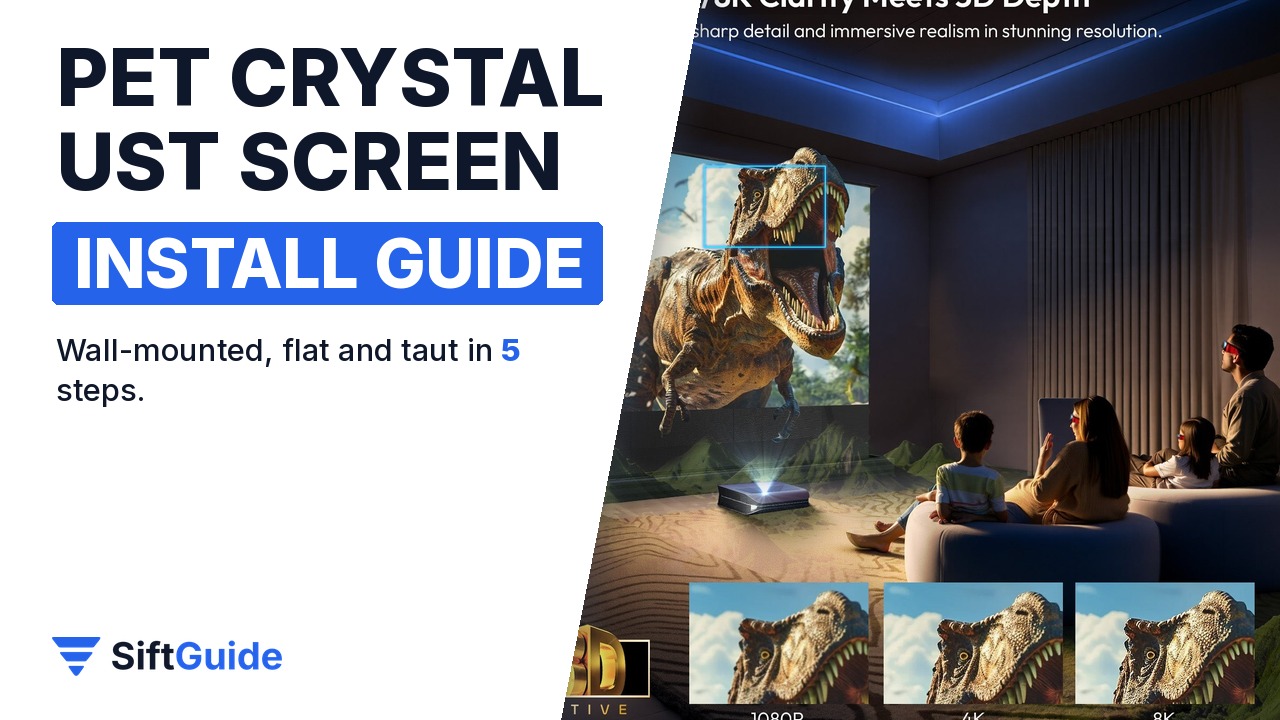
Ultra short throw projectors sit a few inches from the wall, which is why they are so easy to live with, and also why they are so picky about the screen. At that steep angle, an ordinary white screen reflects ceiling lights and windows straight back at you. The NothingProjector PET Crystal Classic is an ambient light rejecting (ALR) screen built for UST models from brands like Hisense, AWOL Vision and BenQ. It arrives as a flat-packed frame and a rolled screen, and the official quick guide splits the job into a handful of steps. Here they are in order, with the measurements that save you from drilling twice.
Disclosure: this guide contains affiliate links (Awin). If you buy through them we may earn a commission at no extra cost to you. Specs come from the official product page.
What you need
- The PET Crystal Classic kit: frame bars, corner pieces, the rolled screen, the fixing parts and the wall brackets
- A UST projector and your planned picture size (84, 92, 100 or 120 inches)
- A clean, soft floor area larger than the screen (a blanket or the packaging foam works)
- A drill, wall plugs and screws suited to your wall, a tape measure and a spirit level
- A second person for lifting the screen onto the wall
Step 1: Measure size, distance and height
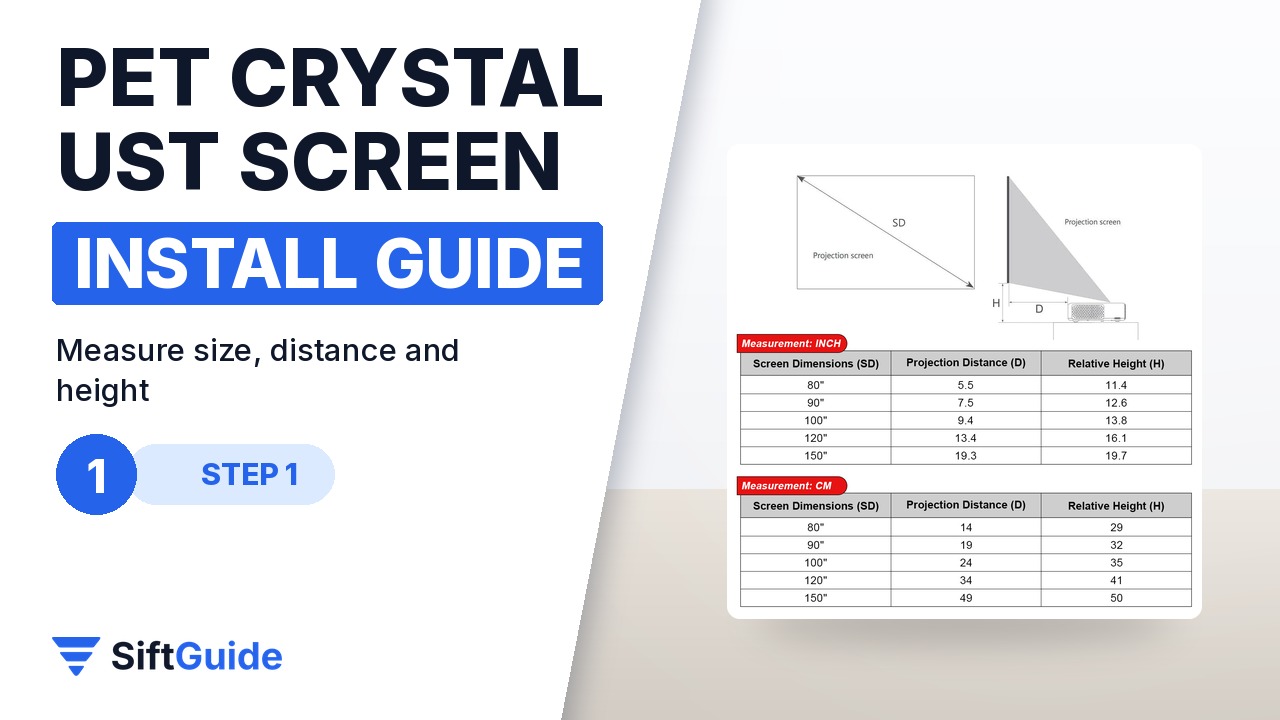
Start with your projector’s throw chart, then check NothingProjector’s guide for this screen: an 80-inch picture puts the lens about 14 cm from the wall and the screen bottom about 29 cm above the projector, 100 inches about 24 cm and 35 cm, 120 inches about 34 cm and 41 cm, and 150 inches about 49 cm and 50 cm. Mark the projector position and the screen outline on the wall before you assemble anything, because a fixed frame cannot be adjusted later.
Step 2: Assemble the inner frame
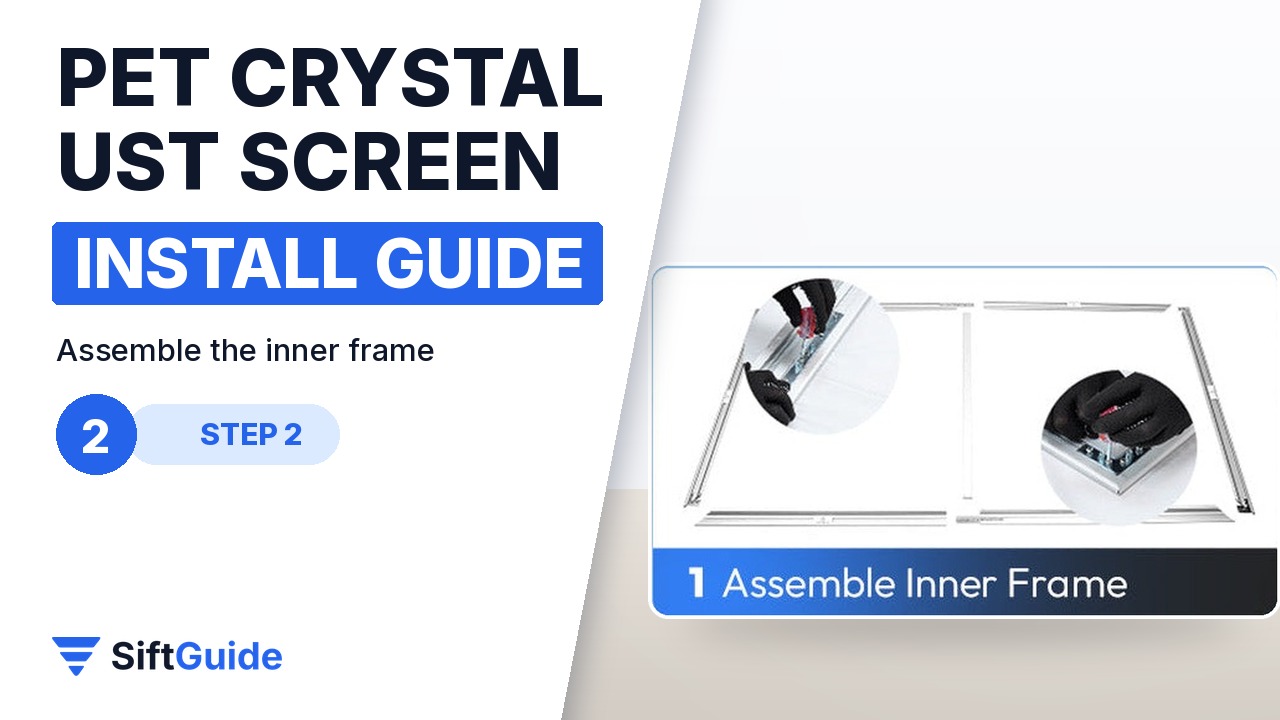
On a clean, soft surface, join the frame bars with the corner pieces to build the inner frame, following the numbered parts in the quick guide. Then prepare the screen: put on clean cotton gloves (the official guide photos show the installer wearing them), unroll it and lay it face down inside the frame. Never touch the front surface with bare hands, because the optical layer marks easily.
Step 3: Attach the screen to the frame
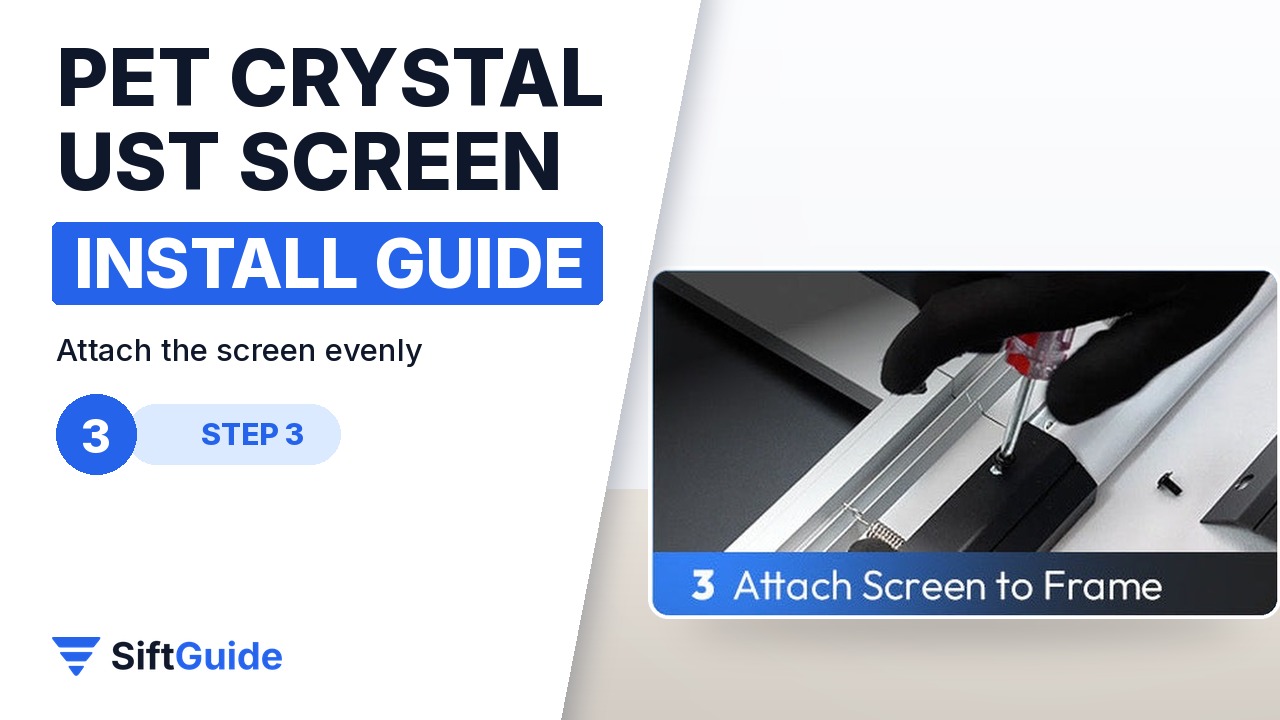
Fasten the screen edge to the inner frame as shown in the quick guide, working evenly around the edges: start from the centre of each side and move towards the corners. Even tension is what makes the surface flat and taut; if you see a ripple, loosen and redo that section rather than pulling harder in one spot.
Step 4: Fit the outer frame
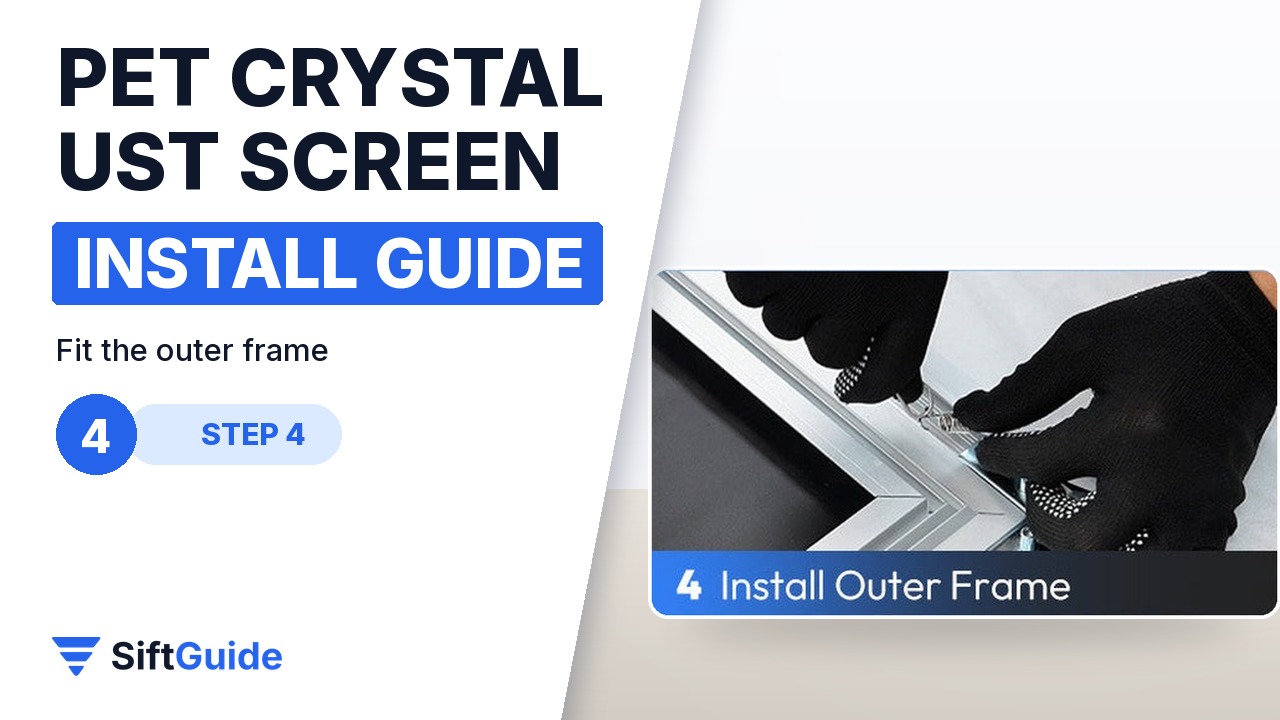
Clip the outer frame pieces over the inner frame. They cover the fixing edge and form the 1 cm ultra-narrow bezel in frosted aluminium, which gives the screen its clean, almost frameless look. Check each corner sits flush before lifting it.
Step 5: Level the brackets and hang the screen
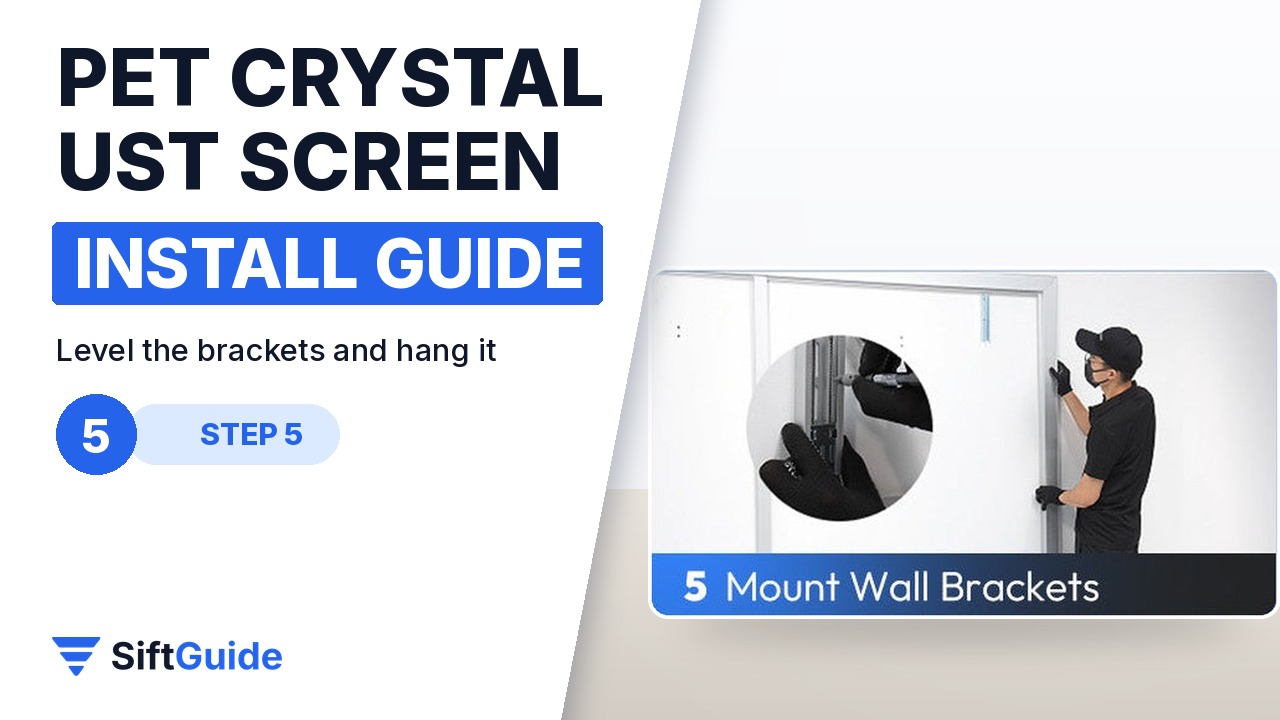
Fix the wall brackets at the height you marked, using a spirit level and fixings suited to your wall. With a second person, lift the screen and hang it on the brackets, then slide it sideways until it is centred on the projector. Finally, run the projector’s keystone or geometry setup so the picture lines up with the bezel.
Wear the gloves and keep the surface face down
The ALR effect comes from a fine sawtooth optical structure on the surface. Fingerprints and scratches show up in the picture, so handle the screen only by its edges, with gloves, until it is on the wall.
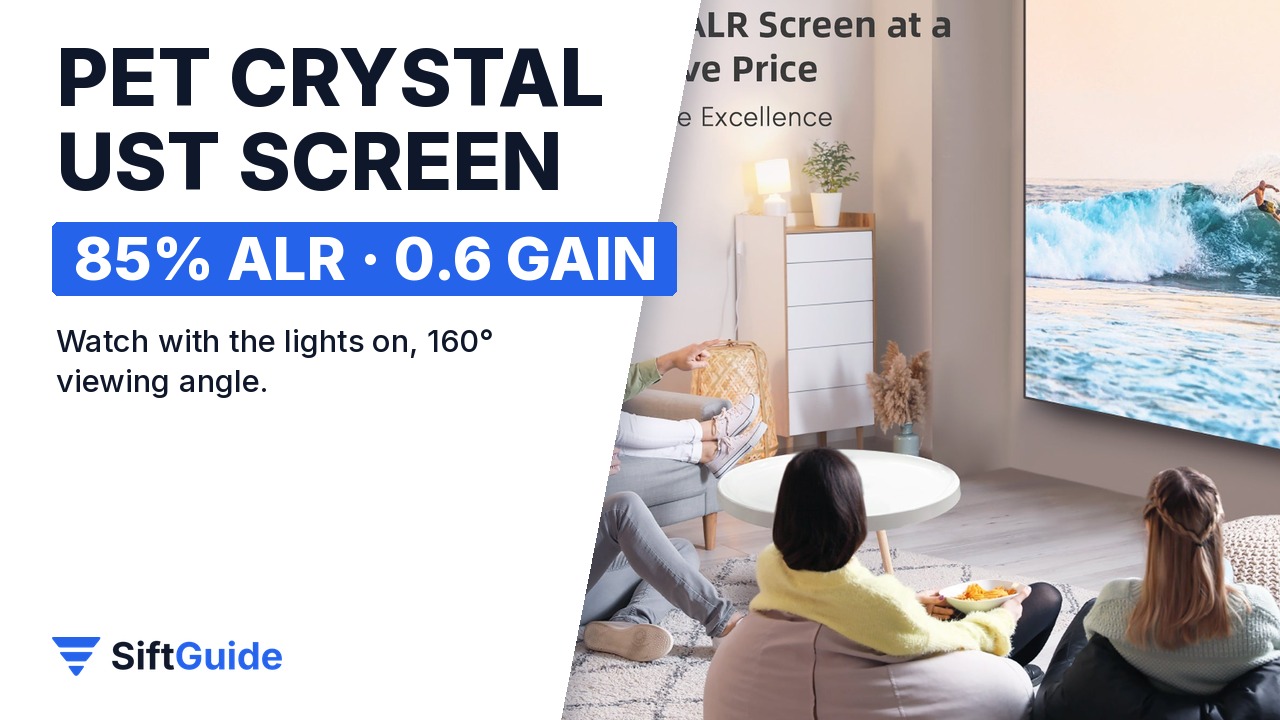
Done: the size and height measured, the frame built, the screen tensioned evenly, the bezel fitted and the screen level on the wall. With 85% ambient light rejection and a 160° viewing angle, it is designed for watching in a room with the lights on, which is the main reason to pair a UST projector with an ALR screen in the first place.
NothingProjector PET Crystal Classic UST ALR Projector Screen
Fixed-frame ambient light rejecting screen for ultra short throw projectors (Hisense, AWOL Vision, BenQ and others). 85% ALR from an optical sawtooth structure, 0.6 gain, 160° viewing angle, 4K/8K and 3D ready. 1 cm ultra-narrow frosted aluminium bezel; 84–120″ sizes in 16:9 (4:3 and custom sizes available; screens over 120″ have a fine splice seam). Listed from $399 (84–100″) in the NothingProjector affiliate catalog (October 2026), with larger sizes costing more; check the store for current prices.
FAQ
Does it work with a normal (long-throw) projector?
No. The PET Crystal Classic is designed for ultra short throw projectors that shine from below at a steep angle.
How far from the wall should my UST projector be?
It depends on your projector, but NothingProjector’s guide lists about 24 cm from the wall for a 100-inch picture, with the screen bottom about 35 cm above the projector.
Can I install it alone?
You can assemble the frame alone, but lifting and hanging a 100–120 inch screen is safer with two people.
What does 85% ALR mean?
The screen rejects about 85% of ambient light coming from other angles, such as ceiling lamps and windows, so the picture keeps its contrast with the lights on.
Is there a seam?
Not up to 120 inches. Screens larger than 120 inches have a fine splice seam.
