
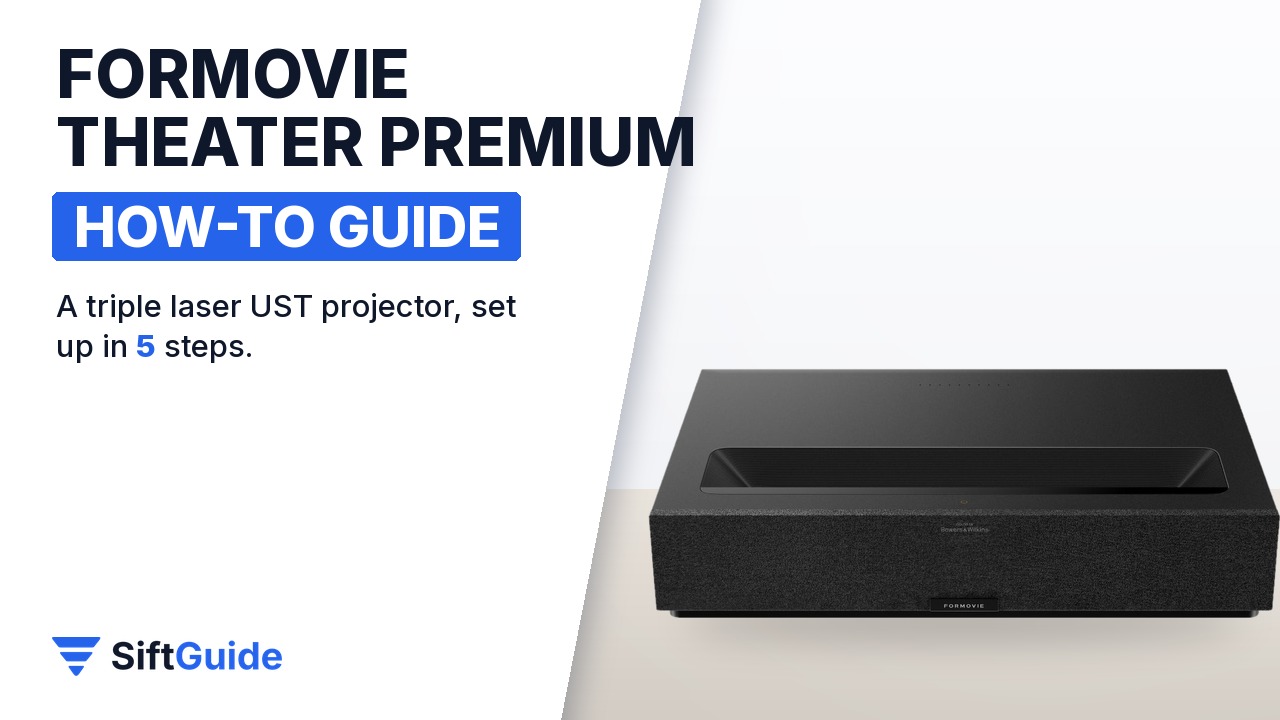
An ultra short throw (UST) projector replaces a big TV with a low box that sits on your media cabinet, right below the wall or screen, and throws a picture from 80 up to 150 inches. The catch is that a few centimetres of distance change the picture size, so placement matters more than with a television. The Formovie Theater Premium uses ALPD RGB+ 4.0 triple laser light rated at 2200 ISO lumens, runs Google TV with native Netflix and has Bowers & Wilkins speakers built in. This guide walks through the setup in the order that saves you from moving it twice.
Disclosure: this guide contains affiliate links (Awin). If you buy through them we may earn a commission at no extra cost to you. Specs come from the official product page.
What you need
- The Formovie Theater Premium and a sturdy, low cabinet or bench deep enough that the projector does not hang over the edge
- A wall or, better, an ambient light rejecting screen made for ultra short throw projectors, in the size you want (80 to 150 inches)
- A tape measure, so you can match the official distance table
- Your Wi-Fi 6 network password and a Google account (Netflix and other streaming accounts if you use them)
- Optional: compatible active 3D glasses and 3D content, if you want to watch in 3D
Step 1: Choose the size and the distance
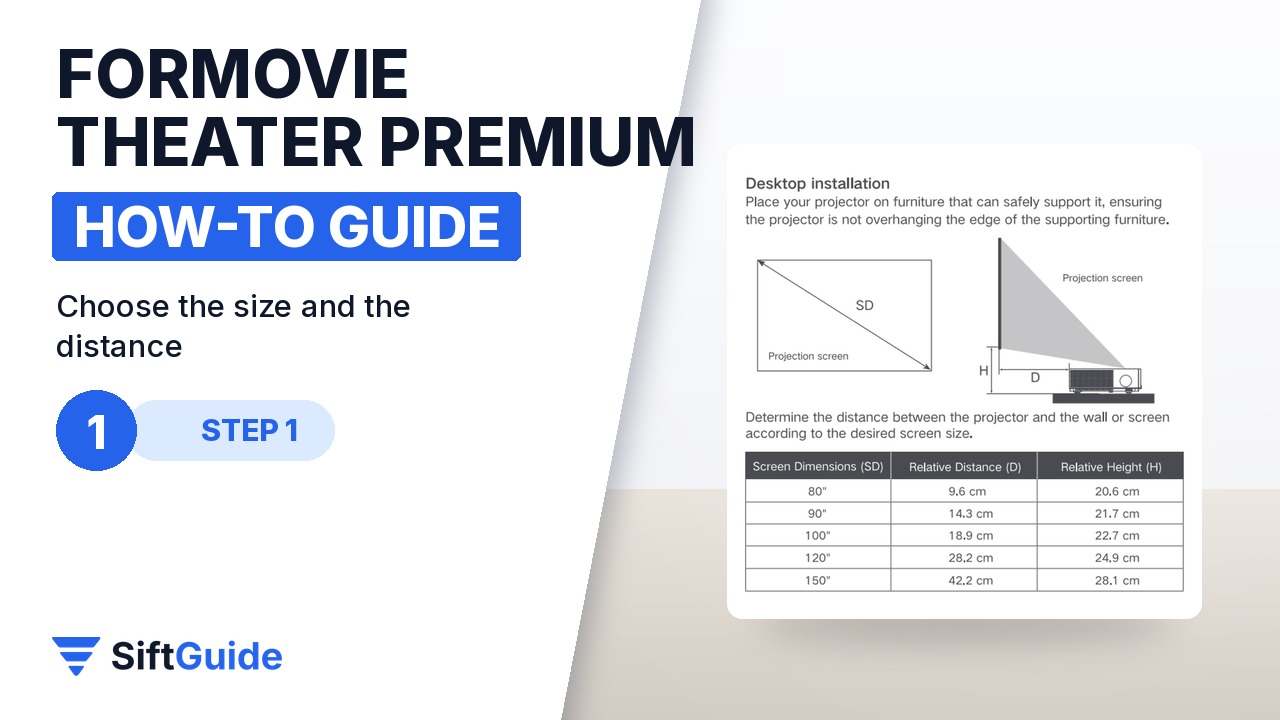
Start from the size you want, because with a UST projector the distance to the wall decides it. Formovie publishes a desktop installation table: for an 80-inch picture the projector sits about 9.6 cm from the wall or screen, for 90 inches about 14.3 cm, for 100 inches about 18.9 cm, for 120 inches about 28.2 cm and for 150 inches about 42.2 cm. The same table gives the gap between the top of your furniture and the bottom of the picture, from about 20.6 cm at 80 inches to 28.1 cm at 150 inches, so check that the picture will clear any soundbar or decor. Put the projector on furniture that can safely carry it, and never let it overhang the edge.
Step 2: Pair it with a UST ALR screen
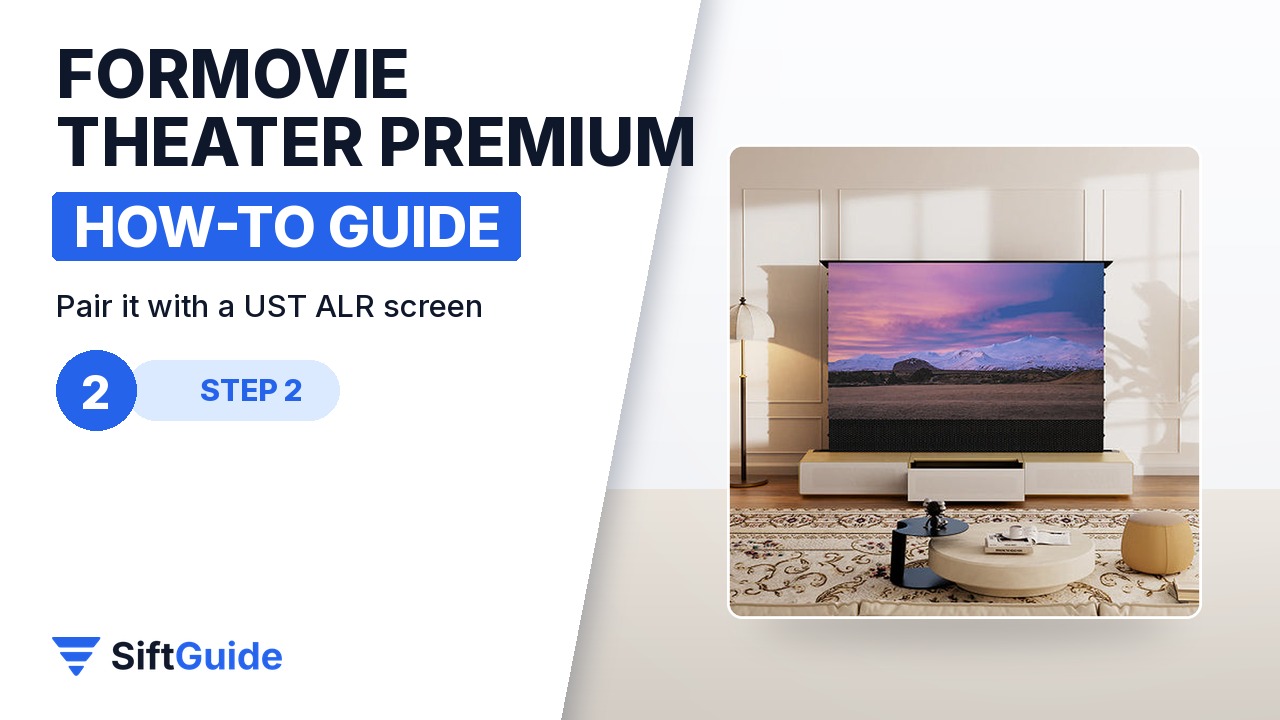
A plain white wall works for a first test, but a UST picture loses contrast as soon as daylight or a lamp hits the wall. An ambient light rejecting (ALR) screen designed for ultra short throw projectors reflects the light coming from below towards you and rejects most of the light coming from above. With 2200 ISO lumens behind it, the Theater Premium is meant for dark home theaters and bright living rooms alike. Make sure the screen is labelled for UST use: a standard ALR screen built for ceiling-mounted projectors will look dim with this one.
Step 3: Google TV, Wi-Fi 6 and native Netflix
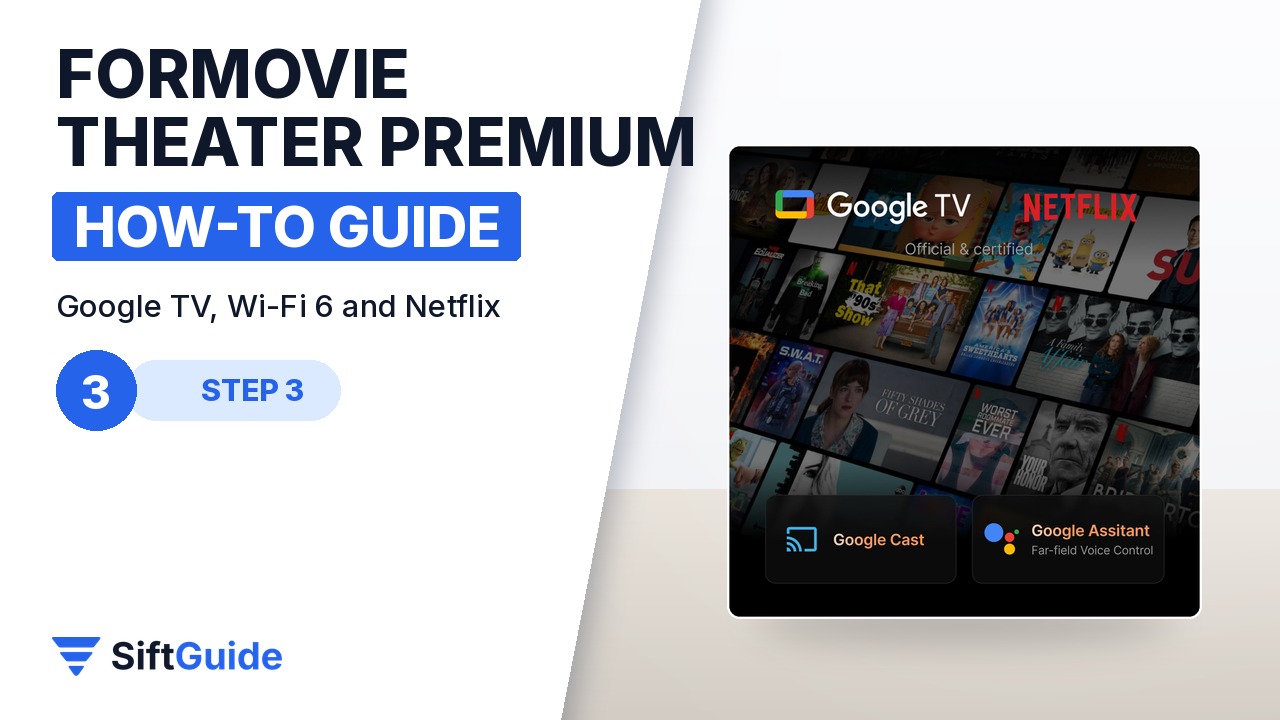
Power the projector on and follow the Google TV setup: join your network, sign in with your Google account and install the apps you use. Netflix is native on this model, next to Prime Video, YouTube and the rest of the Google TV catalogue, so you do not need an external streaming stick. Wi-Fi 6 keeps 4K streams and updates stable; if your router is far away, test a 4K stream before you finish arranging the room. You also get voice control, custom profiles and recommendations from one interface.
Step 4: Align the image and play HDR
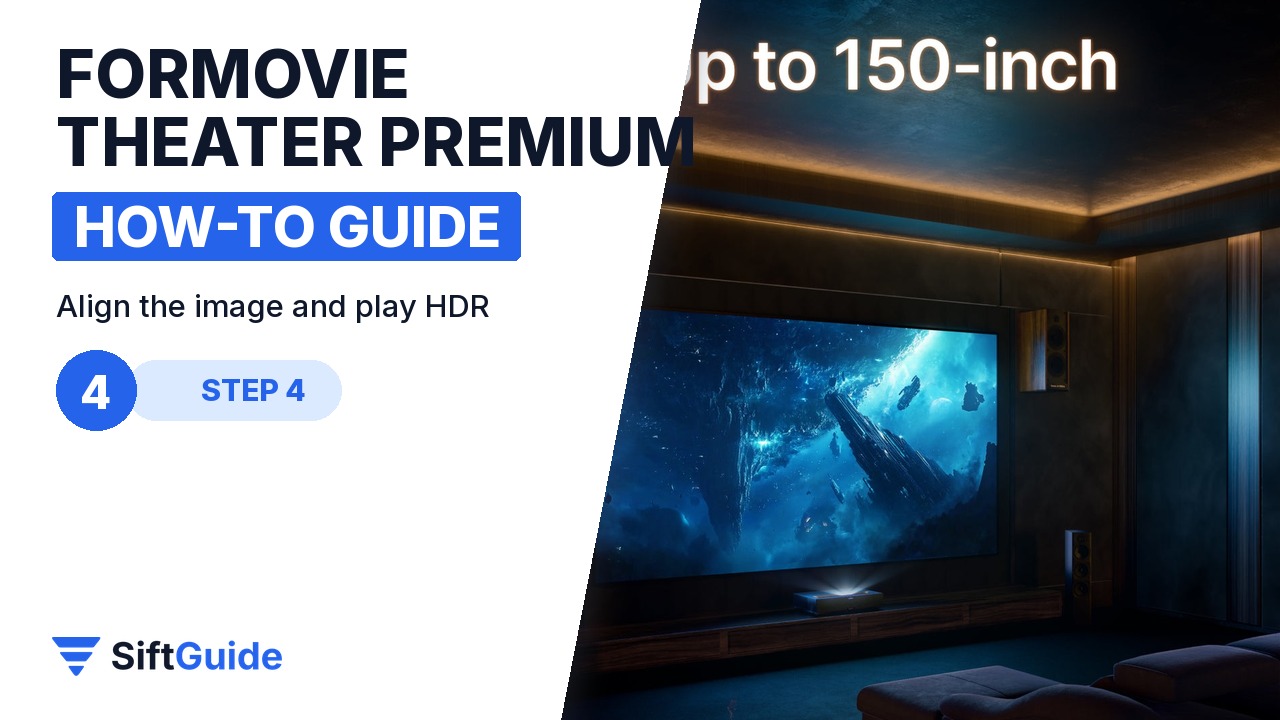
Once it is on, slide the projector forwards or backwards and nudge it sideways until the picture fills the screen edge to edge, with the bottom border parallel to the screen frame. Small moves have a big effect at this distance, so make them in millimetres. Then play something mastered in Dolby Vision or HDR10+: the projector supports both, with frame-by-frame optimization, and its triple laser covers 107% of the BT.2020 colour gamut. Nature documentaries and animation are a good first check of colour and shadow detail.
Step 5: Sound and active 3D
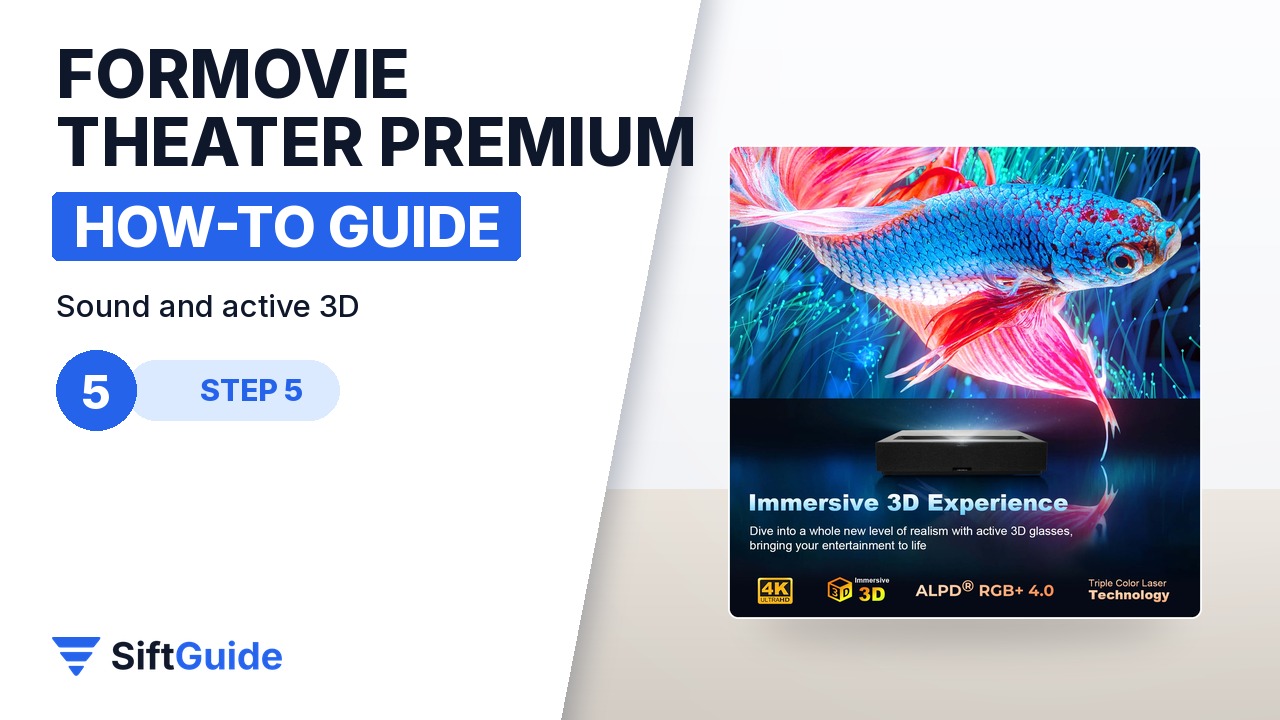
The built-in sound system is engineered by Bowers & Wilkins and decodes Dolby Atmos and DTS:X, so for many rooms you can start without a separate soundbar. Sit at your normal viewing distance and adjust from there. If you watch 3D films, the Theater Premium supports active 3D: you need compatible 3D glasses and 3D content, which are not part of the projector-only package. Thanks to operating noise of 28 dB or less, the fan stays in the background during quiet scenes.
Tip: measure twice, mark once
Before you put the projector on the cabinet, mark its rear edge with painter’s tape at the distance from the table for your screen size. It is far easier to align the picture from a known starting point than to push a heavy projector around by eye.
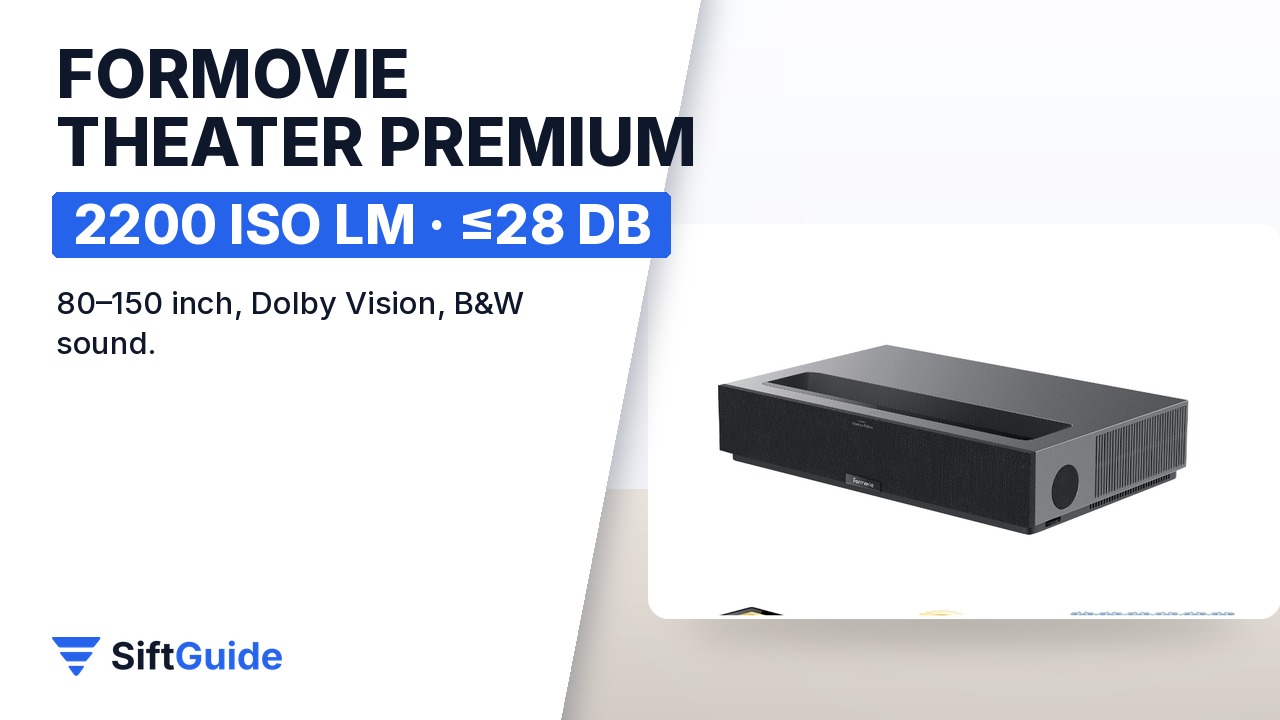
Set up this way, the Theater Premium behaves like a giant TV: it turns on with the remote, streams from Google TV and fills the wall without a ceiling mount or long cables. If you buy a bundle that includes PVA calibration, the merchant notes that the projector first goes to the calibration center and ships to you once calibration is done, so plan for a slightly longer delivery.
Formovie Theater Premium Triple Laser 4K UST Projector
Ultra short throw laser TV with ALPD RGB+ 4.0 triple laser, 4K, 2200 ISO lumens, 80 to 150 inch picture, Dolby Vision and HDR10+, 107% BT.2020, active 3D, Google TV with native Netflix, Bowers & Wilkins sound with Dolby Atmos and DTS:X, Wi-Fi 6 and operating noise of 28 dB or less. Price checked on nothingprojector.com on 5 November 2026: €2,350 for the projector only (bundles with screens, cabinets or calibration cost more). Prices change, so check the product page before you buy.
FAQ
How far from the wall does the Formovie Theater Premium go?
According to Formovie’s installation table, about 9.6 cm for an 80-inch picture, 18.9 cm for 100 inches, 28.2 cm for 120 inches and 42.2 cm for 150 inches, measured between the projector and the wall or screen.
Do I need a special screen?
No, it projects on a wall, but an ambient light rejecting screen built for ultra short throw projectors gives much better contrast in a room with lights or daylight.
Does it have Netflix built in?
Yes. It runs Google TV with native Netflix, plus Prime Video, YouTube and other apps, so no streaming stick is needed.
Which HDR formats does it support?
Dolby Vision and HDR10+, with frame-by-frame picture optimization.
Can it play 3D?
Yes, it supports active 3D. You need compatible active 3D glasses and 3D content.
How loud is it?
Formovie lists operating noise of 28 dB or less.