
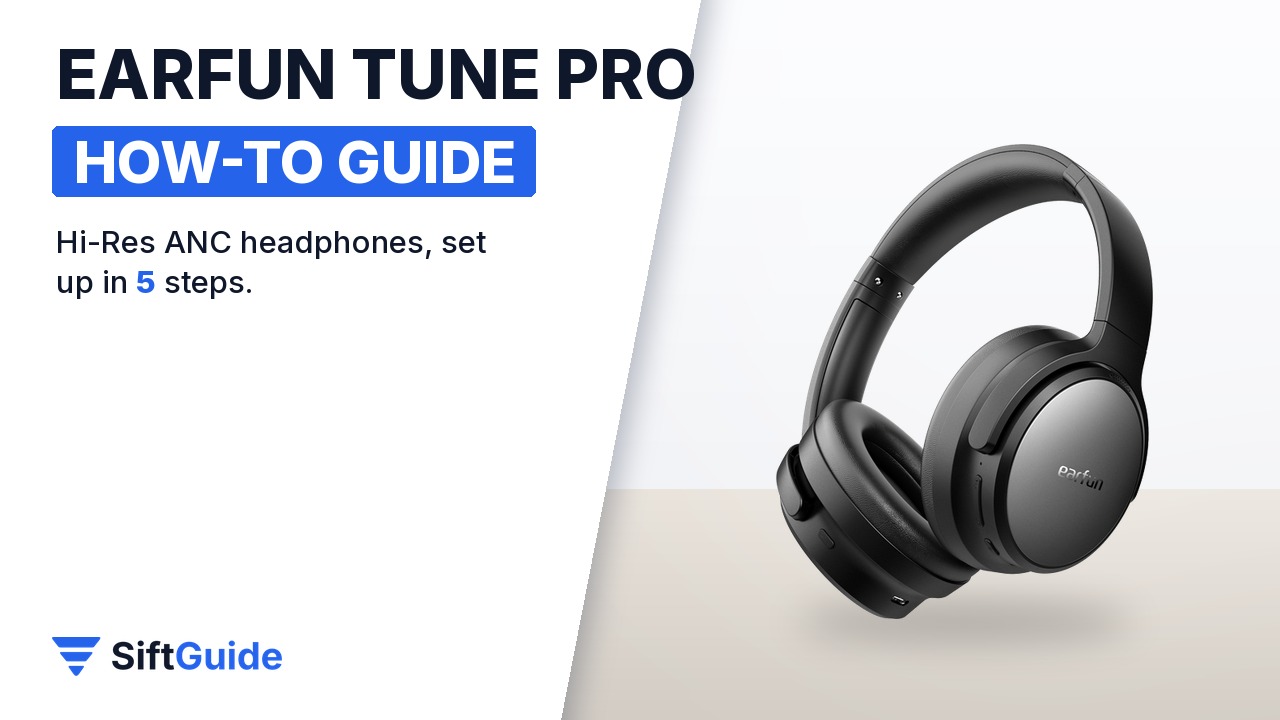
Over-ear headphones are easy to switch on and just as easy to leave half configured: the default EQ, noise cancelling you forget to toggle, and a laptop that never pairs alongside your phone. The EarFun Tune Pro is a Hi-Res certified over-ear headset with 40 mm + 10 mm dual drivers, hybrid active noise cancelling rated up to 45 dB, Bluetooth 5.4 with multipoint and up to 120 hours of playtime with ANC off. This guide sets it up in the order that gets the most out of it from the first day.
Disclosure: this guide contains affiliate links (Awin). If you buy through them we may earn a commission at no extra cost to you. Specs come from the official product page.
What you need
- The EarFun Tune Pro (Black) with what comes in the box: the USB-C charging cable, the 3.5 mm AUX cable and the user manual
- A USB charger, or a computer USB port, for the first charge
- A phone with Bluetooth, and the free EarFun Audio app for iOS or Android
- Optional: a second device such as a laptop or tablet, if you want to use multipoint
Step 1: Charge and pair over Bluetooth 5.4
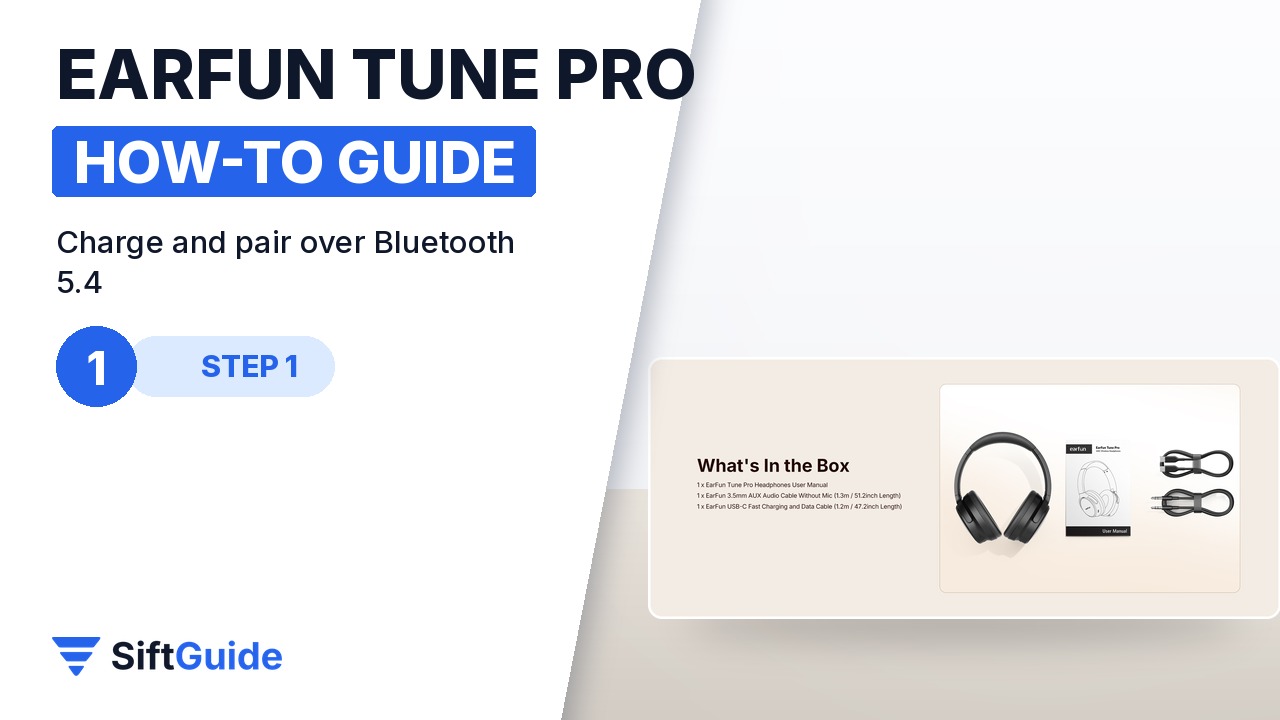
Start with a full charge using the USB-C cable from the box: EarFun lists a 1100 mAh battery, a 5 V / 1 A input and about 3 hours of charging time. Then switch the headphones on, open the Bluetooth settings on your phone and select the Tune Pro from the list of devices. Bluetooth 5.4 is meant to give a more stable link and faster pairing, and EarFun quotes a range of up to 15 m without obstacles. If the headset does not connect, check that it is on and that Bluetooth is enabled, then reset it as the manual describes.
Step 2: The EarFun Audio app and EQ
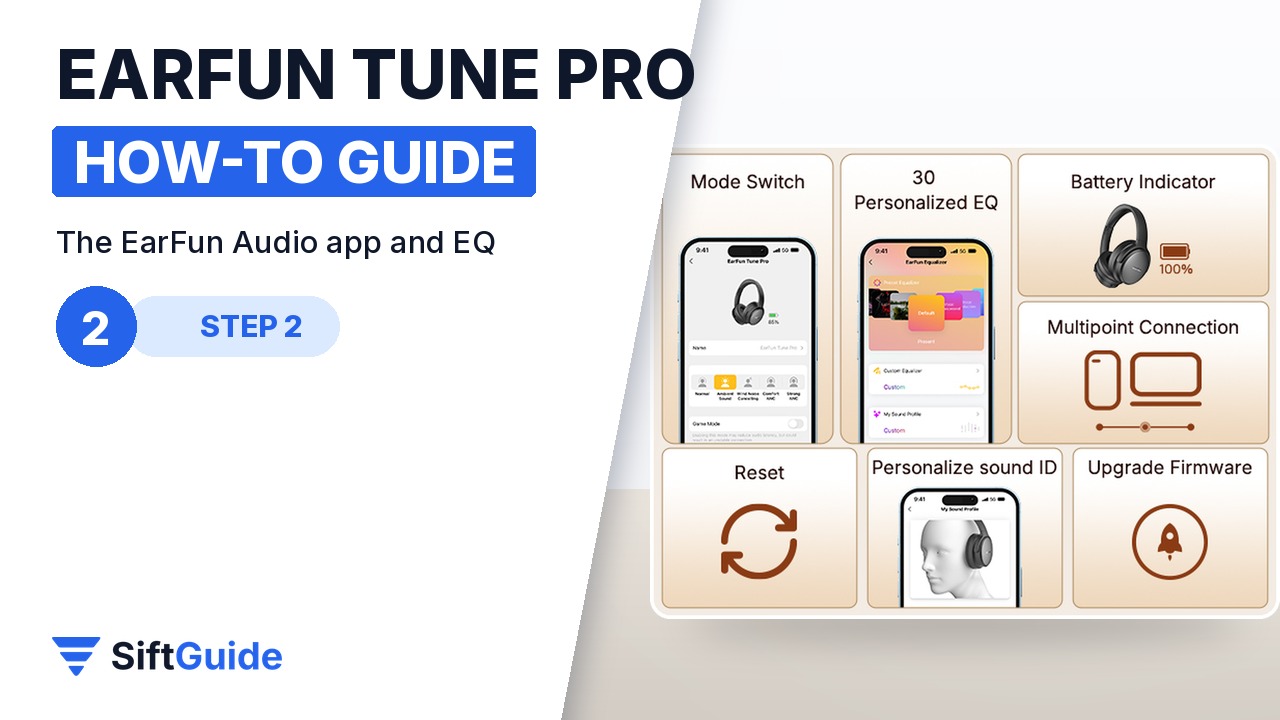
Install the EarFun Audio app and add the headphones. The app is where the Tune Pro becomes yours: it switches listening modes, offers 30 personalised EQ presets, shows the battery level, manages multipoint and handles firmware upgrades. EarFun also lists a personalised sound ID and a reset option in the app. Run any available firmware update first, then pick an EQ preset while you play a song you know well, so you can hear the difference.
Step 3: Hybrid ANC and ambient mode
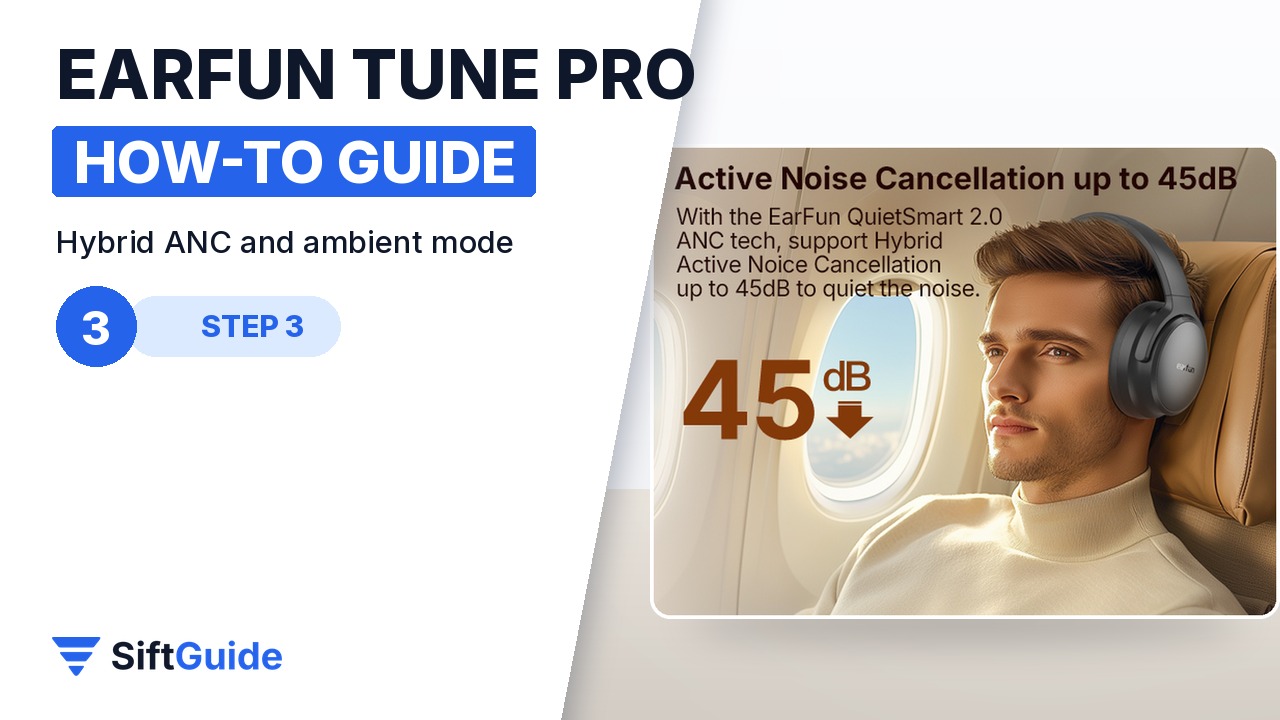
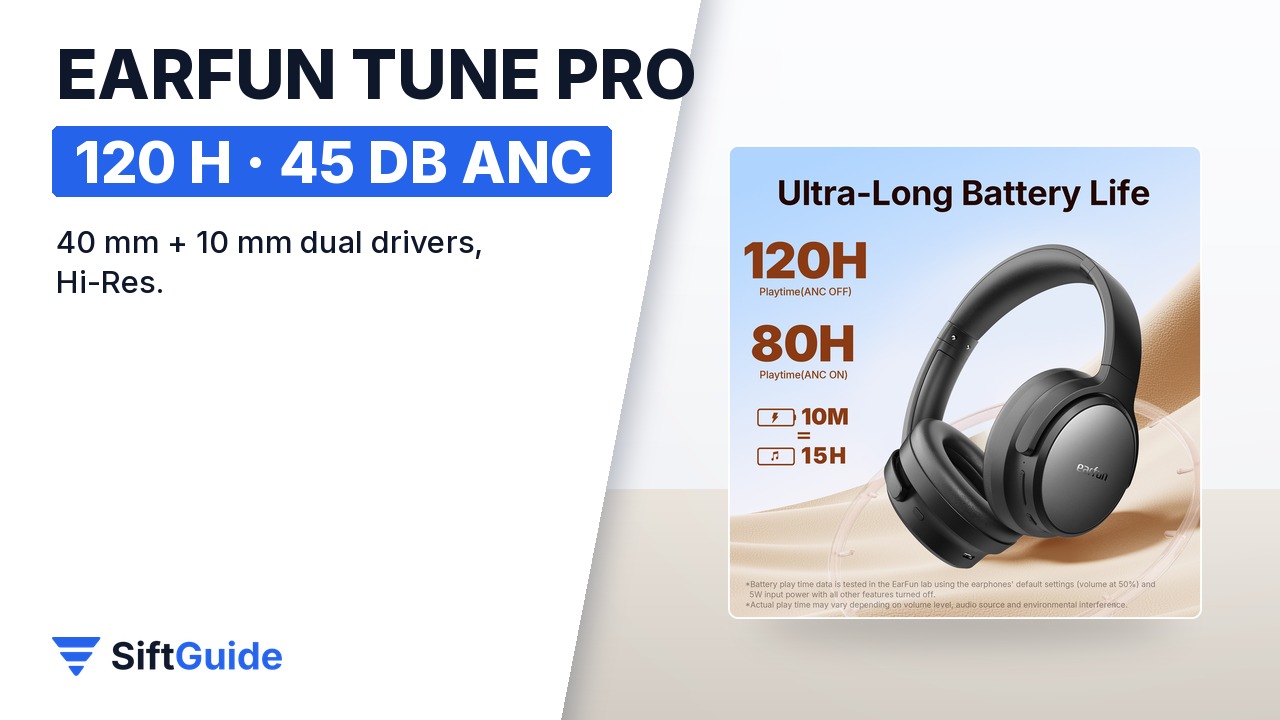
The Tune Pro uses hybrid active noise cancelling rated up to 45 dB, which targets the steady low rumble of planes, trains and air conditioning. Turn it on when you commute or work in a noisy room. When you need to talk to someone or hear announcements, switch to ambient mode, which lets outside sound in without taking the headphones off. Remember that ANC costs battery: EarFun quotes up to 80 hours with ANC on, against up to 120 hours with it off.
Step 4: Multipoint and game mode
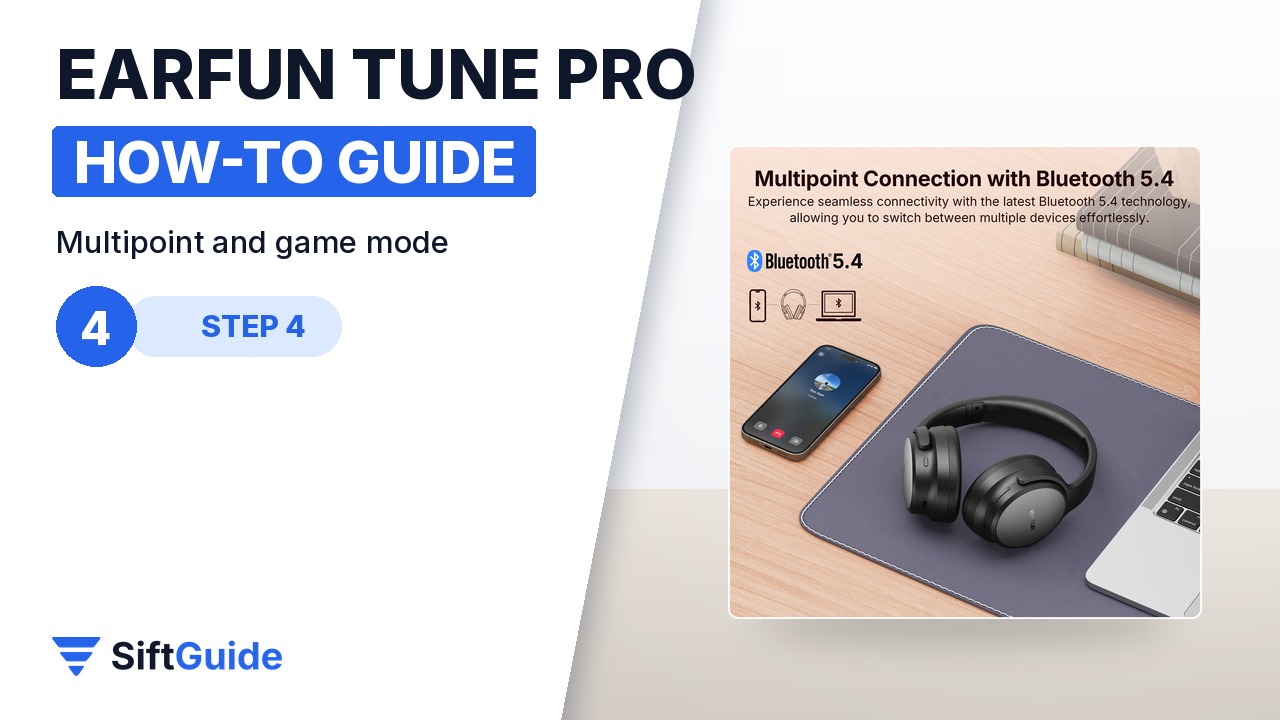
Multipoint lets the headphones stay connected to two devices at once, for example a laptop for a video call and a phone for music, and switch between them quickly. Pair the second device the same way you paired the first, then manage both from the app. For games and videos, turn on game mode, which EarFun describes as extremely low latency, so sound stays in sync with the picture. Theater mode is also listed for a wider stereo and 3D surround effect when you watch films.
Step 5: Clear calls and AUX wired listening
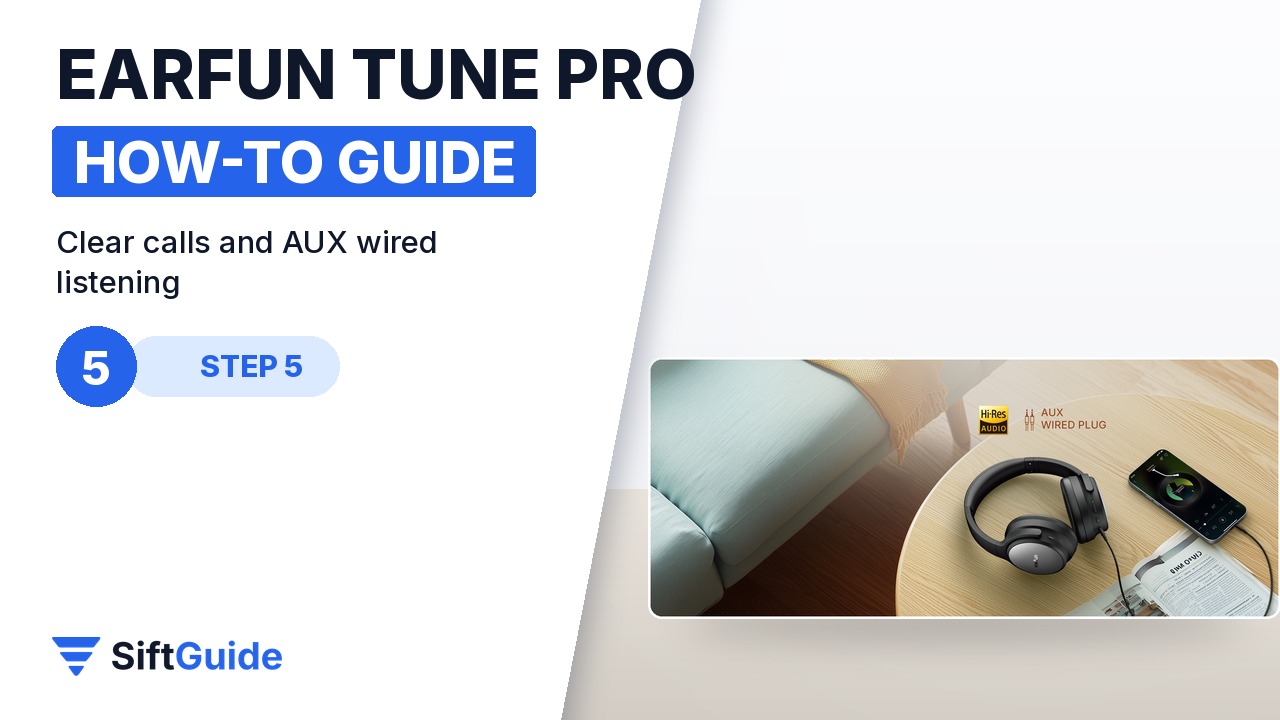
For calls, the Tune Pro uses an AI-powered 5-microphone algorithm to keep your voice clear, and it supports voice assistants on your phone. If the battery ever runs flat, or you want to plug into an in-flight entertainment system, use the 3.5 mm AUX cable from the box: the headphones also work as wired headphones. EarFun notes the Hi-Res sound can be enjoyed in wired mode as well.
Tip: let it sleep instead of switching off
If no device is connected, the Tune Pro powers off automatically after 30 minutes, and when it is connected but nothing plays it goes into power-saving mode and wakes up when playback resumes. That, plus the long battery life, means you rarely need to think about charging.
Set up this way, the Tune Pro covers commuting, work calls and evening films with one pair of headphones. The headset measures 195.3 x 164.9 x 81.4 mm and weighs 289.5 g, and EarFun lists an 18-month warranty and a 30-day money-back policy on its own store.
EarFun Tune Pro – Black
Hi-Res certified over-ear wireless headphones with 40 mm + 10 mm dual drivers, hybrid ANC up to 45 dB, ambient mode, Bluetooth 5.4 with multipoint, game mode, AI 5-mic calls, EarFun Audio app with 30 EQ presets, AUX wired input and up to 120 hours of playtime (80 hours with ANC on). Price checked on myearfun.com on 8 November 2026: $69.99, in stock; the page also showed a 25% off code (DLTP) marked as ending soon. Prices change, so check the product page before you buy.
FAQ
How long does the EarFun Tune Pro battery last?
EarFun quotes up to 120 hours with ANC off and up to 80 hours with ANC on. Real playtime varies with volume and content.
How long does it take to charge?
About 3 hours for a full charge, with a 5 V / 1 A input over USB-C.
Can it connect to two devices at the same time?
Yes. Multipoint keeps it connected to two devices, such as a phone and a laptop, and switches between them.
Does it work with a cable?
Yes. A 3.5 mm AUX cable is in the box, so you can use it wired, for example when the battery is empty.
How strong is the noise cancelling?
EarFun rates the hybrid ANC at up to 45 dB. There is also an ambient mode to hear your surroundings.
What is the wireless range?
Up to 15 m (49 ft) without obstacles, according to EarFun.