
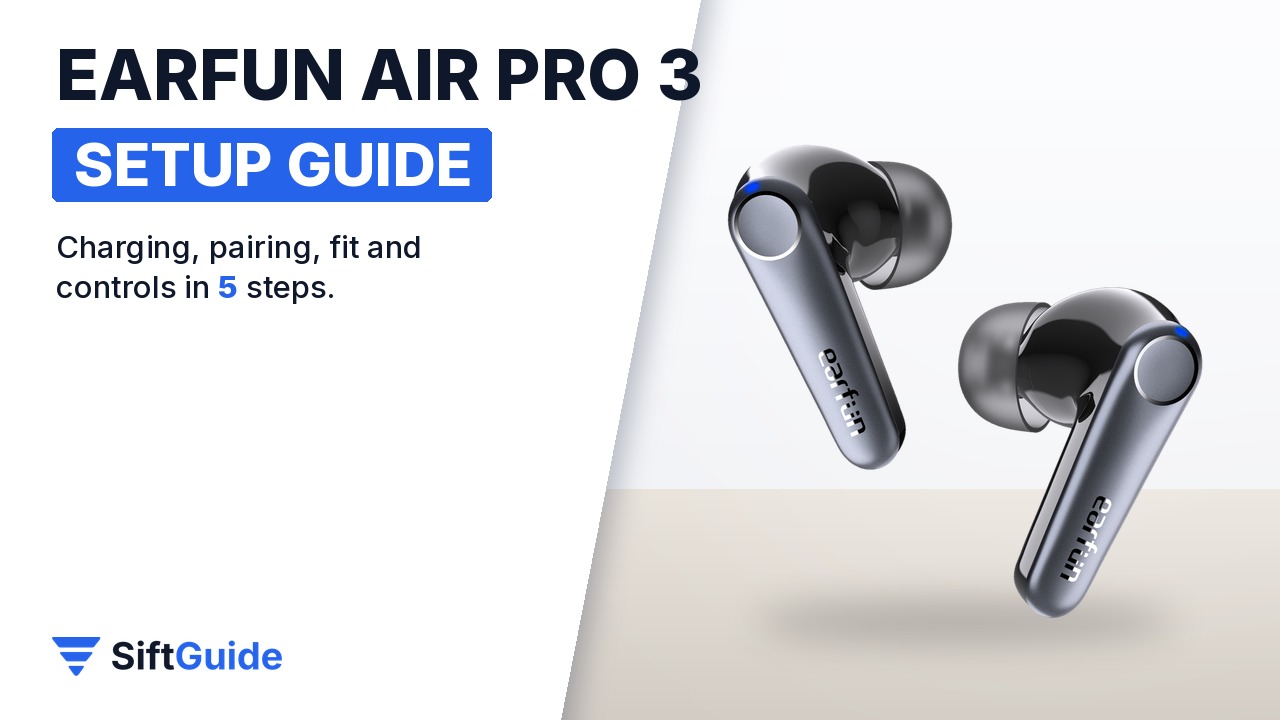
The EarFun Air Pro 3 are hybrid noise-cancelling earbuds built around Qualcomm’s QCC3071 chip, with aptX Adaptive, Bluetooth 5.3, 11 mm wool composite drivers and a wireless-charging case. They work straight out of the case, but a few minutes of setup makes a real difference: the right ear tip decides how well the noise cancelling works, and the tap controls are easy to trigger by accident until you know the map. These steps follow EarFun’s own user manual and product page.
What you need
- The EarFun Air Pro 3 earbuds and charging case
- The USB-C cable from the box and any USB charger rated 5V/1A or higher, or a Qi wireless charging pad (not included)
- The four ear tip sizes from the box: XS, S, M and L
- A phone, tablet or laptop with Bluetooth
- The free EarFun Audio app for iOS or Android, optional but useful
Step 1: Charge the case first
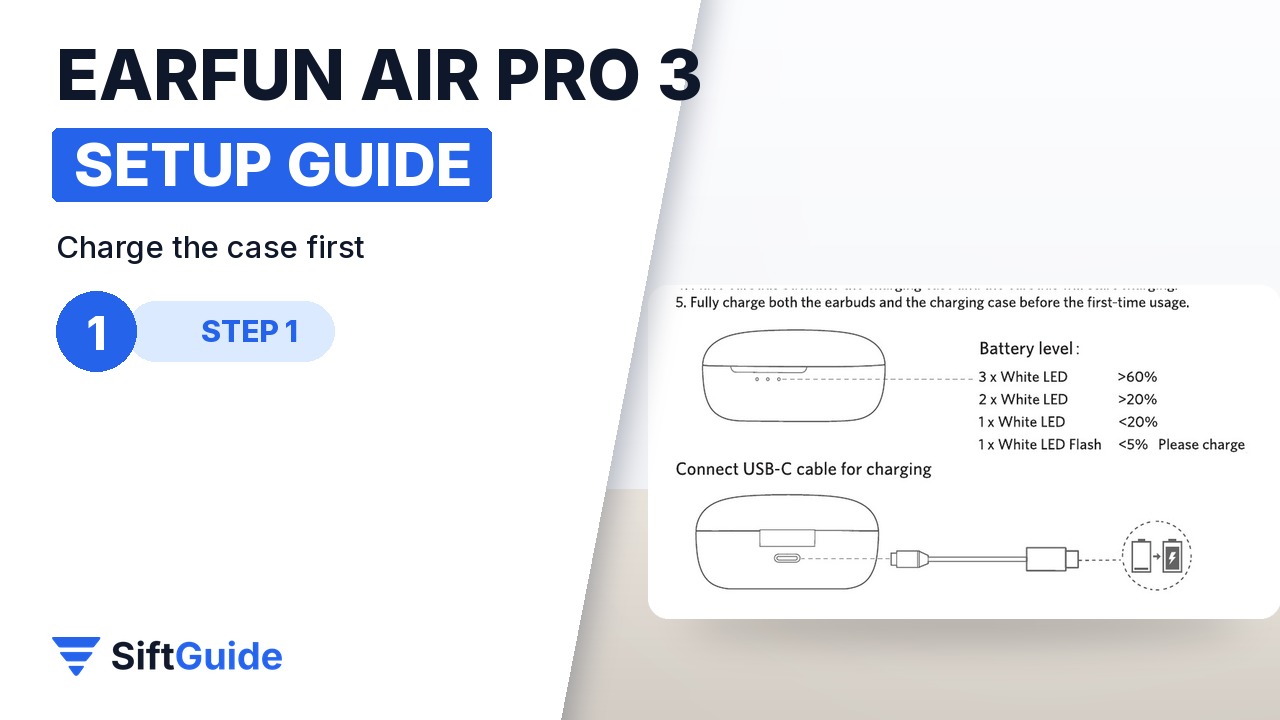
Before the first use, remove the thin insulating film from the charging contacts of each earbud, otherwise they will not charge. Then fully charge both the earbuds and the case. Over the USB-C cable the case takes about 2 hours, on a wireless charger about 3.5 hours, and the earbuds refill in about an hour once they sit in the case. The three white LEDs on the case show the level: three lit means above 60%, a single flashing LED means below 5%. If you are in a hurry, 10 minutes of charging gives about 2 hours of playback.
Step 2: Pair with your phone
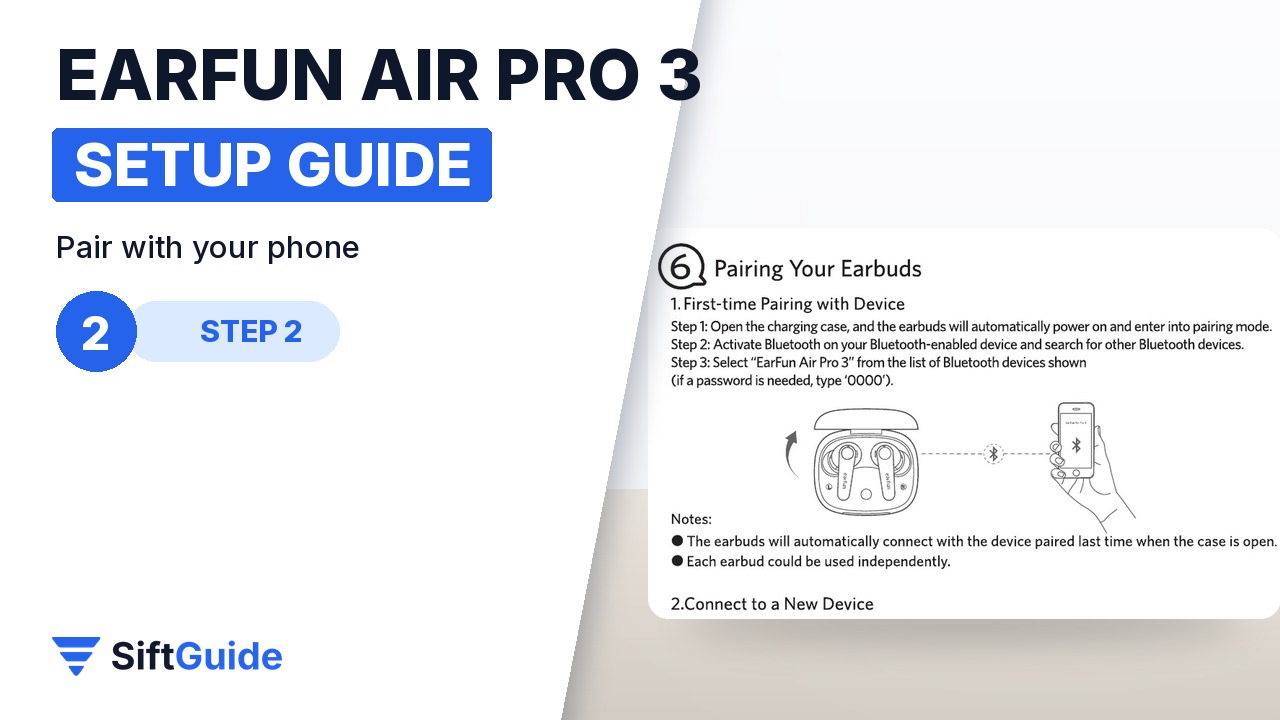
Open the charging case: the earbuds switch on and enter pairing mode automatically. Turn on Bluetooth on your phone, search for new devices and select “EarFun Air Pro 3”. If your device asks for a password, it is 0000. From then on the earbuds reconnect to the last paired device whenever you open the case, and each earbud also works on its own, which is handy for calls.
Step 3: Pick the right ear tips
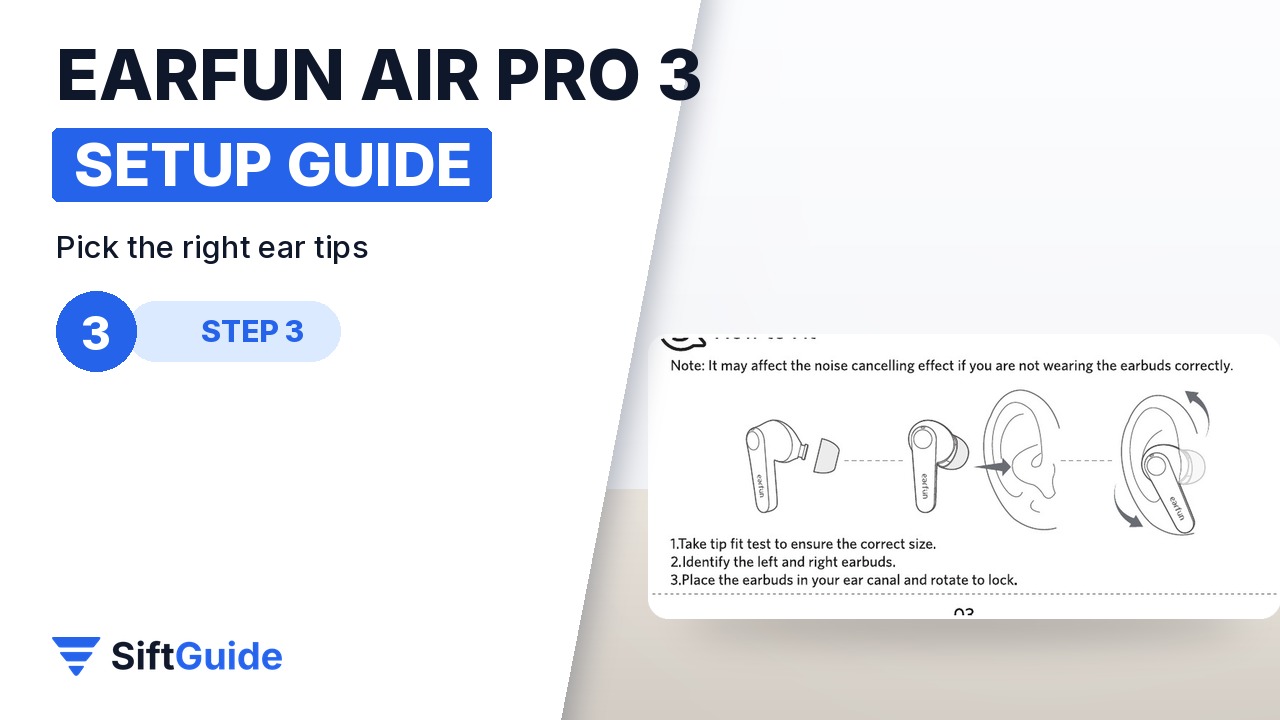
The box includes XS, S, M and L tips. Try them in front of a mirror: the right size seals the ear canal without pressure. Identify the left and right earbuds, push each one into the ear canal and rotate it slightly until it locks. EarFun’s manual notes that a poor fit reduces the noise cancelling effect, so if the ANC sounds weak, a different tip size is the first thing to try.
Step 4: Learn the touch controls
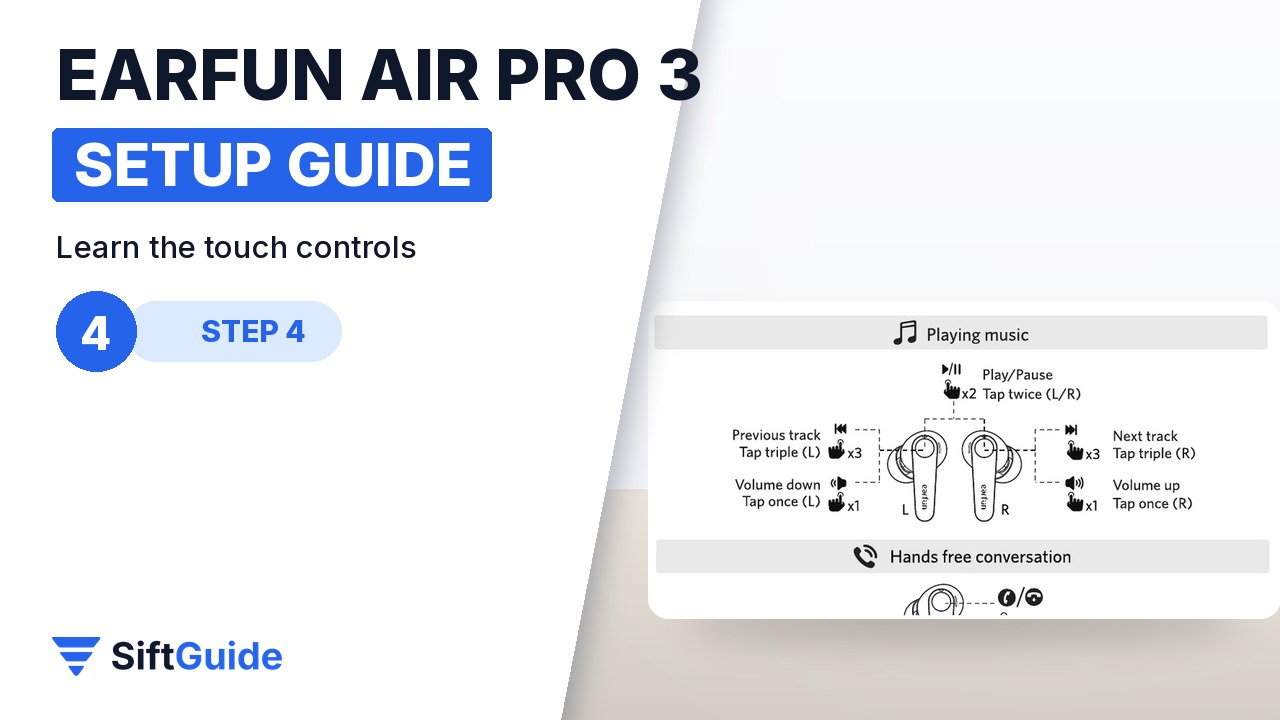
Each earbud has a touch control zone on its outer side, shown in the manual diagram. Tap twice on either earbud to play or pause and to answer or end a call. Tap once on the left to lower the volume and once on the right to raise it. Tap three times on the left for the previous track and on the right for the next one. Hold the left earbud for 2 seconds to cycle noise cancelling, ambient sound and normal mode, and hold the right one for 2 seconds to call your voice assistant. Holding either side for 2 seconds during an incoming call rejects it.
Step 5: The app and a second device
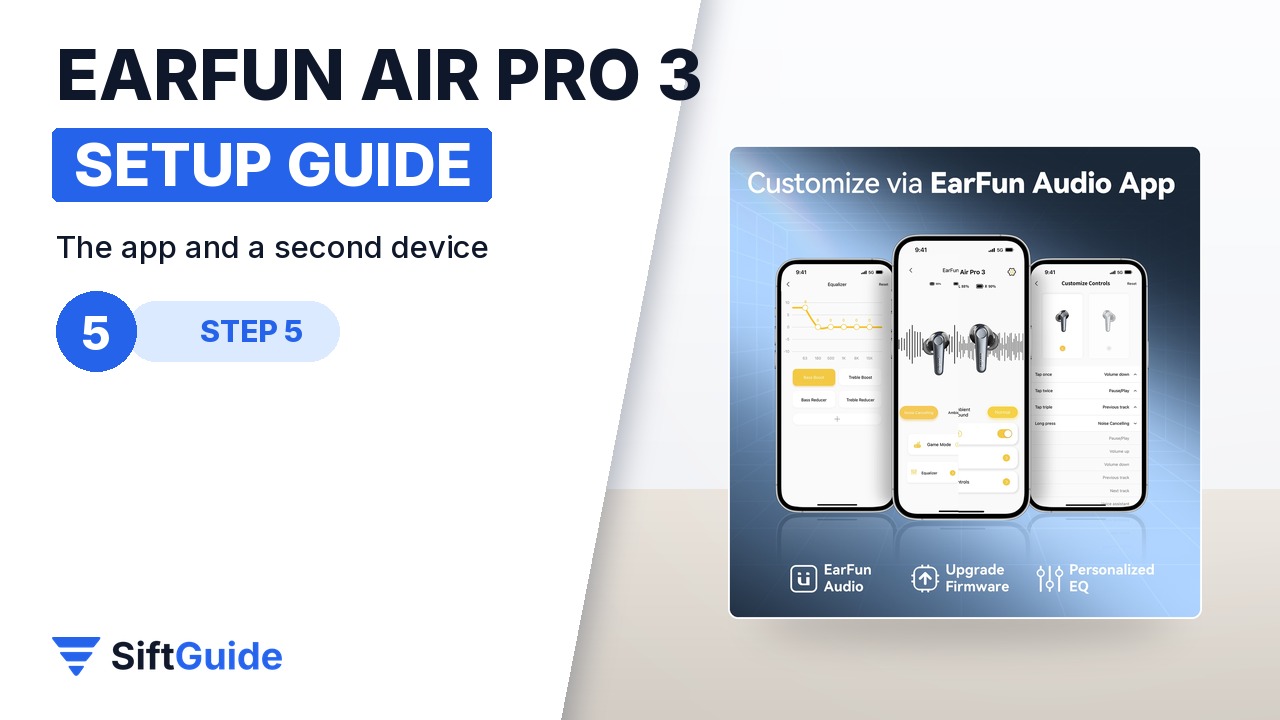
Install the EarFun Audio app, allow the location permission it asks for, connect the earbuds in your phone’s Bluetooth settings first, then open the app and scan. In the app you see the battery level, set the equalizer, change the touch controls, switch noise cancelling and update the firmware. For multipoint, pair the first device, then keep the earbuds in the open case and hold the reset button inside for 3 seconds until the LEDs flash blue rapidly. Pair the second device, then reconnect the first one manually: from then on the earbuds connect to both at once.
Tip: reset before you blame the Bluetooth
If one earbud stops connecting or the pair will not show up, put both earbuds in the case, keep the lid open and hold the reset button for at least 8 seconds, until both earbuds flash purple. Delete “EarFun Air Pro 3” from your phone’s Bluetooth list and pair again. This fixes most left-right sync problems.
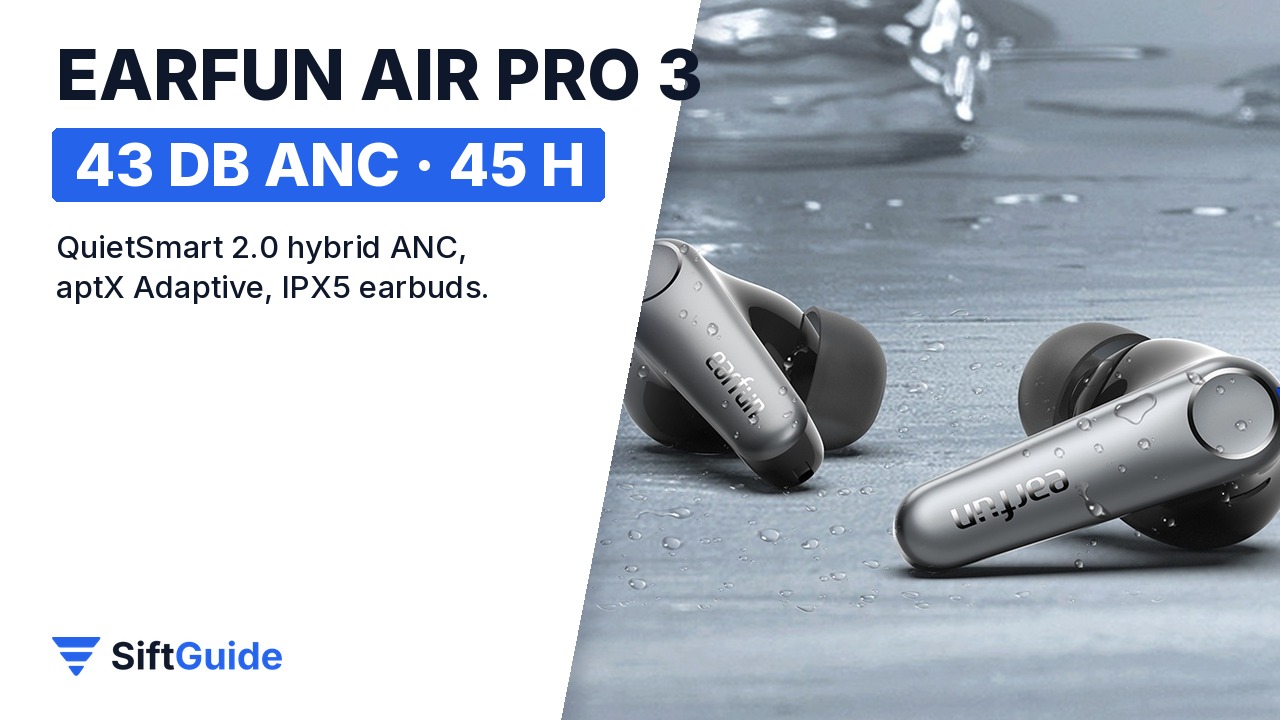
Set up this way, the Air Pro 3 give you up to 43 dB of QuietSmart 2.0 hybrid noise cancelling, up to 9 hours per charge with ANC off (7 hours with ANC on) and up to 45 hours in total with the case. The earbuds are rated IPX5 against sweat and rain, but the charging case is not water resistant, so keep it dry. Gamers can use the low latency mode, rated below 55 ms.
EarFun Air Pro 3 – Black
Hybrid ANC true wireless earbuds: QuietSmart 2.0 noise cancelling up to 43 dB, Qualcomm QCC3071 with aptX Adaptive, Bluetooth 5.3 multipoint, 6 microphones with cVc 8.0 for calls, 11 mm wool composite drivers, IPX5 earbuds, up to 45 hours with the case, USB-C and wireless charging. Price on the official EarFun US store on November 16, 2026: $75.99 (regular $99.99), in stock.
FAQ
What is the password for pairing the EarFun Air Pro 3?
If your device asks for one, the password is 0000.
How do I turn on noise cancelling?
Hold the left earbud for 2 seconds to cycle between noise cancelling, ambient sound and normal mode, or switch it in the EarFun Audio app.
Can I connect the Air Pro 3 to two devices?
Yes. After pairing the first device, hold the reset button in the open case for 3 seconds, pair the second device, then reconnect the first one manually.
How long does the battery last?
Up to 9 hours per charge with ANC off and 7 hours with ANC on, for a total of up to 45 hours (37 hours with ANC) with the charging case.
Are the earbuds waterproof?
The earbuds are rated IPX5, so sweat and rain are fine. The charging case is not waterproof.
Does the app not find my earbuds?
Update the EarFun Audio app, turn on the location permission, connect the earbuds in the phone’s Bluetooth settings first, then open the app and scan.