
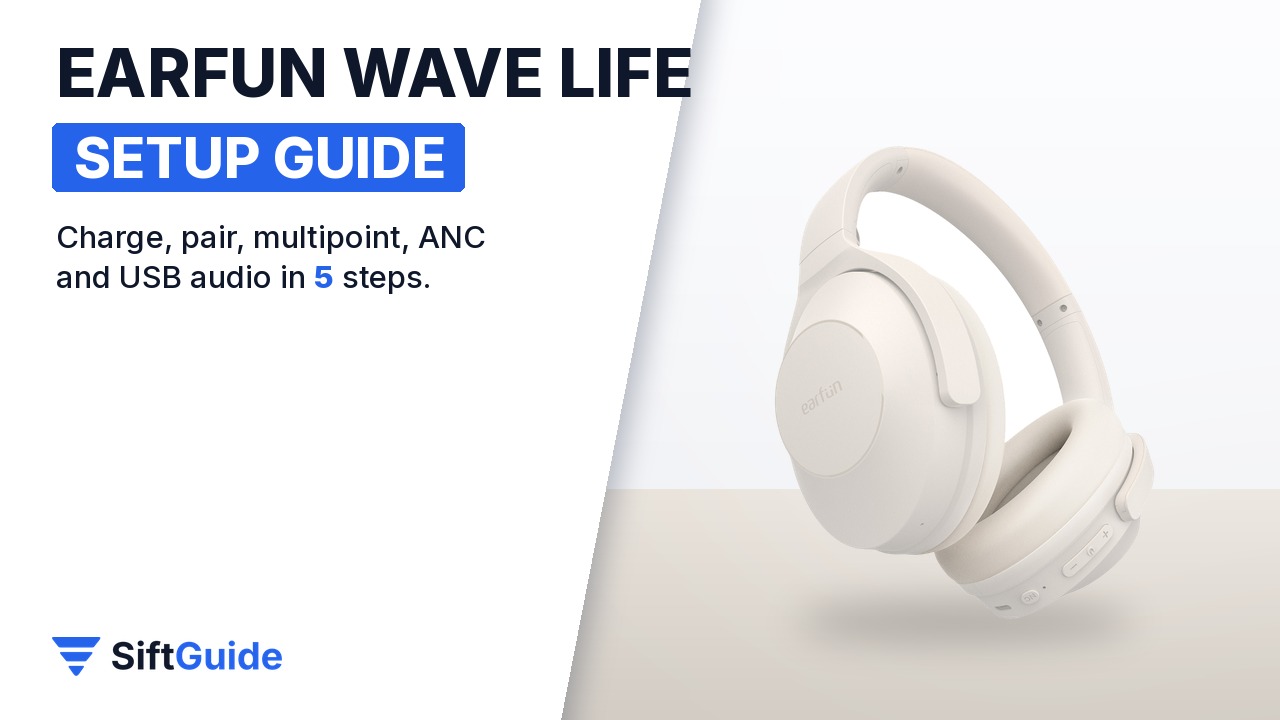
The EarFun Wave Life are over-ear headphones with hybrid active noise cancelling rated up to 45 dB, 40 mm composite drivers, Bluetooth 5.4 and a claimed 60 hours of playback with ANC off. They are simple to use, but a few things are not obvious until you read the manual: pairing starts on its own the first time, the ANC button has a second job, and the USB-C port carries audio, not just power. Here is the setup in the order you will need it.
What you need
- The EarFun Wave Life headphones and the USB-C cable from the box
- A phone, tablet or laptop with Bluetooth
- Optional: the free EarFun Audio app for iOS or Android
- Optional: a second device (laptop or tablet) if you want multipoint
Step 1: Charge fully and power on
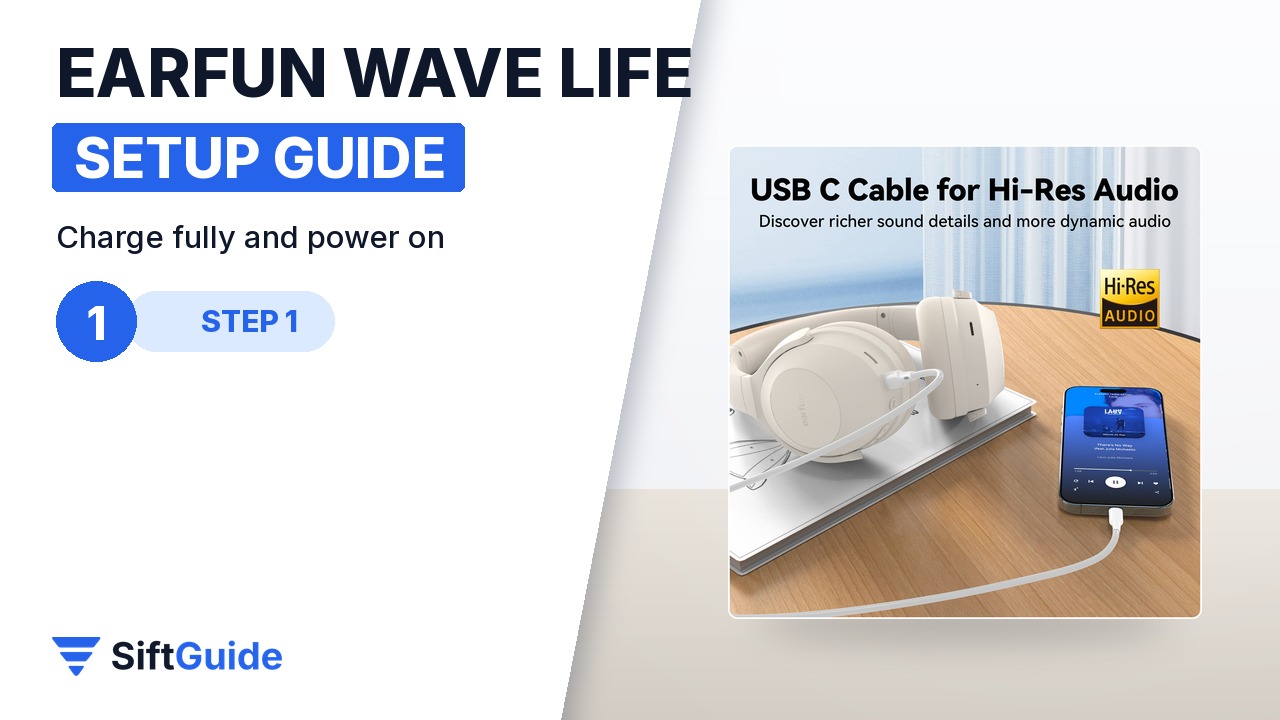
EarFun asks you to clean the USB-C port and fully charge the headphones before first use. Plug in the included USB-C cable: the status LED glows red while charging and turns off when the battery is full, which takes about 2 hours. The headphones switch themselves off while charging. To turn them on, press and hold the MFB button for 2 seconds; the LED lights white for one second. Holding MFB for 2 seconds again turns them off (red LED for one second).
Step 2: First pairing with your phone
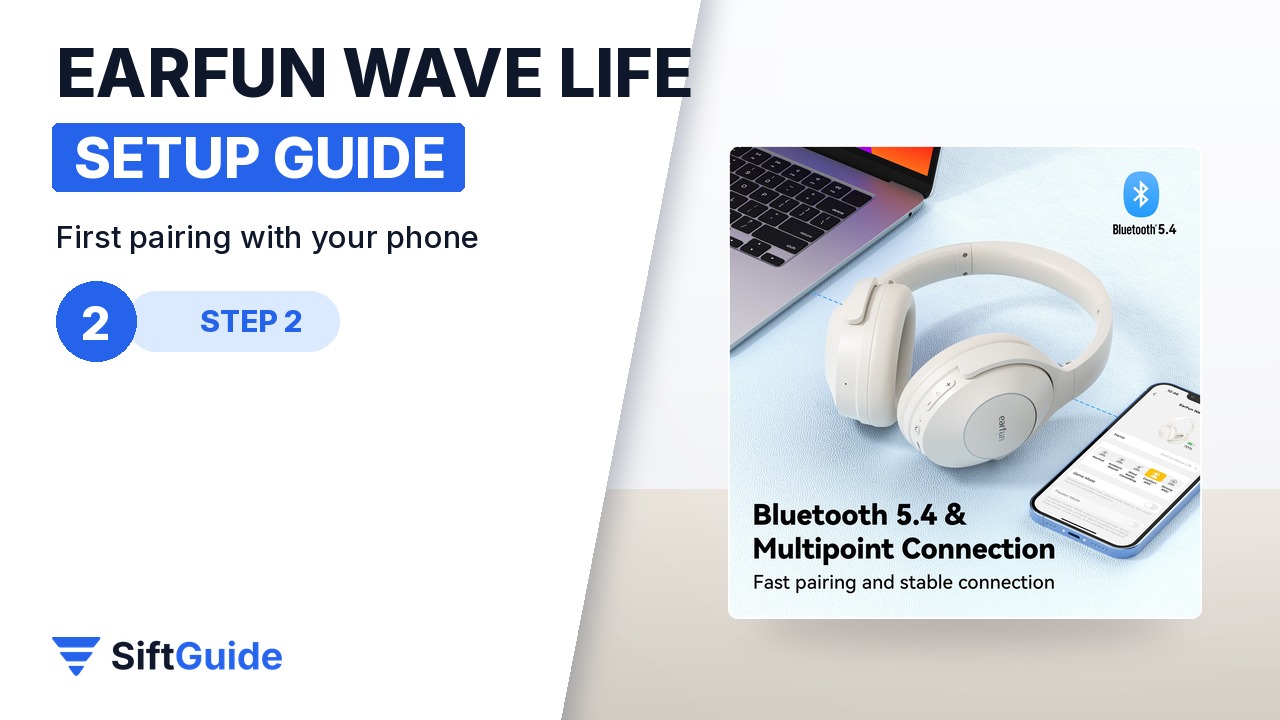
The first time you power them on, the Wave Life go straight into pairing mode and the LED flashes white. Open Bluetooth on your phone, search for new devices and pick EarFun Wave Life from the list; if a code is requested, type 0000. Once connected, the LED turns off. Next time, they reconnect automatically to the last device. To pair a new phone later, hold MFB for 2 seconds to power off, then hold it for 5 seconds to power on directly into pairing mode.
Step 3: Add a second device (multipoint)
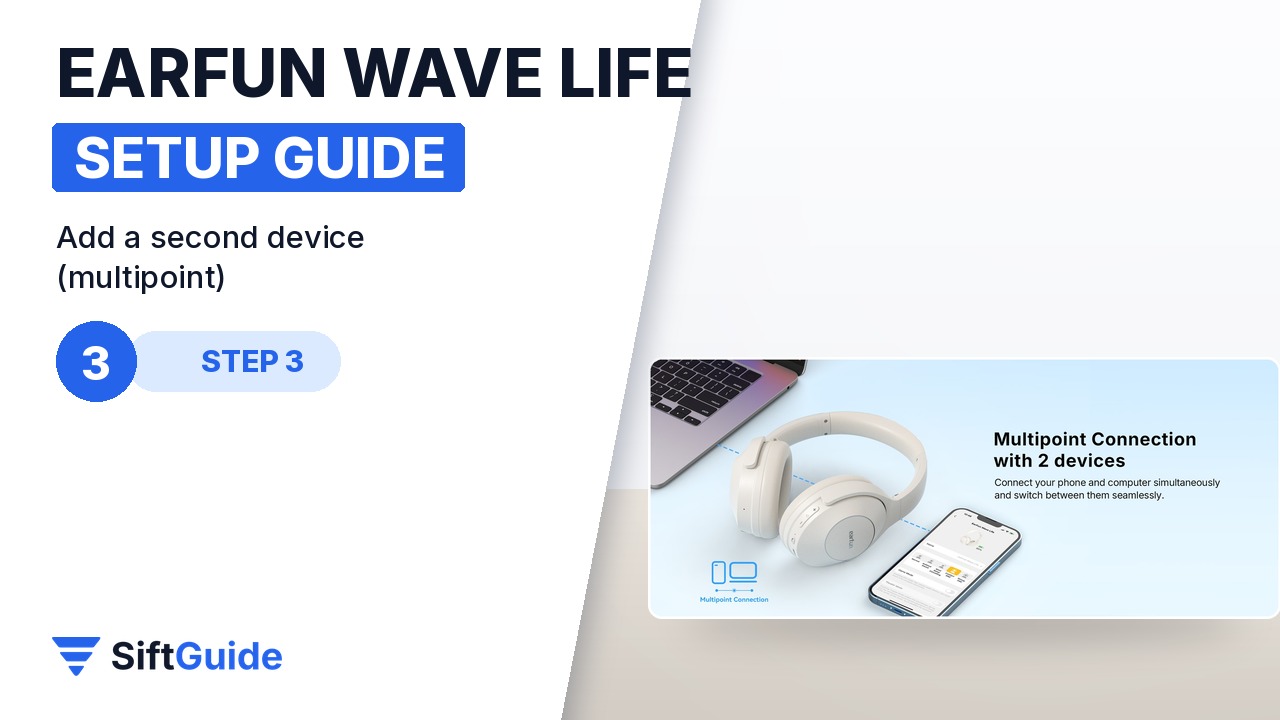
Multipoint lets the headphones stay connected to two devices at once, for example a laptop for video calls and a phone for music. With the first device already connected, press and hold the ANC control button for 2 seconds: the headphones enter dual-device mode. Now search for them on the second device and connect. From then on they reconnect to both automatically. The same option is also available in the EarFun Audio app.
Step 4: ANC modes and the EarFun Audio app
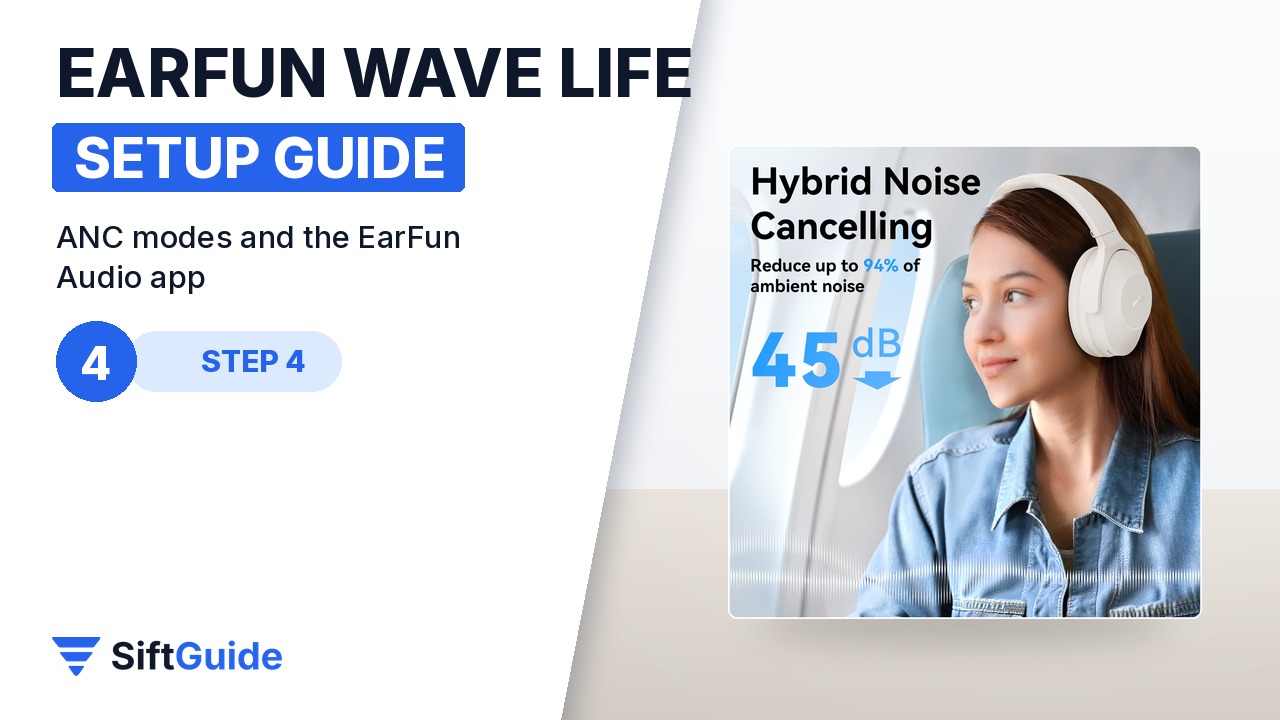
Press the ANC button once to cycle through noise cancelling, normal and ambient sound. Ambient mode lets voices and announcements through without taking the headphones off. The MFB button handles play and pause and calls (press once to answer or end, hold 2 seconds to reject, press twice to answer a second call); press it twice when idle for the voice assistant. Volume + and – change the volume with a single press and skip tracks when held for 2 seconds. In the EarFun Audio app you get the multi-band EQ, game mode and firmware updates; EarFun recommends updating the firmware first.
Step 5: USB-C audio and the factory reset
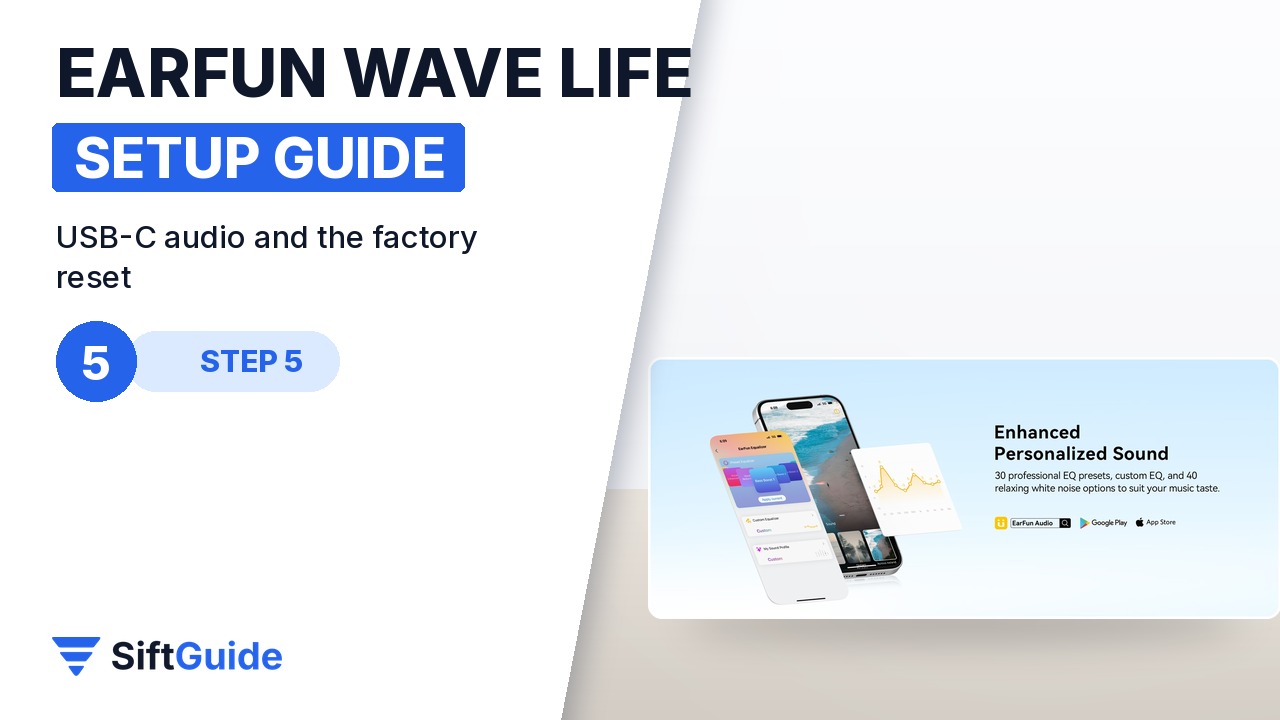
The Wave Life can also play audio over the USB-C cable from a PC, tablet or phone. When USB audio is active, the wireless connection is disabled, while ANC control still works; USB audio input supports 48 kHz/16-bit streams. If the headphones ever refuse to connect, reset them: hold MFB for 2 seconds to power off, then hold it for at least 10 seconds until the LED turns pink for 3 seconds. Delete EarFun Wave Life from your phone’s Bluetooth list and pair again.
Tip: they power off on their own
If the Wave Life are switched on but not connected to anything, they turn themselves off after 30 minutes to save battery. And if you only need a quick top-up, EarFun says 10 minutes of charging gives about 4 hours of listening.
Set up this way, the Wave Life cover most daily situations: noise cancelling on the commute, ambient mode in the office, two devices connected at once, and a USB-C cable when Bluetooth is not an option. At 264 g, they are light enough for long sessions, and the claimed 60 hours with ANC off (37 hours with ANC on) means charging is a weekly job rather than a daily one.
EarFun Wave Life Hybrid ANC Wireless Headphones (Oat White)
Over-ear wireless headphones with hybrid ANC up to 45 dB, ambient sound mode, 40 mm composite drivers, Hi-Res certification, AI-powered 4-mic calling, Bluetooth 5.4 with multipoint, low-latency game mode, EarFun Audio app with EQ, USB-C audio input, up to 60 hours of playback with ANC off and 37 hours with ANC on, 500 mAh battery, 2-hour charge, 264 g. Price on myearfun.com on November 21, 2026: $59.99, in stock.
FAQ
How do I put the EarFun Wave Life in pairing mode?
They enter pairing mode automatically the first time you power them on. Later, power them off and hold the MFB button for 5 seconds; the LED flashes white.
Can they connect to two devices at once?
Yes. Connect the first device, hold the ANC button for 2 seconds, then connect the second device. You can also set it up in the EarFun Audio app.
Do they work with a cable?
Yes, through USB-C audio from a PC, tablet or phone. Bluetooth is disabled while USB audio is active, and ANC still works.
How do I reset them?
Power them off, then hold MFB for at least 10 seconds until the LED turns pink. Delete them from your Bluetooth list and pair again.
How long does the battery last?
EarFun rates up to 60 hours with ANC off and up to 37 hours with ANC on; a full charge takes about 2 hours.
How much do they cost?
$59.99 on myearfun.com on November 21, 2026, in stock.