
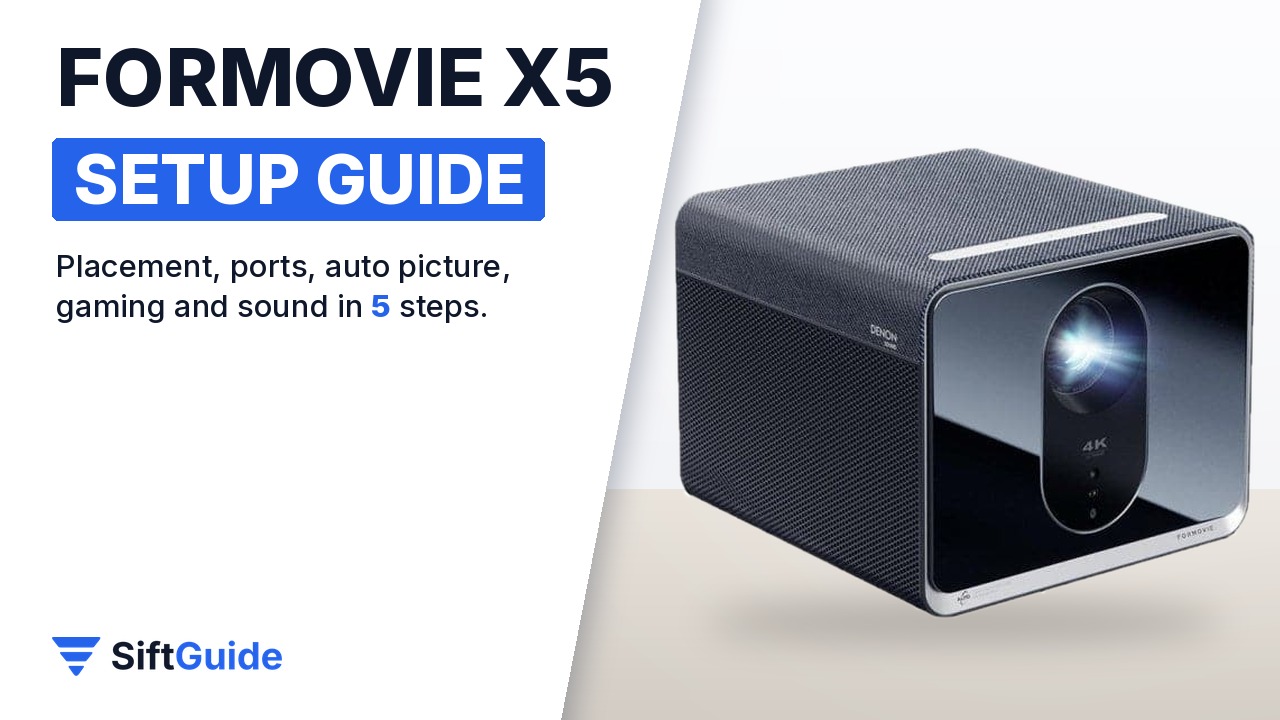
The Formovie X5 is a long-throw 4K laser projector built around an ALPD 3.0 light source, rated at 2,300 ISO lumens (the X5 PRO version is rated at 2,266 CVIA lumens), with Denon speakers and two HDMI 2.1 ports. Because it is a long-throw model, placement decides most of the result. Here is how to set it up properly, from the first measurement to the sound.
What you need
- The Formovie X5 (or X5 PRO), its power cable and remote
- A screen or a smooth, light wall: the recommended picture size is 60 to 180 inches
- A shelf, table or ceiling mount roughly 7 to 11 feet from the screen, depending on the size you want
- An HDMI cable for each source (streaming stick, console, Blu-ray player)
- Optional: a soundbar or AV receiver with HDMI eARC
Step 1: Place it and size the picture
The X5 has a 1.27:1 throw ratio: the distance from the lens to the screen is 1.27 times the picture width. For a 16:9 image that works out to about 7.4 feet (2.25 m) for 80 inches, 9.2 feet (2.81 m) for 100 inches and 11.1 feet (3.37 m) for 120 inches. Put it on a stable surface, centered on the screen and level, before you power it on; the closer it starts to square, the less correction it needs later.
Step 2: Connect power, sources and network
On the back you get two HDMI 2.1 ports with different jobs: one supports eARC, for a soundbar or receiver, and the other handles 4K at 120 Hz, so that is the one for a console or gaming PC. There is also one USB 2.0 port, S/PDIF optical out, a 3.5 mm audio out and 100 Mbps Ethernet. For streaming, use Ethernet or the built-in Wi-Fi 6; Bluetooth 5.0 pairs the remote and audio devices.
Step 3: Let the auto picture setup run
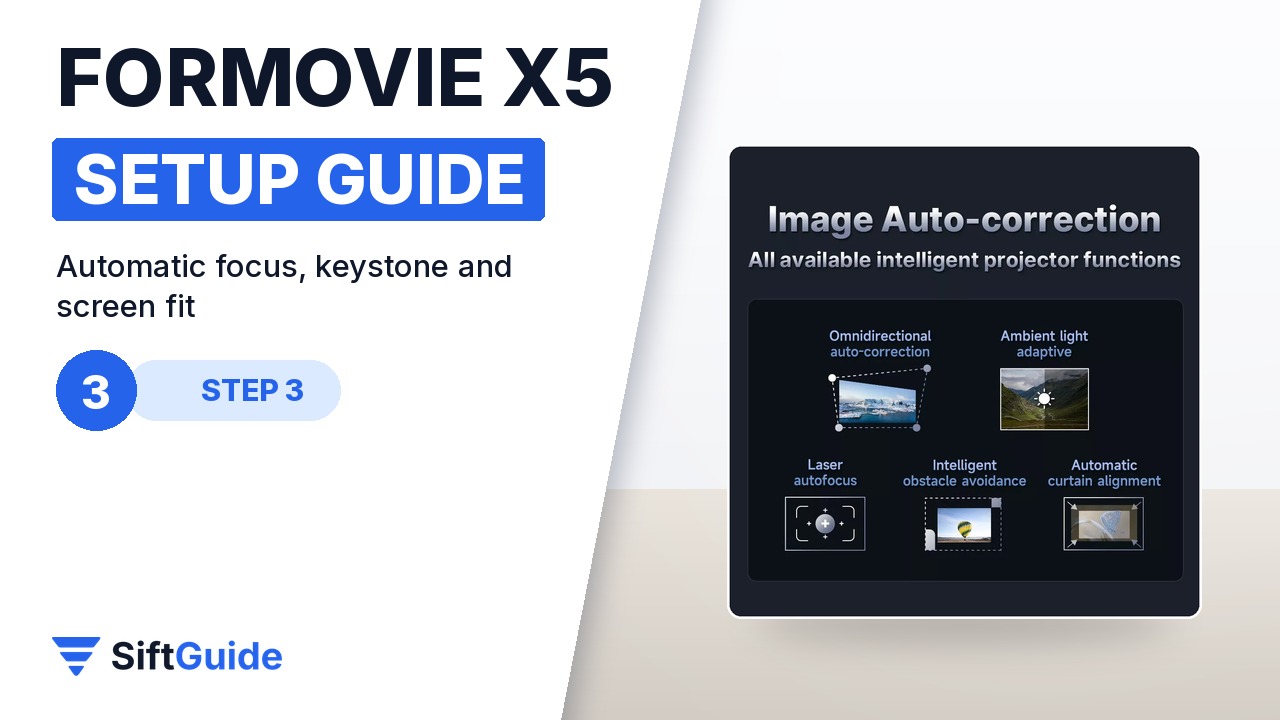
At start-up the X5 runs its intelligent functions: laser autofocus, omnidirectional keystone correction, automatic alignment to the screen frame and obstacle avoidance, plus ambient light sensing for brightness. Let it finish, then check the corners. Any keystone correction reshapes the image digitally, so if the picture needs a lot of correction, move the projector closer to square instead and keep the full 4K detail.
Step 4: Pick the right mode for movies and games
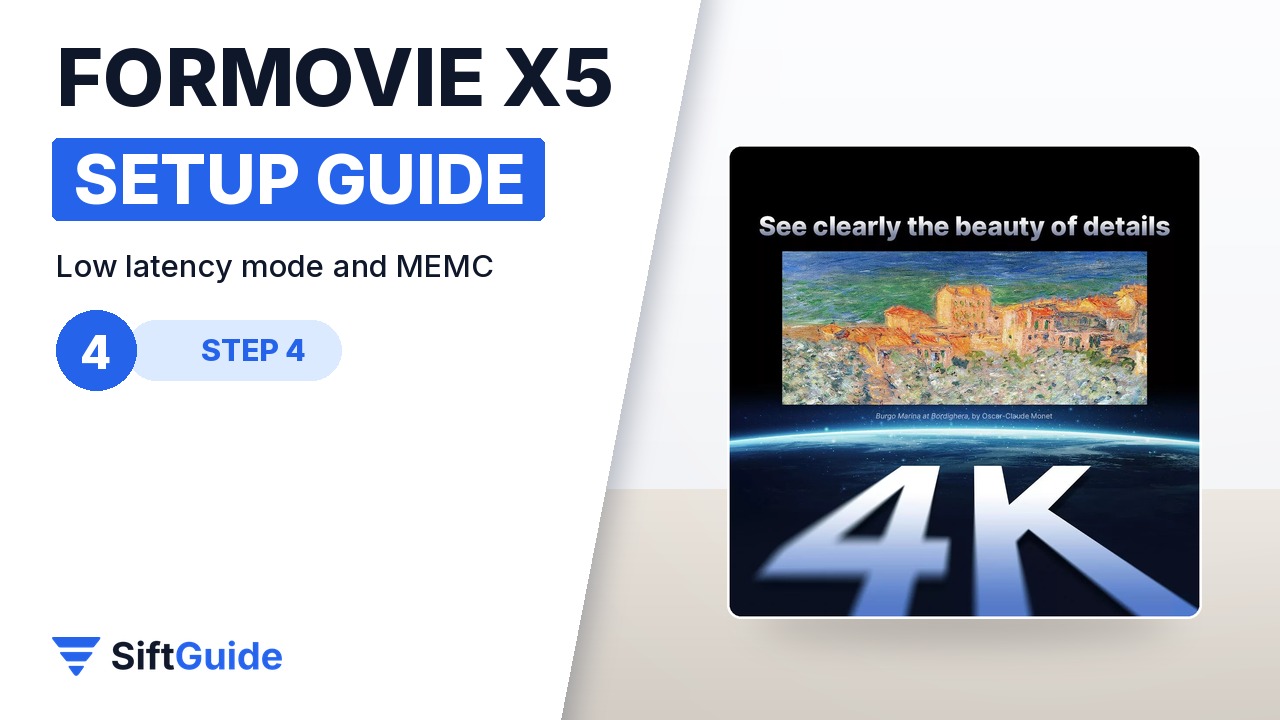
The X5 supports HDR and has MEMC motion smoothing, which reduces judder in fast pans and sports. For games, switch to low latency game mode: Formovie quotes a minimum input delay of 9 ms. Most players leave MEMC off while gaming, because frame interpolation adds delay. The 10-bit color processing is rated at 110% of Rec.709.
Step 5: Use the Denon speakers or add a soundbar
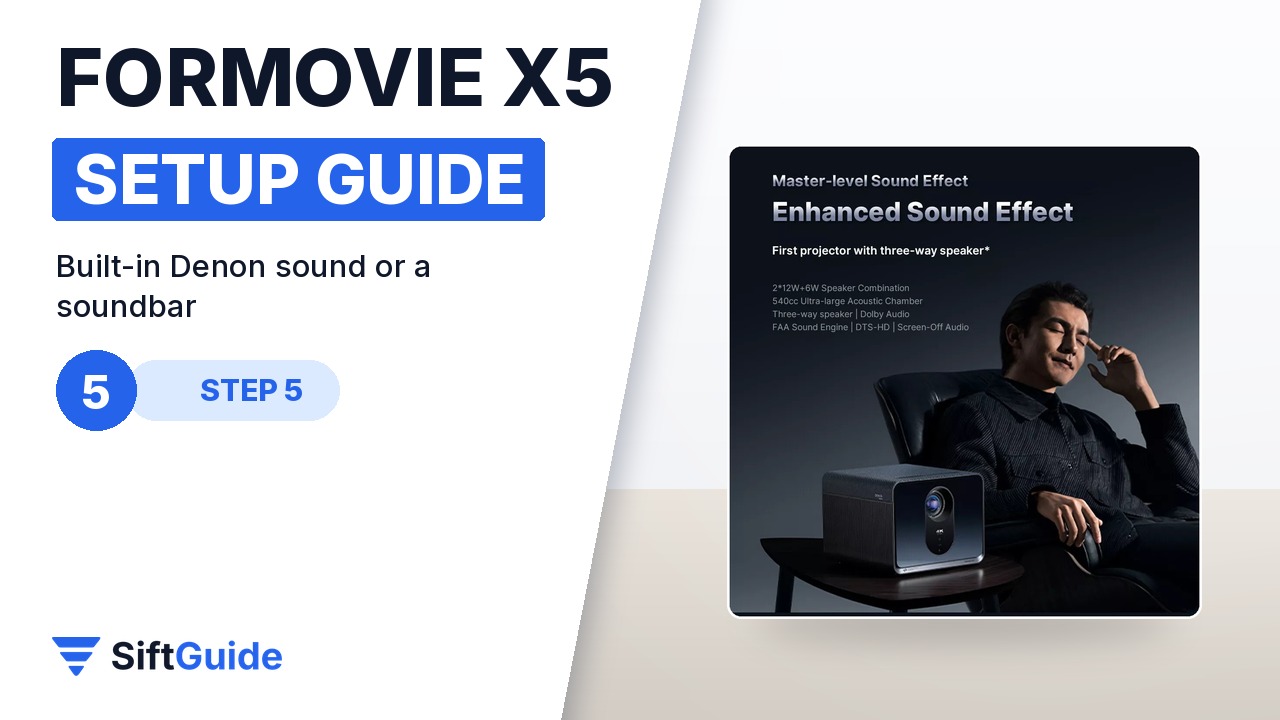
Built-in sound comes from a Denon-tuned system with two 12 W speakers and one 6 W speaker, with Dolby Audio and DTS-HD decoding, which is enough for a living room without extra boxes. For a bigger room, send audio to a soundbar or AV receiver through the HDMI eARC port, or use the S/PDIF optical out with older systems.
Tip: plan for streaming apps before you mount it
The X5 runs FengOS, Formovie’s own system, not Google TV. If a streaming app you use is missing, the simplest fix is a 4K streaming stick on whichever HDMI port you are not using for a soundbar or a console. Decide this before a ceiling install, so the stick and its power cable can be hidden behind the projector.
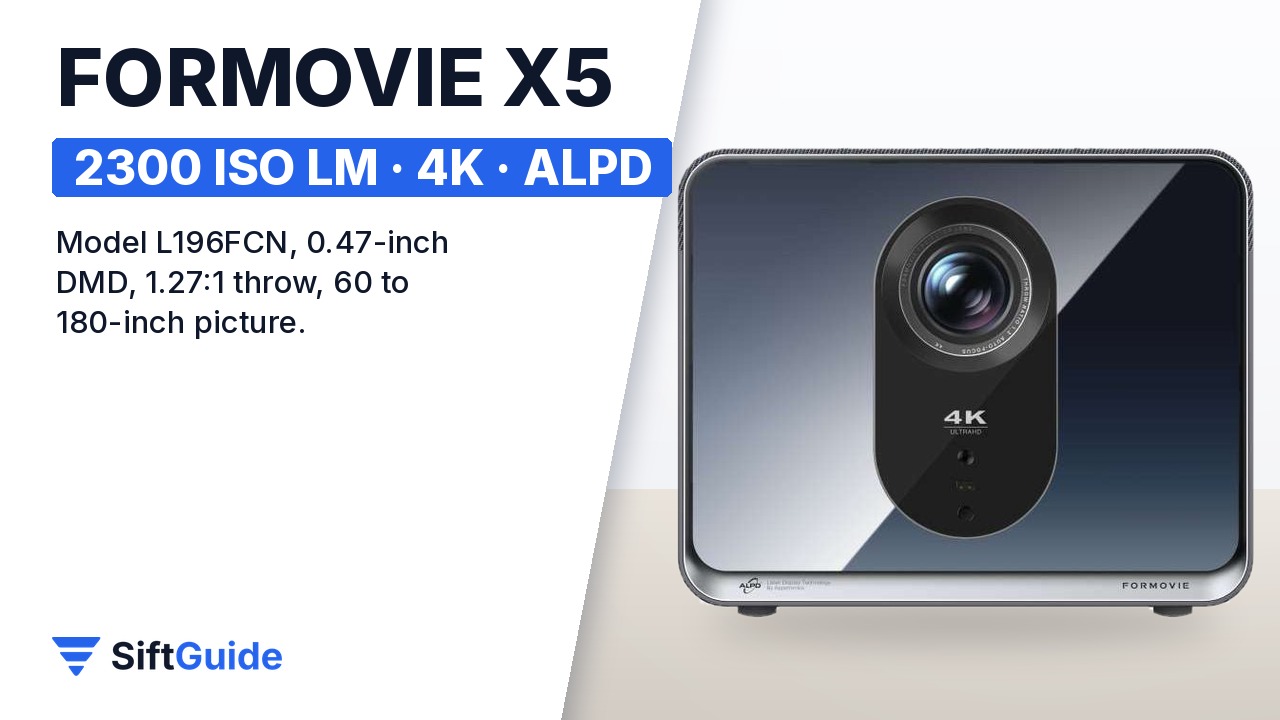
Measure the throw first, use the right HDMI port for each device, let the auto setup square the picture and choose game mode only for gaming. Set up this way, the Formovie X5 gives you a 100-inch 4K picture from about nine feet away, with Denon sound built in.
Formovie X5 4K Laser Projector
Long-throw 4K ALPD 3.0 laser projector (model L196FCN): 2,300 ISO lumens for the X5 and 2,266 CVIA lumens for the X5 PRO, 0.47-inch DMD, 1.27:1 throw ratio, 60 to 180-inch recommended picture, HDR, MEMC, 9 ms minimum input delay, 10-bit color, 110% Rec.709, 1200:1 contrast. Denon speakers (2 x 12 W + 6 W) with Dolby Audio and DTS-HD, two HDMI 2.1 ports (one eARC, one 4K 120 Hz), USB 2.0, S/PDIF, audio out, Ethernet, Wi-Fi 6, Bluetooth 5.0, MT9669 chip with 4 GB RAM and 128 GB storage, FengOS, 8.8 lbs, laser life over 20,000 hours. Prices on nothingprojector.com on November 28, 2026: $1,305 for the X5 and $1,499 for the X5 PRO, both in stock.
FAQ
Is the Formovie X5 a short-throw projector?
No. It is a long-throw projector with a 1.27:1 throw ratio, so a 100-inch picture needs about 9.2 feet between the lens and the screen.
What is the difference between the X5 and the X5 PRO?
The listing rates the X5 at 2,300 ISO lumens and the X5 PRO at 2,266 CVIA lumens; on November 28, 2026 they were listed at $1,305 and $1,499.
Which HDMI port should I use for a console?
The HDMI 2.1 port that supports 4K at 120 Hz; keep the eARC port for a soundbar or receiver.
Does it run Google TV?
No, it runs Formovie’s FengOS. A streaming stick on HDMI adds any app that is missing.
How loud is the built-in sound?
It uses Denon speakers, two 12 W and one 6 W, with Dolby Audio and DTS-HD support.