
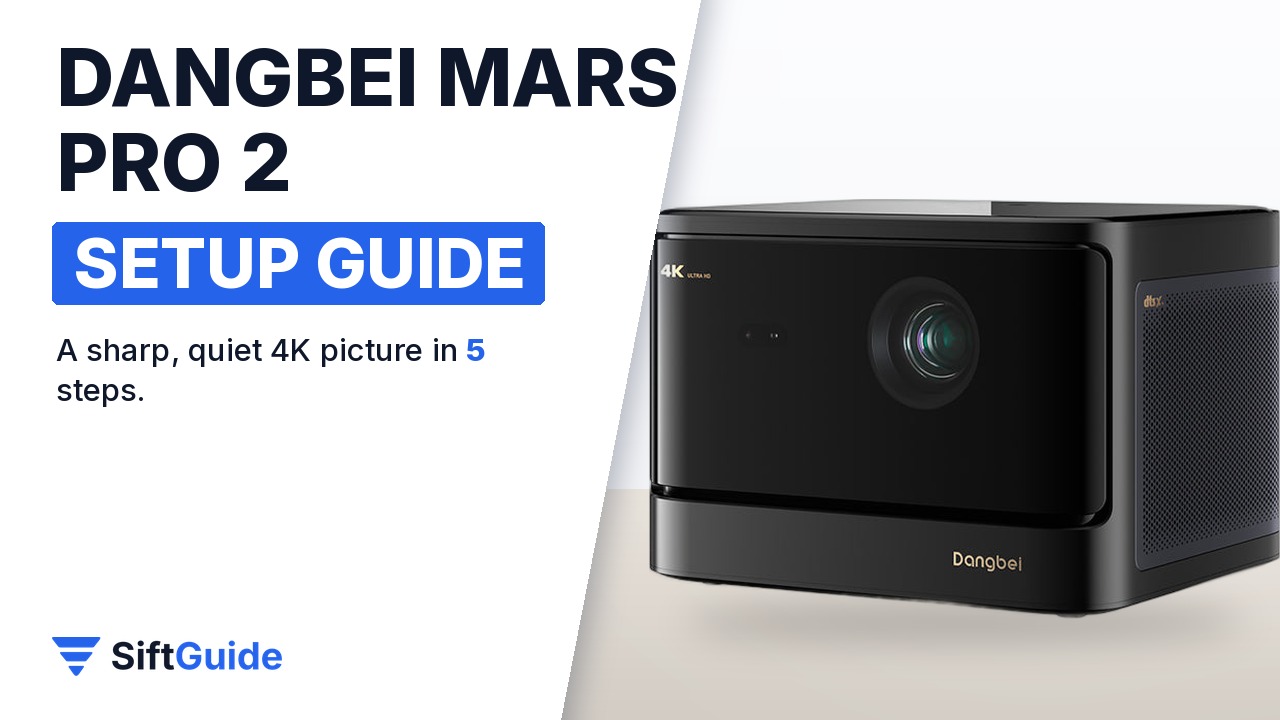
The Dangbei Mars Pro 2 (model DBOX02) is a 4K laser projector built for a living room rather than a dedicated cinema: it is rated at 2,450 ISO lumens, supports HDR10+, HDR10 and HLG, runs Google TV with a licensed Netflix app and has Dolby Audio and DTS:X speakers built in. It also lines up its own picture, which is exactly why a few minutes of proper setup matter: put it in the wrong spot and the automatic correction has to work harder than it should. Here is the setup order that gets the best image on the first evening.
Disclosure: this guide contains affiliate links (Awin). If you buy through them we may earn a commission at no extra cost to you. Specs come from the official product page.
What you need
- Dangbei Mars Pro 2 (DBOX02) projector with its power cable and remote
- A projector screen or a smooth, light-coloured wall
- A stable table, shelf or stand facing the screen
- Your Wi-Fi password and a Google account
- Optional: HDMI devices such as a games console or Blu-ray player
Step 1: Place it and connect it
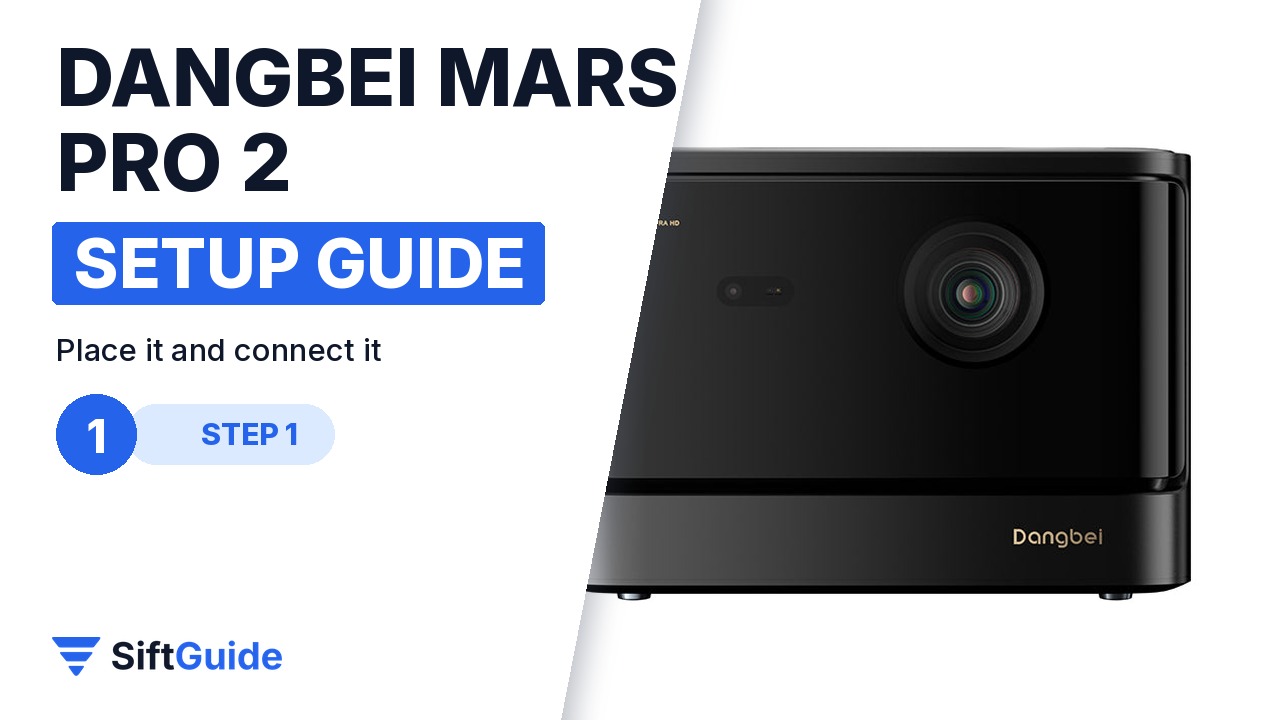
Set the projector on a stable, level surface facing your screen or a plain light wall, and leave space around the vents so it can breathe. Plug in the power cable, then connect any HDMI sources (a console, a Blu-ray player, a streaming box) to the ports on the back before you switch on, so the projector sees them during setup. The flatter and more centred it sits, the less digital correction it needs later.
Step 2: Let the smart image adjustment do the work
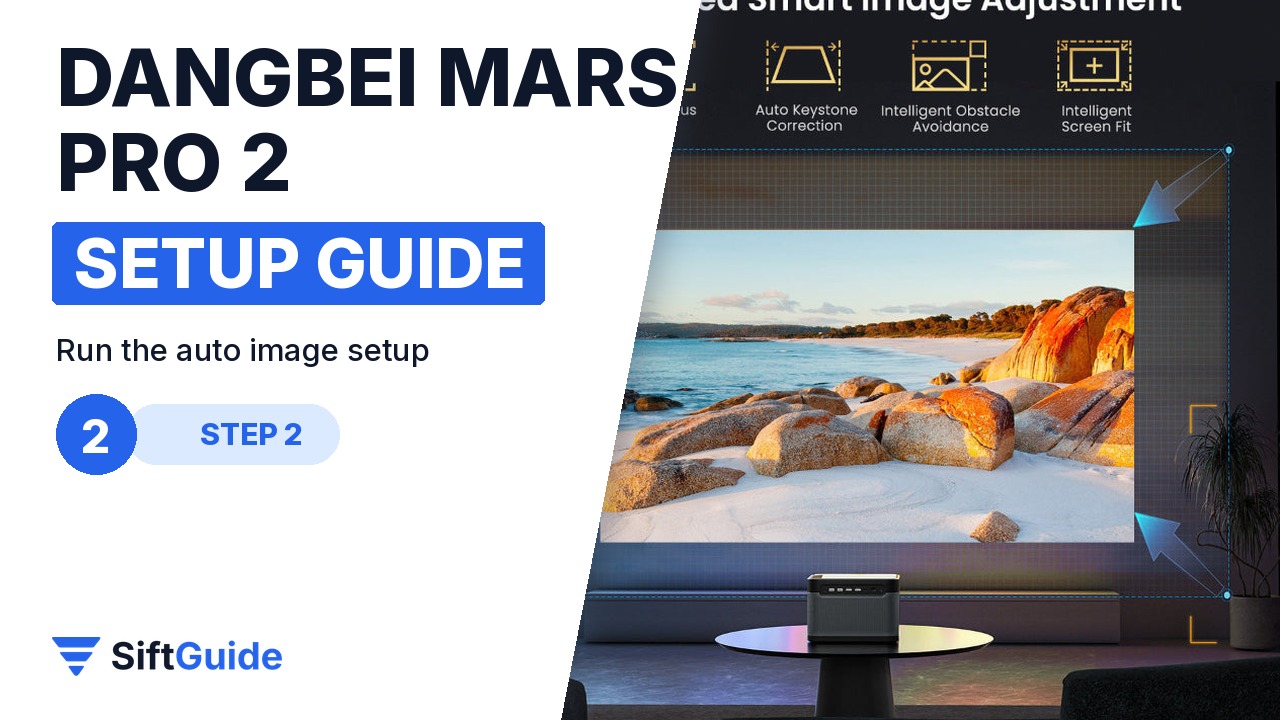
Dangbei calls it Upgraded Smart Image Adjustment: auto focus, auto keystone correction, intelligent obstacle avoidance and intelligent screen fit. In practice that means the projector focuses itself, squares up a tilted image, shrinks the picture around things in the way (a plant, a shelf) and snaps it to the edges of your screen. Let it finish once, then nudge the projector by hand if you want to recover a few pixels lost to keystone.
Step 3: Sign in to Google TV
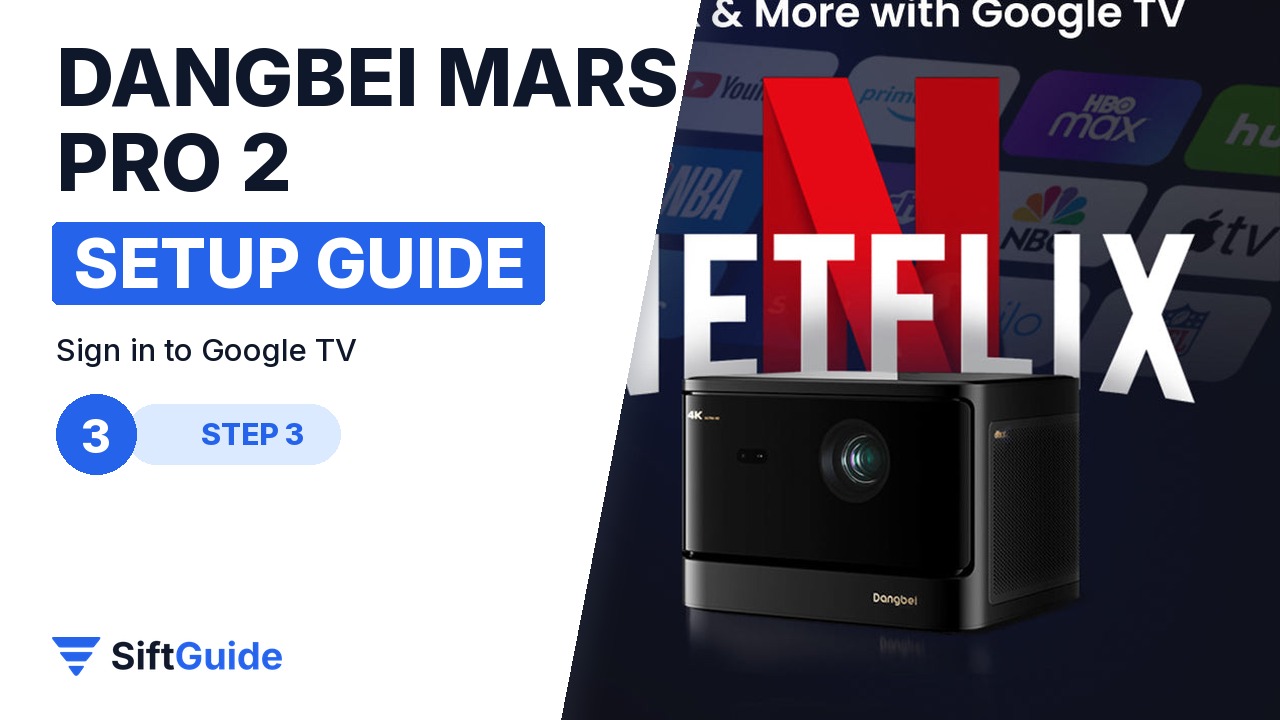
Connect to Wi-Fi and sign in with your Google account to get Google TV, your recommendations and the Play Store apps. Netflix is officially licensed on this model, so you can open the built-in Netflix app instead of plugging in a separate stick. Add your other streaming apps now, while you are still in setup mode.
Step 4: Match the picture mode to the room
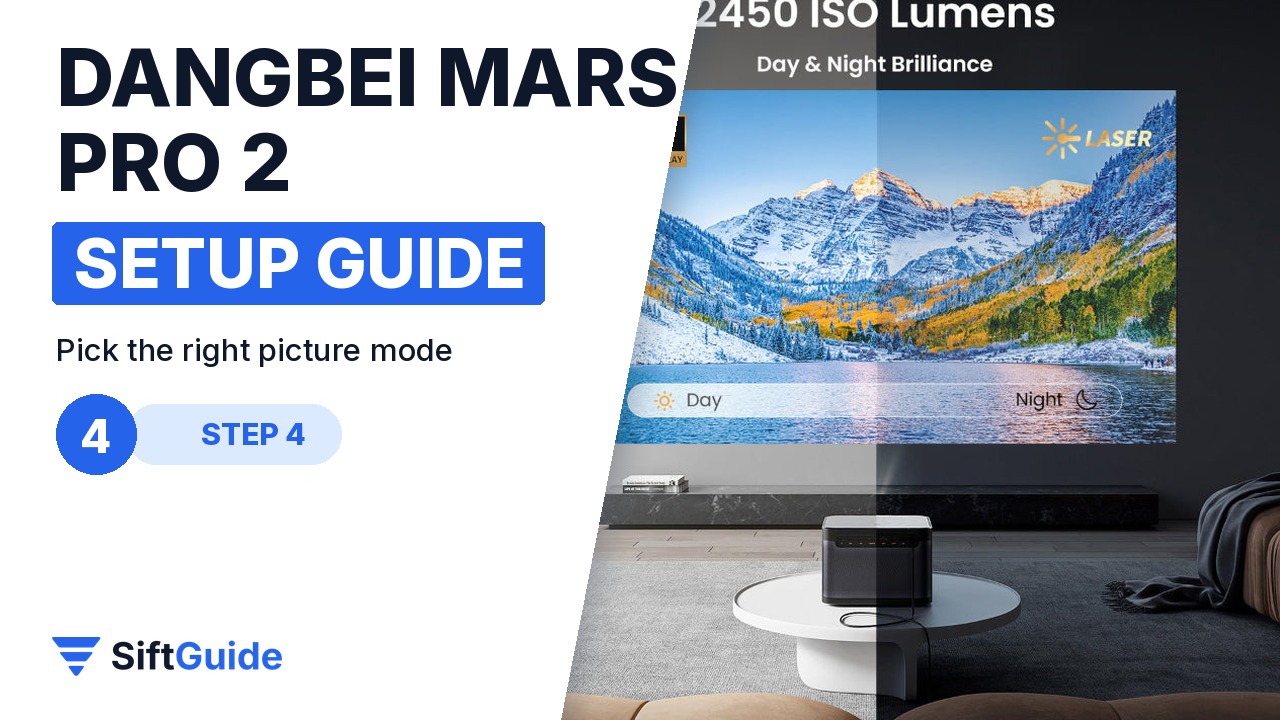
The Mars Pro 2 is rated at 2,450 ISO lumens, so it copes with a living room in the evening, but a darker room still gives deeper blacks. It plays HDR10+, HDR10 and HLG content, and Dangbei adds an AI brightness feature that adapts the image to the room. Start with a standard or movie mode for films, use a brighter mode for daytime sport, and keep the room lights low behind the screen rather than in front of it.
Step 5: Set up the sound

The built-in speakers support Dolby Audio and DTS:X, which is plenty for TV shows and casual movie nights. Set the volume from the remote and run a scene with a lot of background sound to check the balance. If you already own a soundbar or AV receiver, connect it and switch the audio output in the settings.
Pro tip
Keep the eye protection feature switched on if children or pets walk around the room: Dangbei says the projector protects eyes when someone wanders in front of the lens. And do the first setup in the evening, when the room is as dark as it will be for movie night, so the auto adjustments and your picture mode are tuned for real viewing conditions.
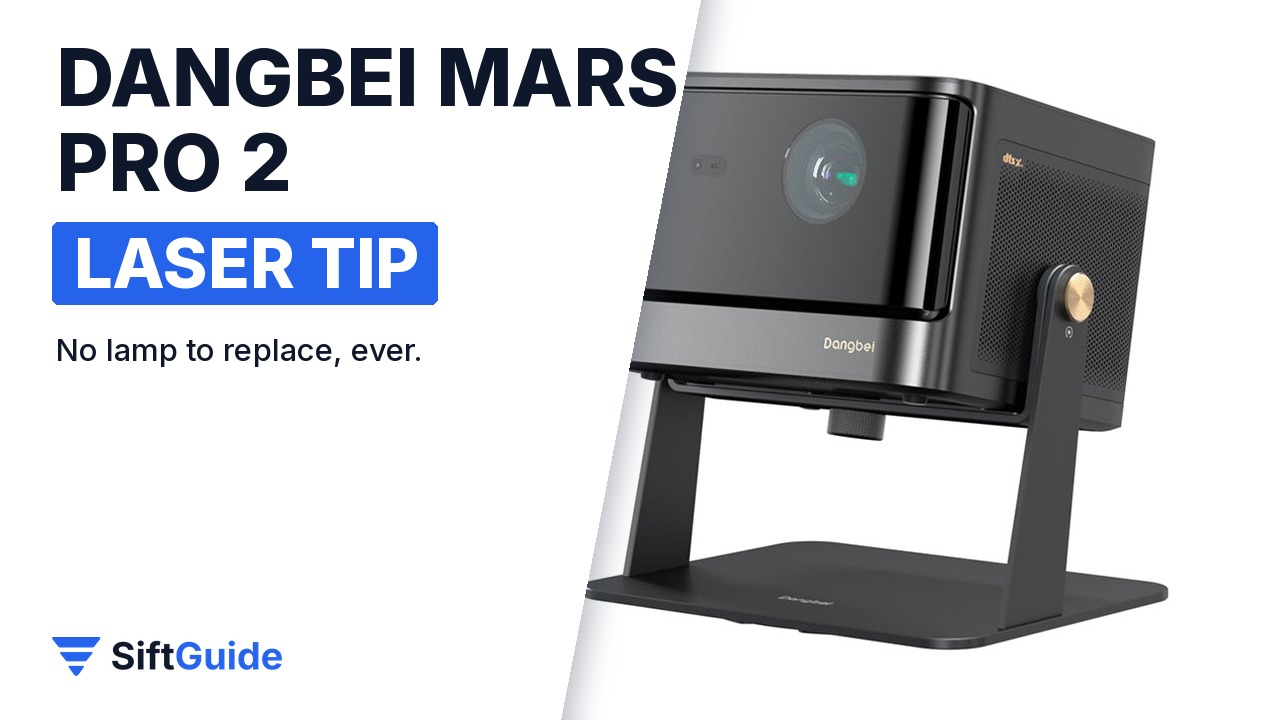
Ownership: the Mars Pro 2 uses a laser light source (Dangbei markets it as Advanced Laser Phosphor Display), so there is no lamp to buy and replace, and Dangbei says it is mercury-free and uses about 50% less power than a traditional lamp projector. Dust the vents now and then and keep the lens clean with a soft microfibre cloth.
Dangbei Mars Pro 2 (DBOX02) 4K Laser Projector
4K laser projector rated at 2,450 ISO lumens with HDR10+, HDR10 and HLG, Google TV with licensed Netflix, auto focus, auto keystone, obstacle avoidance and screen fit, Dolby Audio and DTS:X speakers, eye protection and 3D modes. Price at NothingProjector on 20 October 2026: $1,299 (projector only). Prices change, so check before you buy.
FAQ
Does the Dangbei Mars Pro 2 have Netflix built in?
Yes. It runs Google TV and the store listing describes it as having licensed Netflix, so you can watch Netflix in the built-in app.
How bright is the Mars Pro 2?
Dangbei rates it at 2,450 ISO lumens. That is bright enough for a living room in the evening; a darker room still gives the best contrast.
Does it set up the picture automatically?
Yes. It has auto focus, auto keystone correction, intelligent obstacle avoidance and intelligent screen fit, so it focuses, straightens and resizes the image on its own.
Does the laser need replacing like a lamp?
No. It uses a laser light source, and Dangbei advertises $0 lamp replacement compared with a traditional lamp projector.
