
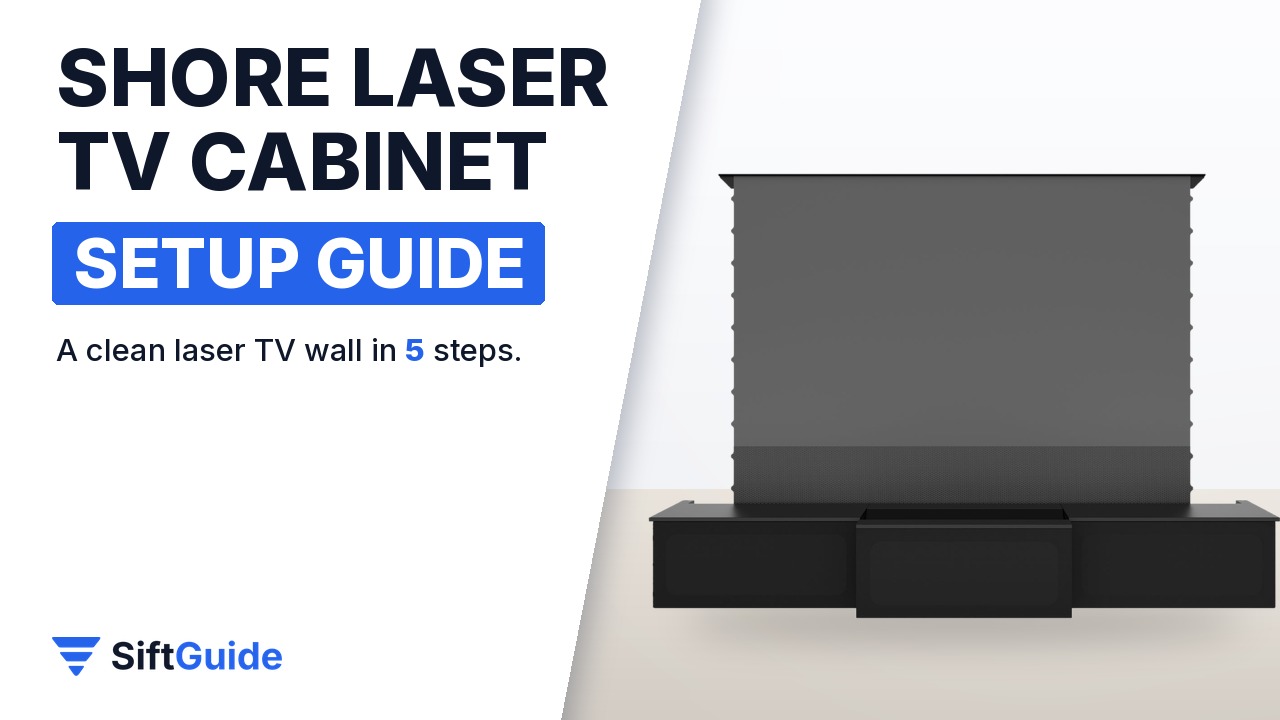
An ultra-short-throw (UST) laser projector sits a few inches from the wall, which means the furniture under it matters as much as the projector itself. The Shore ROLATV cabinet, sold by Nothing Projector, is built for exactly that job: a long, low black unit with a motorized center drawer for the projector, storage on both sides and built-in cable routing. It is designed to pair with 100-inch or 120-inch retractable screens, including floor-rising ones. This guide follows the official product listing and walks through the setup in the order you will actually do it.
Disclosure: this guide contains affiliate links (Awin). If you buy through them we may earn a commission at no extra cost to you. Specs come from the official product page.
What you need
- Wall space of at least about 8.3 ft (2.5 m) for the 98.43″ wide cabinet
- An ultra-short-throw projector with a Bluetooth remote (the listing says only Bluetooth-remote UST projectors are supported for now)
- A 100″ or 120″ retractable or floor-rising screen, or a plain wall
- Two people and basic tools for the flat-pack assembly
- A power strip and HDMI cables long enough to reach the drawer
Step 1: Measure the wall and pick the screen size
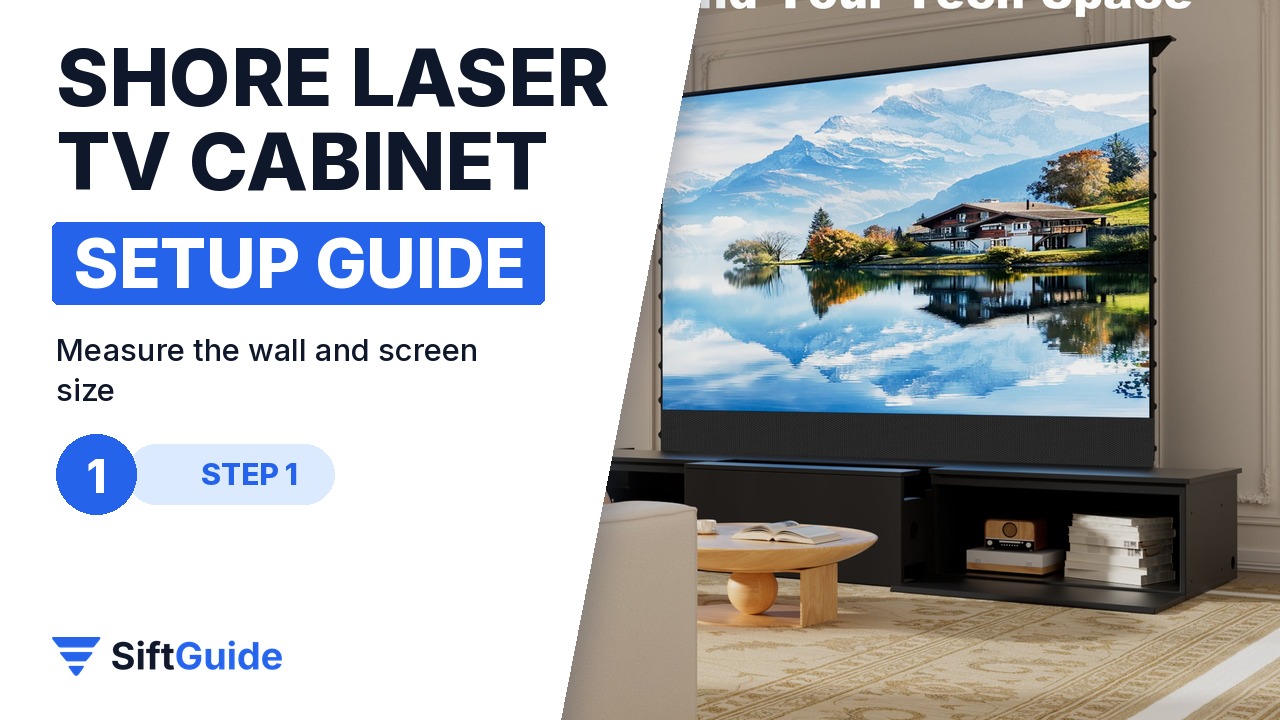
The cabinet measures 98.43″ wide, 22.83″ deep and 14.69″ high (about 250 x 58 x 37 cm). Measure the wall and check that the cabinet, plus a little breathing room on each side, fits. Shore lists it as suitable for most 100-inch and 120-inch retractable projector screens, so decide on the screen size now: the bundle options on the store pair the cabinet with a matching floor-rising screen.
Step 2: Assemble the flat pack
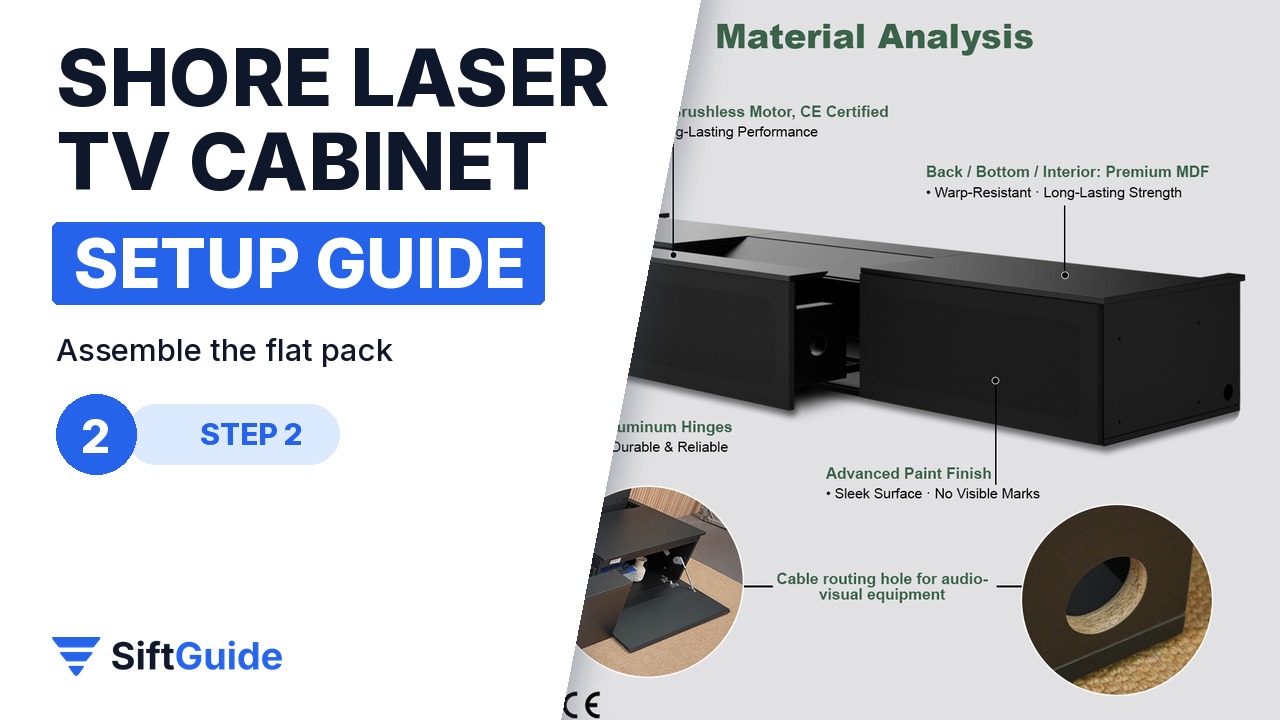
The cabinet ships flat pack for self-assembly. Shore includes a comprehensive video guide and clearly labelled parts, and the build combines MDF panels with an aluminium alloy frame. Assemble it close to its final position: the finished unit is long and heavy, so carrying it across the room afterwards is the hard part. Fit the soft-close hinges and adjustable shelves as the guide shows.
Step 3: Route the cables through the built-in holes
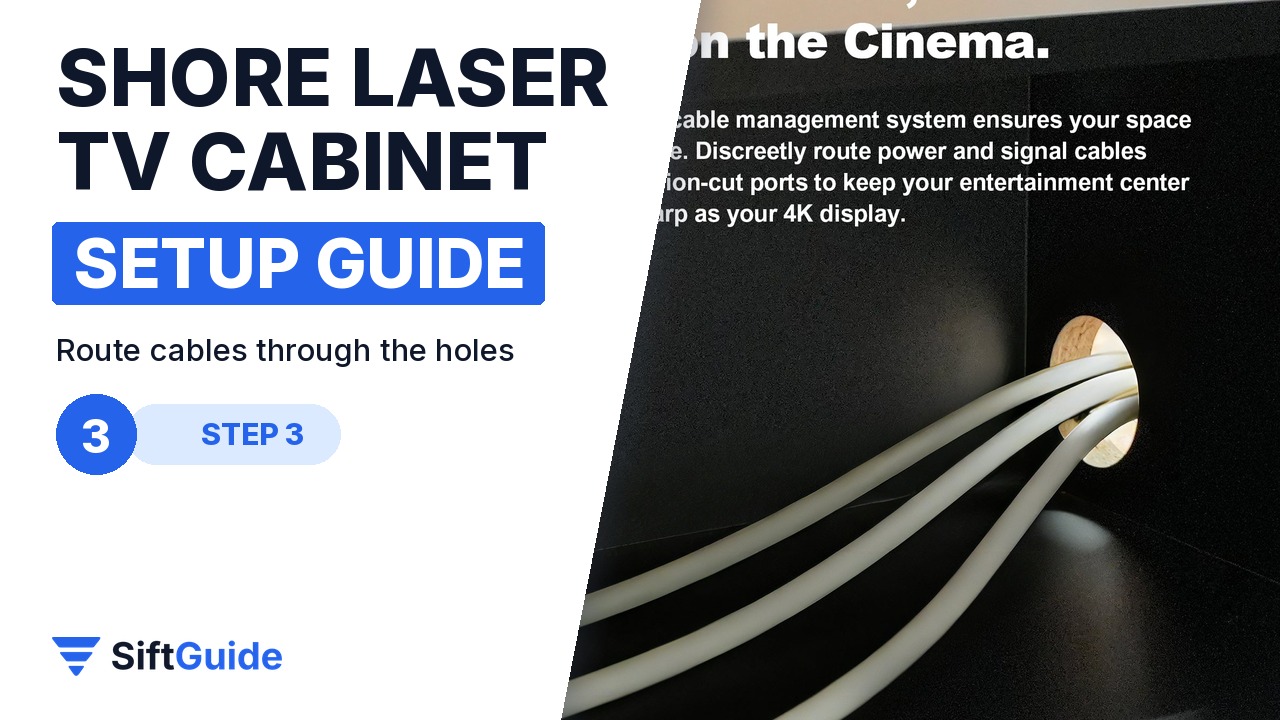
Before you push the cabinet against the wall, run the power and HDMI cables through the built-in cable routing holes. They lead from the back of the cabinet to the drawer and the side compartments, so the projector, streaming box and speakers can all connect without a single cable showing in front of the screen. The ventilation system next to the routing helps keep the electronics cool.
Step 4: Load the UST projector into the motorized drawer
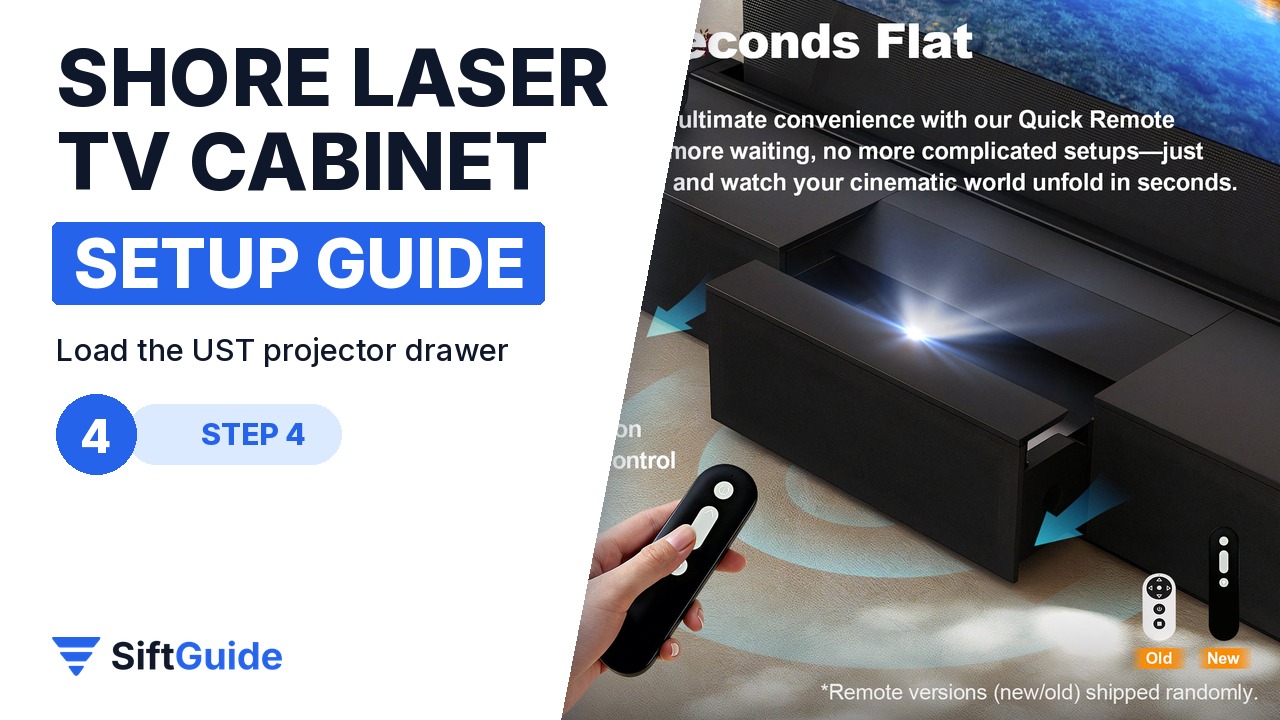
The center drawer is motorized and opens with one button. Its internal space is 35.24″ wide, 14.76″ deep and 8.54″ high, which fits most ultra-short-throw projectors on the market. Place the projector in the drawer, connect it, and pair it with the cabinet’s remote function as the guide describes. Note the important limit from the listing: for now, the cabinet supports UST projectors controlled by a Bluetooth remote only.
Step 5: Organise the side storage
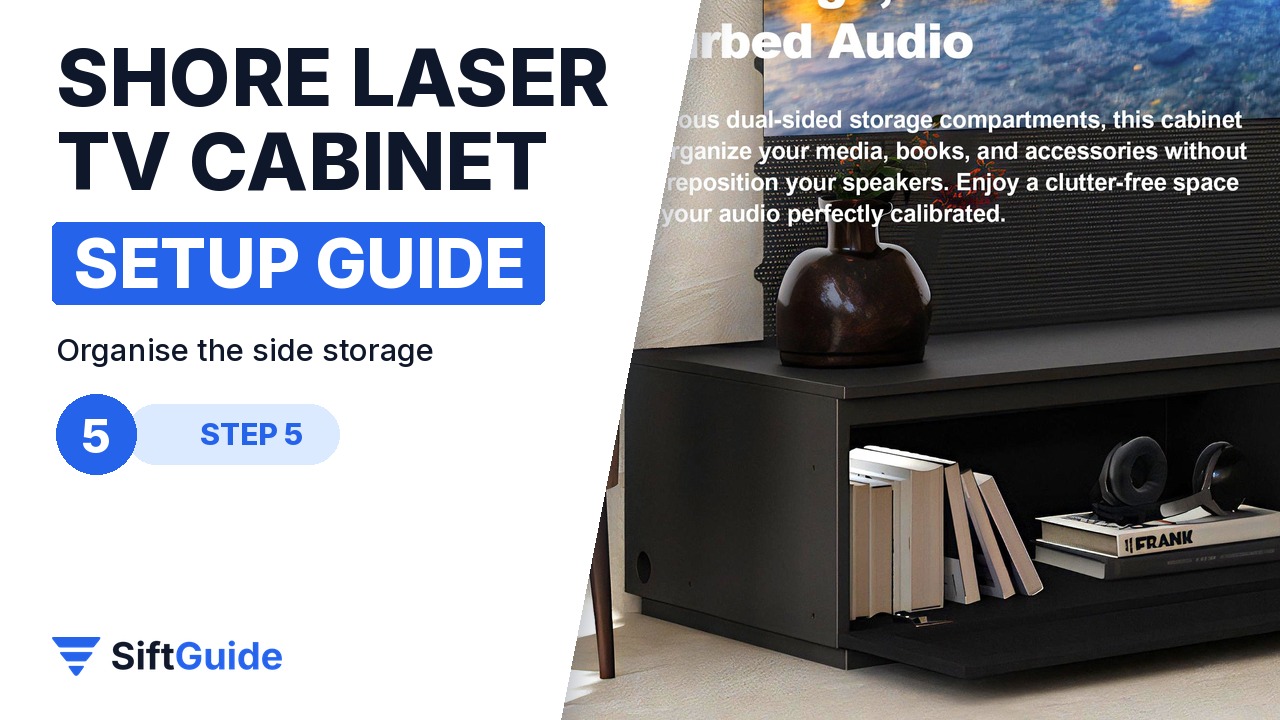
The two side sections hold everything else: a game console, a streaming box, a receiver, books. Each adjustable shelf takes about 25 kg (55 lb), and the doors close silently on buffered hinges. Shore also mentions acoustic panels engineered for speakers, so a soundbar or a pair of bookshelf speakers can live inside without muffling the sound.
Pro tip
Before the final assembly step, do a dry run: put the projector in the open drawer, project onto the screen or wall, and check the image size and focus. UST projectors are very sensitive to distance, and a centimetre forward or back changes the picture size noticeably. It is much easier to adjust now than after the cabinet is full.
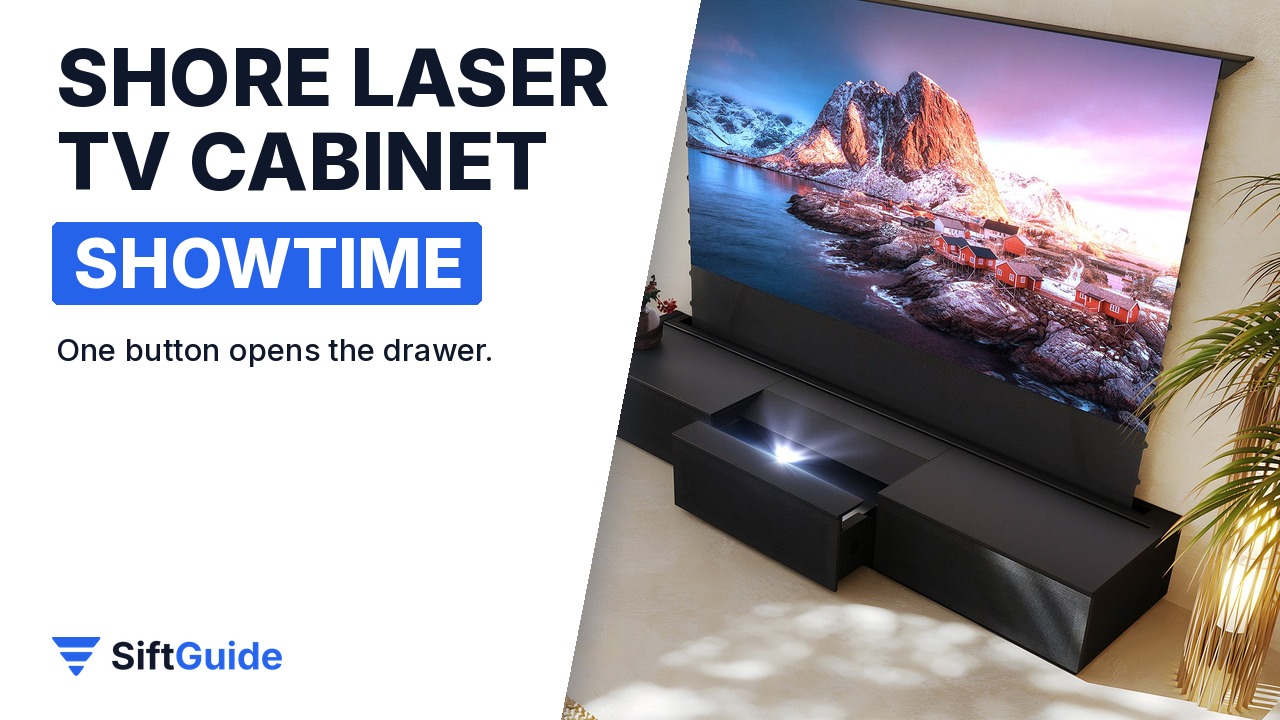
Showtime: once everything is connected, one press opens the motorized drawer, the projector comes up to position and the movie starts. With a floor-rising screen behind it, the whole setup disappears into a clean black console when you are not watching.
Shore Black Motorized Laser TV Flat Pack Cabinet (100″-120″)
Black flat-pack cabinet for UST laser projectors: motorized center drawer with one-button opening, built-in cable routing and ventilation, adjustable shelves (about 25 kg each), soft-close doors, MDF and aluminium alloy build, CE marked. Overall 98.43″ x 22.83″ x 14.69″. On the official store in October 2026 the cabinet-only version starts at $1,699 (100″) and $2,188 (120″) (store options include cabinet-only and bundles with a floor-rising screen and projector). Prices change, so check before you buy.
FAQ
Does it work with any projector?
It is built for ultra-short-throw projectors. The listing says it currently supports Bluetooth-remote UST projectors only, so check your model before ordering.
Do I need to drill into the wall?
No. The cabinet stands on the floor and hides the AV gear and cables without modifying walls or ceilings.
How hard is the assembly?
It is a self-assembly flat pack with labelled parts and a video guide. Because of its length, plan for two people.
Can I buy it with a screen?
Yes. Nothing Projector offers the cabinet alone or bundled with a matching 100″ or 120″ floor-rising screen, and with a projector.
