
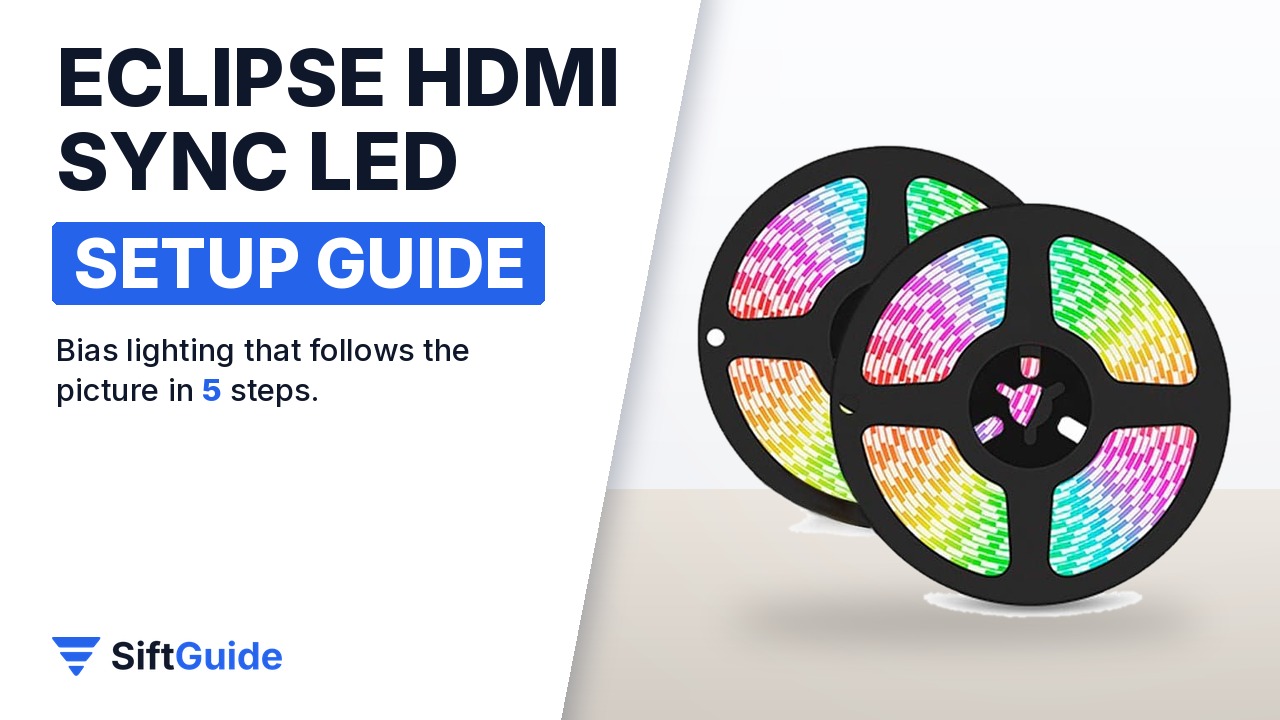
HDMI sync lighting is the simplest way to make a TV or projector screen feel bigger: LED strips behind the screen pick up the colors of the picture and spill them onto the wall. The Eclipse Smart Sync LED Strip, sold by Nothing Projector, does this with a small HDMI sync box, so the colors follow whatever comes from your TV box or console, with no camera to mount and no calibration. This guide sticks to the official listing and its product photos, and walks through the install in the order you will do it.
Disclosure: this guide contains affiliate links (Awin). If you buy through them we may earn a commission at no extra cost to you. Specs come from the official product page.
What you need
- The Eclipse kit: two LED strip reels, the HDMI sync box, an HDMI cable and the 12V power adapter
- An HDMI source such as a TV box, Xbox, PS4 or PS5
- A TV or projector screen with a clean, dry back edge for the adhesive strips
- A free power socket near the screen
- Optional: an Alexa or Google Assistant speaker for voice control
Step 1: Pick the kit for your screen size
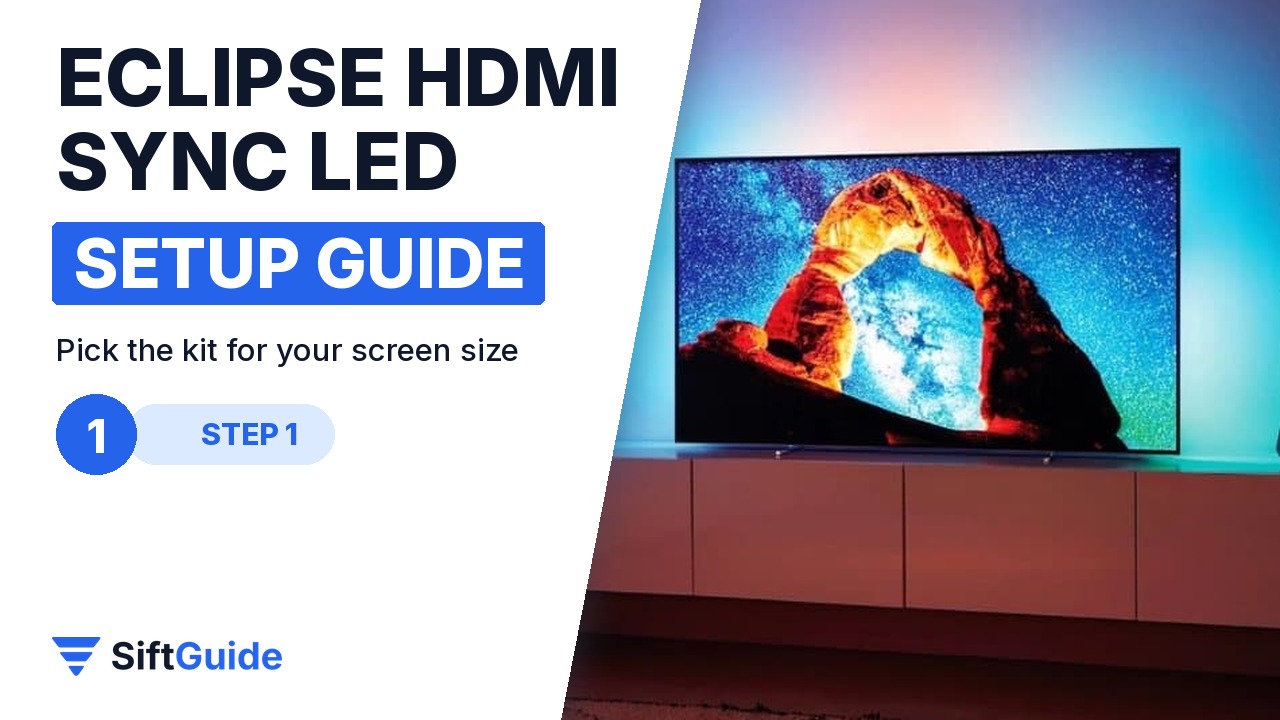
The strip length depends on the screen. According to the listing, a screen under 60″ uses 2 m x 2, 60-75″ uses 2.5 m x 2, 75-90″ uses 3 m x 2, 90-120″ uses 4 m x 2 and screens above 120″ use 5 m x 2. In October 2026 the store offers the 90-120″ version, so measure your screen diagonal first and make sure it falls in that range before you order.
Step 2: Check what is in the box
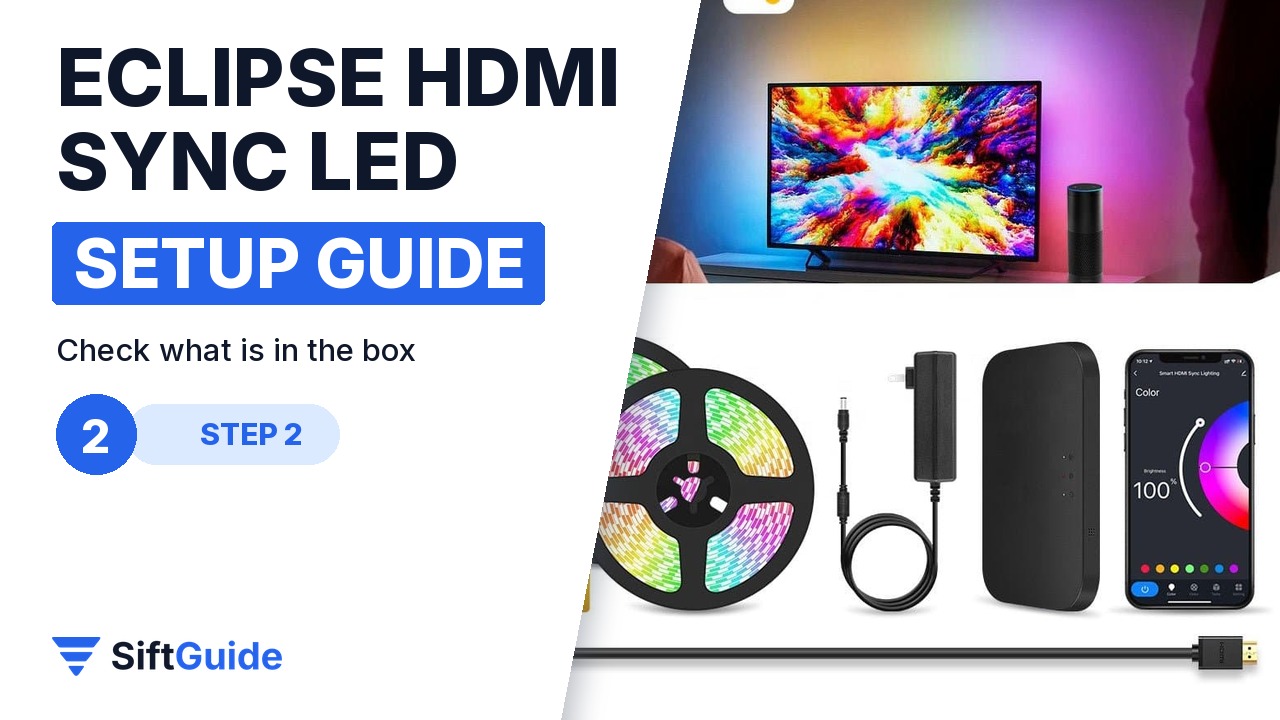
The product photos show the full kit: two LED strip reels, the HDMI sync box, an HDMI cable and a power adapter. The strips run at 12V with a maximum of 2A and carry 30 LEDs per meter. Lay everything out on the floor before you start and check that every part is there, because you will not want to peel the strips off again to finish the job.
Step 3: Mount the strips and connect HDMI
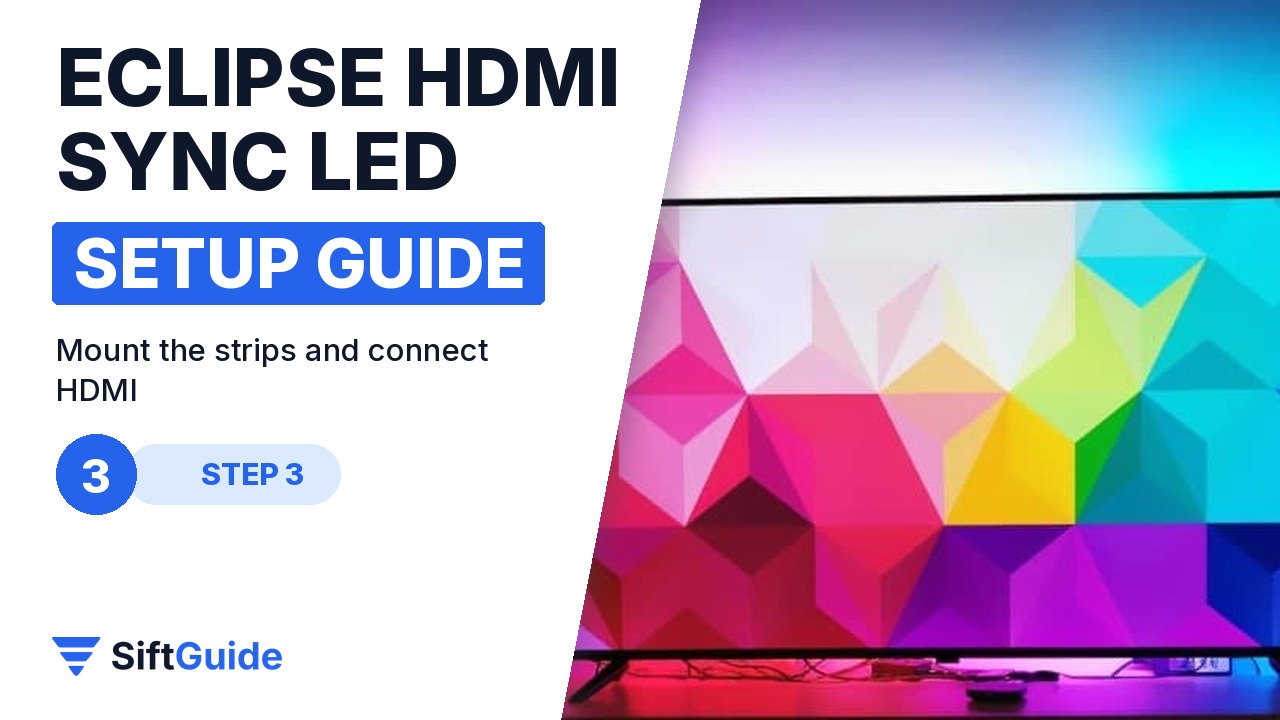
Clean the back edge of the screen and stick the strips around it, starting near the bottom so the cable reaches the sync box. Then connect your HDMI source, such as a TV box, Xbox or PlayStation, to the sync box as shown in the included instructions, and plug in the power adapter. The listing lists TV boxes, Xbox, PS4 and PS5 as compatible HDMI devices.
Step 4: Let it sync, no calibration
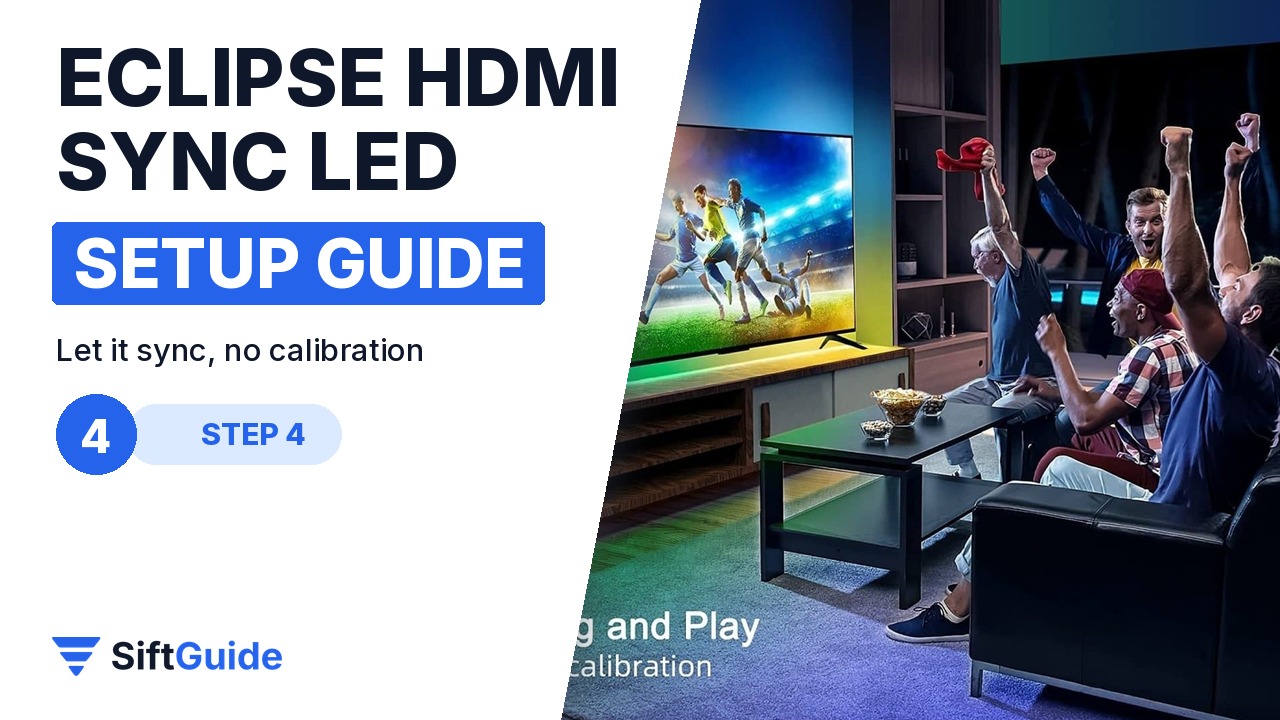
The Eclipse kit is plug and play. Nothing Projector says there is no calibration step: once the HDMI signal passes through the sync box, the light color changes with the HDMI input in real time. Play a colorful film scene or a game and watch the wall behind the screen follow the edges of the picture.
Step 5: Fine-tune in the app or by voice
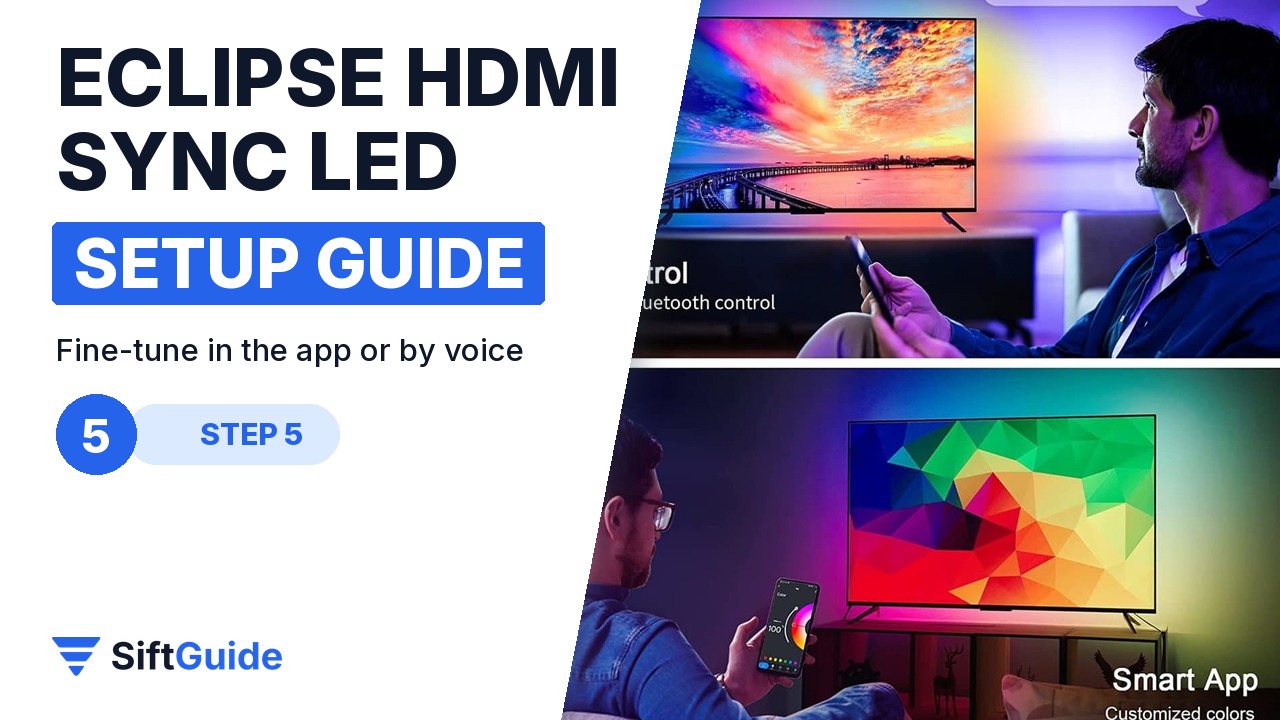
For everything outside movie time, use the smart app to set custom colors and effects. The listing names three control modes: app control, switch control and voice control, and the product photos show Wi-Fi and Bluetooth control plus Alexa and Google Assistant support. Set a calm static color for evenings, or let the strip react to the picture during games.
Pro tip
Before you peel off the adhesive backing, tape the strip to the back of the screen with a few pieces of painter’s tape and run a test with the sync box connected. It takes two minutes and saves you from discovering that a corner is too tight or a cable does not reach once the strip is already stuck.
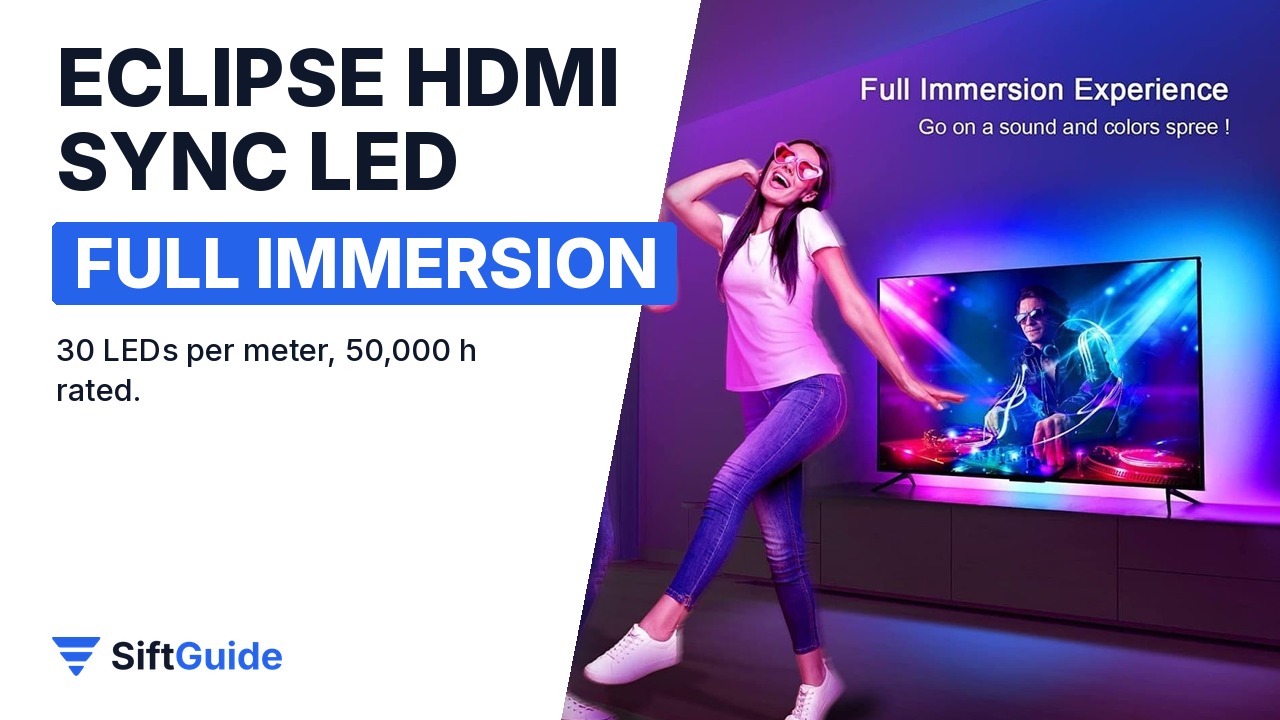
Full immersion: with the strips behind the screen and the sync box in the HDMI chain, every scene spills onto the wall. The listing rates the LEDs for 50,000 hours, so this is a set-and-forget upgrade for the living room or the projector corner.
Eclipse Smart Sync LED Strip Immersion HDMI (90-120″ screen)
HDMI sync LED backlight kit for TVs and projector screens: 30 LEDs per meter, colors that change with the HDMI input or via the app, app, switch and voice control (Alexa and Google Assistant shown on the listing), 12V 2A max, 50,000-hour rated lifespan, 4 m x 2 strips for 90-120″ screens. On the official Nothing Projector store in October 2026 it is listed at $159. Prices change, so check before you buy.
FAQ
Does it need a camera like some TV backlights?
No. It reads the colors from the HDMI signal through the sync box, so there is no camera to mount or aim.
Will it work with my game console?
The listing names TV boxes, Xbox, PS4 and PS5 as compatible HDMI devices.
Which size should I buy?
Match the kit to your screen diagonal. The current store option is for 90-120″ screens (4 m x 2 strips).
Can I use it as normal mood lighting?
Yes. In the app you can choose custom colors and effects, and you can also use voice control.
