
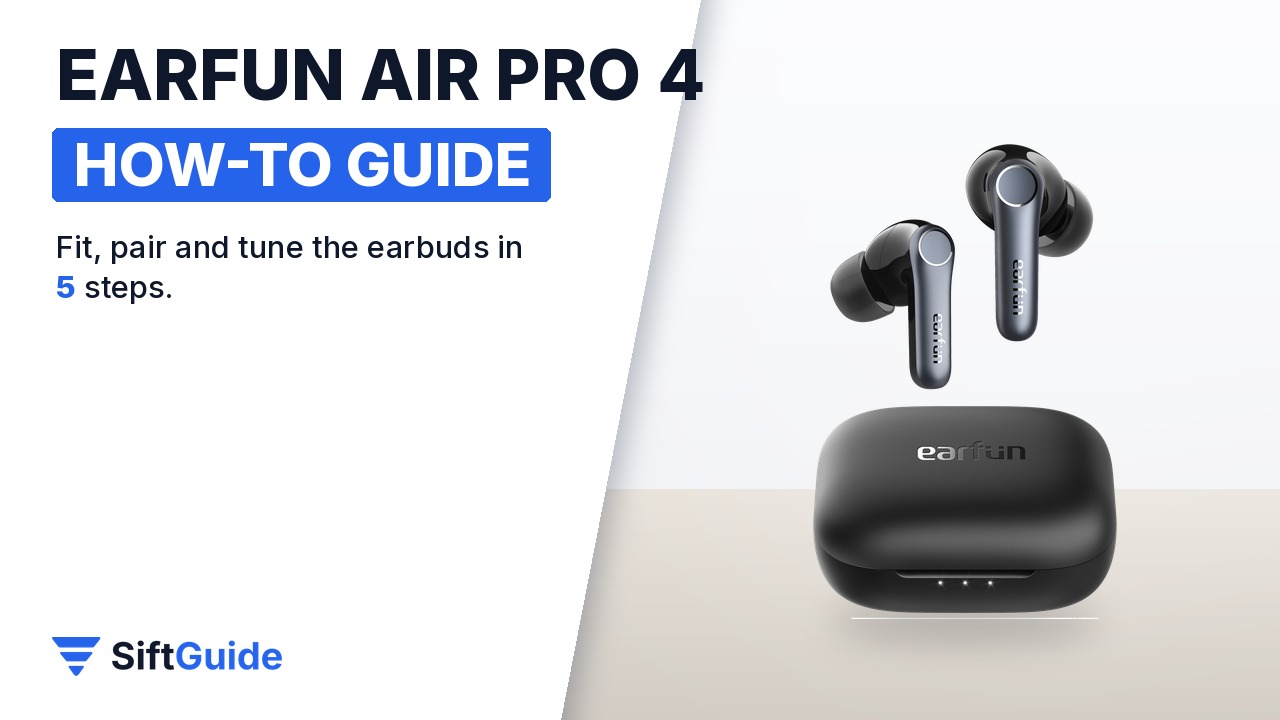
The EarFun Air Pro 4 packs a lot into a $89.99 pair of earbuds: adaptive noise cancelling rated up to 50 dB, a Qualcomm QCC3091 chip with aptX Lossless and LDAC, six microphones for calls, multipoint and up to 52 hours of battery with the case. The catch is that the best features are opt-in. LDAC and game mode are switched on in the app, the ANC modes sit behind a long press, and a bad ear-tip fit quietly ruins both bass and noise cancelling. Here is the setup in the order the official manual suggests, with the details that matter.
Disclosure: this guide contains affiliate links (Awin). If you buy through them we may earn a commission at no extra cost to you. Specs come from the official product page.
What you need
- The EarFun Air Pro 4, its charging case and the spare ear tips (XS to XL)
- A phone with Bluetooth; for LDAC, an Android phone (iPhone does not support LDAC)
- The free EarFun Audio app
- Optional: a Qi wireless charger, since the case supports wireless charging
- Optional: a second device, such as a laptop, for dual-device connection
Step 1: Remove the film and find your ear tips
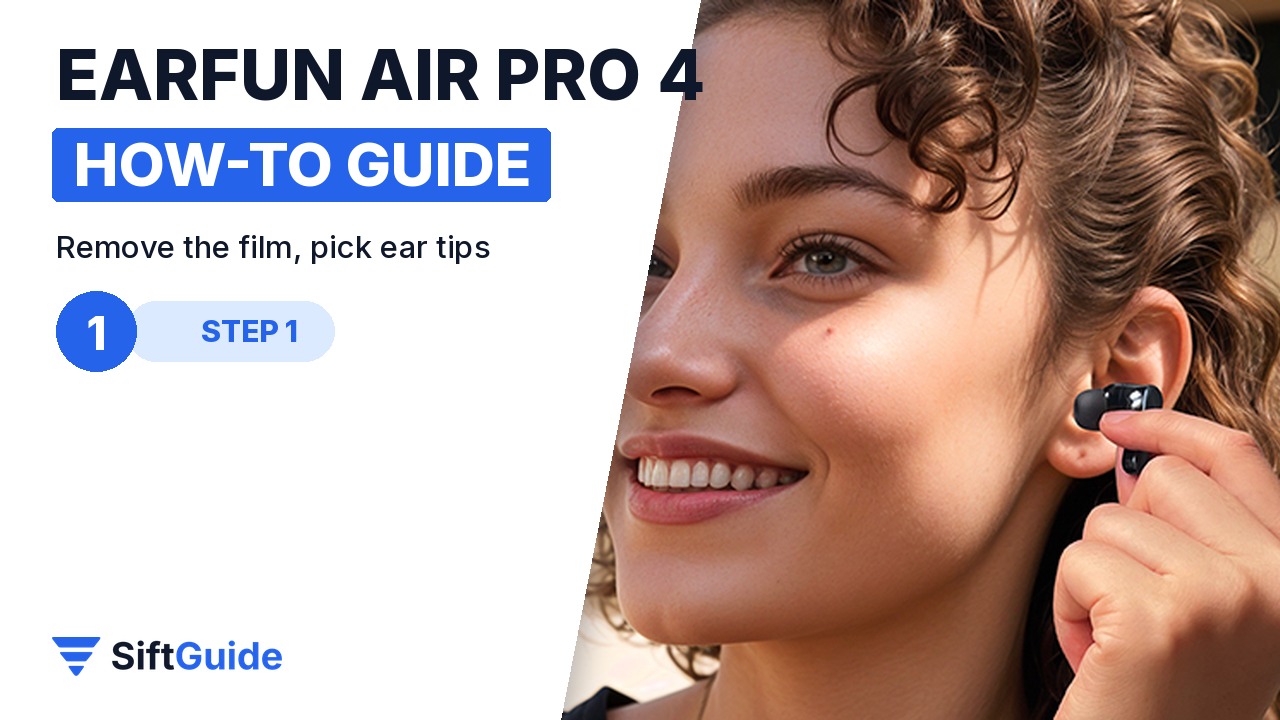
The earbuds ship with a thin insulating film over the charging contacts; peel it off first, or they will not charge or power on from the case. Then try the ear tips. EarFun includes sizes from XS to XL: insert the bud, then twist it slightly until it seals. A proper seal is what makes the 50 dB noise cancelling and the bass work, so if the sound feels thin, go one size up before you touch the EQ.
Step 2: Pair from the case
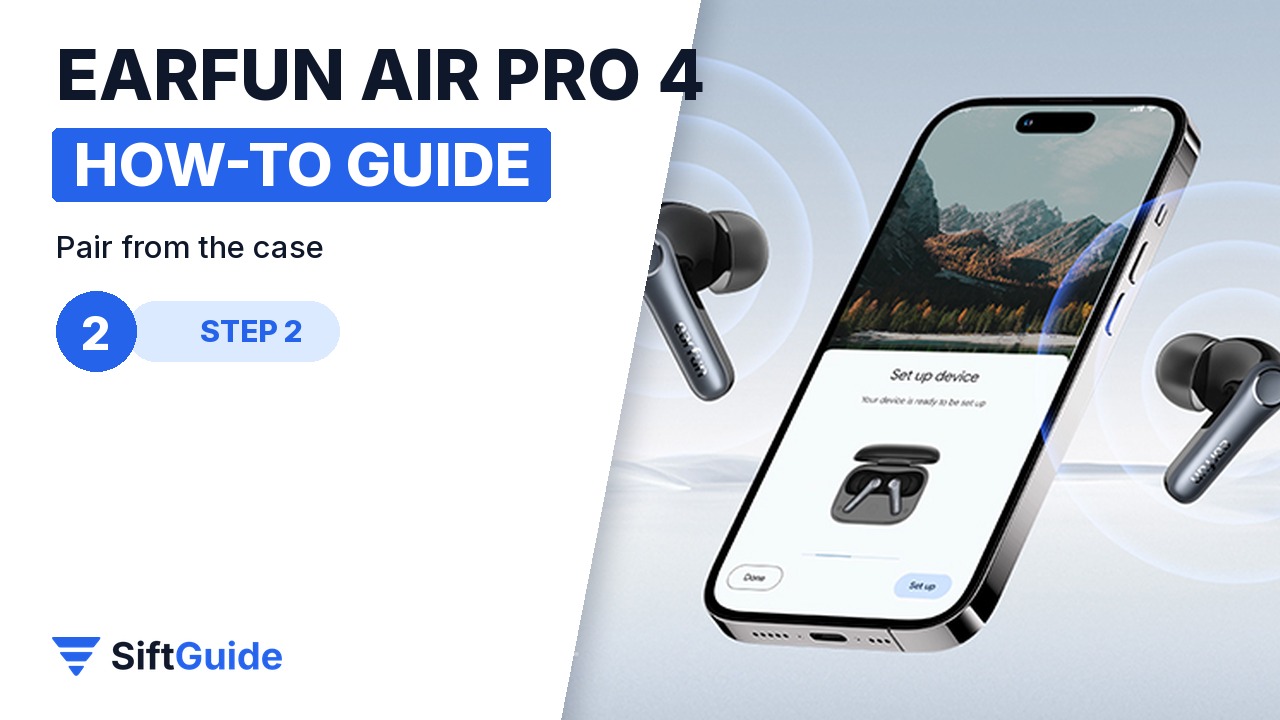
Put both buds back in the case and close the lid. Open it again, and the earbuds enter pairing mode. On your phone, turn on Bluetooth and choose “EarFun Air Pro 4”. On Android 11 or newer, Google Fast Pair usually shows a pop-up as soon as you open the case, so one tap is enough. After the first pairing, opening the lid reconnects them to the last device.
Step 3: Learn the touch controls
The manual’s controls are simple once you know them. Double-tap either bud to play or pause, or to answer and end a call. Triple-tap left for the previous track and triple-tap right for the next one. Single-tap left to lower the volume and right to raise it. Hold the left bud for two seconds to cycle Noise Cancelling, Ambient sound and Normal; hold the right bud for two seconds for your voice assistant. In-ear detection pauses the music when you take a bud out, and can be turned off in the app.
Step 4: EQ, Sound Personalization and LDAC
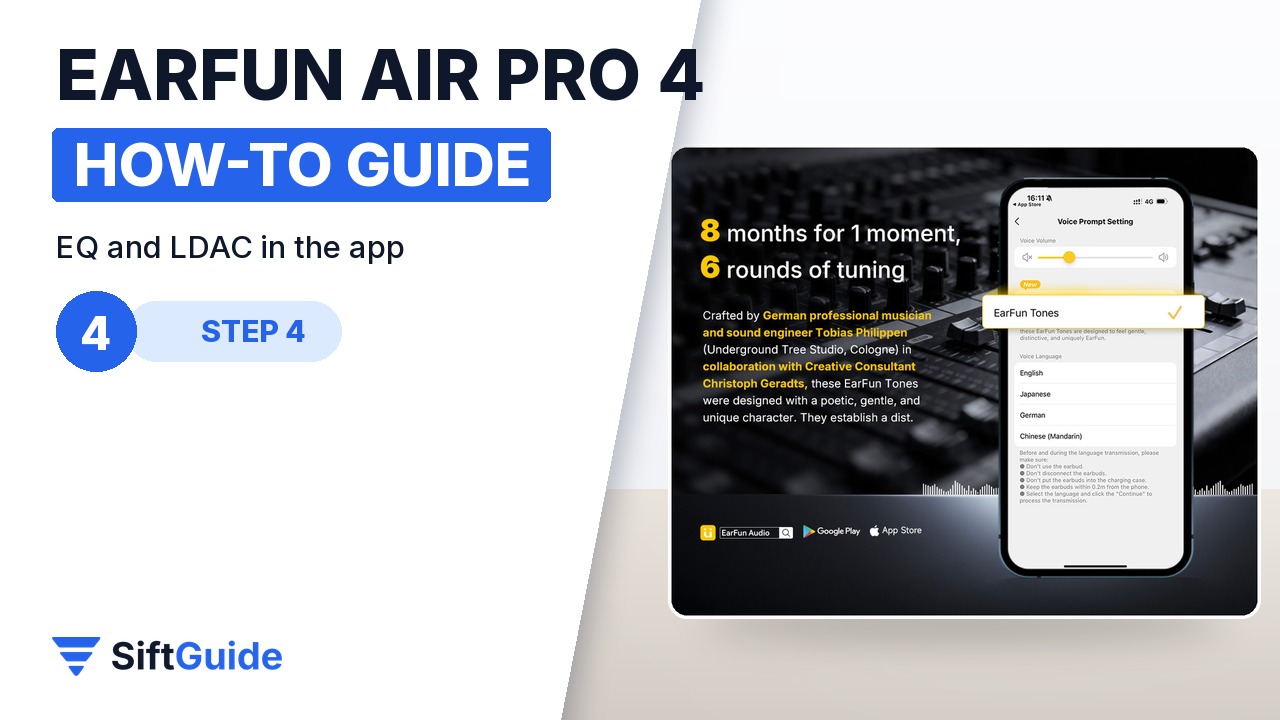
Install the EarFun Audio app and update the firmware, which also unlocks features such as Auracast through later updates. The app offers a 10-band EQ and a Sound Personalization hearing test. For Hi-Res on Android, go to Bluetooth Audio Quality in the app settings, turn on LDAC and tap Sure in the pop-up; the earbuds reboot with LDAC active. Battery is shorter with LDAC: EarFun quotes 8.5 hours per charge with LDAC on, against 11 hours without it, with ANC off.
Step 5: Second device and game mode
The easiest way to use the buds with a phone and a laptop is the Dual Device Connection setting in the EarFun Audio app. Without the app, put the buds in the case, press the case button for 3 seconds until the light flashes white rapidly, pair device B, then manually reconnect device A. For games and video, turn on game mode in the app, which EarFun rates at under 50 ms of latency.
If they will not connect, reset them
Put both earbuds in the case, then press and hold the case button for 8 seconds until the white light flashes three times quickly. Delete “EarFun Air Pro 4” from your phone’s Bluetooth list, then turn Bluetooth back on and pair again. This fixes most cases where one bud plays and the other does not.
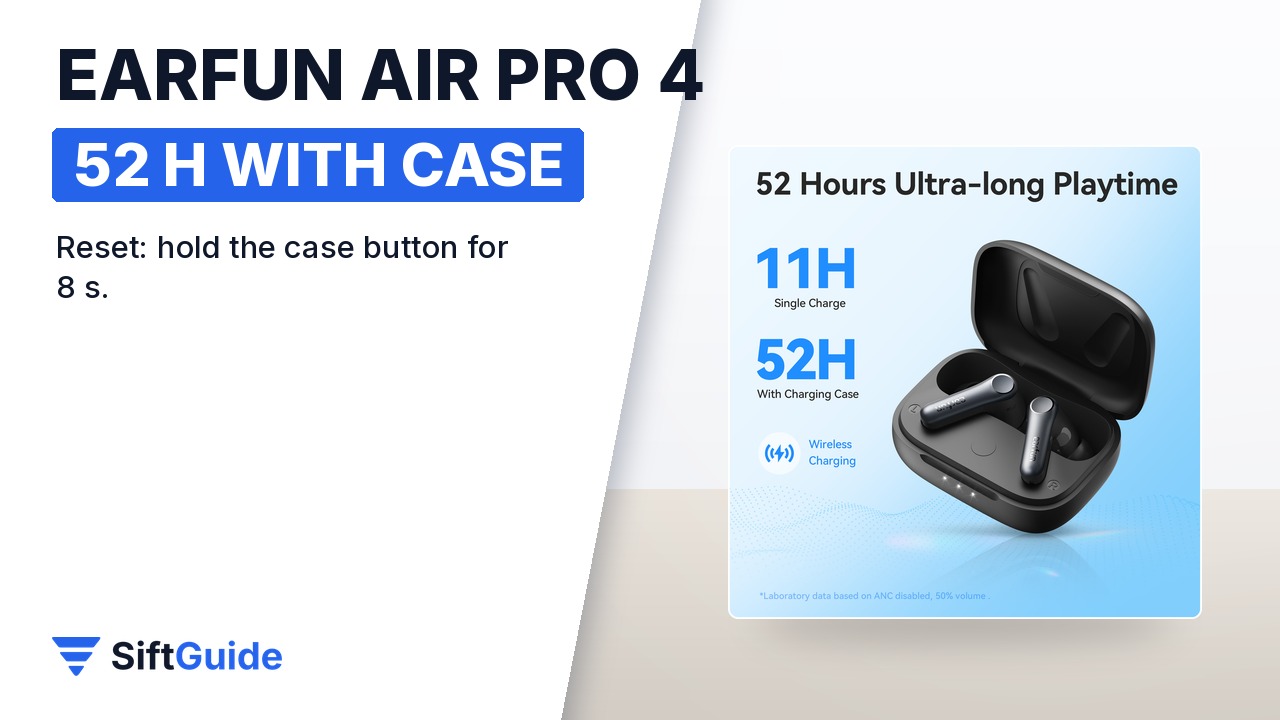
Done: film off, the right ear tips, paired from the case, controls learned, EQ and LDAC set, and two devices connected. EarFun rates the Air Pro 4 at 11 hours per charge with ANC off (7.5 hours with ANC on) and up to 52 hours with the case, and 10 minutes of charging gives about 2 hours of playback.
EarFun Air Pro 4 – Black
True wireless earbuds with QuietSmart 3.0 adaptive noise cancelling up to 50 dB, a Qualcomm QCC3091 chip with Snapdragon Sound, aptX Lossless, aptX Adaptive, LDAC and LC3 over Bluetooth 5.4, and 10 mm composite drivers. Six microphones with AI noise reduction and cVc 8.0 for calls, multipoint, game mode under 50 ms, IPX5, in-ear detection, Google Fast Pair and wireless charging. Battery: 11 h per charge (52 h with the case) with ANC off, 7.5 h (35 h) with ANC on; 10 minutes of charging gives 2 hours. EarFun Audio app with 10-band EQ and Sound Personalization. Listed at $89.99 in the EarFun affiliate catalog (October 2026); check the store for the current price.
FAQ
How do I put the EarFun Air Pro 4 in pairing mode?
Put the buds in the case, close the lid, then open it. They enter pairing mode, and you choose “EarFun Air Pro 4” in your Bluetooth list.
Does the Air Pro 4 support LDAC on iPhone?
No. LDAC works only on Android phones that support it. iPhones connect with the standard Bluetooth codec.
How do I switch noise cancelling on and off?
Hold the left earbud for two seconds to cycle Noise Cancelling, Ambient sound and Normal. You can also choose the mode and the ANC level in the EarFun Audio app.
How do I reset the Air Pro 4?
With both buds in the case, press and hold the case button for 8 seconds until the white light flashes three times quickly, then delete the old Bluetooth record and pair again.
Is the Air Pro 4 waterproof?
It is rated IPX5, which covers sweat and splashes, not swimming.
