
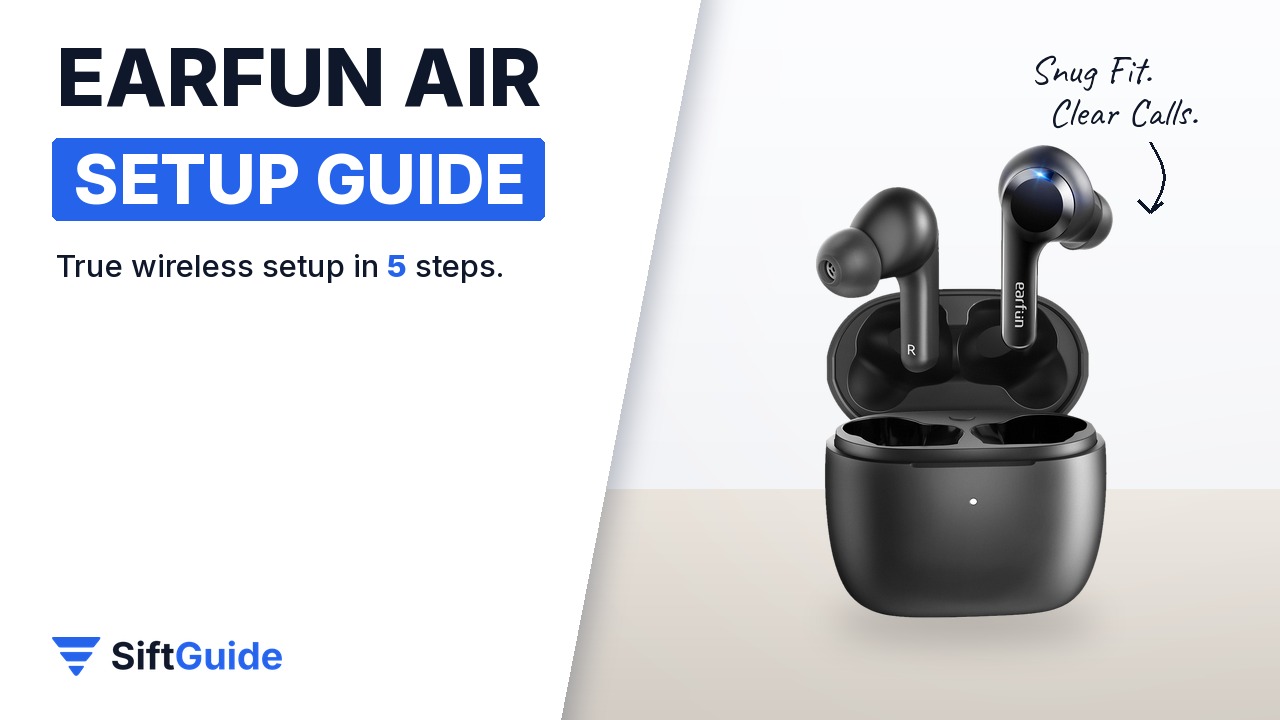
The EarFun Air is the award-winning budget pair of true wireless earbuds from EarFun: four call microphones, touch controls, IPX7 sweat and water protection and a case that charges by USB-C or on a wireless pad. None of that matters if the tips are the wrong size or you never find the volume gesture. This guide gets your black EarFun Air set up properly in five steps.
Disclosure: this guide contains affiliate links (Awin). If you buy through them we may earn a commission at no extra cost to you. Specs come from the official product page.
What you need
- EarFun Air true wireless earbuds (Black) with the charging case
- A phone, tablet or laptop with Bluetooth
- The USB-C cable from the box (or any wireless charging pad)
- The spare ear tips (XS, S, M, L)
- Optional: the free EarFun Audio app
Step 1: Pair the buds over Bluetooth
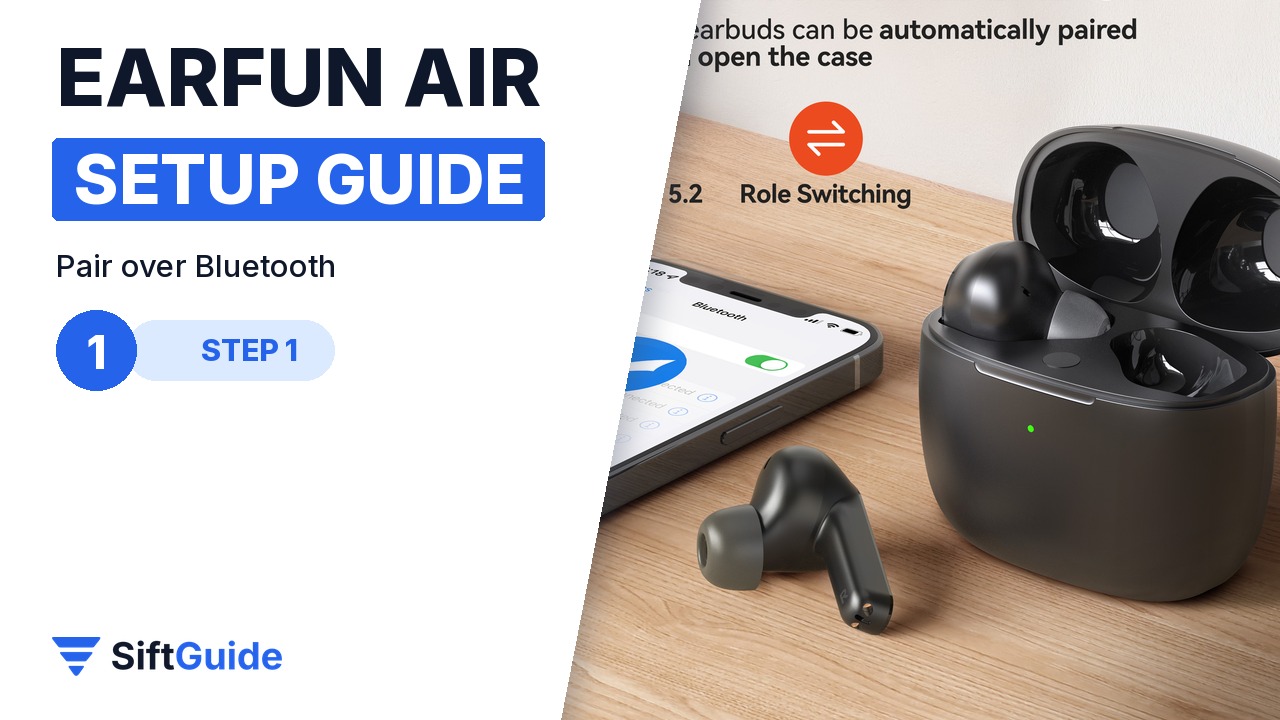
Open the case, lift out both earbuds and select EarFun Air in your device’s Bluetooth list. Either earbud can also be used on its own. To add a second phone or tablet, put the buds back in the case, keep the lid open and hold the case button for about two seconds until the earbud LEDs flash blue rapidly, then connect from the new device.
Step 2: Find the right ear tips
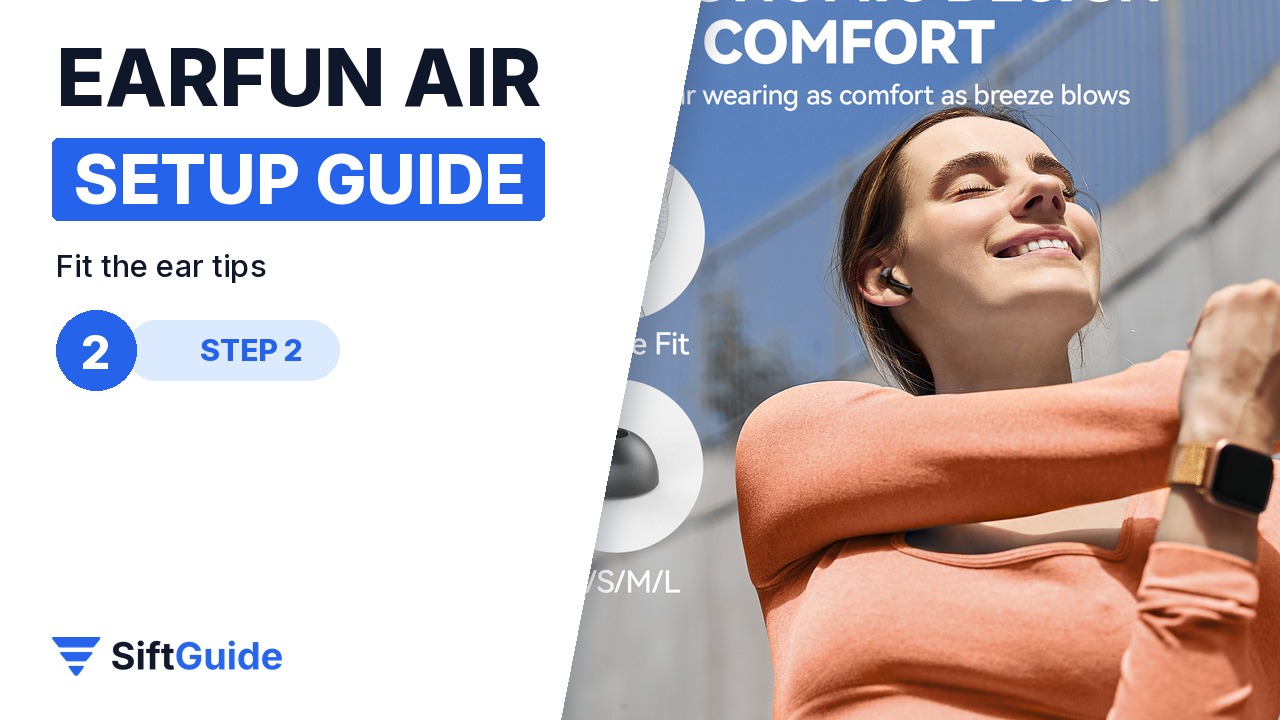
EarFun ships the Air with several tip sizes (XS, S, M and L). Start with the medium tips, play a bass-heavy track at a moderate volume and swap sizes until the seal feels snug and even in both ears. A good seal is what gives you fuller bass and makes the four-mic call tech sound clearer to the person on the other end.
Step 3: Learn the touch controls
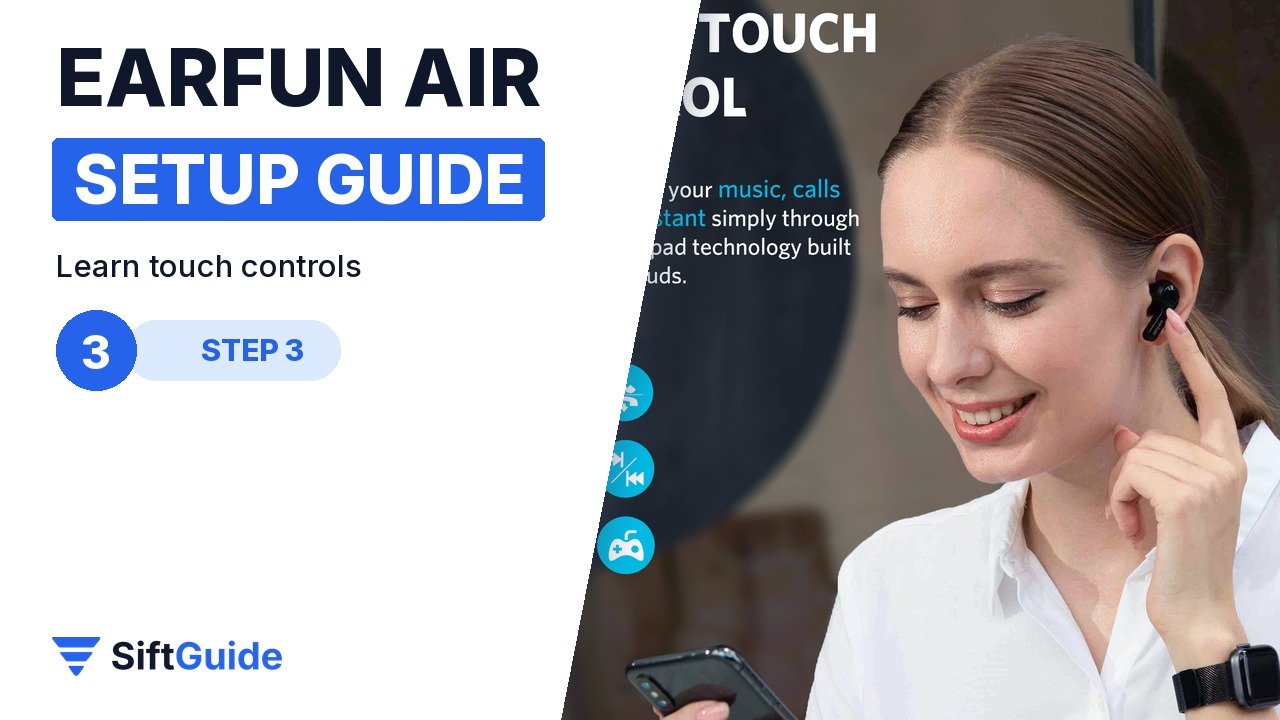
Both earbuds have touch pads for music, calls and your voice assistant. A triple tap on either bud wakes Siri or Google Assistant. For volume, touch and hold the right earbud to turn it up and the left one to turn it down. Practise the gestures once at home so you don’t pause a call by accident on the bus.
Step 4: Personalise it in the EarFun Audio app
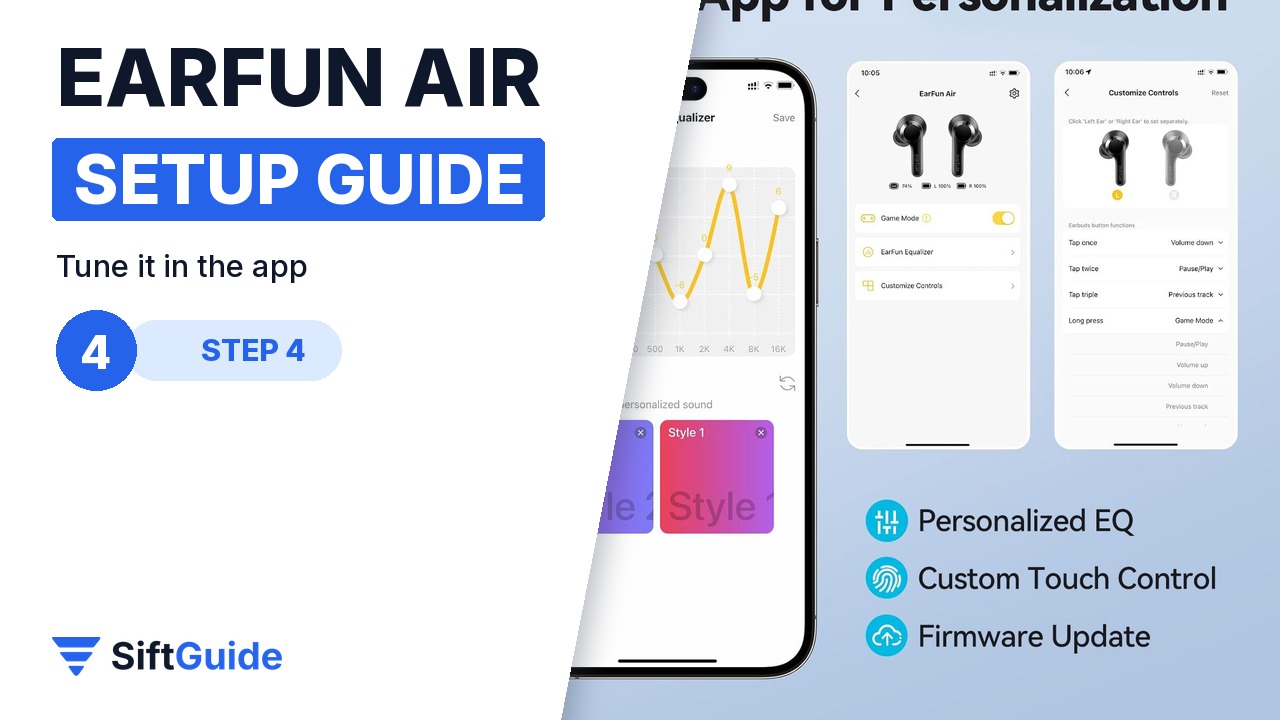
Install the EarFun Audio app to tweak the EQ, customise the touch controls and install firmware updates. Check for an update right after the first pairing; it is the easiest fix if a feature behaves differently from this guide.
Step 5: Charge with USB-C or wirelessly
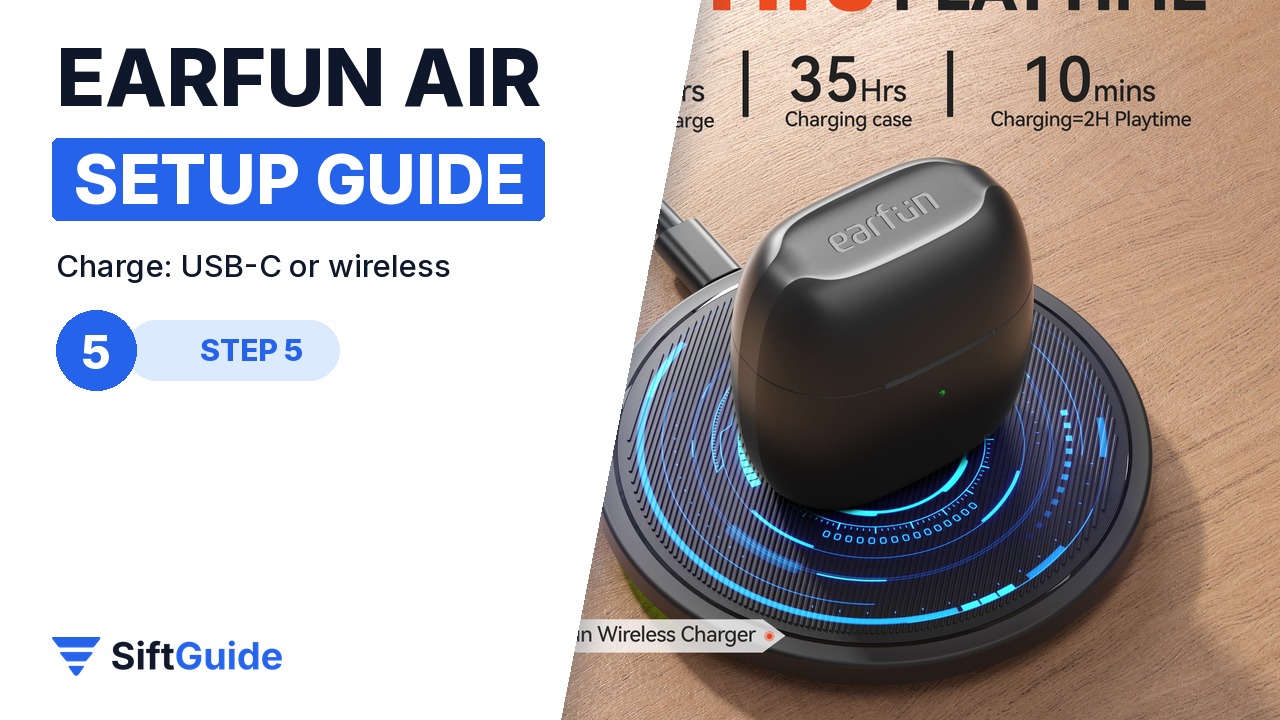
The case charges over USB-C (about 2 hours) or on a wireless charging pad (about 4 hours; EarFun notes it is not MagSafe-compatible). EarFun rates up to 7 hours per charge and 35 hours in total with the case, and a 10-minute top-up gives about 2 hours of playback.
Pro tip
If only one earbud plays, put both back in the case, close the lid and open it again. If that does not fix it, reset: with the buds charging and the lid open, hold the case button for 5 seconds until both LEDs flash purple three times, then delete the old pairing on your phone and reconnect.
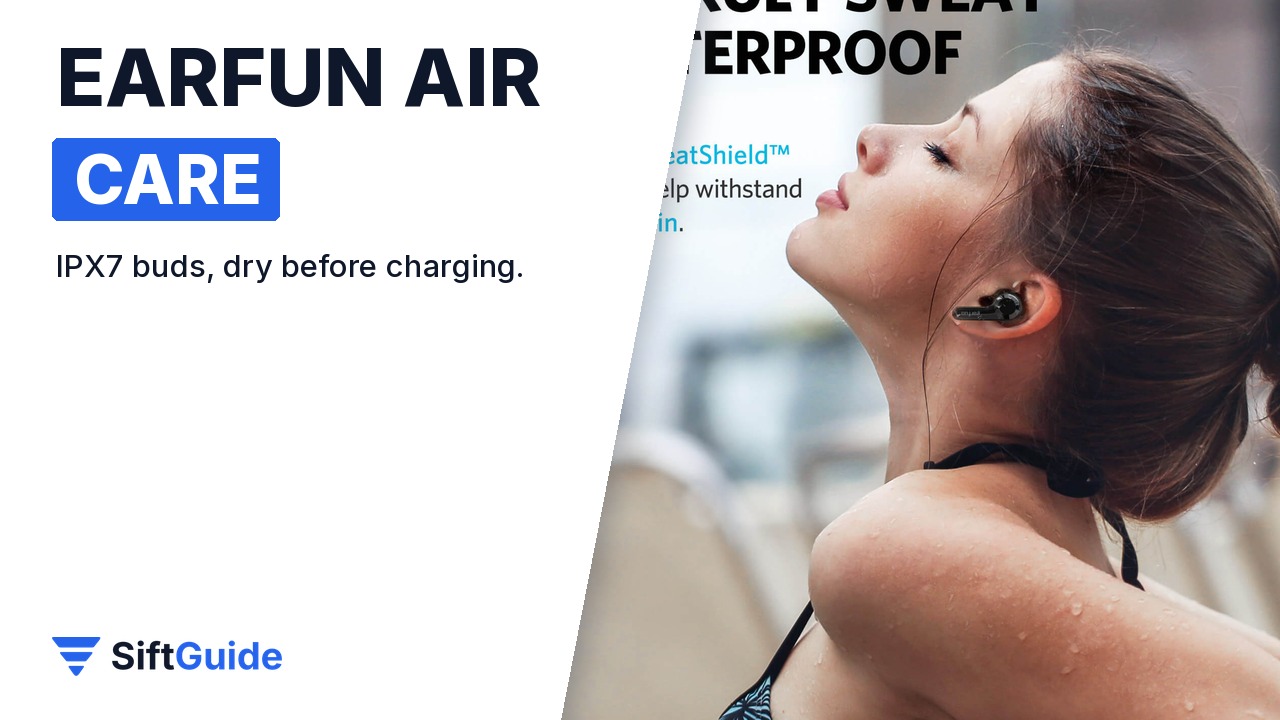
Care: the earbuds are IPX7 with SweatShield, but the charging case is not waterproof. Dry the buds before you put them back to charge, and clean the charging contacts with a dry cotton swab if one bud stops charging.
EarFun Air True Wireless Earbuds (Black)
True wireless earbuds with 4-mic noise-cancelling call tech, touch controls, IPX7 with SweatShield, single-earbud mode, up to 7 hours per charge and 35 hours with the case, fast charging (10 min = 2 h) and USB-C plus wireless case charging. Price on the EarFun UK store on 19 October 2026: £23.20 (list price £39.99). Prices change, so check before you buy.
FAQ
Does the EarFun Air case charge wirelessly?
Yes. Put the case centred on a wireless charging pad; the LEDs breathe red while it charges. EarFun says it is not compatible with MagSafe magnetic charging.
Is the EarFun Air waterproof?
The earbuds are rated IPX7 with SweatShield. The charging case is not waterproof, so keep it dry.
How long does the battery last?
EarFun rates up to 7 hours per charge and 35 hours in total with the case. Ten minutes of charging gives about two hours of playtime.
How do I reset the EarFun Air?
Place both buds in the case so they charge, keep the lid open and hold the case button for 5 seconds until both LEDs flash purple three times. Then forget “EarFun Air” on your phone and pair again.
