
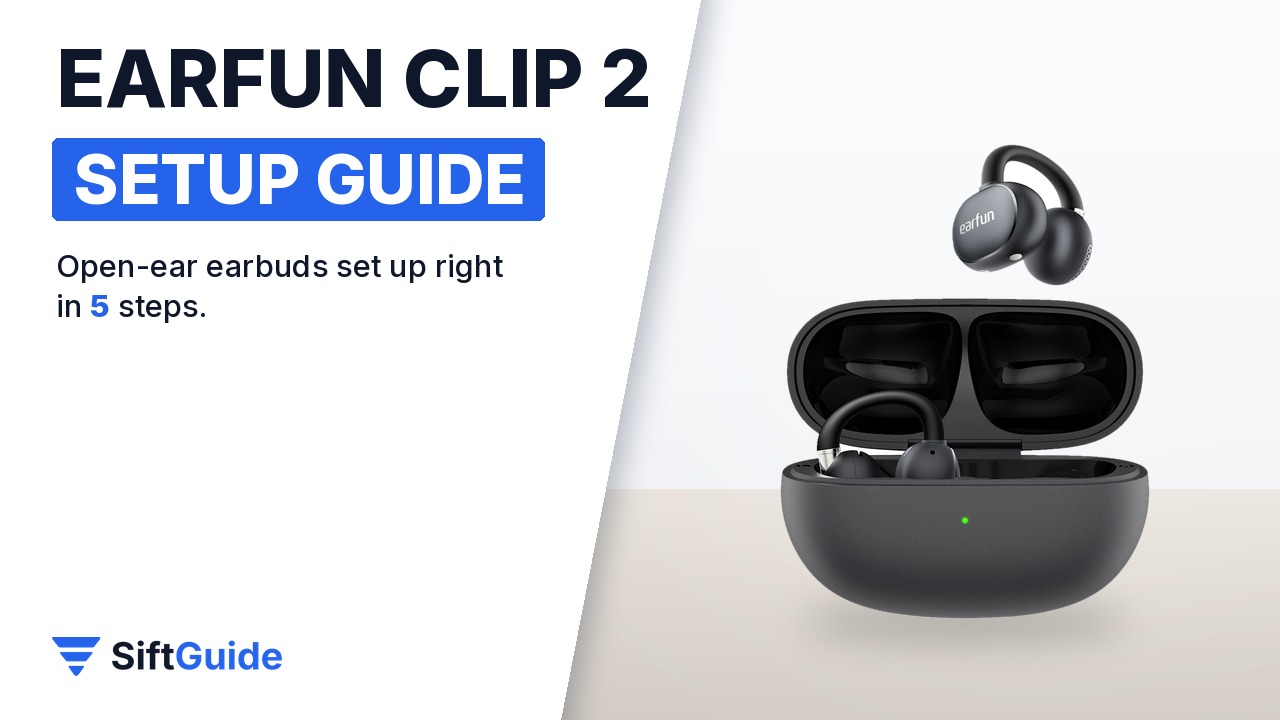
Clip-style open-ear earbuds feel strange for about a minute and then disappear, as long as the fit and the settings are right. The EarFun Clip 2 sits on the outer ear instead of in the canal, so you still hear traffic, colleagues and announcements while music plays. It weighs 5.5 g per bud, uses a 12 mm dual-magnetic driver, supports LDAC and Bluetooth 6.0 multipoint, and EarFun rates it at 11 hours per charge and 40 hours with the case. Here is how to set it up properly, based on EarFun’s official product information.
What you need
- The EarFun Clip 2 and its charging case (charged out of the box is fine, a top-up helps)
- A phone with Bluetooth; Android phones get Google Fast Pair, LDAC needs an Android phone that supports it
- The free EarFun Audio app (iOS or Android)
- Optional: a Qi wireless charging pad, since the case charges wirelessly
Step 1: Open the case and check the C-bridge
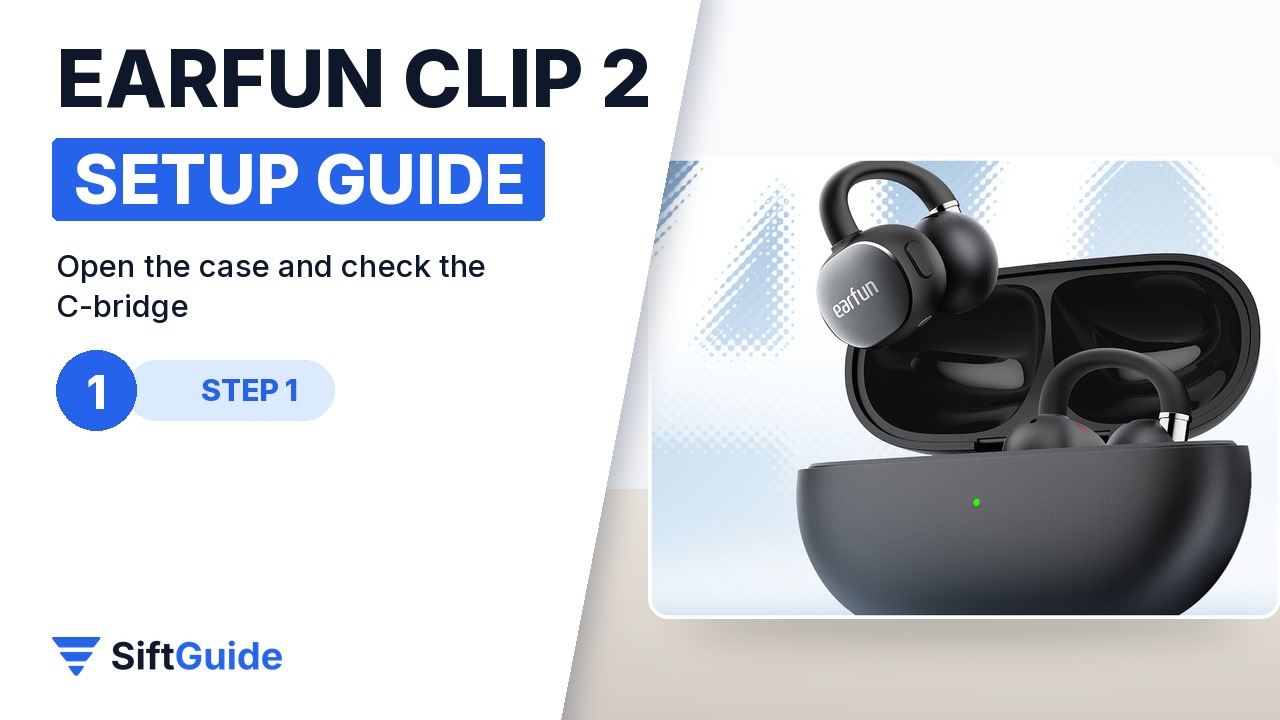
Open the lid and lift both buds out by the round speaker housing rather than by the wire. The curved part that joins the two halves is the C-bridge: a 0.5 mm nickel-titanium wire wrapped in 40° soft liquid silicone. EarFun made it longer and wider than on the first Clip so it suits more ear shapes, and the speaker housing is 11% smaller. The wire is meant to flex, so a gentle squeeze is normal, but do not bend it flat or twist it hard.
Step 2: Get the fit right
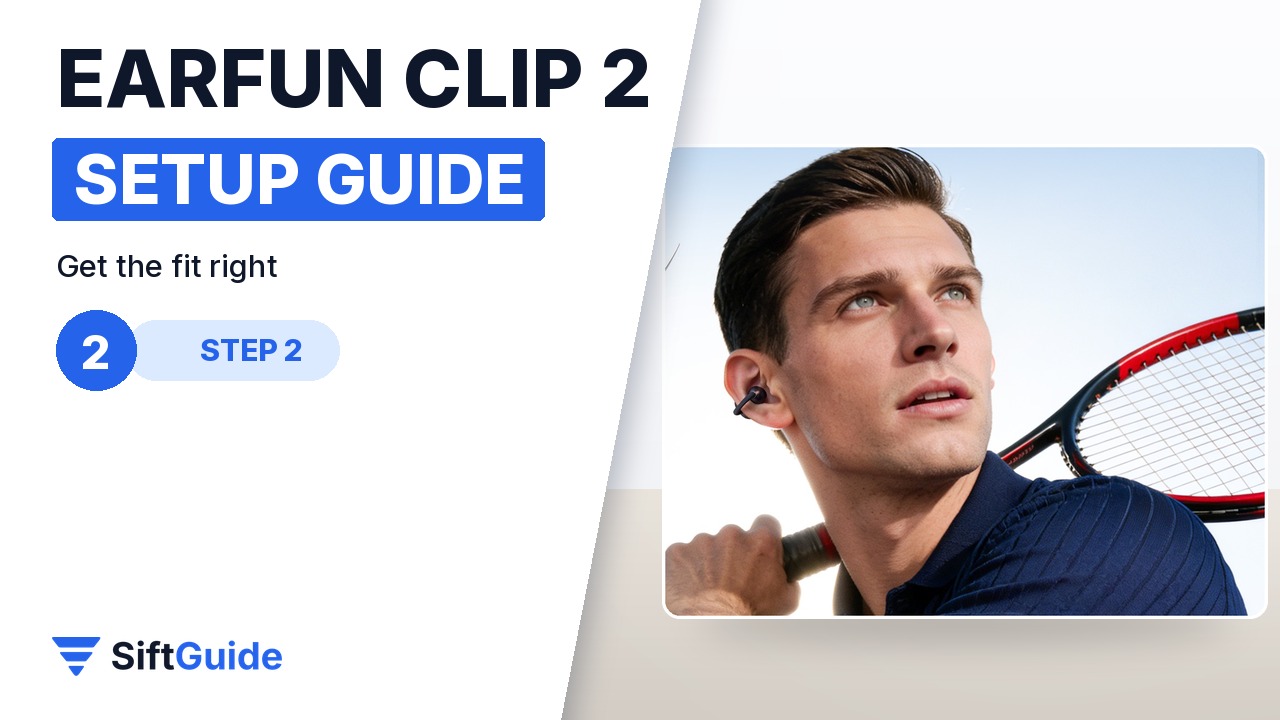
Slide the bud over the middle of the outer ear so the round speaker sits just in front of the ear canal and the smaller end rests behind the ear. Move it up or down a few millimetres until the sound gets fuller: that is the elliptical sound port lining up with your ear. Nothing goes inside the canal, so there is no seal to chase. The clip also sits clear of glasses arms, which makes it one of the easier open-ear designs to wear with glasses.
Step 3: Pair once, then add a second device
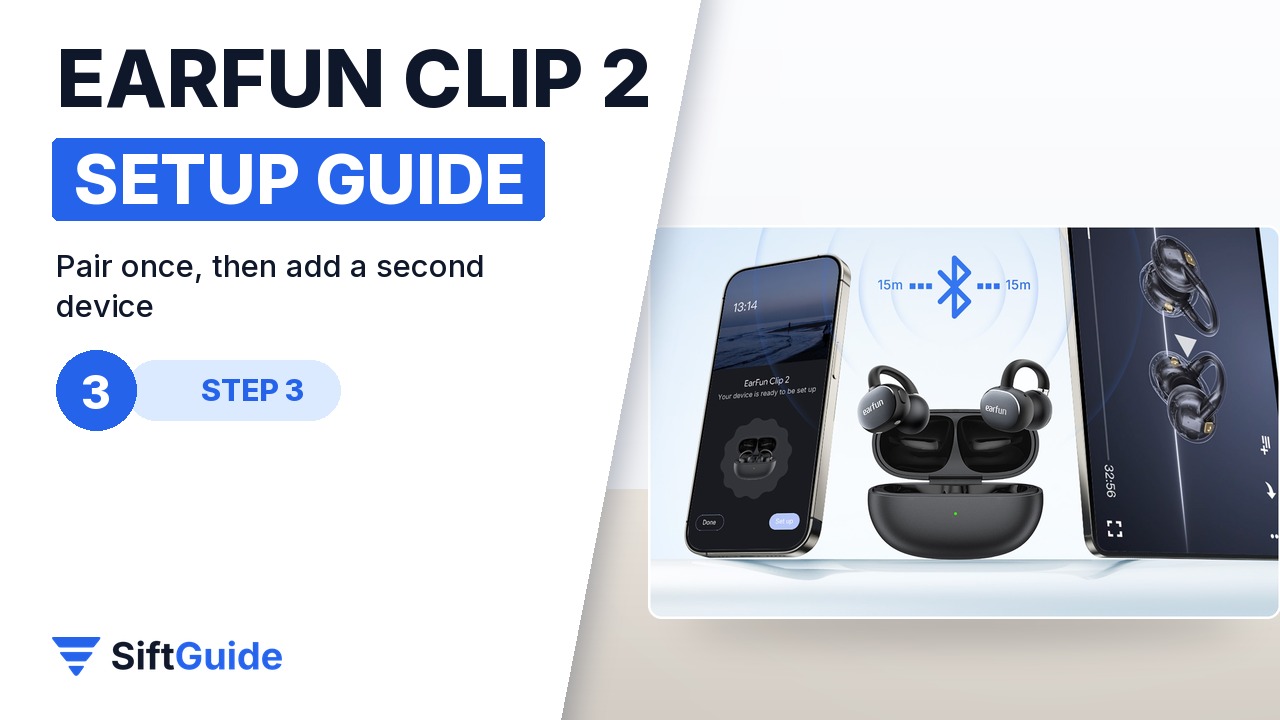
With the buds in the open case, an Android phone should show the Google Fast Pair pop-up: tap Connect and you are done. On iPhone or a laptop, open the Bluetooth menu and pick EarFun Clip 2. The Clip 2 uses Bluetooth 6.0 with dual-device multipoint, so after the phone is connected you can pair a laptop as well and both stay connected: music on the laptop pauses when a call rings on the phone.
Step 4: Tune it in the EarFun Audio app
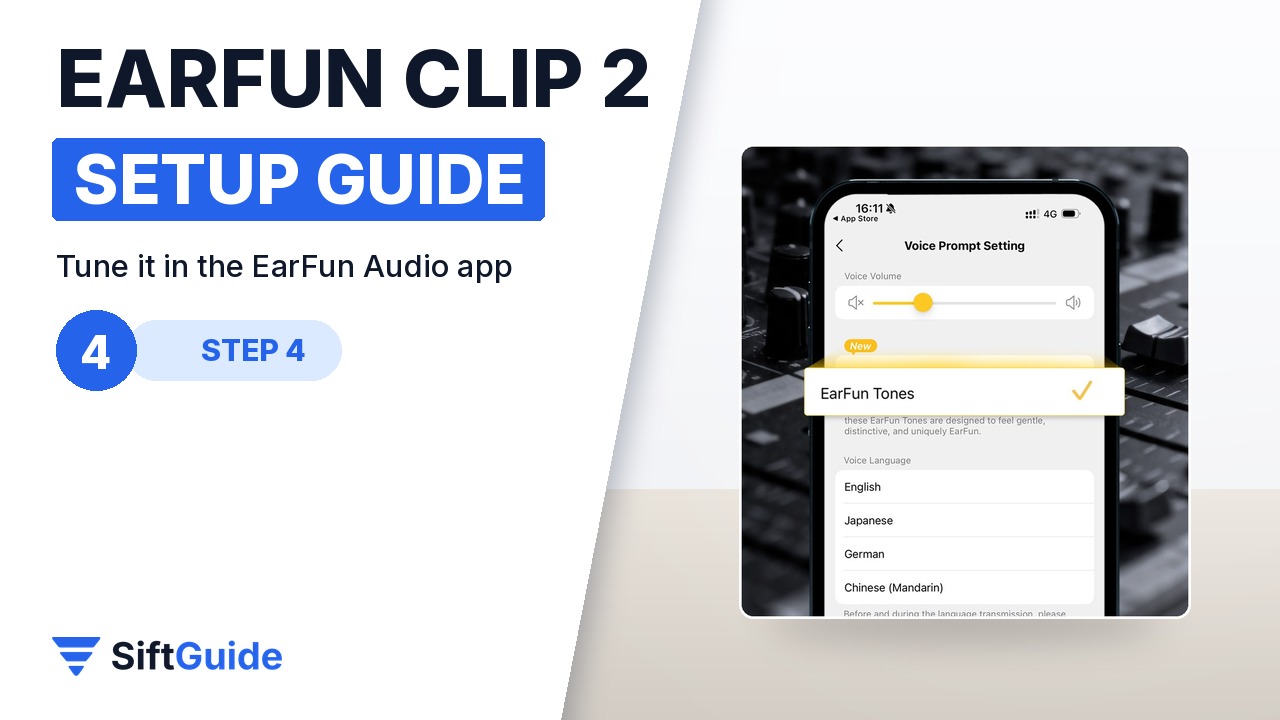
Install the EarFun Audio app, add the earbuds and update the firmware if the app offers it. Then go through three settings. First the EQ: the default tuning leans on the bass, so try a preset or build your own. Second, Spatial Stage, the theater-style mode for films and series. Third, the button shortcuts: the Clip 2 uses physical buttons, and you can choose what each press does for music and calls. LDAC (Hi-Res Audio Wireless) is switched on here too, on phones that support it; it uses more battery.
Step 5: Calls, translation and wireless charging
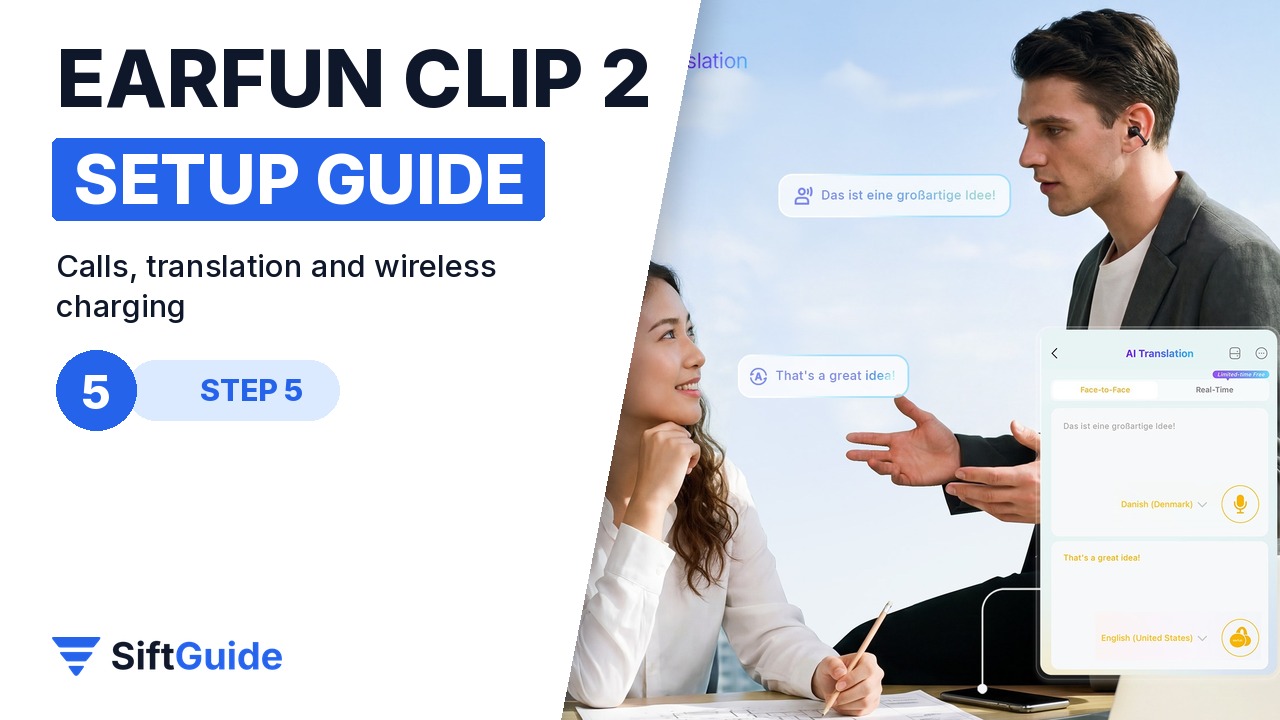
For calls, the Clip 2 uses four microphones with AI noise reduction, which EarFun says makes your voice 3x clearer in wind or crowds. The AI Translation feature runs through the EarFun Audio app, so keep the app open on your phone when you use it. When the battery runs low, put the buds in the case and place the case on a wireless charging pad, or use USB-C: a 10-minute charge gives about 2.5 hours of playback.
Tip: set your shortcuts before the first run
Open-ear earbuds are often used while moving, and digging out the phone to skip a track defeats the point. Spend two minutes in the app assigning volume and track controls to the physical buttons, then test them at home. The buttons work through gloves and sweat better than touch panels.
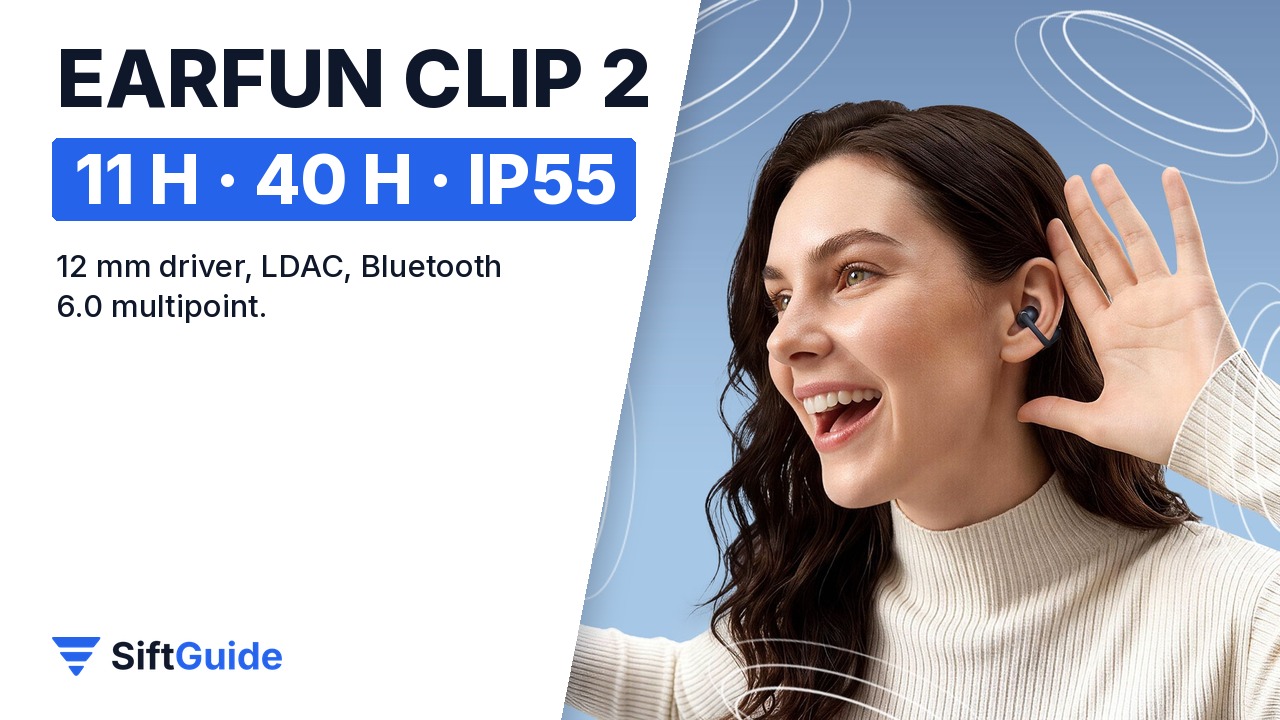
Once it is set up, the Clip 2 is an everyday open-ear pair: 11 hours per charge and 40 hours with the case (EarFun measured with LDAC off at 50% volume), IP55 against sweat and light rain, Google Fast Pair, multipoint and a low-latency mode for video and games. Open-ear design means people near you can hear some sound at high volume, and bass will never match sealed earbuds, so it suits commuting, the office and training better than noisy flights.
EarFun Clip 2 (Black)
Open-ear clip earbuds with a 12 mm dual-magnetic titanium composite driver and BassSurge, Hi-Res Audio Wireless with LDAC, Spatial Stage technology, 4-mic AI ENC, AI translation in the EarFun Audio app, Bluetooth 6.0 multipoint, Google Fast Pair, IP55, wireless charging, 5.5 g per bud and up to 40 hours with the case. Price on the EarFun UK store on 12 November 2026: £54.79 (regular price £69.99), in stock.
FAQ
Do the EarFun Clip 2 go inside the ear?
No. They clip onto the outer ear and the speaker rests in front of the ear canal, so you keep hearing what happens around you.
Can I connect them to two devices at once?
Yes. The Clip 2 supports dual-device multipoint over Bluetooth 6.0, for example a phone and a laptop at the same time.
Does the EarFun Clip 2 support LDAC?
Yes, it is certified for Hi-Res Audio Wireless with LDAC. You need a phone that supports LDAC, and it is enabled in the EarFun Audio app.
How long does the battery last?
EarFun rates 11 hours per charge and 40 hours in total with the case. A 10-minute charge adds about 2.5 hours.
Are they waterproof?
They are rated IP55, which covers sweat, dust and light rain. They are not made for swimming.