
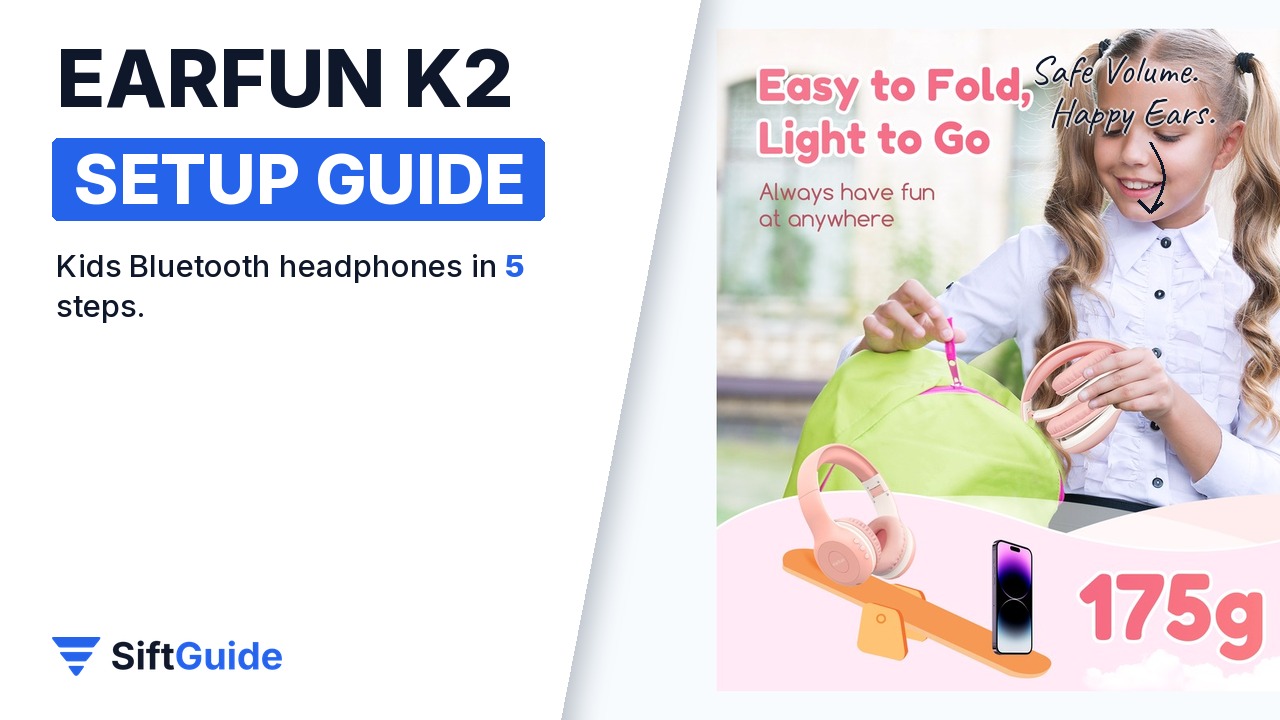
Just bought the EarFun K2 in pink? These wireless kids headphones combine Bluetooth 5.4, dual safe volume limits and up to 40 hours of playtime. A clean first setup — pairing, volume mode and fit — is what keeps them on your child’s head instead of in a drawer. Here is how to set them up in five steps.
Disclosure: this guide contains affiliate links (Awin). If you buy through them we may earn a commission at no extra cost to you. Specs come from the official product page.
What you need
- EarFun K2 kids headphones (Pink)
- A smartphone, tablet or laptop with Bluetooth
- The USB-C charging cable from the box
- Two minutes with your child to check the fit
Step 1: Pair over Bluetooth 5.4
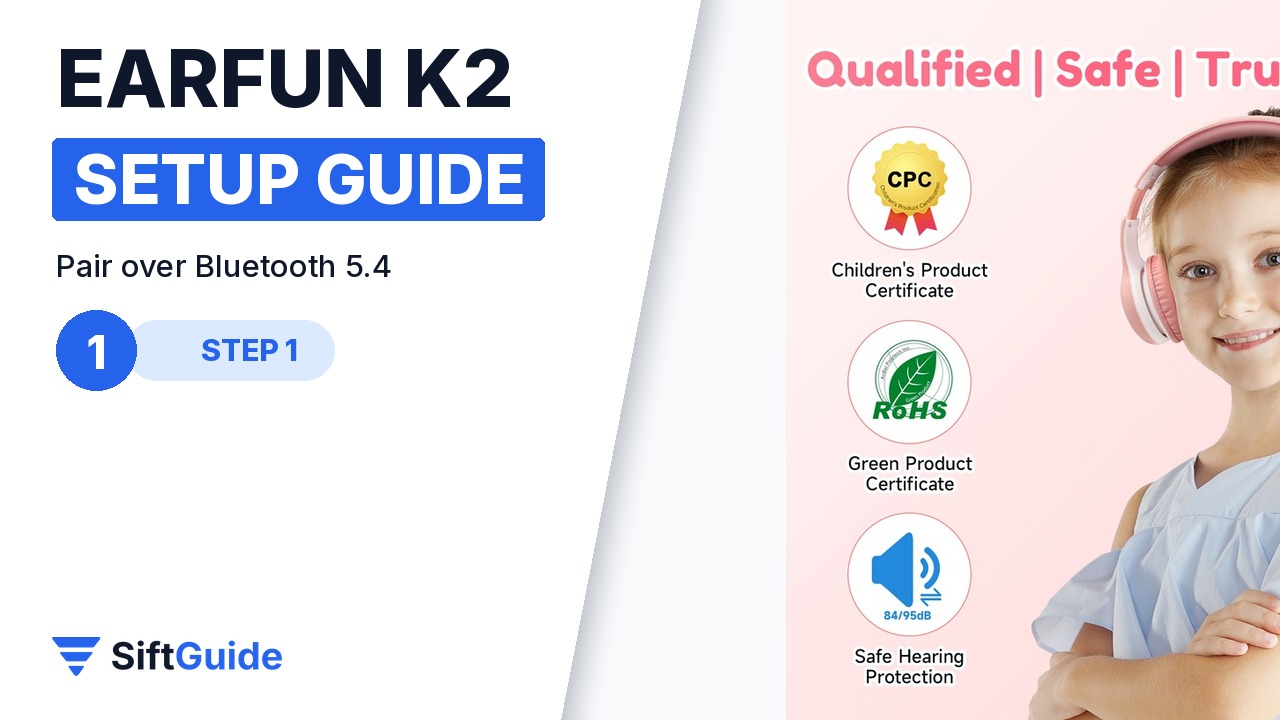
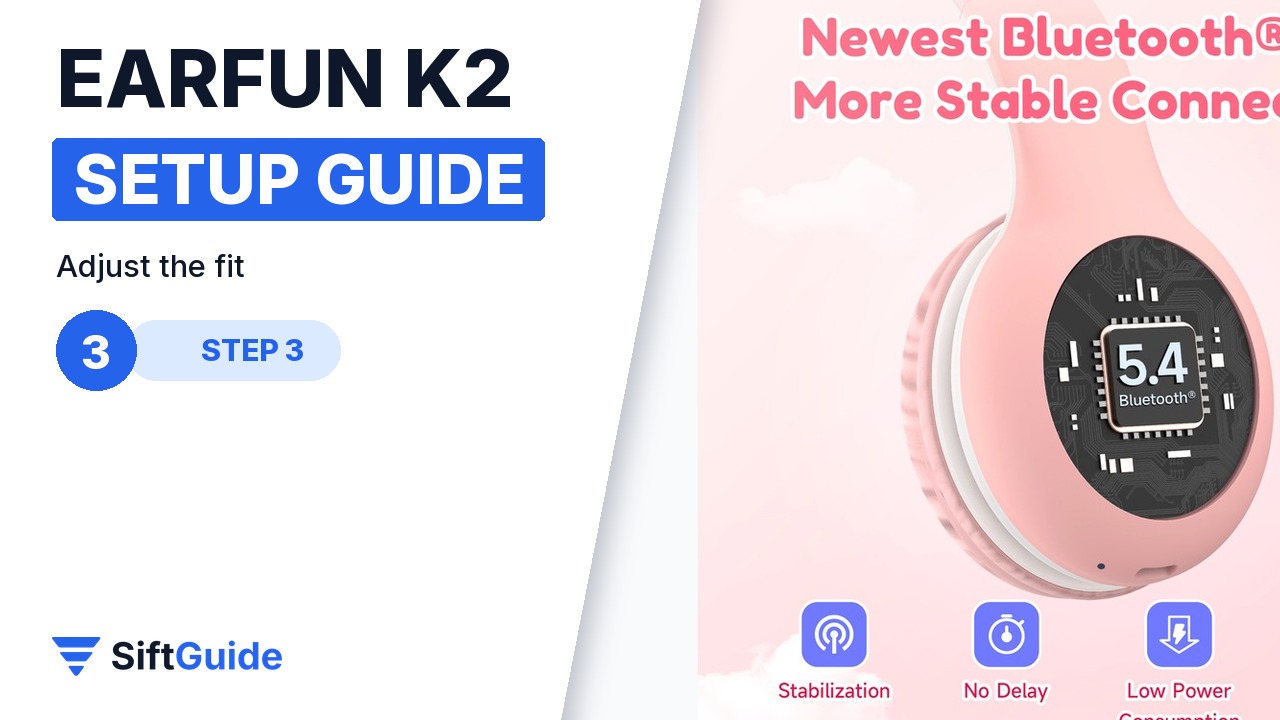
Hold the power button until you hear the pairing prompt, then select EarFun K2 in the Bluetooth list on the phone or tablet. Bluetooth 5.4 keeps the link stable for music, lessons and calls without a cable.
Step 2: Pick a safe volume
The K2 limits volume to 85 dB for study and everyday use, or 94 dB for travel and noisy places. Set the quieter limit before you hand the headphones over — it matches WHO-style guidance for protecting young ears.
Step 3: Adjust the soft fit
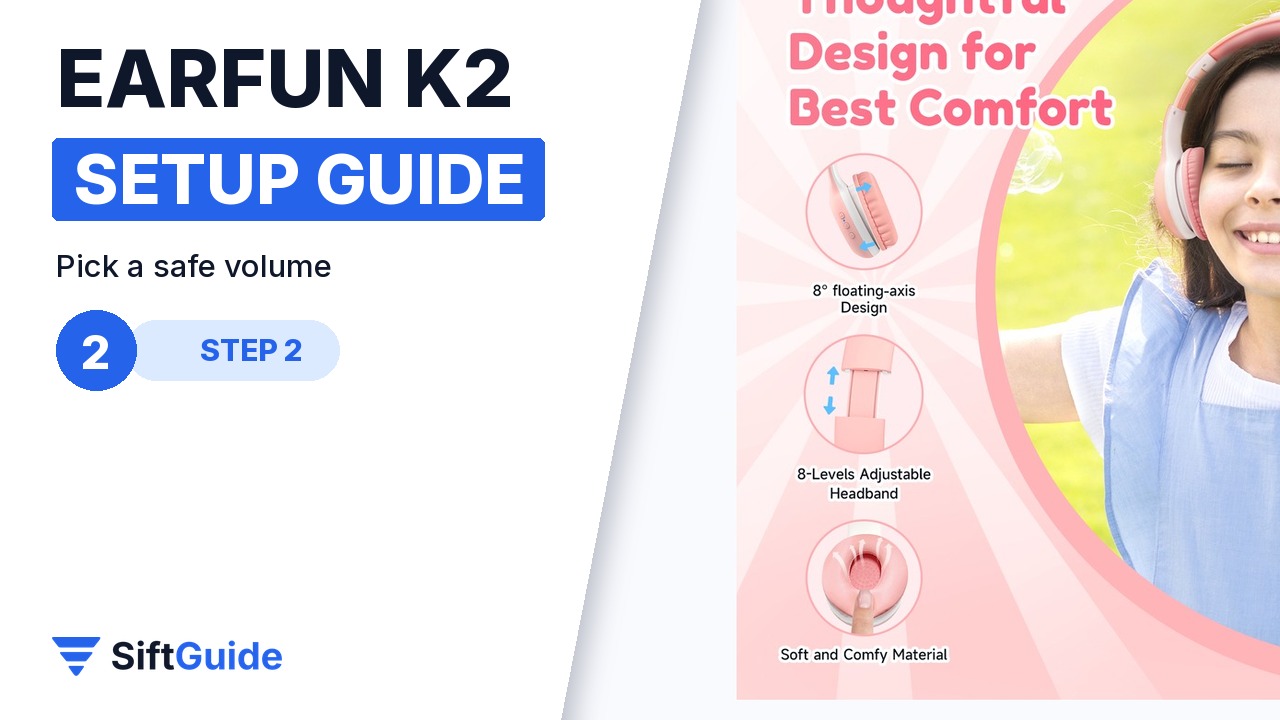
The memory foam headband and earpads are designed for kids. Extend both sides evenly until the cushions sit fully over the ears, not on top of them. A snug, even fit sounds clearer at lower volume and stays comfortable longer.
Step 4: Use the built-in mic
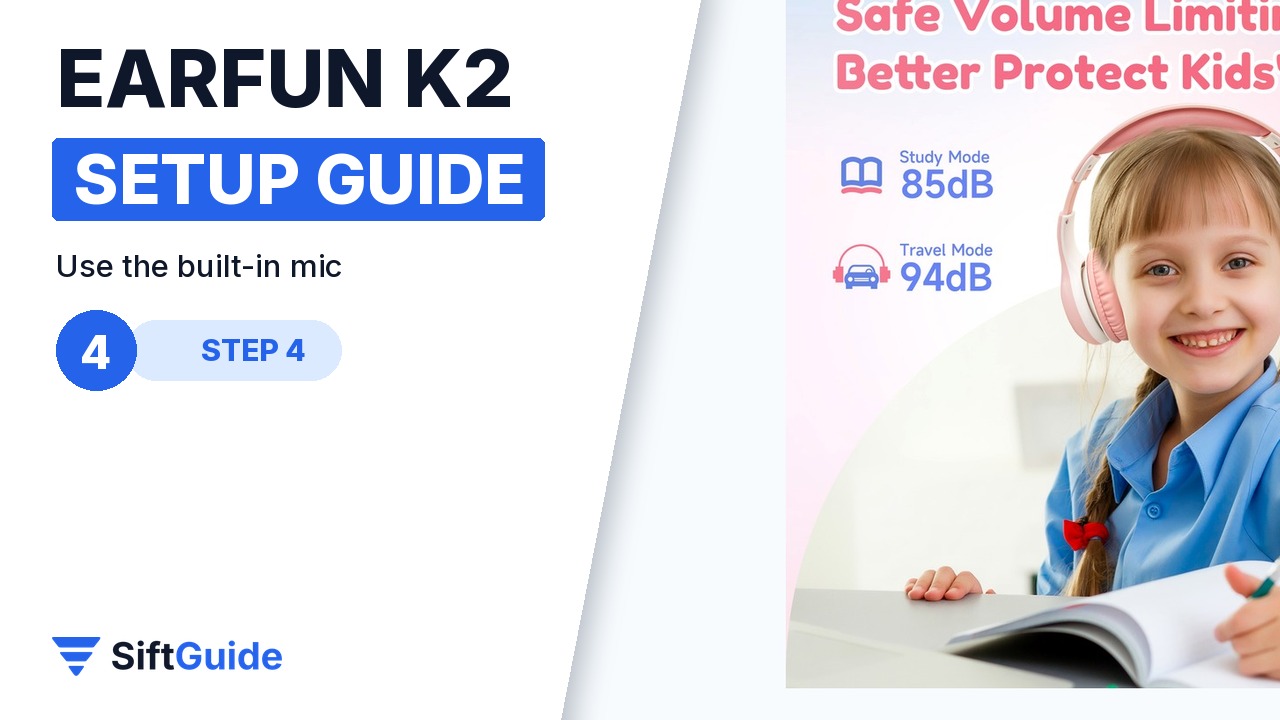
The K2 has a built-in microphone for hands-free calls and online lessons. Once paired, your child can answer short calls or join a class without swapping to another headset.
Step 5: Charge with USB-C
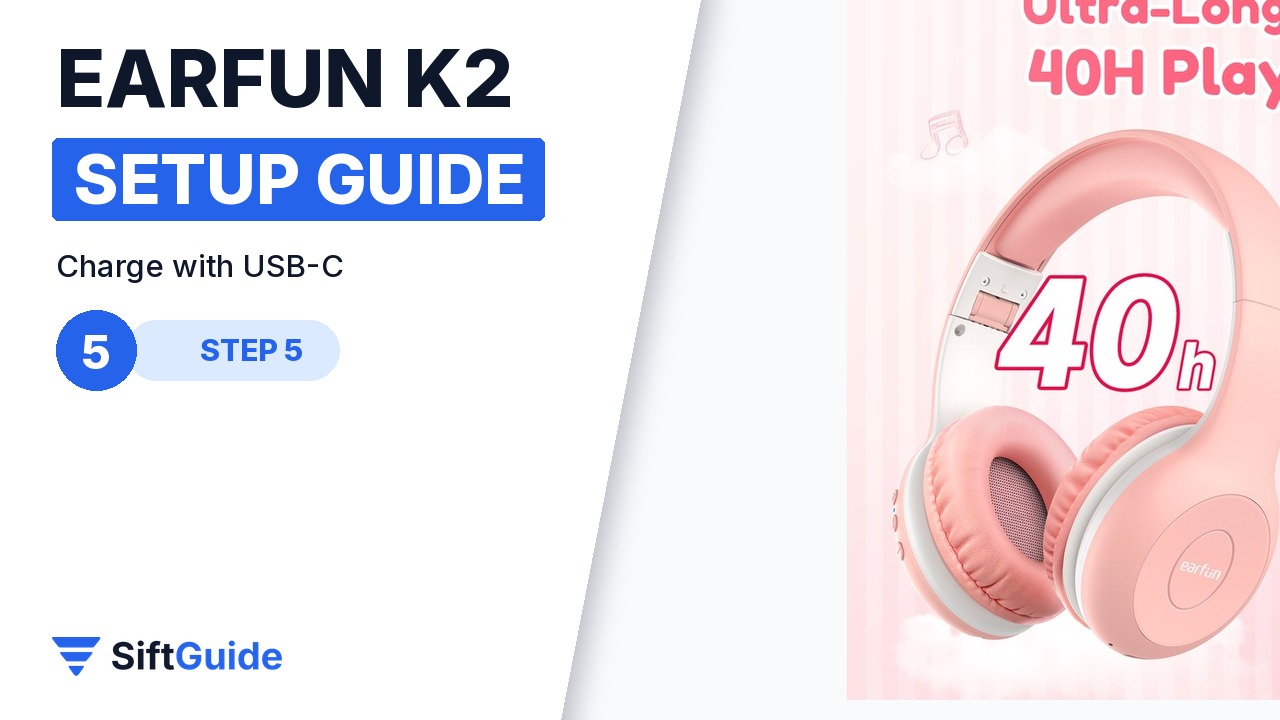
A full USB-C charge of about 2.5 hours delivers up to 40 hours of playtime, according to EarFun. Top up overnight before a school week or a long trip so the battery is not the reason they go unused.
Pro tip
Agree a simple house rule: 85 dB at home and at school, 94 dB only in the car, train or plane. Kids follow a rule they understand better than a setting they never see.
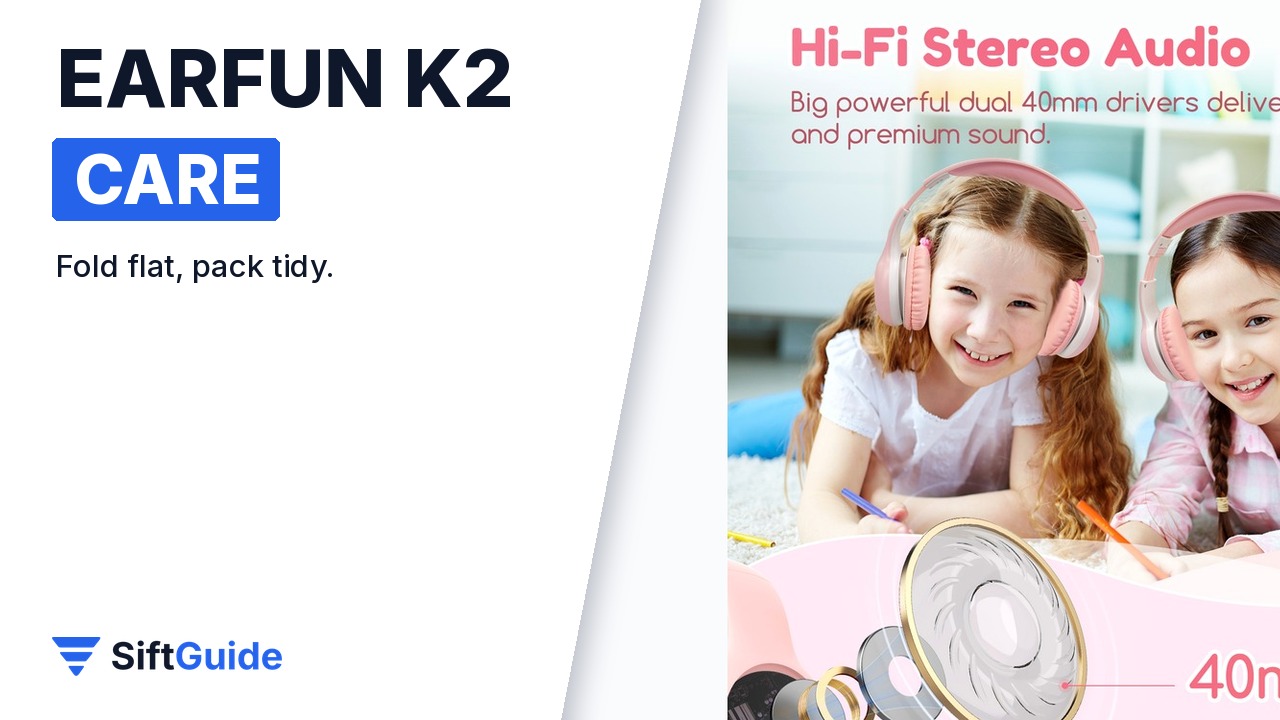
Keep them in good shape: fold the K2 after use, wipe the ear cushions with a dry or slightly damp cloth, and store the USB-C cable loosely coiled rather than wrapped tightly around the headband.
EarFun K2 Kids Headphones (Pink)
Wireless over-ear kids headphones with Bluetooth 5.4, 85/94 dB volume limits, 40 mm drivers, a built-in microphone, soft memory foam pads, a foldable design and up to 40 hours of playtime. Price on the EarFun UK store on 18 October 2026: £13.91 (list price £19.99). Prices change, so check the current price before you buy.
FAQ
Is the EarFun K2 wired or wireless?
The K2 in this guide is a Bluetooth 5.4 wireless headphone. It still charges over USB-C and does not need a 3.5 mm jack on the tablet.
What ages is the K2 for?
EarFun markets the K2 as kids headphones with CPC-certified, kids-friendly materials and dual safe volume limits. Always check the current product page for the age guidance that applies in your region.
How long does the battery last?
EarFun rates the K2 at up to 40 hours of playtime on a full charge, with about 2.5 hours to recharge over USB-C.
K2 or K1: which should I buy?
The K1 is a wired, cheaper option with a sharing jack. The K2 adds Bluetooth 5.4 and long wireless playtime. Pick wired if you want zero charging; pick K2 if you want wireless school and tablet use.
