
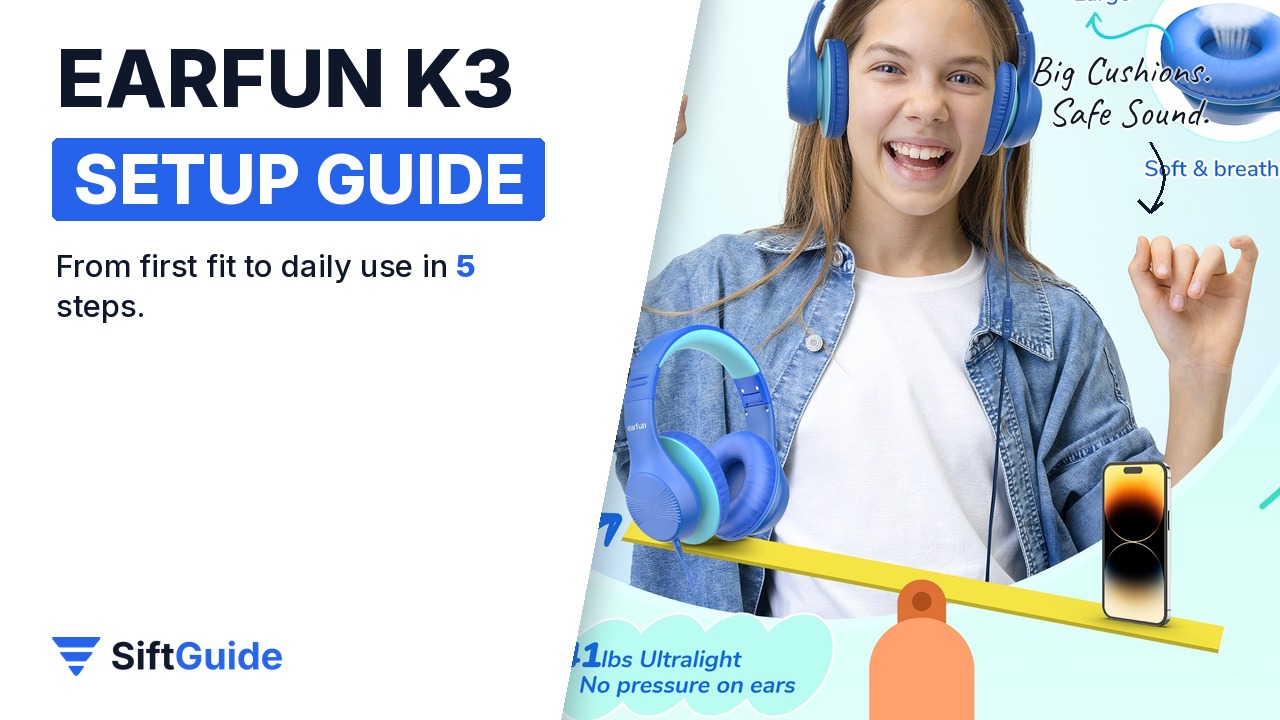
The EarFun K3 is a wired kids headphone built to grow with your child: EarFun rates it for ages 3 to 18, with large 9.5 cm ear cushions, an eight-level headband and two volume limits. Getting the most out of it is mostly about the first fit and the right volume mode. This guide walks you through it in five steps.
Disclosure: this guide contains affiliate links (Awin). If you buy through them we may earn a commission at no extra cost to you. Specs come from the official product page.
What you need
- EarFun K3 kids headphones
- A tablet, laptop or other device with a 3.5 mm headphone jack
- A minute to size the headband on your child
- A school bag or travel case for the folded headphones
Step 1: Choose the volume mode
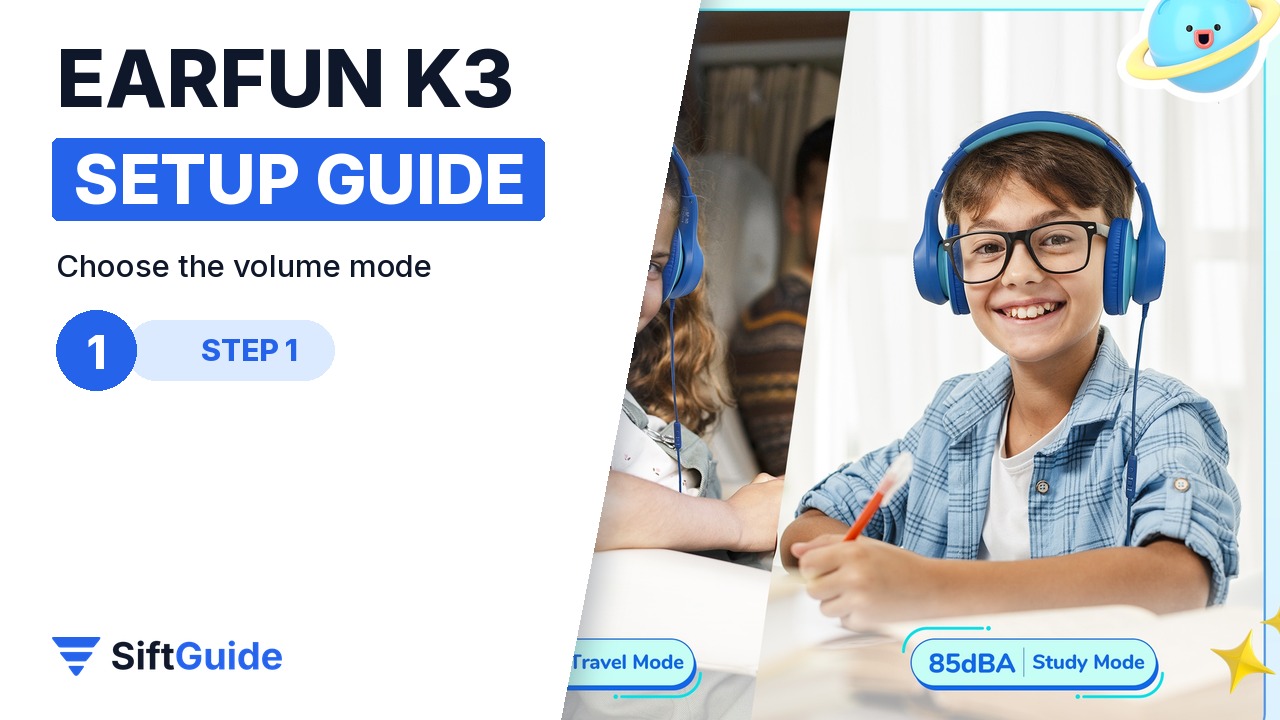
The K3 has two safe volume levels, selected on the in-line remote: 85 dBA for everyday use and 94 dBA for louder situations on the go. Pick 85 dBA for homework, reading apps and audiobooks, and save 94 dBA for the bus or a flight.
Step 2: Size the headband
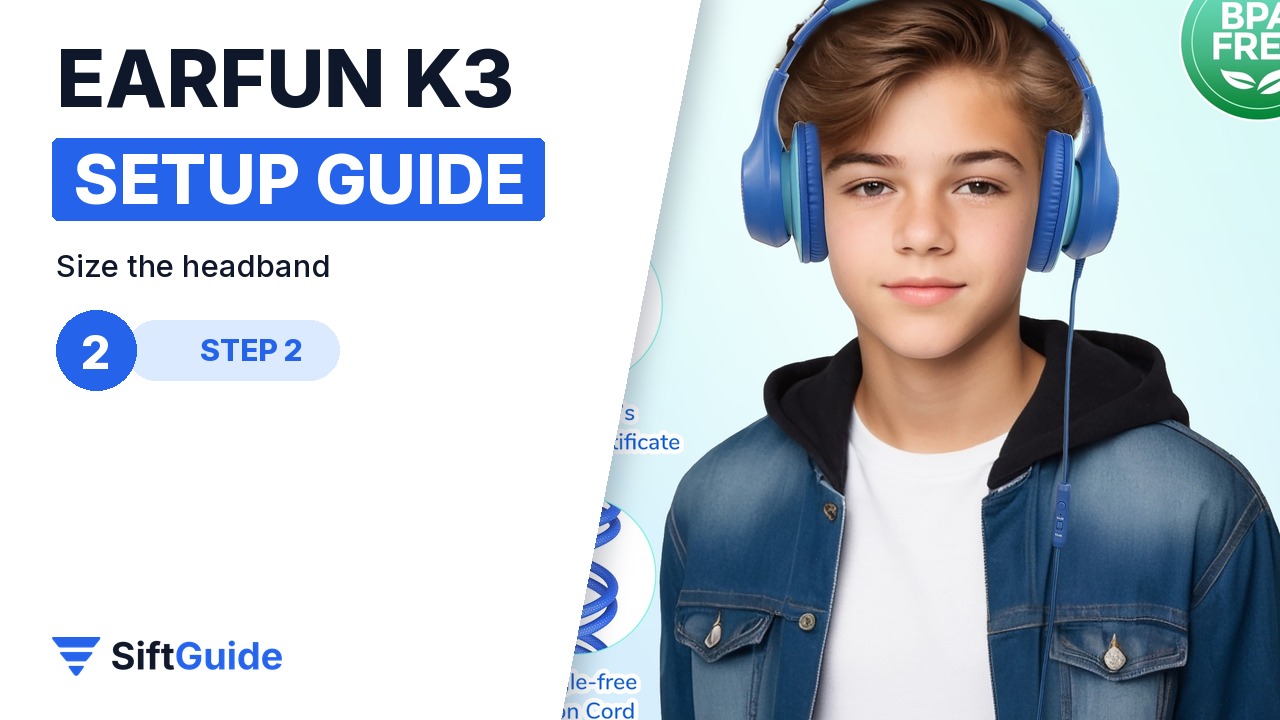
The headband adjusts across eight levels, which is what lets one headphone fit a preschooler and a teenager. Pull both sides out evenly until the large, breathable cushions surround the ears completely. If the cushions press on the ears, go up one level.
Step 3: Connect the angled plug
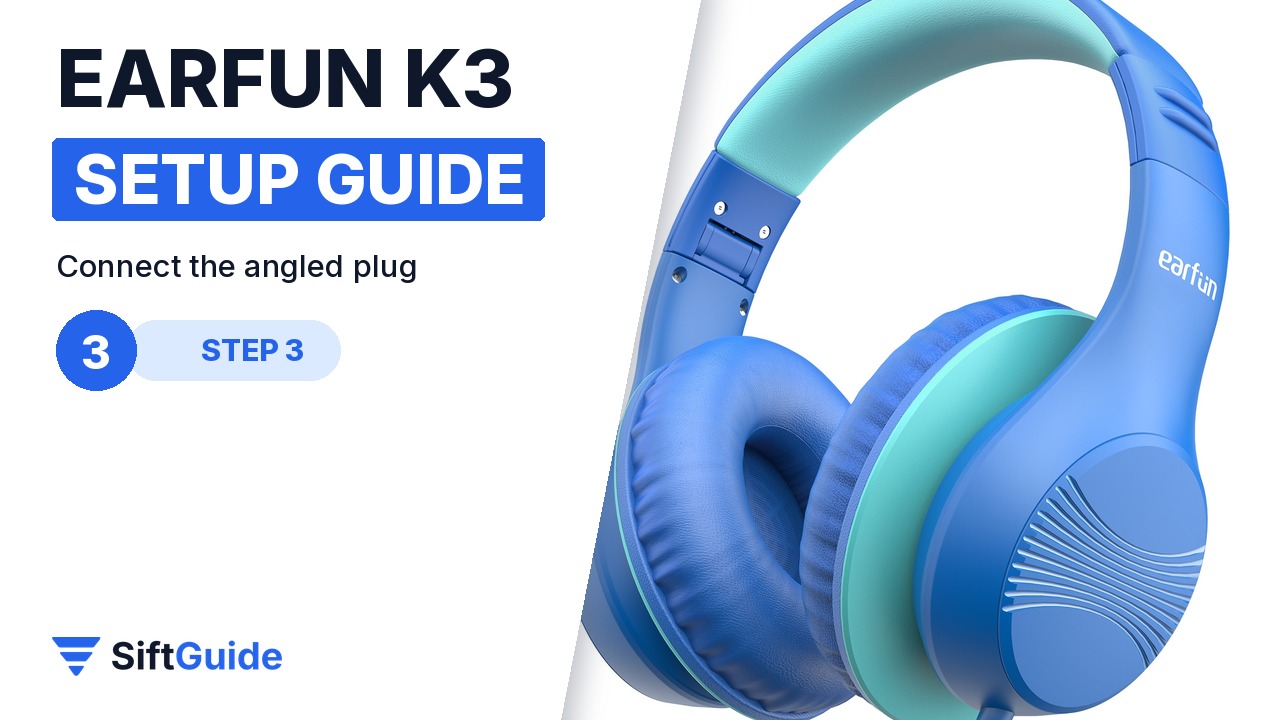
The gold-plated 3.5 mm plug is angled at 120 degrees, so the plug sits closer to the side of the device instead of sticking straight out. Plug it in, set the device volume low, then start the content and raise the volume gradually.
Step 4: Use the remote and mic
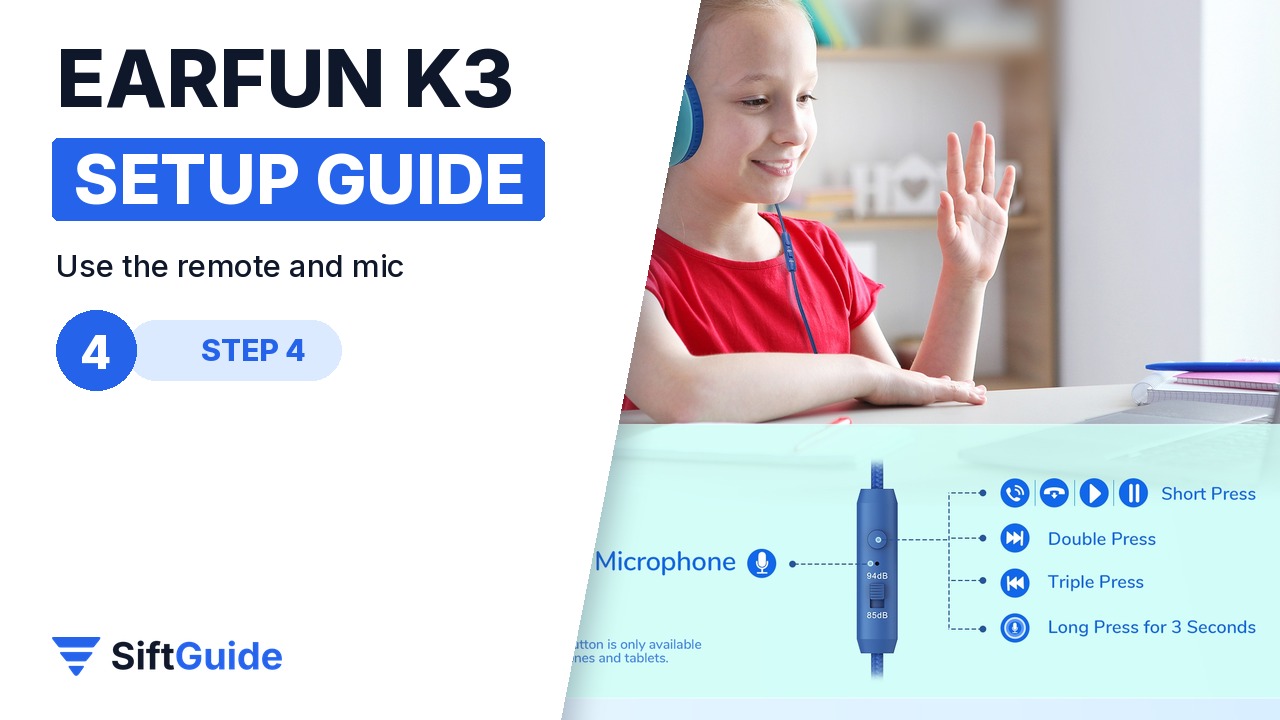
The K3 has a built-in microphone for calls and online classes. On the remote, a short press plays, pauses, answers or ends a call, a double press skips forward, a triple press goes back, and a long press of about 3 seconds activates the voice function on supported devices.
Step 5: Fold it for the school bag
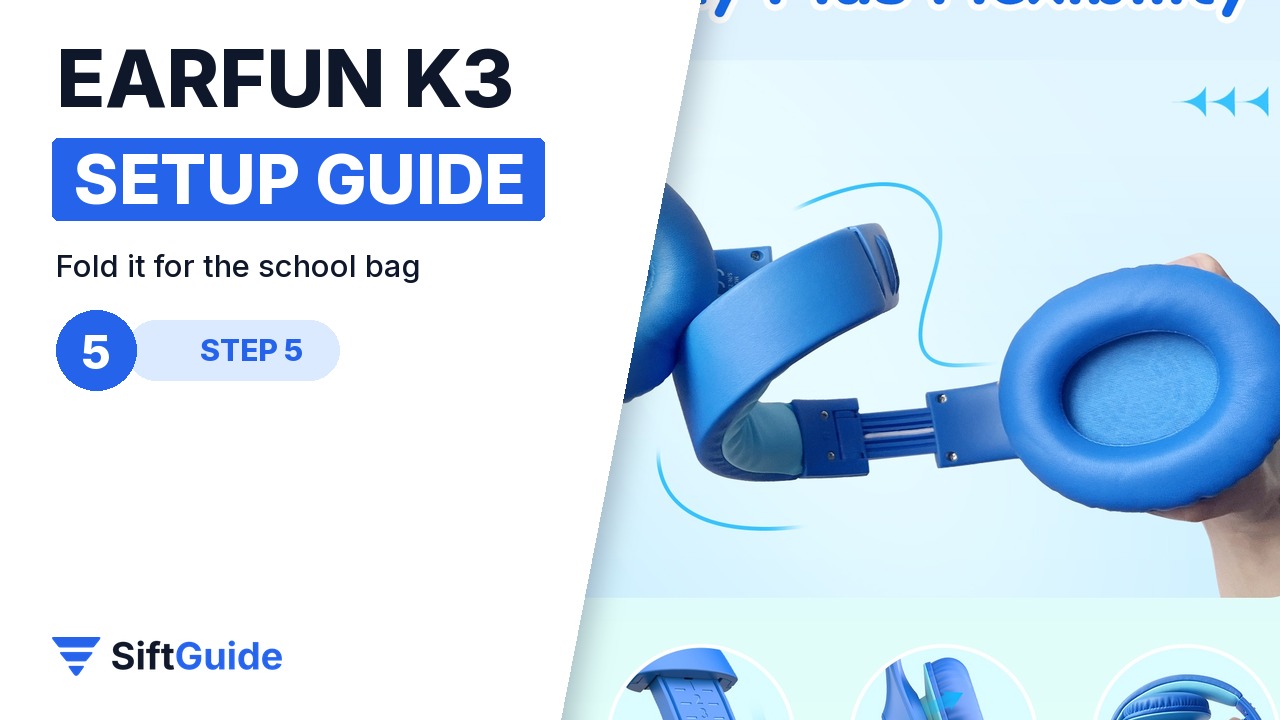
The earcups fold in and the reinforced metal headband can flex and twist, so the K3 packs small and survives being thrown into a backpack. At 185 g it is light enough for long school days.
Pro tip
Mark the right headband level for each child with a tiny dot of nail polish or a sticker on the slider. If siblings share the K3, everyone gets their own fit back in a second.
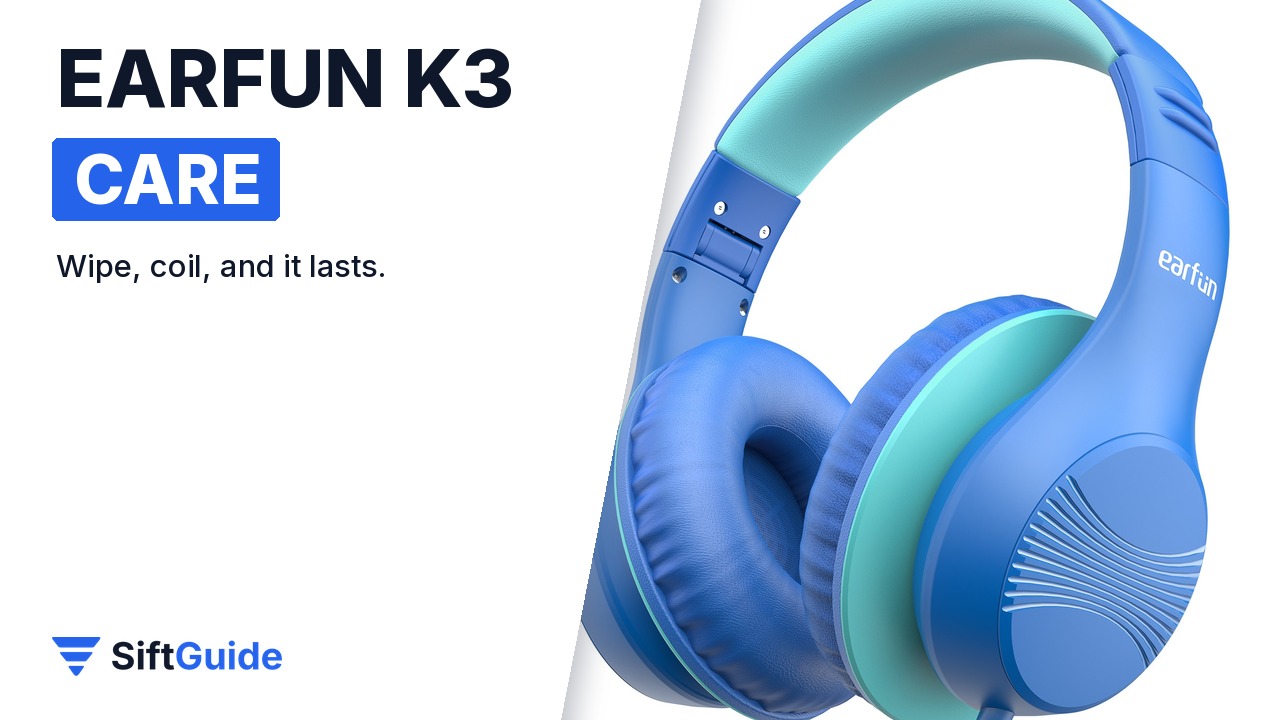
Everyday care: wipe the ear cushions now and then, coil the braided cable loosely, and unplug by holding the plug rather than pulling the cable.
EarFun K3 Kids Headphones (Blue)
Wired over-ear kids headphones for ages 3 to 18 with 85/94 dBA volume limits, 40 mm drivers, a built-in microphone, 9.5 cm ear cushions, an eight-level foldable headband, a braided cable and a 120° angled gold-plated plug. Price on the EarFun UK store on 17 October 2026: £12.35 (list price £17.99). Prices change, so check before you buy.
FAQ
What age is the EarFun K3 for?
EarFun describes the K3 as suitable for children and teens aged 3 to 18, thanks to the eight-level headband and large 9.5 cm cushions.
Is the K3 Bluetooth?
No. The K3 in this guide is a wired headphone with a 3.5 mm plug. EarFun also lists a K3 version with USB-C for devices without a headphone jack.
How heavy is the EarFun K3?
About 185 g, according to EarFun.
K1 or K3: which should I buy?
Both are wired, volume-limited kids headphones with a microphone. The K3 adds larger 9.5 cm cushions, an eight-level metal-reinforced headband and an angled plug; the K1 is cheaper and has a sharing jack for a second pair of headphones.
