
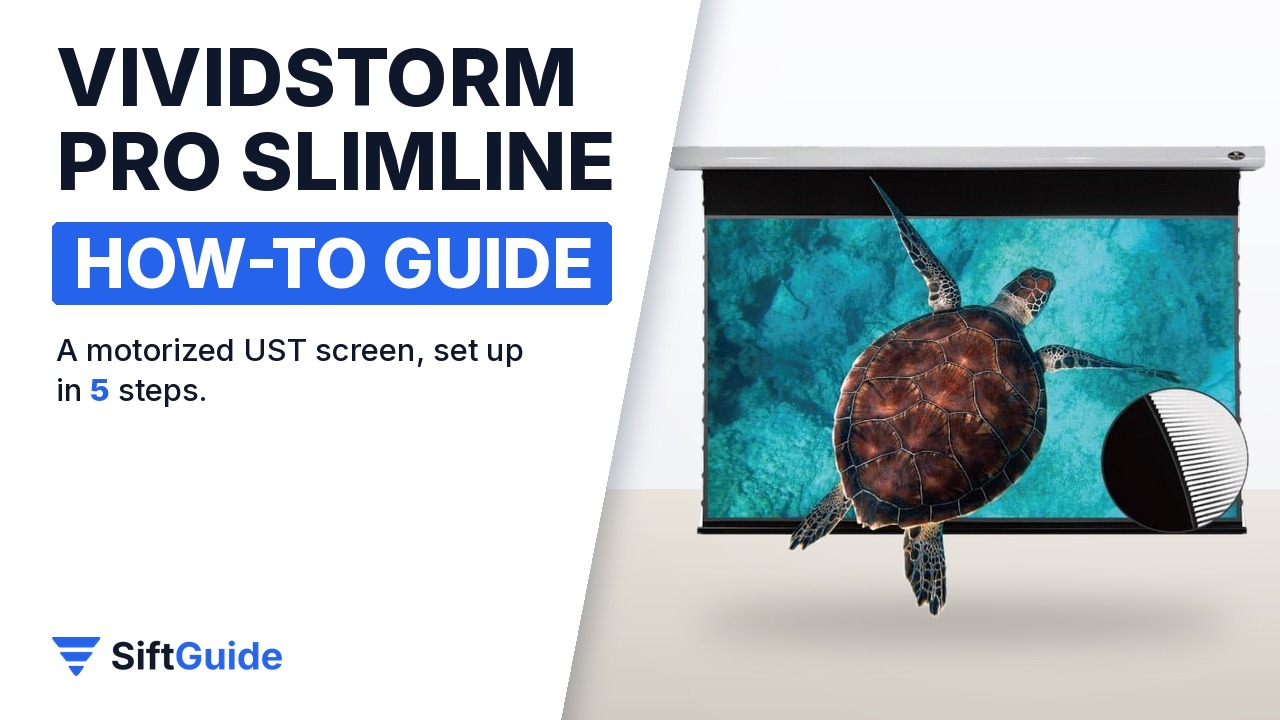
An ultra short throw laser projector sits a few inches from the wall and throws a 100-inch picture, but on a plain wall that picture washes out as soon as a lamp is on. An ambient light rejecting (ALR) screen fixes that, and a motorized one rolls back into its housing when you are done, so the wall is a wall again. The VIVIDSTORM PRO Slimline is a motorized, tab-tensioned UST ALR screen sold in 84 to 120 inch sizes. This guide covers what to check before you order, how to mount it, and how to set the remote, the drop height and the projector trigger so the screen works on its own.
Disclosure: this guide contains affiliate links (Awin). If you buy through them we may earn a commission at no extra cost to you. Specs come from the official product page.
What you need
- An ultra short throw laser projector that sits on a table, cabinet or the floor below the screen, with a real brightness of 1800 ANSI lumens or more
- The screen size that fits your wall and projector (84, 92, 100, 110 or 120 inches) and the housing colour you want (black or white)
- A power outlet near one end of the housing
- A drill, wall or ceiling anchors suited to your surface, a spirit level and a second person to hold the housing
- Your projector manual at hand, to check whether it works with the included trigger (not every projector is compatible)
Step 1: Check your projector and pick the size
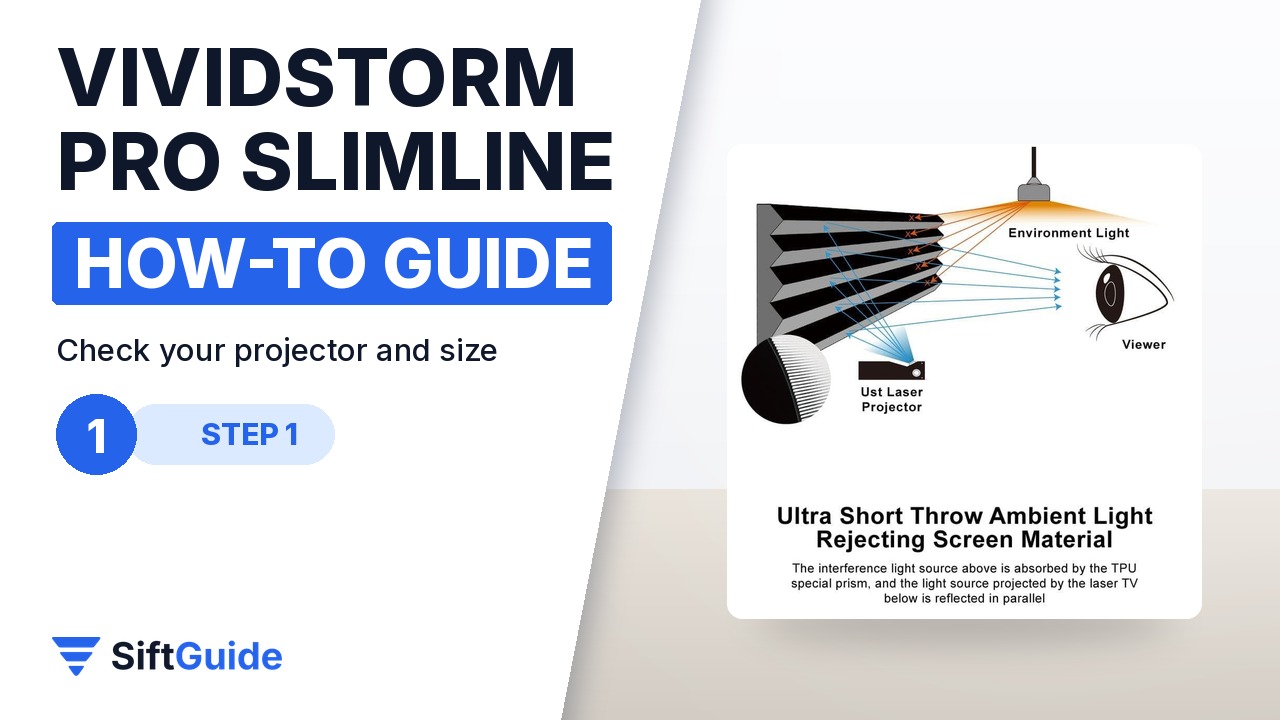
This screen is designed only for ultra short throw laser projectors placed on a table or the floor. Its optical sawtooth surface reflects light coming from below towards the viewer and blocks or absorbs light coming from the ceiling, which is why it keeps contrast with the lights on. A regular long-throw projector mounted at the back of the room will not work with it. VIVIDSTORM asks for a real brightness of 1800 ANSI lumens or more. Then choose the size: measure your projector at the distance you plan to use and pick the matching diagonal between 84 and 120 inches, leaving room for the housing on both sides.
Step 2: Mount the aluminum housing
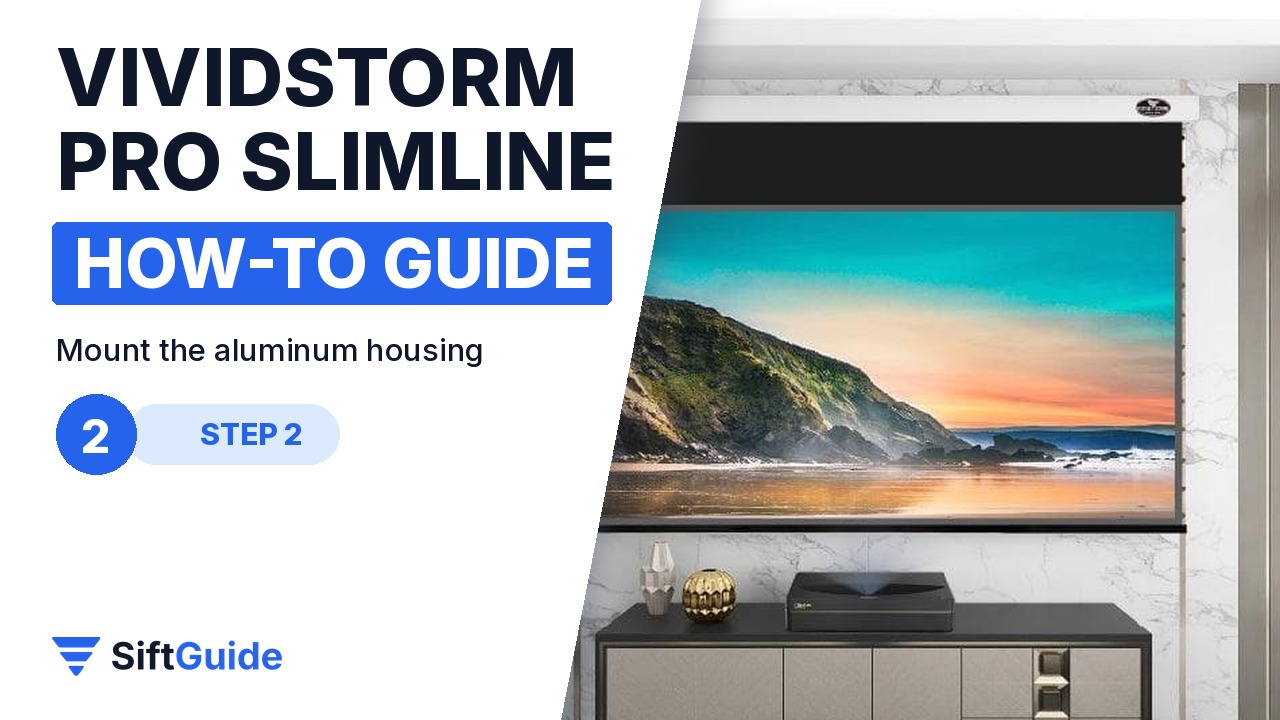
The streamlined aluminum housing can go on the ceiling, on the wall or be suspended. Fix the floating mount brackets first, then hang the housing on them; the floating brackets make it easy to align the housing so the screen is centred above the projector. Use a spirit level before you tighten everything, because a housing that is even slightly tilted makes the picture edges look uneven. Make it a two-person job: the larger sizes are long and awkward to hold at ceiling height.
Step 3: Power up and use the remote
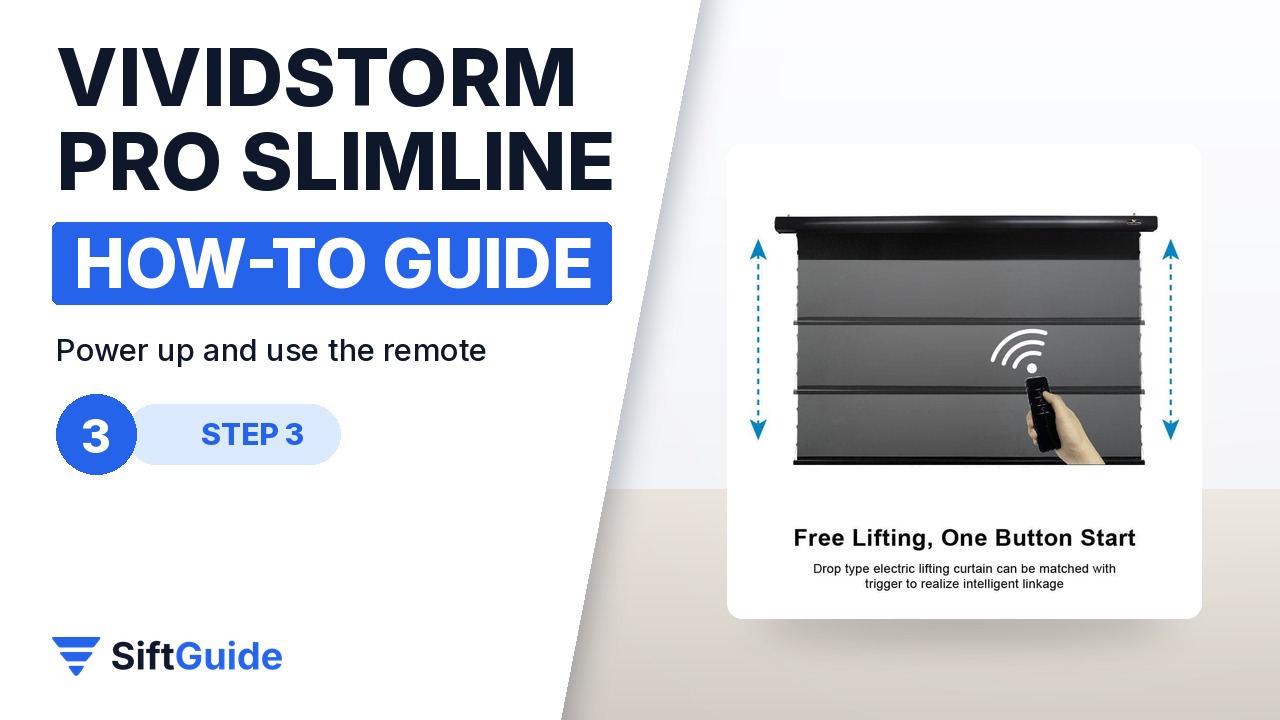
Plug in the housing. The power switch and the screen switch are separate on purpose, so the screen does not drop or rise by accident, and there is a short safety delay while the big surface rises. Lower and raise the screen with one button on the IR or RF remote. The IR remote needs line of sight to the sensor; the RF remote works without pointing it, which is handy if the housing is hidden behind a ceiling recess. When the screen is up, you can switch the power off to save energy and to keep curious children from playing with it.
Step 4: Set and lock the drop height
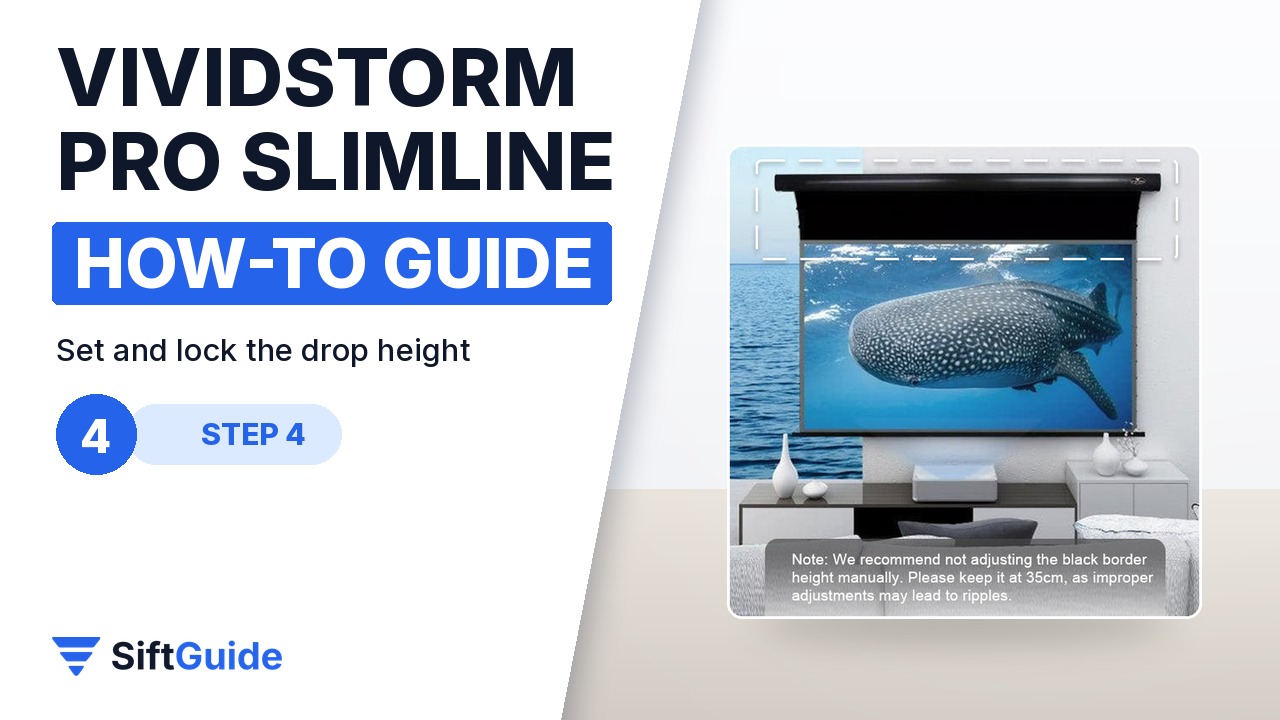
Lower the screen and turn the projector on. Adjust the drop height until the projected image lands exactly inside the viewing surface, then use the height lock so the screen always stops at that point. The precise limit structure keeps it there every time. Do not pull or adjust the black top border by hand: VIVIDSTORM recommends keeping it at about 35 cm (about 14 inches), and changing it manually can cause ripples or distortion. If you see slight wrinkles after a change in temperature or humidity, that is normal and does not affect the picture.
Step 5: Sync it with the projector trigger
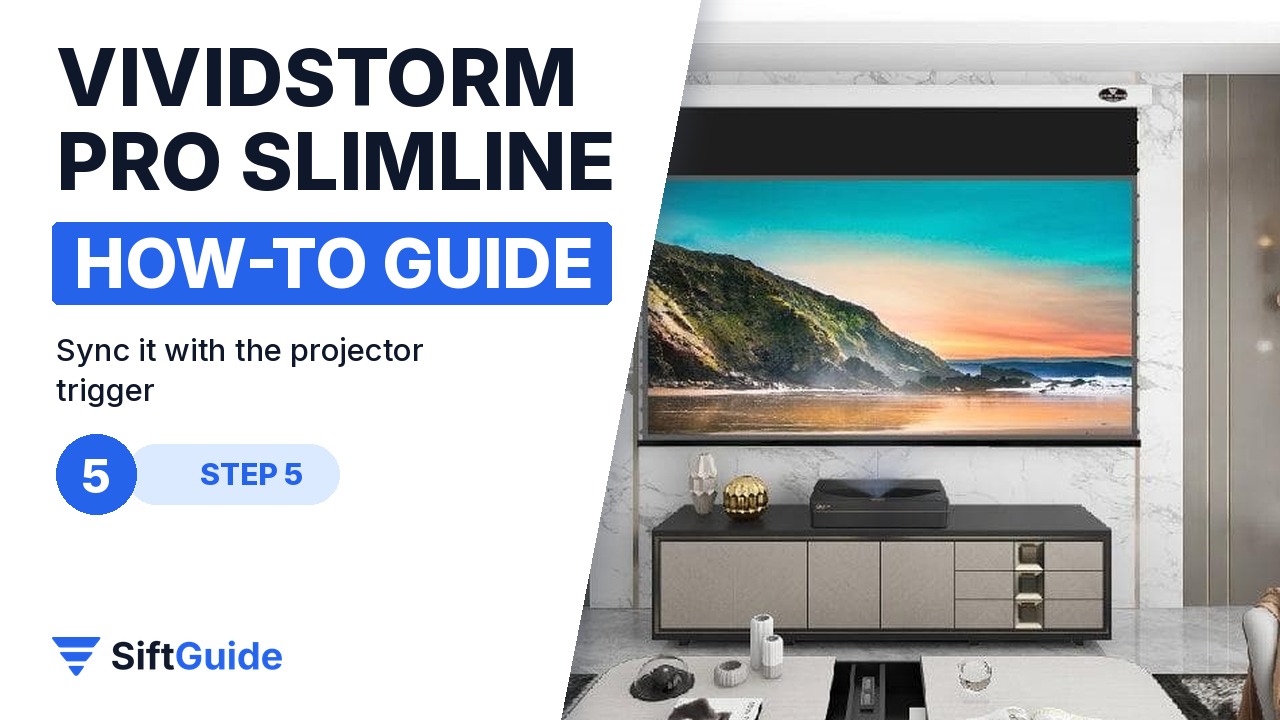
The box includes a projector trigger (a small dongle). Plug it into a compatible projector and the screen drops when the projector turns on and rises when it turns off, so you never need to reach for the screen remote. VIVIDSTORM notes that it is not compatible with every projector, so check before you rely on it. If it does not work with yours, the remote still controls everything.
Tip
Place the projector before you drill. Put it in its final spot, turn it on against the bare wall, mark the four corners of the image with painter’s tape and mount the housing from those marks. That way the drop height you lock in step 4 needs only a small final adjustment.
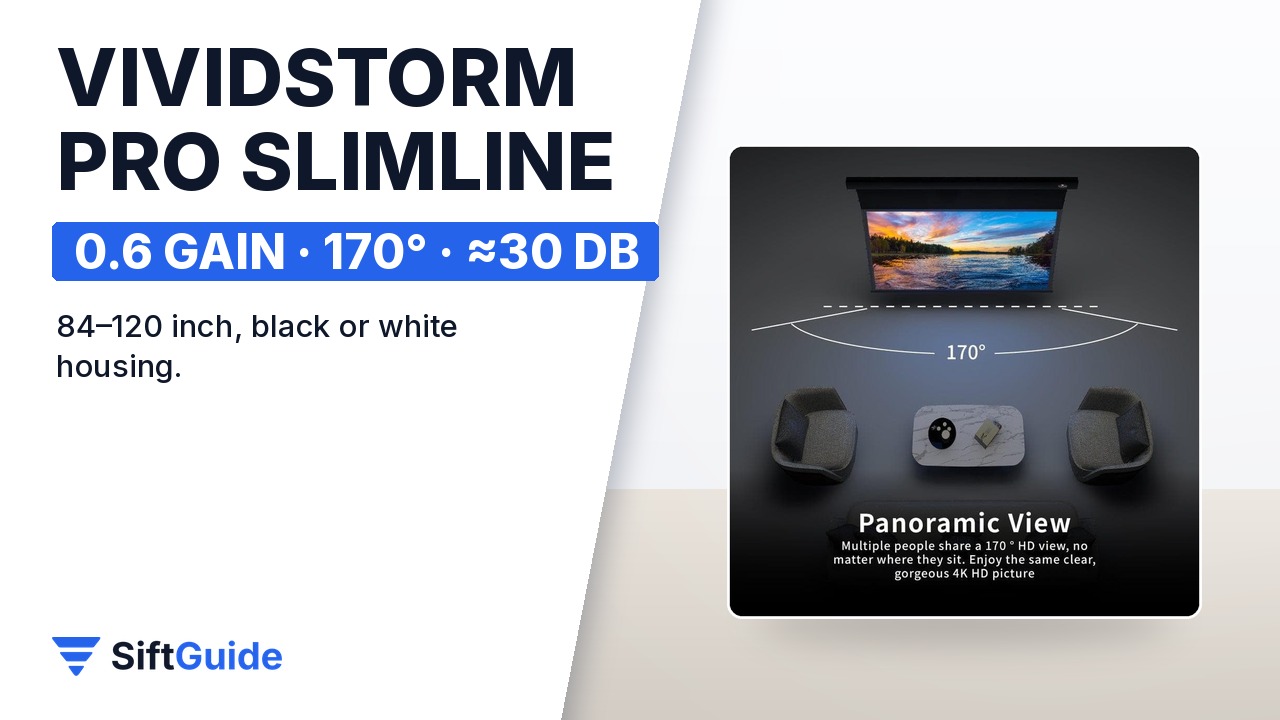
Bottom line: make sure you have a UST laser projector that sits below the screen, mount the housing level, lock the drop height once and let the trigger handle the rest. In return you get a 0.6 gain ALR surface with a 170° viewing angle, a tab-tensioned screen that stays flat, a quiet DC tubular motor (rated as low as 30 dB) with overheating protection, and a screen that disappears into its housing when the movie ends.
VIVIDSTORM PRO Slimline Motorized Tension UST ALR Projector Screen
Motorized drop-down, tab-tensioned ambient light rejecting screen for ultra short throw laser projectors (1800 ANSI lumens or more). 0.6 gain, 170° viewing angle, 4K/8K and 3D ready, aluminum housing in black or white, ceiling, wall or suspended mounting, IR and RF remotes, height lock and an included projector trigger. Sizes from 84 to 120 inches; listed on the official store from $1,685 to $2,317 depending on size (checked November 4, 2026). 2-year manufacturer warranty. Prices change, so check the store before you buy.
FAQ
Can I use it with a normal ceiling-mounted projector?
No. The ALR surface is built to reflect light coming from an ultra short throw projector placed below the screen, on a table or the floor. Light from a long-throw projector at the back of the room would be partly rejected, and the picture would look dim.
How bright does my projector need to be?
VIVIDSTORM recommends a real brightness of 1800 ANSI lumens or more.
Which sizes are available?
84, 92, 100, 110 and 120 inches, each with a black or white housing.
How loud is the motor?
The DC tubular motor uses a helical quiet design rated as low as 30 dB, and it switches itself off if it overheats.
Will the trigger work with my projector?
Not with every model. VIVIDSTORM says the included trigger is not compatible with all projectors. If it does not work with yours, use the IR or RF remote.
Can I adjust the black border at the top?
Not by hand. The manufacturer recommends leaving it at about 35 cm, because manual adjustment can cause ripples or distortion. Use the drop height setting and the height lock instead.