
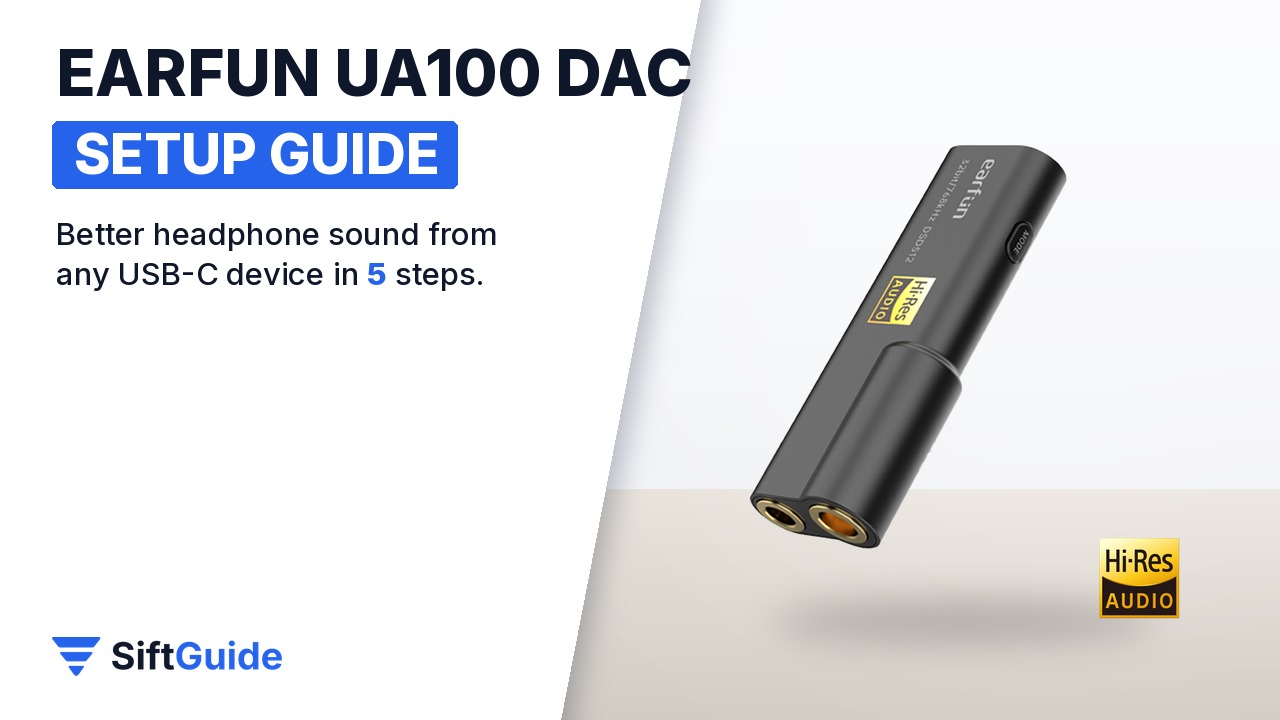
Most phones dropped the headphone jack, and the cheap USB-C adapters that replaced it are built to a price. A dongle DAC like the EarFun UA100 is the fix if you still use wired headphones or IEMs. It is a 10.6 g stick with an ESS ES9038Q2M DAC chip, two RT6863 amplifier chips, a 3.5 mm single-ended jack and a 4.4 mm balanced jack. It plugs into a phone, a laptop or a console over USB and takes over the audio. Setup is mostly plug and play, but a few choices make a real difference to how it sounds and how long your phone battery lasts. Here is the routine.
Disclosure: this guide contains affiliate links (Awin). If you buy through them we may earn a commission at no extra cost to you. Specs come from the official product page.
What you need
- The EarFun UA100 and the cable that suits your device (USB-C, or USB-A for a desktop)
- Wired headphones or IEMs with a 3.5 mm plug or a 4.4 mm balanced cable
- A phone, tablet, Windows PC, Mac or game console with USB
- Optional: a USB-C to Lightning cable for older iPhones (not included)
- Optional: hi-res music files or a streaming app with lossless audio
Step 1: Plug it in over USB-C
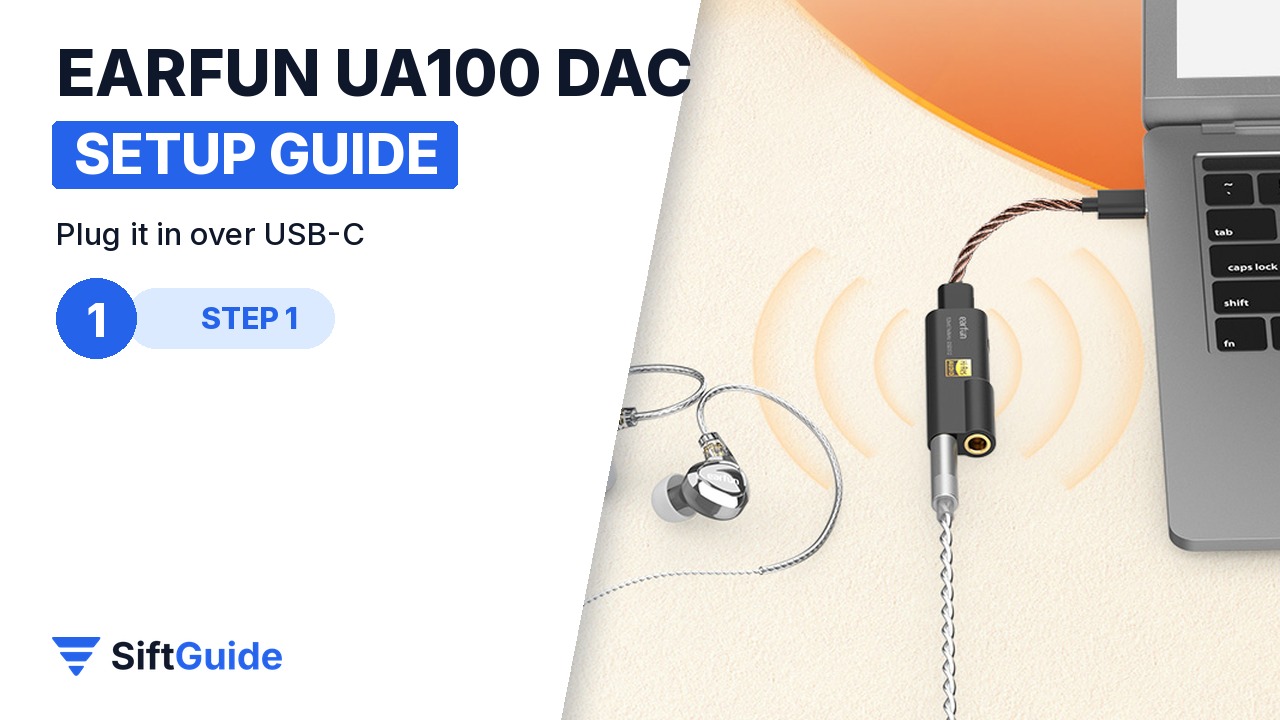
Connect the UA100 to your phone or laptop with a short USB-C cable. For a desktop PC, use a standard USB cable to a USB-A port. For iPhones with a Lightning port you need a USB-C to Lightning cable, which EarFun says is not included. EarFun says its USB DAC power management draws significantly less power from phones than before, which helps battery life on long listening sessions.
Step 2: Pick the 3.5 mm or 4.4 mm jack
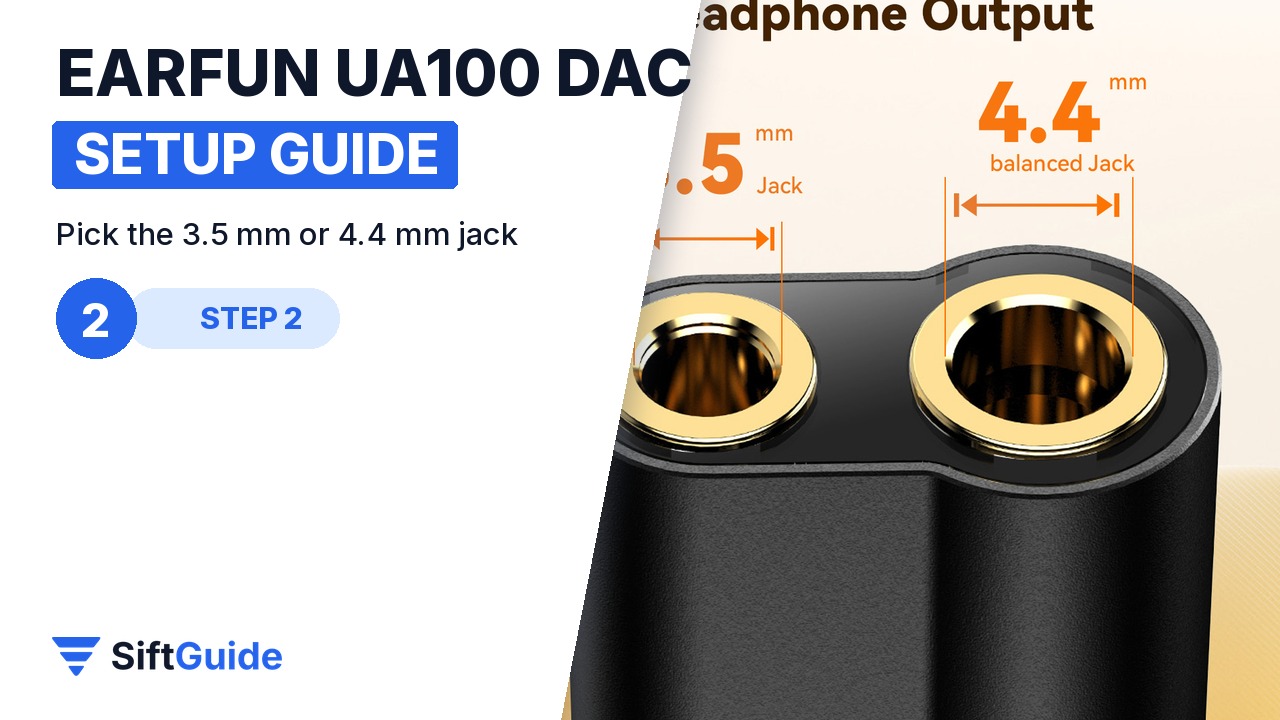
Normal headphones and IEMs go into the 3.5 mm single-ended jack, which EarFun rates at 2 V and 125 mW into 32 Ω. If your headphones have a 4.4 mm balanced cable, use the 4.4 mm jack instead. EarFun rates it at 2.5 V and 195 mW into 32 Ω, which gives harder-to-drive headphones more headroom. Turn the volume down before you plug in sensitive IEMs; the UA100 has plenty of power for them.
Step 3: Set it as the sound output
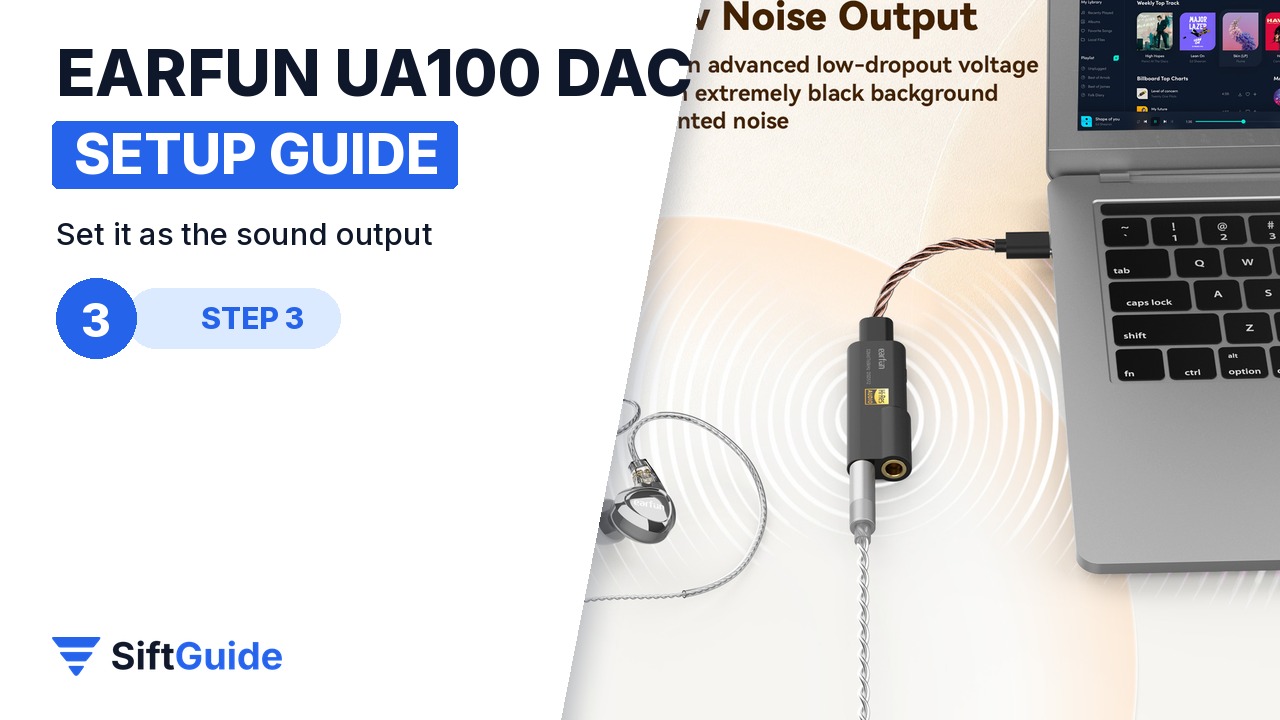
On Android and iOS the UA100 works as a USB Audio Class device, so audio switches to it as soon as it is connected; no app is needed. On Windows or a Mac, open the sound settings and select the UA100 as the output device. EarFun also offers USB audio drivers on its site if you want them on Windows. Leave the system volume fairly high and set the listening level with the volume of your player, so you keep the full resolution of the DAC.
Step 4: Play hi-res files
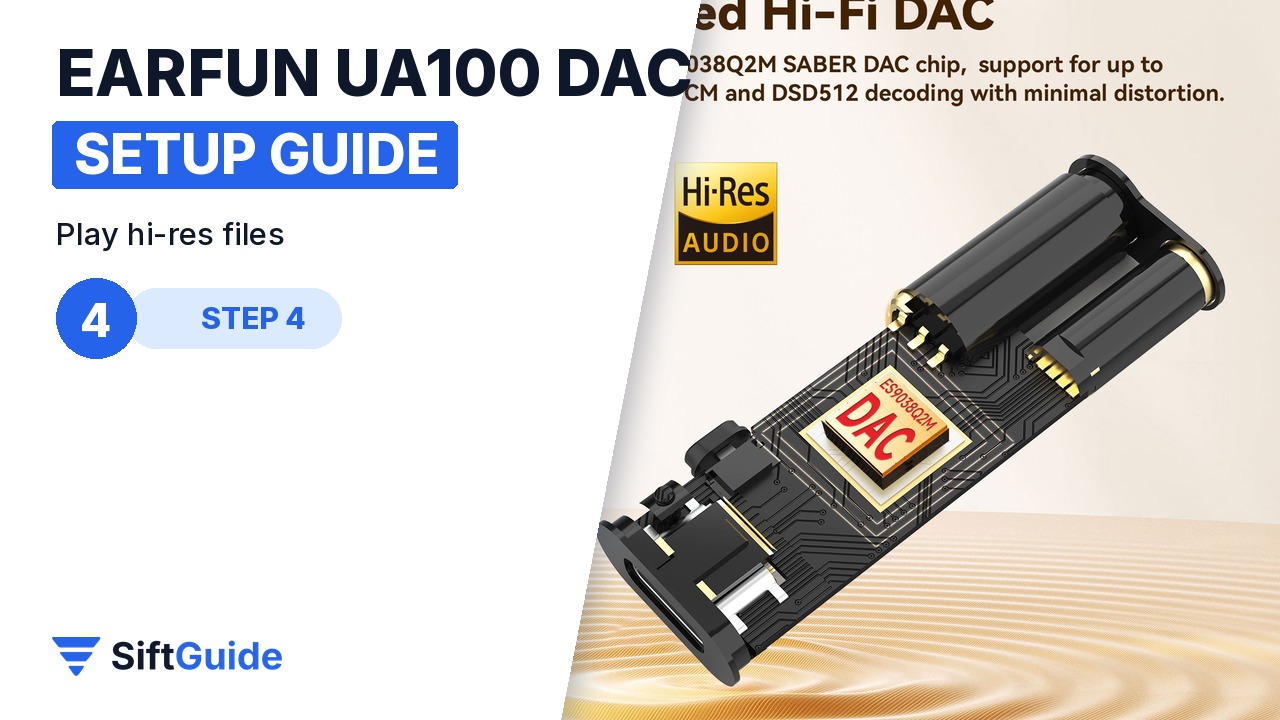
The ES9038Q2M handles PCM up to 32-bit/768 kHz and native DSD up to DSD512. Use a player or streaming service that outputs lossless audio, and the LED indicator on the UA100 shows the sample rate, so you can check that hi-res files really reach the DAC rather than being resampled on the way. EarFun lists a signal-to-noise ratio of 121 dB on the 3.5 mm output and 117 dB on the 4.4 mm output, with THD+N under 0.0008%.
Step 5: Use it with a console
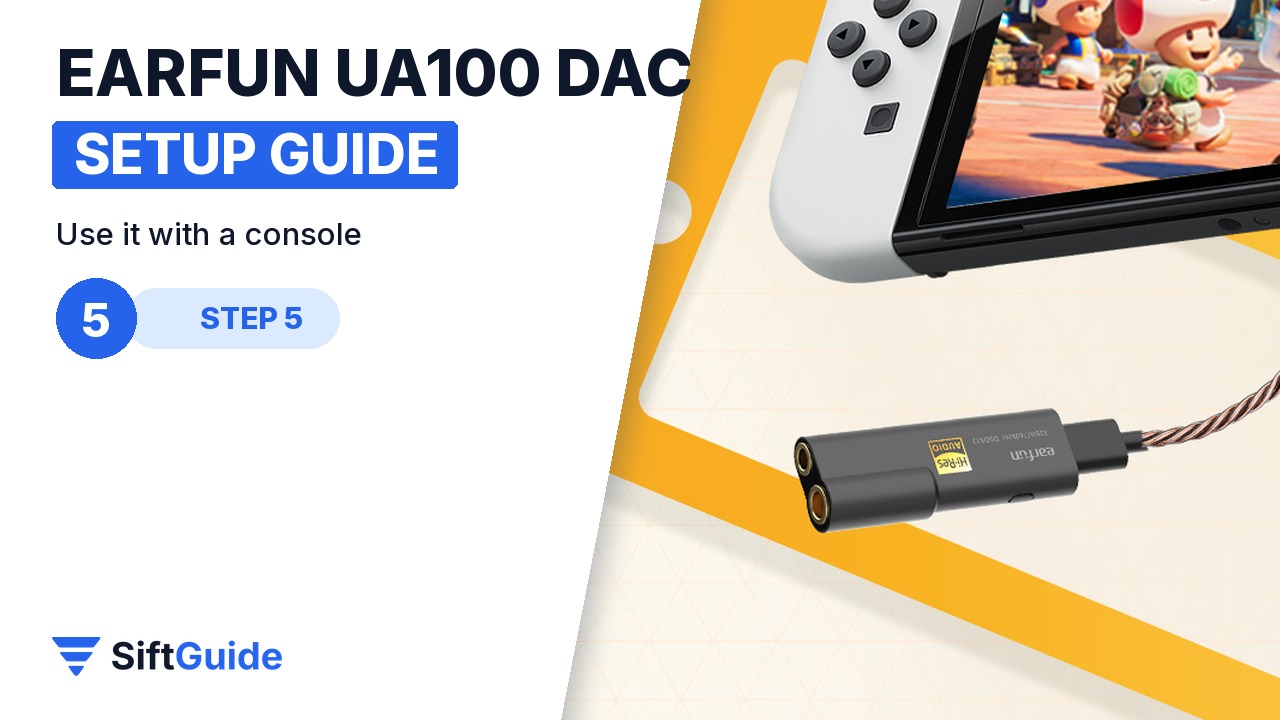
The UA100 also works with game consoles such as the Nintendo Switch: plug it into the USB-C port and your headphones into the UA100. The LED confirms the connection to the console. Because the audio goes over a wired USB connection, there is no Bluetooth lag. Footsteps and lip-sync stay in time, which wireless earbuds rarely manage.
Pro tip
If you hear hiss with very sensitive IEMs, it is usually the volume set too high on the phone and too low on the source app. Set the phone volume to about 60–70% first, then adjust. And if you use the 4.4 mm output, make sure your headphone cable really ends in a 4.4 mm balanced plug.
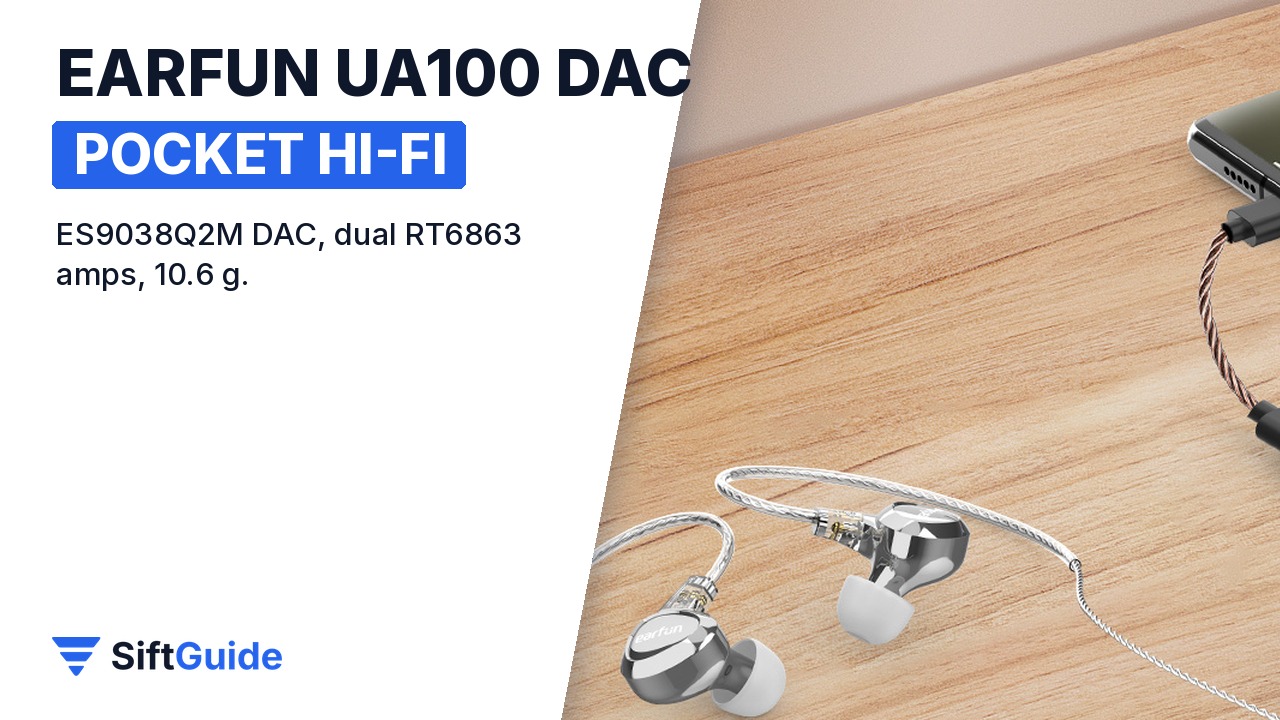
Done: the UA100 is plugged in, set as the output, using the right jack for your headphones and showing the sample rate on its LED. From here it simply goes in a pocket with your IEMs.
EarFun UA100 Portable USB DAC
Dongle DAC and headphone amplifier with an ESS ES9038Q2M Sabre DAC, two RT6863 amp chips and a CT7601 USB audio chip. PCM up to 32-bit/768 kHz, DSD512, 3.5 mm output (125 mW @ 32 Ω, 121 dB SNR) and 4.4 mm balanced output (195 mW @ 32 Ω, 117 dB SNR), sample-rate LED, USB Audio Class for Android, iOS, Windows and macOS, 10.6 g. Listed at $79.99 on EarFun’s US store in the affiliate catalog (October 2026).
FAQ
Does the EarFun UA100 work with iPhone?
Yes. iPhones with USB-C connect directly. Older Lightning iPhones need a USB-C to Lightning cable, which is sold separately.
Do I need to install an app or driver?
Not on Android, iOS or macOS, where it works as a USB Audio Class device. EarFun offers optional USB audio drivers for Windows.
What is the 4.4 mm port for?
Balanced headphone cables. The 4.4 mm output delivers more power (195 mW into 32 Ω) than the 3.5 mm jack (125 mW).
Will it drain my phone battery?
It draws power from the phone, like any dongle DAC, but EarFun says its power management uses significantly less than earlier USB DACs.
