
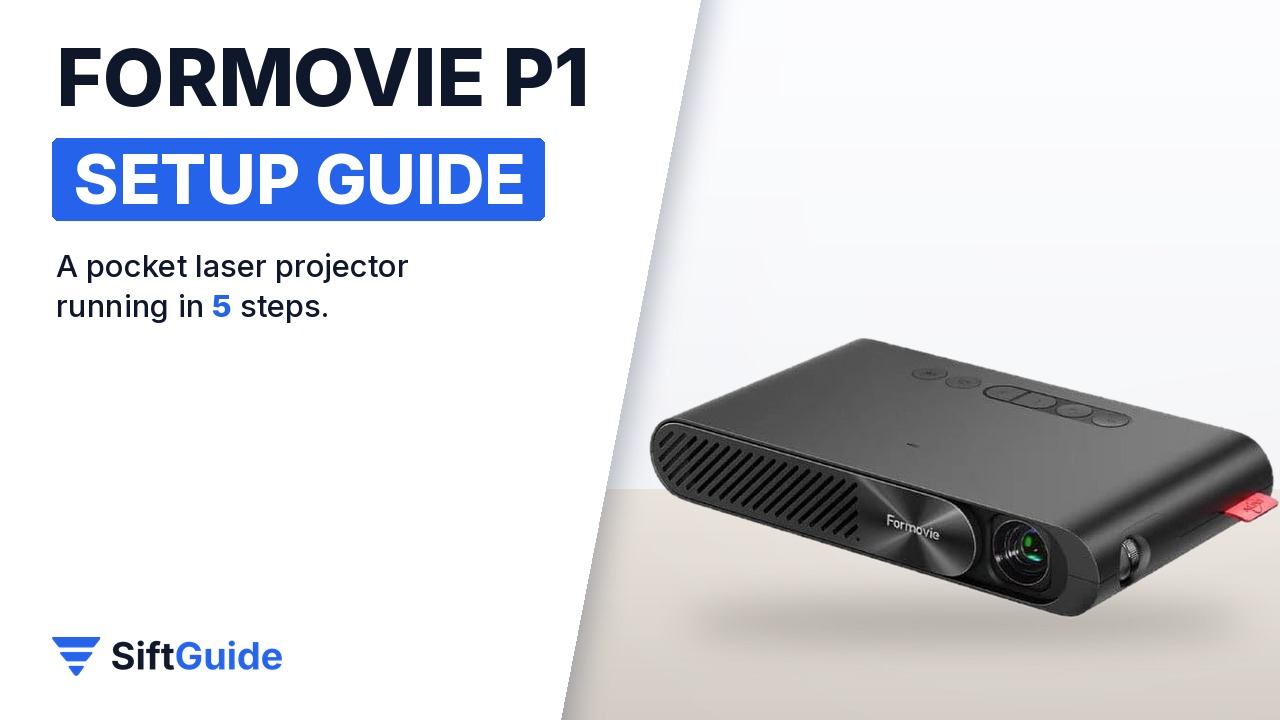
Most portable projectors are portable the way a bowling ball is portable. The Formovie P1 is closer to a phone: 150.8 × 83 × 24.6 mm, about 0.3 kg, powered over USB-C, with an ALPD laser light source instead of a lamp or LEDs. It throws a 40 to 100 inch picture, focuses itself and straightens the image when it is tilted. That makes it a good fit for a bedroom ceiling, a hotel wall or a backyard sheet. Setting it up takes a few minutes, but where you put it and how you power it decide whether you get a sharp, bright picture or a dim, wobbly one. Here is the routine that works.
Disclosure: this guide contains affiliate links (Awin). If you buy through them we may earn a commission at no extra cost to you. Specs come from the official product page.
What you need
- The Formovie P1 and its USB-C cable
- A USB-C PD charger that can supply up to 30 W, or a USB-C PD power bank
- A light-coloured wall or a projector screen, and a room you can darken
- Your content source: a phone or laptop for casting, or an HDMI device such as a streaming stick or console
- Optional: wired headphones with a 3.5 mm plug for quiet late-night viewing
Step 1: Power it over USB-C
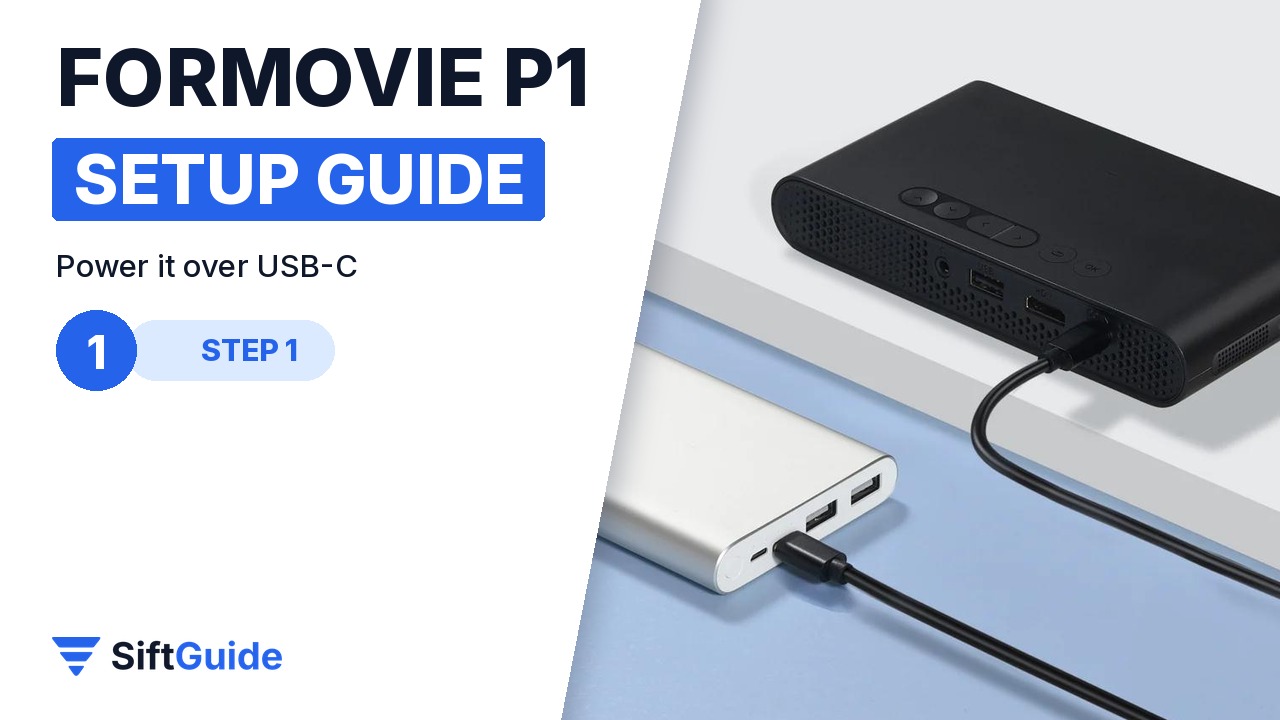
The P1 has no barrel plug. It runs on USB-C Power Delivery, and Formovie rates its power draw at 30 W or less. Use a PD wall charger that can deliver that much, or plug it into a USB-C PD power bank when there is no socket nearby, which is what makes it useful outdoors and in a tent. A weak phone charger or a cheap cable is the usual reason a pocket projector shuts down or refuses to start, so start with a proper PD supply.
Step 2: Place it for your picture size
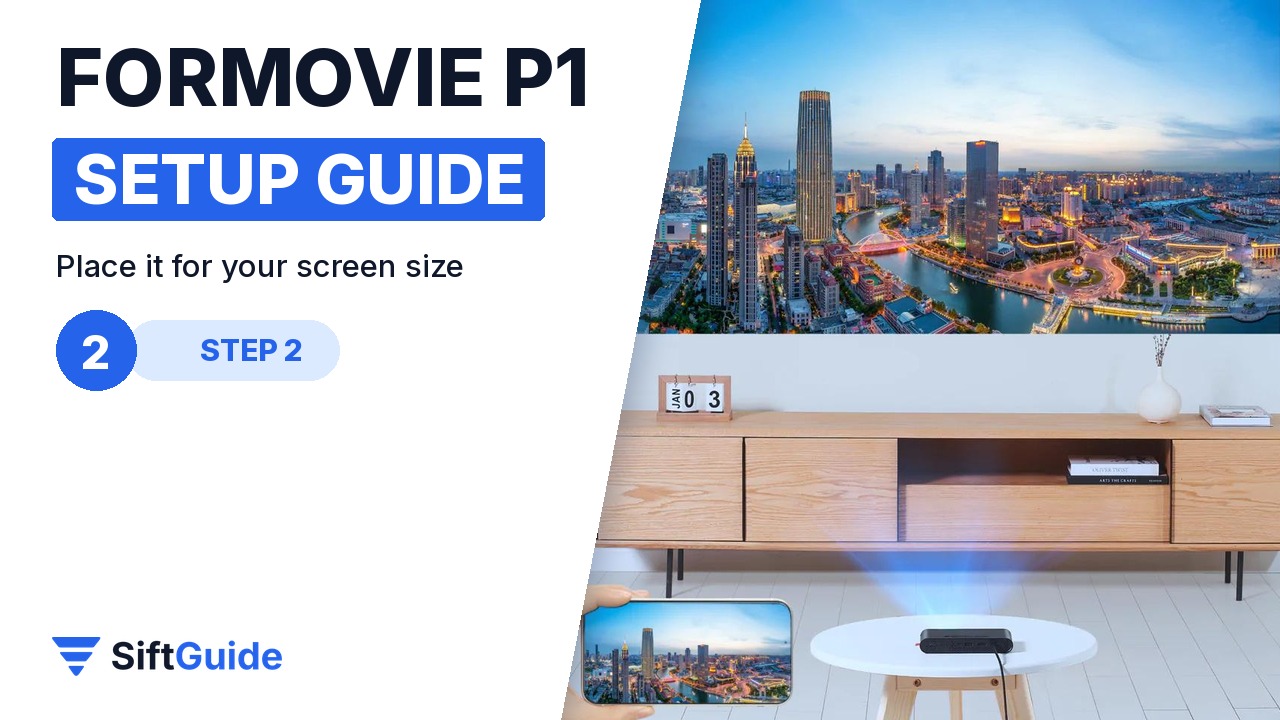
The throw ratio is 1.2:1, which means the distance to the wall is 1.2 times the width of the picture. A 100 inch 16:9 picture is about 2.2 m wide, so the P1 needs to sit roughly 2.7 m from the wall; for a 60 inch picture, about 1.6 m is enough. Formovie rates the image size at 40 to 100 inches. Bigger is not always better here: a smaller picture is noticeably brighter and sharper, so in a room that is not fully dark, move the projector closer.
Step 3: Let focus and keystone fix the picture
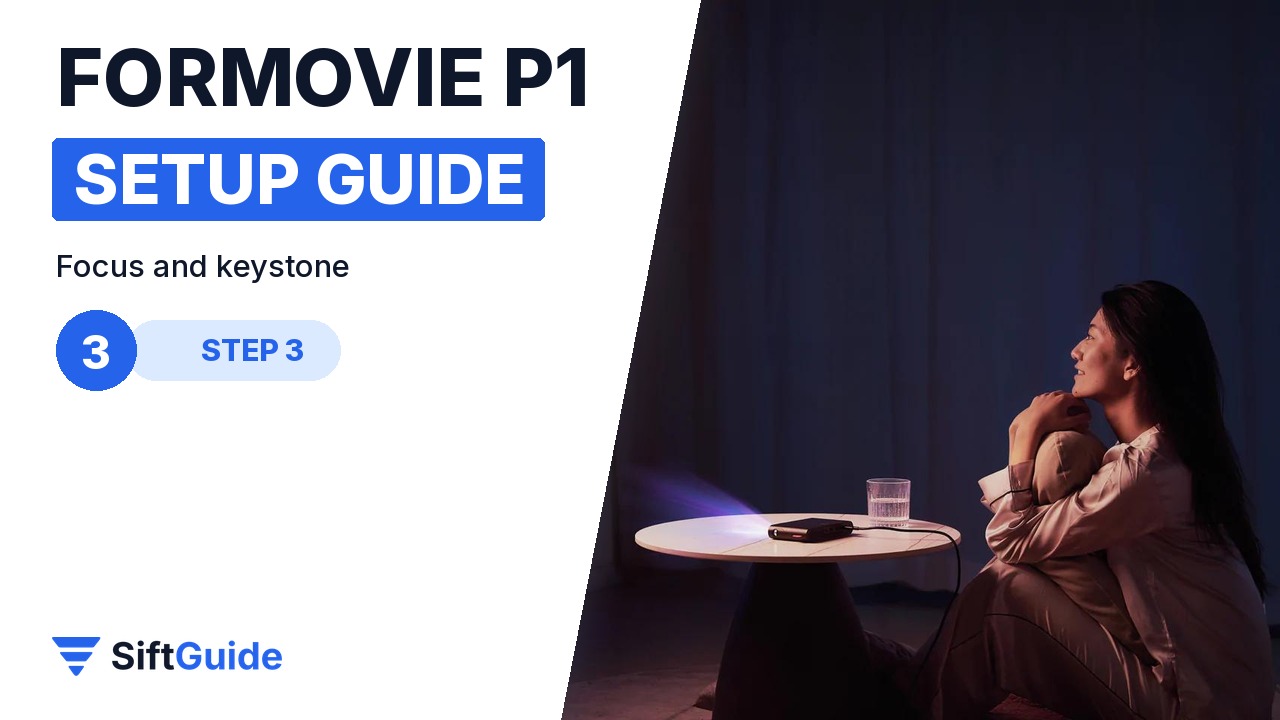
The P1 has electric focus and vertical automatic keystone correction. Put it down, switch it on and give it a moment: it sharpens the image and squares it up when the projector is tilted up toward the wall or the ceiling. Vertical correction is the one it does automatically, so line it up straight in front of the screen horizontally. Every bit of digital keystone also shrinks and softens the picture a little, so the less you tilt, the better the result.
Step 4: Cast or plug in HDMI
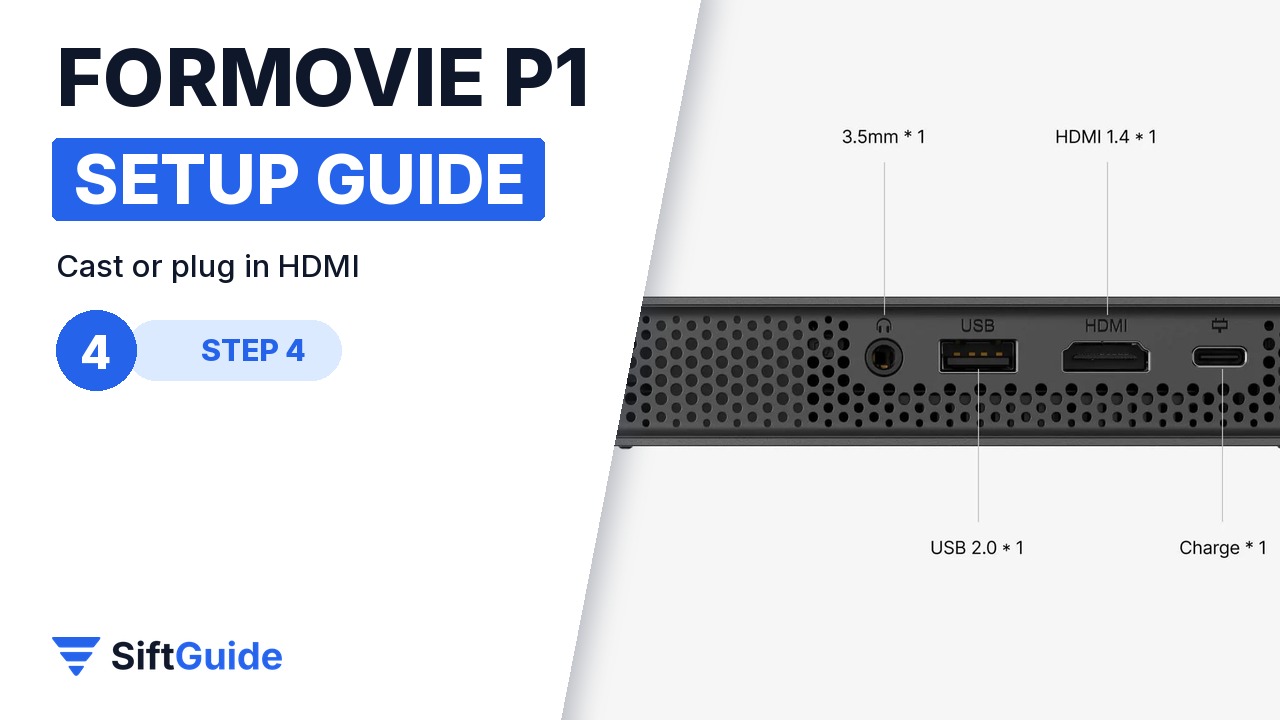
For content you have two routes. Wireless casting works from iPhone, Android phones and Windows laptops, which is the quickest way to show photos or a video. For anything long, such as a movie, a game or a streaming stick, use the HDMI 1.4 port: it is more stable than casting and keeps the phone free. There is also a USB 2.0 port for media from a USB drive. The port row on the back is HDMI, USB, 3.5 mm audio and the USB-C power input.
Step 5: Speaker or headphones
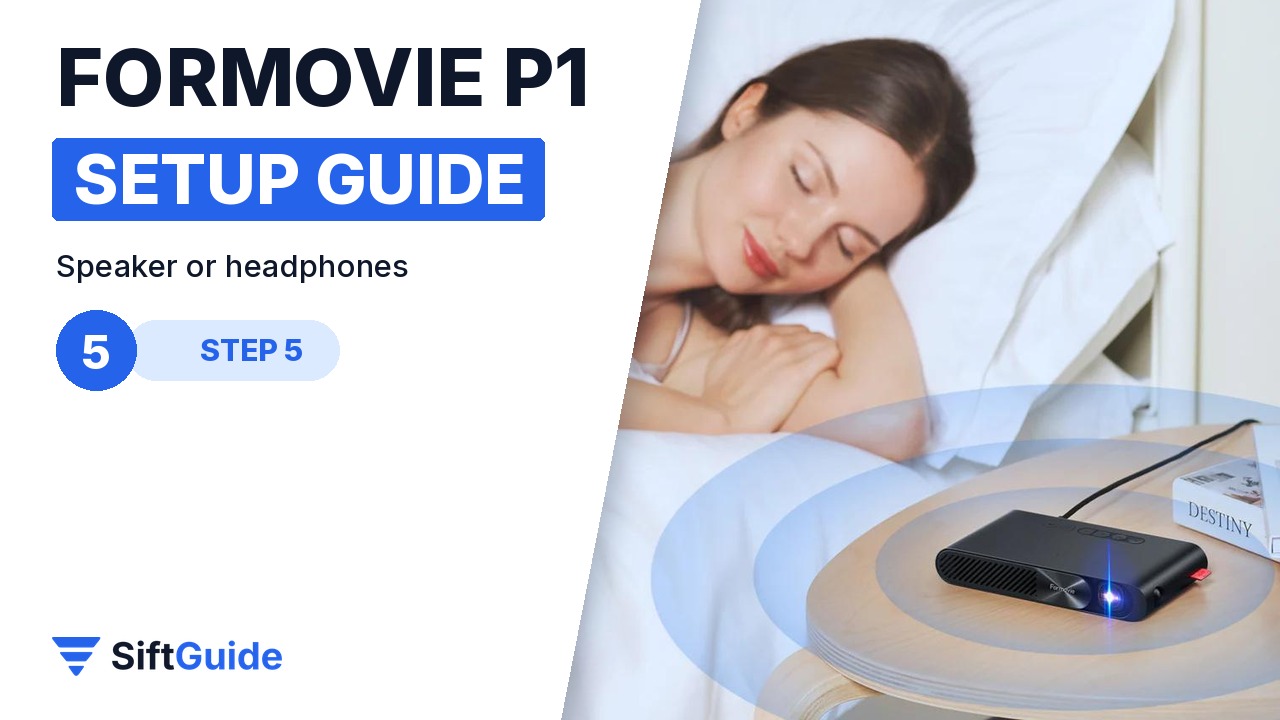
The built-in speaker is fine for a small room and for casual viewing. For late-night watching, or when someone next to you is asleep, plug wired headphones into the 3.5 mm jack. The same jack works for a small external speaker if you want more volume outdoors. Because the laser light source is rated for more than 25,000 hours, you can use the P1 every night for years without thinking about replacing a lamp.
Brightness: read the numbers carefully
The two published figures for the P1 do not match. The NothingProjector store listing gives 250 ISO lumens and a 1,000:1 contrast ratio, while Formovie’s own product page quotes 800 lumens and 600:1. These are different measurement methods, and ISO lumens are the more conservative one. In practice, treat the P1 as a projector for dark rooms, and keep the picture around 60 to 80 inches if there is any light around.
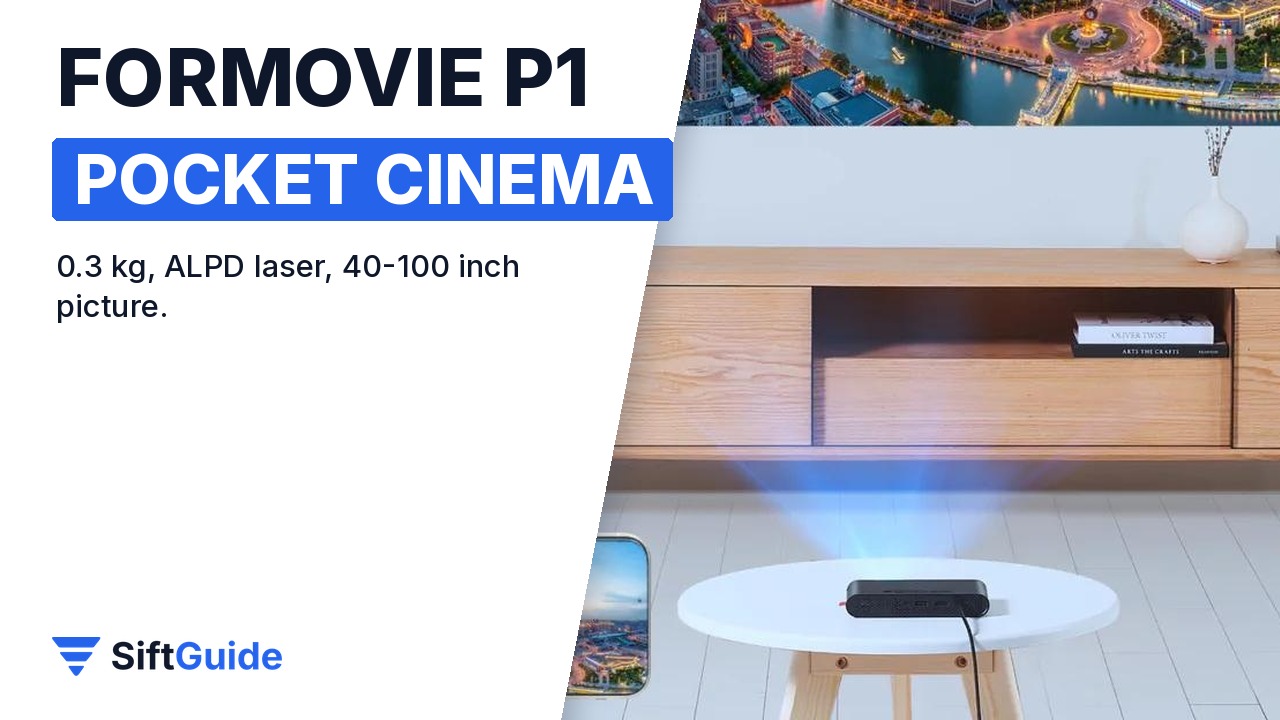
Done: a proper PD power supply, the right distance for the picture you want, automatic focus and keystone, a stable HDMI or casting source, and headphones for nights when you need to be quiet. The P1 is not a replacement for a bright living-room projector, but as a cinema that fits in a jacket pocket it does exactly what it promises.
Formovie P1 Pocket Laser Projector
DLP pocket projector with a 0.23-inch DMD, 960 × 540 native resolution and an ALPD laser light source rated for more than 25,000 hours. Throw ratio 1.2:1 for a 40 to 100 inch picture, electric focus, vertical automatic keystone, wireless casting from iOS, Android and Windows, HDMI 1.4, USB 2.0 and a 3.5 mm headphone jack. Powered over USB-C PD (30 W or less), so it also runs from a power bank. 150.8 × 83 × 24.6 mm, about 0.3 kg. Listed at $699 in the NothingProjector affiliate catalog (October 2026); check the store for the current price.
FAQ
Can the Formovie P1 run on a power bank?
Yes. It is powered over USB-C Power Delivery and draws 30 W or less, so a USB-C PD power bank that can supply that works.
How far from the wall should it be?
The throw ratio is 1.2:1. For a 100 inch picture that is about 2.7 m; for 60 inches, about 1.6 m.
Is the Formovie P1 bright enough for daytime use?
Not really. The store listing rates it at 250 ISO lumens (Formovie quotes 800 lumens by a different method). It looks best in a dark or dim room.
What resolution is it?
The native resolution is 960 × 540 from a 0.23-inch DLP chip. It is built for portability rather than for a 4K home-cinema picture.
Does it have a headphone jack?
Yes, there is a 3.5 mm audio output next to the HDMI 1.4 and USB 2.0 ports.
