
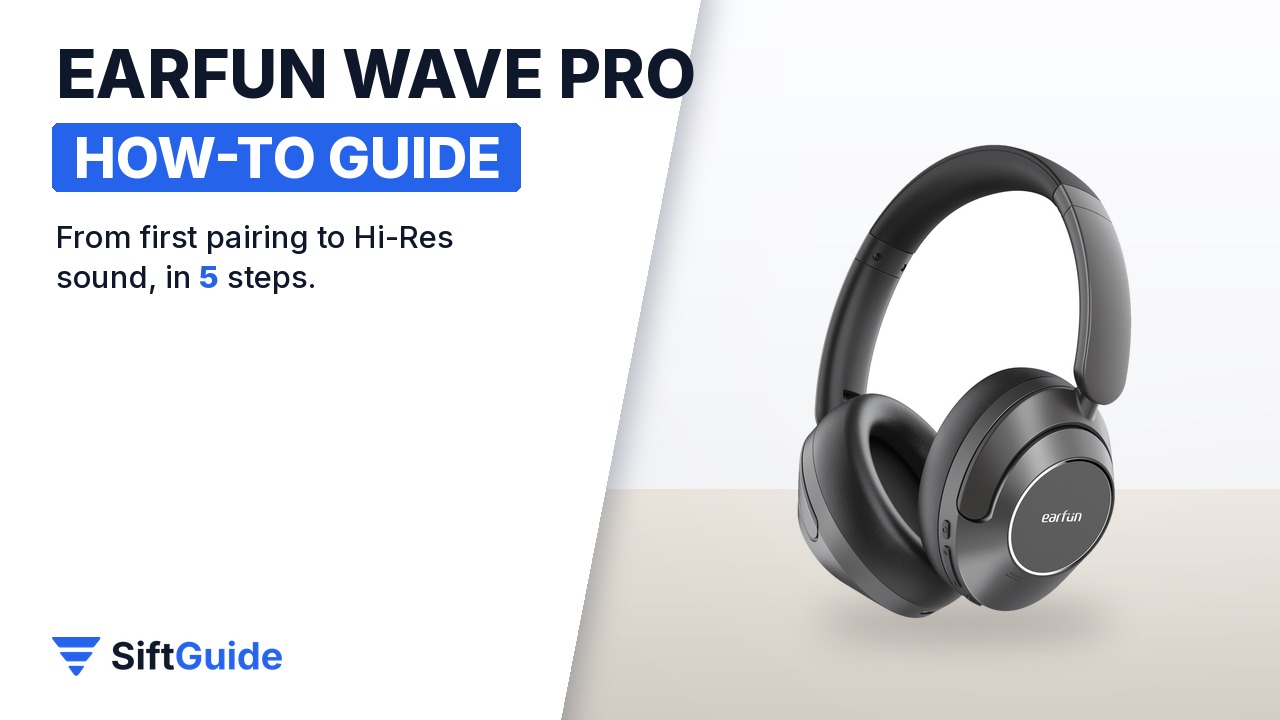
The EarFun Wave Pro is a $79.99 pair of over-ear headphones with hybrid noise cancelling rated up to 45 dB, LDAC Hi-Res wireless audio and up to 80 hours of battery. Most of what makes it good, though, is hidden behind one multi-function button and an app: LDAC is off by default, the second device needs a specific button sequence, and game mode lives in software. This guide follows the official EarFun manual in the order that saves you from re-pairing everything later.
Disclosure: this guide contains affiliate links (Awin). If you buy through them we may earn a commission at no extra cost to you. Specs come from the official product page.
What you need
- The EarFun Wave Pro and the USB-C cable from the box (a travel case and a 3.5 mm AUX cable are also included)
- A phone with Bluetooth; for LDAC Hi-Res, an Android phone running Android 8 or newer
- The free EarFun Audio app (Google Play or App Store), no registration required
- Optional: a second device, such as a laptop or tablet, for multipoint
- About 2 hours for the first full charge
Step 1: Charge them fully first
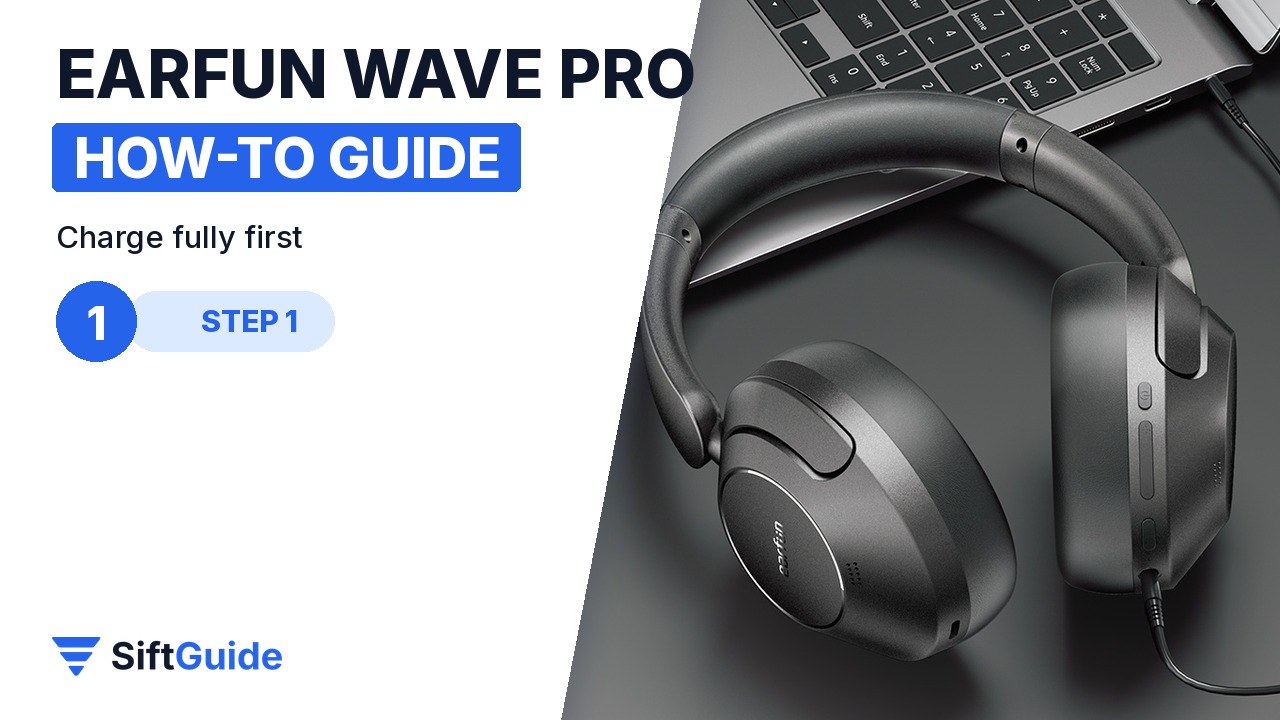
EarFun asks for a full charge before first use. Plug the USB-C cable into the charging port on the ear cup; the LED shows red while charging and turns off when it is complete, which takes about two hours for the 800 mAh battery. Clean the port first if it has dust in it. Note that the headphones switch off automatically while they are plugged in to charge, so you cannot listen over Bluetooth during charging.
Step 2: Hold MFB for 2 seconds and pair
Press and hold the MFB (multi-function) button for two seconds. The headphones power on and go straight into pairing mode the first time. Turn on Bluetooth on your phone, search for devices and choose “EarFun Wave Pro”; if a passcode is ever requested, it is 0000. From then on they reconnect to the last paired device automatically when you switch them on. To power off, hold MFB for five seconds.
Step 3: App, firmware and the ANC button
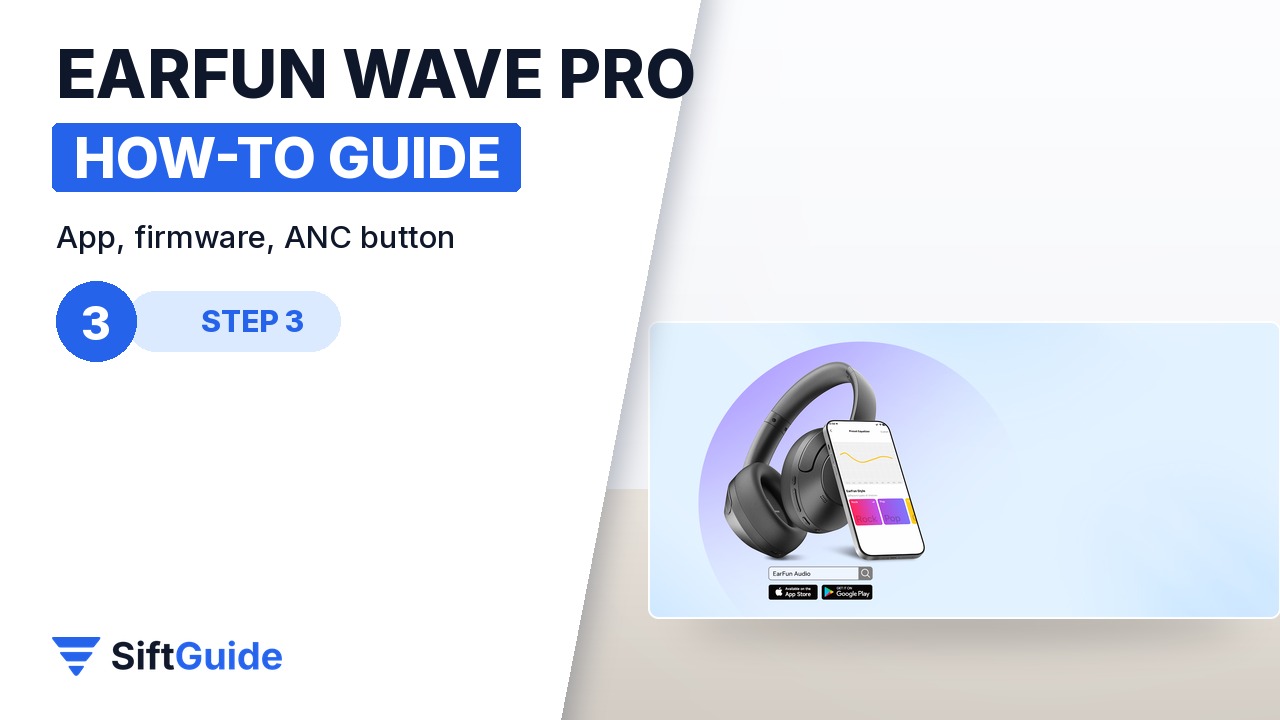
Install the EarFun Audio app and let it update the headphone firmware, which the manual recommends for the best performance. The app gives you the multi-band EQ, control settings and game mode. On the headphones themselves, a single press of the noise-control button cycles Noise Cancelling, Normal and Ambient sound, so you can hear an announcement without taking them off. For calls, a single MFB press answers or ends, and holding it for two seconds rejects a call.
Step 4: Turn on LDAC (Android only)
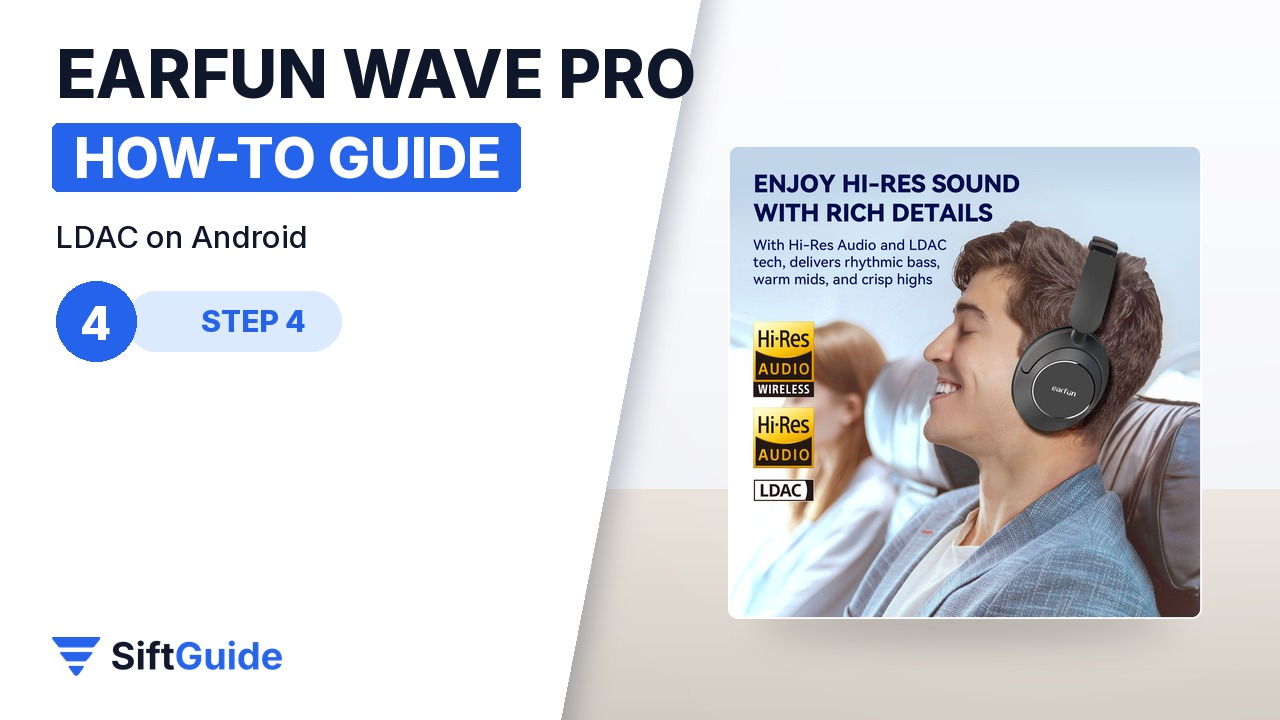
For Hi-Res wireless audio, open the EarFun Audio app on an Android phone and switch the audio quality to LDAC. The headphones restart to apply it. LDAC is not supported on iPhone, which uses the standard Bluetooth codec instead, so iPhone users can skip this step. Expect slightly shorter battery life with LDAC on, and if you need the absolute lowest latency for games, the regular codec plus game mode is the better pair.
Step 5: Second device and game mode
To add a laptop as a second source, keep the first device connected, triple-press the MFB button quickly so the headphones re-enter pairing mode, pair the new device, then manually reconnect the first device from its Bluetooth menu. After that, they connect to both automatically. Game mode, rated at under 55 ms latency, is switched on in the EarFun Audio app. No battery left? Plug in the 3.5 mm AUX cable: the headphones switch off Bluetooth and play passively, with volume controlled from the source device.
Plugging into AUX? Turn the volume down first
EarFun’s manual warns that in AUX mode the audio goes straight to the drivers and the headphone buttons and app no longer control volume. Turn the source volume down to minimum before you plug in, put the headphones on, then raise it gradually.
Done: charged, paired with MFB, firmware updated, ANC on the button, LDAC on for Android, and a second device connected. With noise cancelling off, EarFun rates the Wave Pro at up to 80 hours per charge (55 hours with ANC on), and a 10-minute top-up gives about 10 hours, so charging is something you will rarely think about.
EarFun Wave Pro – Black
Over-ear wireless headphones with hybrid active noise cancelling up to 45 dB and an anti-wind mode, Hi-Res Audio with LDAC (Android 8+), 40 mm DLC drivers and a 5-mic AI ENC system for calls. Up to 80 hours of playback with ANC off or 55 hours with ANC on, 10 hours from a 10-minute charge, multipoint for two devices, game mode under 55 ms, and a 3.5 mm AUX input. Bluetooth range about 15 m, 268 g. EarFun Audio app with EQ and controls; 18-month warranty and 30-day returns from EarFun. Listed at $79.99 in the EarFun affiliate catalog (October 2026); check the store for the current price.
FAQ
How do I put the EarFun Wave Pro in pairing mode?
The first time, hold the MFB button for two seconds to power on and they enter pairing mode automatically. To pair a new device later, triple-press MFB while they are on.
Does LDAC work with iPhone?
No. LDAC needs Android 8 or newer. On iPhone the headphones use the standard Bluetooth codec.
How do I reset the Wave Pro?
Hold MFB for five seconds to power off, then hold MFB for at least 10 seconds until the status LED shows pink. Delete “EarFun Wave Pro” from your phone’s Bluetooth list and pair again.
Can I use them while charging?
Not over Bluetooth: EarFun says the headphones power off automatically when connected to charging. You can use the AUX cable instead.
How long does the battery last?
Up to 80 hours with ANC off and 55 hours with ANC on, according to EarFun. A full charge takes about two hours, and 10 minutes gives about 10 hours.
