
Just bought the EarFun K1 for your child? These wired, volume-limited kids headphones take two minutes to set up, but a few details (the volume switch, the headband size and the sharing jack) make the difference between headphones that get worn every day and ones that end up in a drawer. Here is exactly how to set them up in five steps.
Disclosure: this guide contains affiliate links (Awin). If you buy through them we may earn a commission at no extra cost to you. Specs come from the official product page.
What you need
- EarFun K1 kids headphones (the 3.5 mm version)
- A tablet, Chromebook, laptop, Nintendo Switch or PC with a 3.5 mm headphone jack
- Optional: a second pair of wired headphones for audio sharing
- Two minutes with your child to check the fit
Step 1: Pick a volume mode
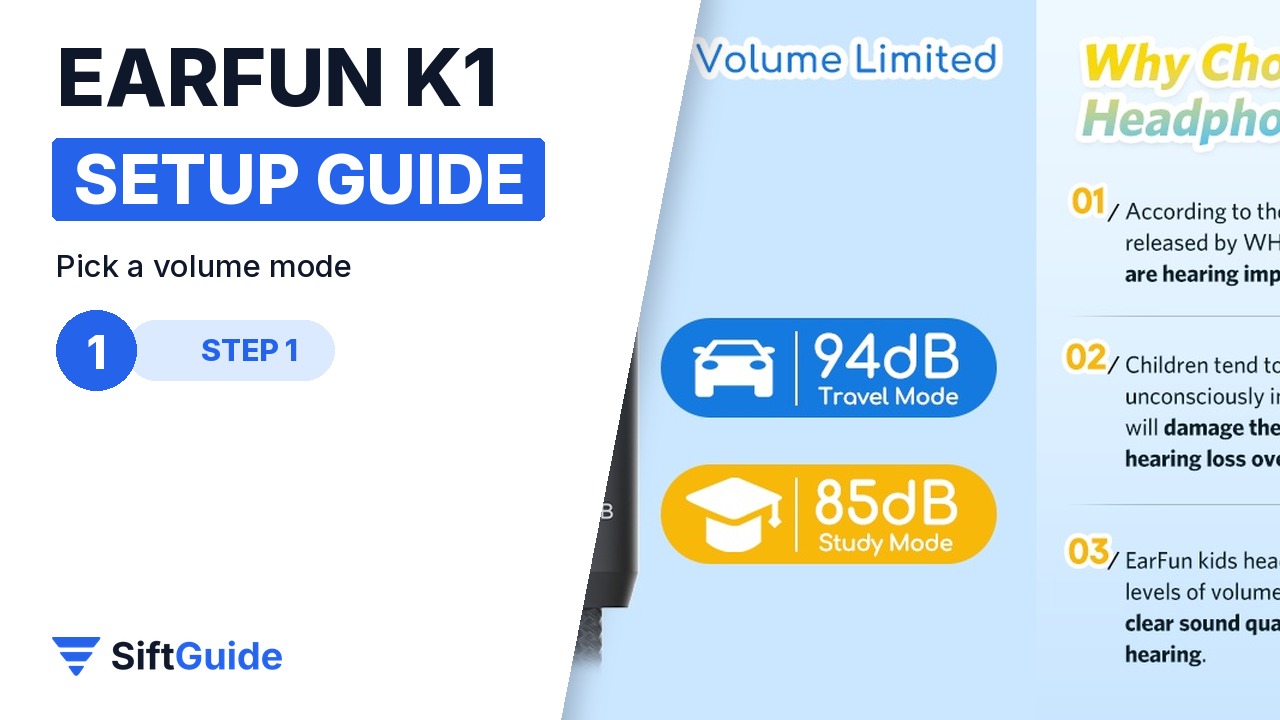
The in-line remote has a small slide switch marked 94dB and 85dB. Use 85 dB (study mode) for everyday listening at home or in class, and switch to 94 dB (travel mode) only for noisy places like a car, train or plane, where kids tend to turn the volume up anyway. Set it before you hand the headphones over.
Step 2: Adjust the fit
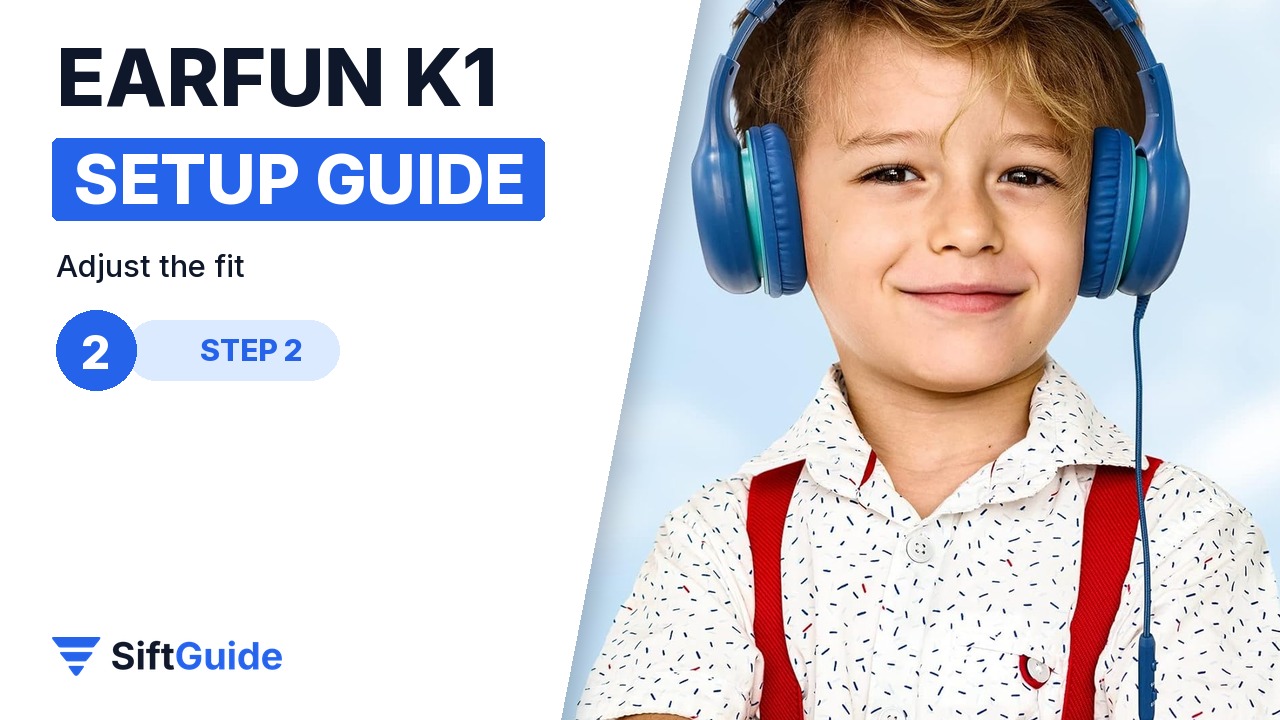
The headband has six adjustment levels. Put the headphones on your child, then extend each side evenly until the soft ear cushions sit fully over the ears rather than on top of them. A good fit sounds better at lower volume and stays comfortable for longer sessions.
Step 3: Plug in the 3.5 mm jack
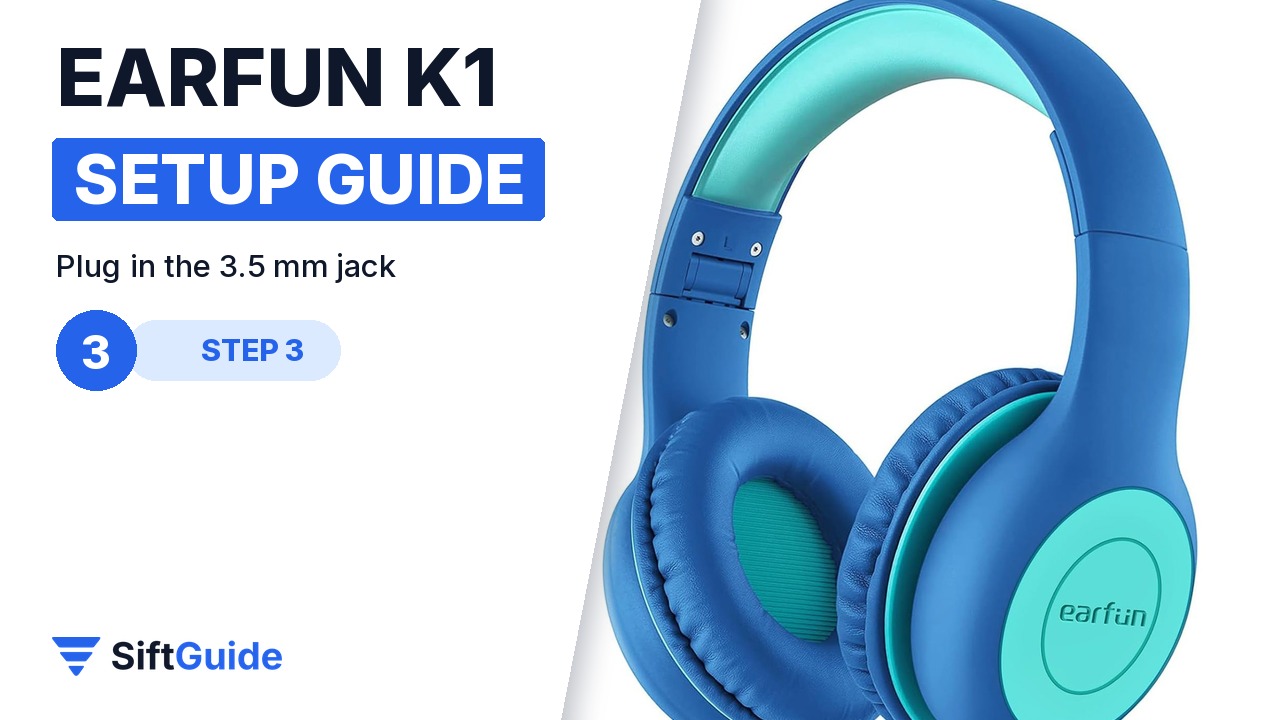
Plug the braided cable into the 3.5 mm headphone jack of the tablet, Chromebook, Switch or PC. Turn the device volume down first, start the video or lesson, then raise it slowly to a comfortable level. The volume limiter caps the maximum, but a low starting point is still the best habit.
Step 4: Use the in-line remote and mic
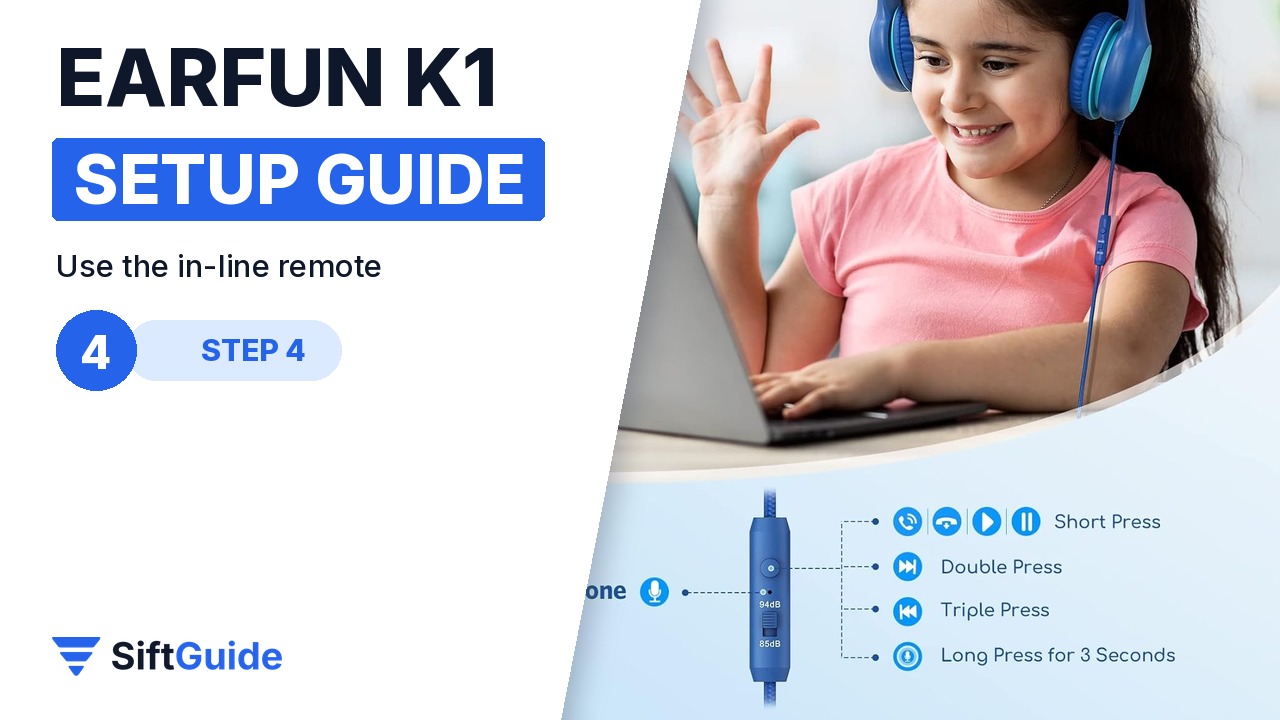
One short press on the remote button plays or pauses, and answers or ends a call. A double press skips to the next track, a triple press goes back, and a 3-second long press triggers the voice function on supported devices. The built-in HD microphone makes the K1 a ready-made headset for online lessons and video calls.
Step 5: Share the audio
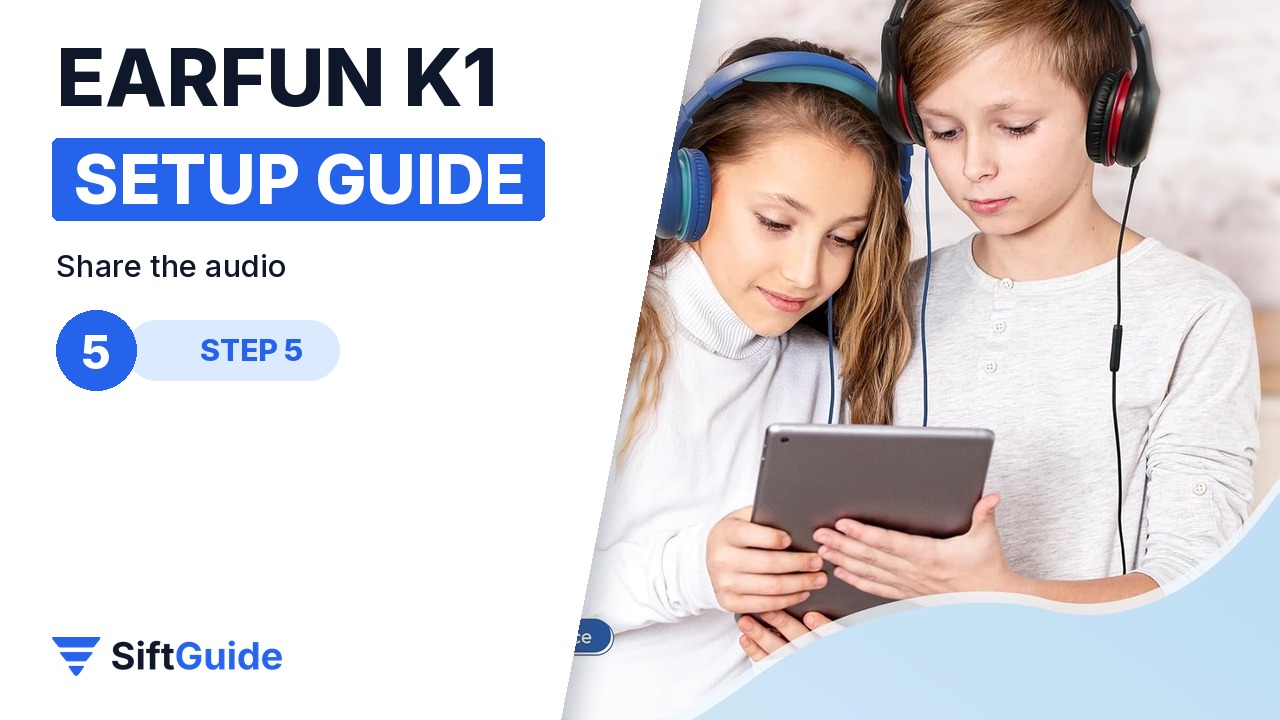
The K1 has a 3.5 mm sharing jack, so a second pair of wired headphones can plug straight into it. Two kids can watch the same film or lesson from one tablet without a splitter, which is handy on long trips.
Pro tip
Show your child where the 85/94 dB switch is and agree on a simple rule: 85 at home and at school, 94 only in the car or on a plane. Kids respect a rule they understand far more than a setting they never see.
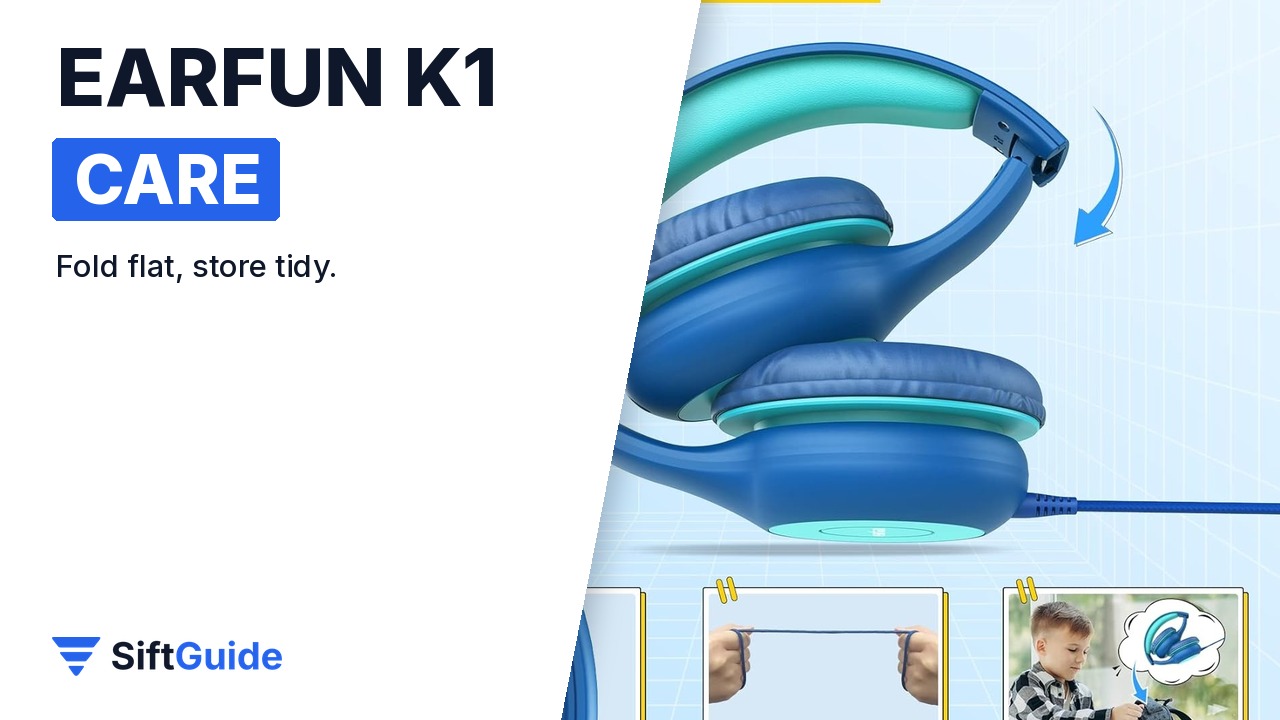
Keep them in good shape: fold the K1 after use, keep the cable loosely coiled rather than wrapped tightly around the headband, and wipe the ear cushions now and then with a dry or slightly damp cloth.
EarFun K1 Kids Headphones (Blue Green)
Wired over-ear kids headphones with 85/94 dB volume limits, 40 mm drivers, an in-line HD microphone and remote, a 3.5 mm sharing jack, a six-level headband and a foldable design. Price on the EarFun UK store on 17 October 2026: £10.75 (list price £15.99). Prices change, so check the current price before you buy.
FAQ
Is the EarFun K1 wireless?
No. This K1 is a wired headphone with a 3.5 mm plug, so there is no battery to charge and no pairing. EarFun also sells a separate K1 version with a USB-C plug for devices without a headphone jack.
What is the difference between 85 dB and 94 dB?
They are two maximum volume levels set by the switch on the remote. 85 dB is the study mode for everyday use; 94 dB is the travel mode for noisy environments.
Can my child use the K1 for online school?
Yes. It has a built-in HD microphone and an in-line remote, so it works as a headset on tablets, Chromebooks and laptops with a 3.5 mm combo jack.
Does it work with a Nintendo Switch?
Yes. EarFun lists compatibility with any device that has a 3.5 mm audio jack, including tablets, Chromebooks, the Switch and PCs.
