
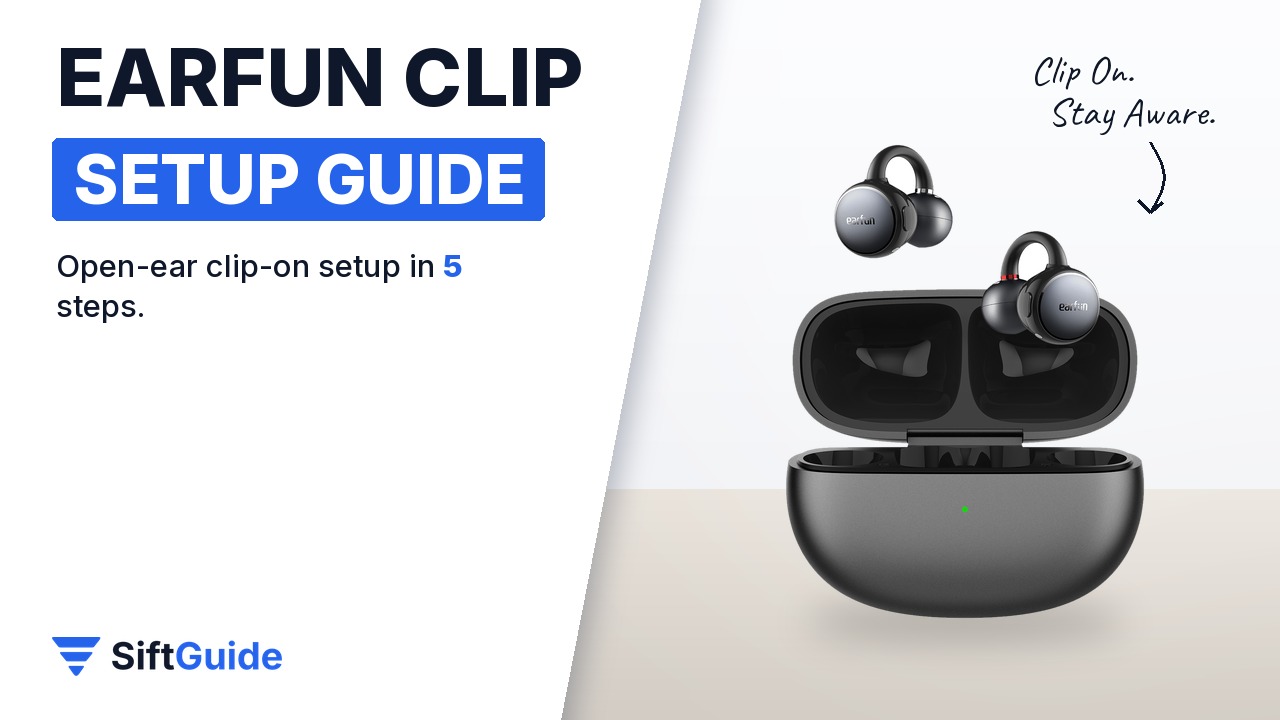
The EarFun Clip is a clip-on, open-ear earbud: a C-shaped Ni-Ti memory alloy bridge holds a small sound ball just outside your ear canal, so you hear your music and your surroundings. It adds Bluetooth 6.0, LDAC with Hi-Res Audio certification, dual-device connection and a low-latency game mode. Here is how to set up the silver grey version properly in five steps.
Disclosure: this guide contains affiliate links (Awin). If you buy through them we may earn a commission at no extra cost to you. Specs come from the official product page.
What you need
- EarFun Clip open-ear earbuds (Silver Grey) and charging case
- An Android phone (for Google Fast Pair) or any Bluetooth phone, tablet or laptop
- The USB-C cable from the box
- Optional: the free EarFun Audio app (iOS or Android)
Step 1: Remove the films and pair
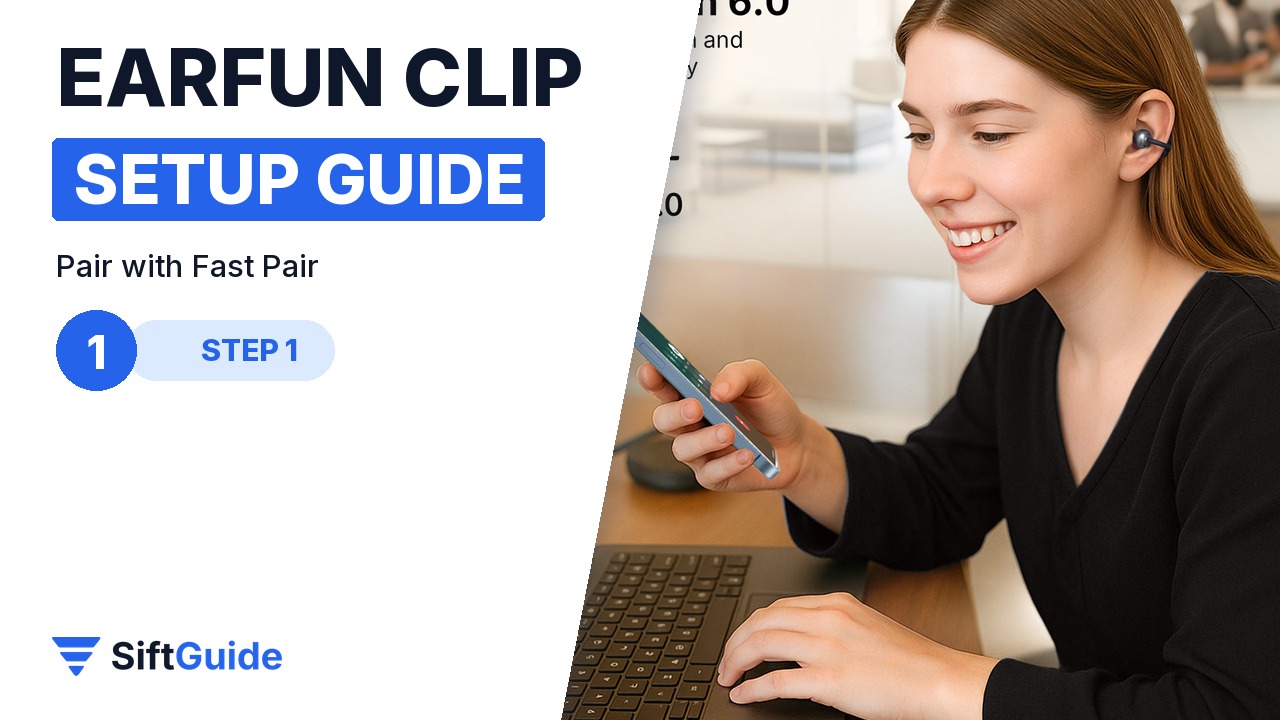
Out of the box, peel the insulating films off both earbuds; EarFun’s FAQ names this as the first fix when the buds power on but will not connect. Open the case near an Android phone and tap the Google Fast Pair card, or pick EarFun Clip from the Bluetooth list on any other device.
Step 2: Fit the C-bridge
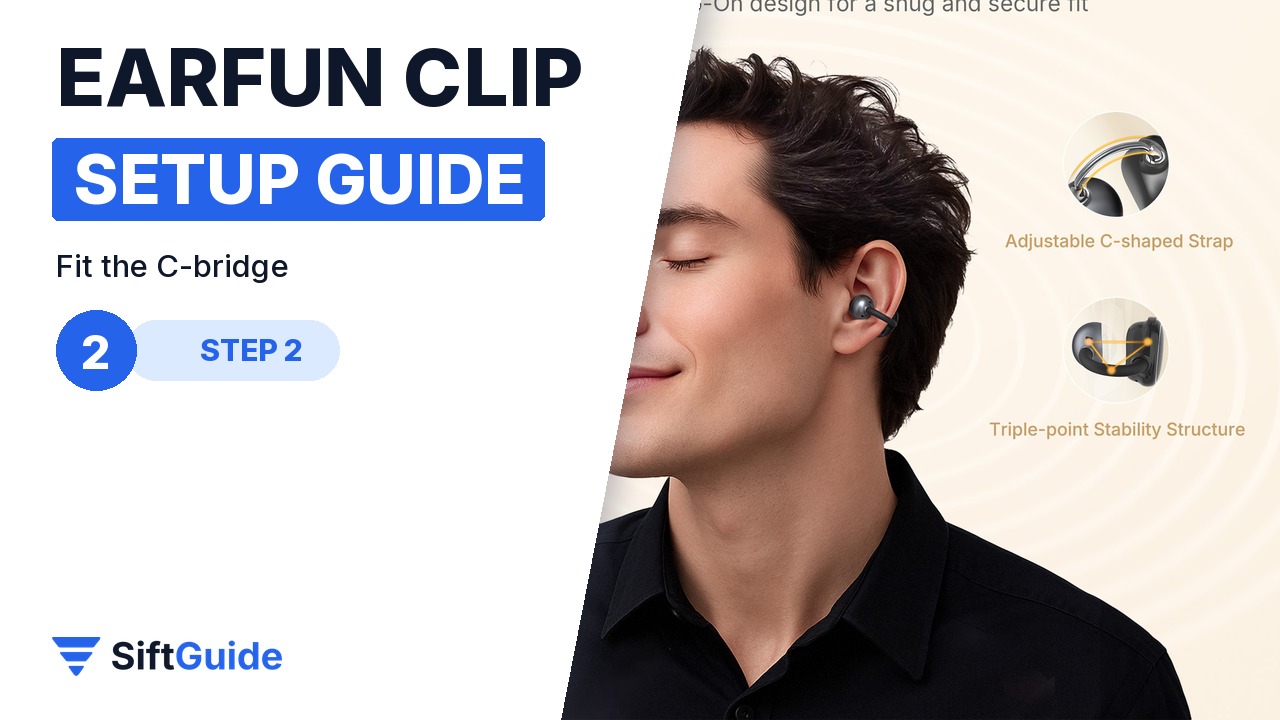
Slide the flexible C-bridge over the edge of your ear so the sound ball rests just in front of the ear canal, not inside it. The 0.55 mm nickel-titanium memory wire in soft liquid silicone spreads the pressure, so the fit should feel secure without pinching. Each earbud weighs about 5.7 g.
Step 3: Tune the sound in the EarFun Audio app
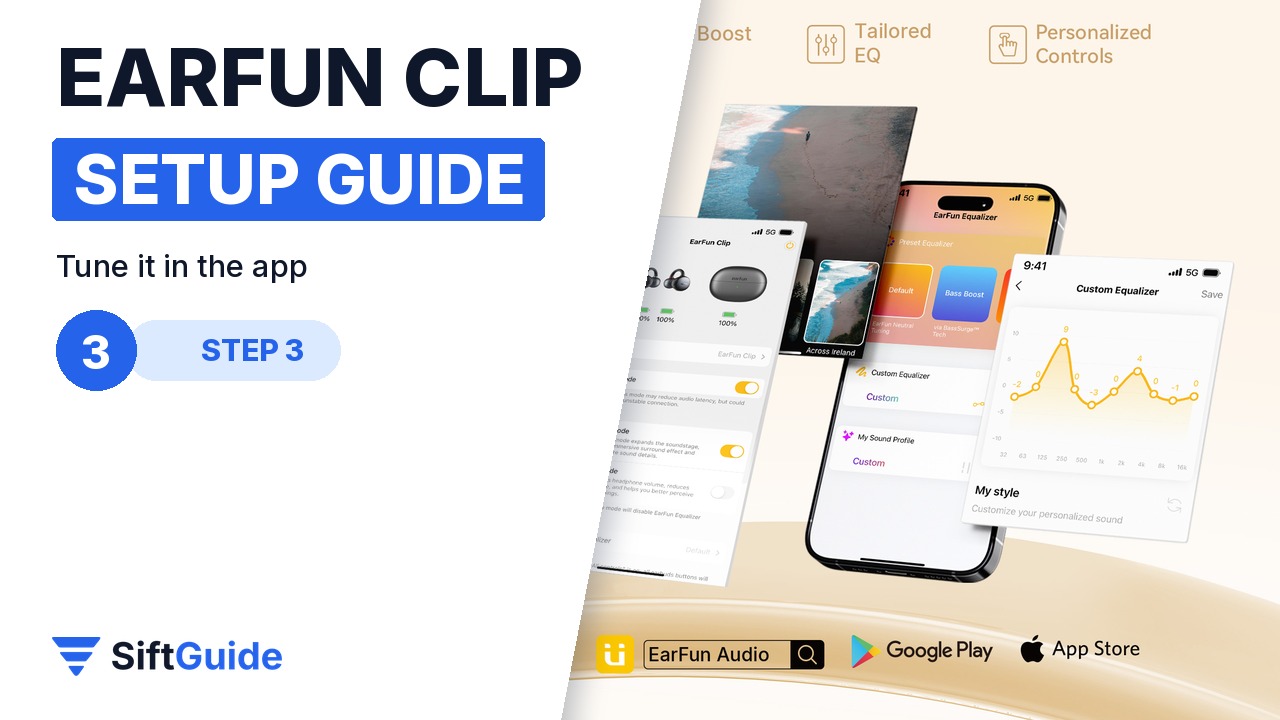
In the EarFun Audio app you can adjust the EQ, change the button controls and sound modes, and install firmware updates. Open-ear designs leak more bass than sealed in-ear buds, so a little EQ tuning usually pays off.
Step 4: Use two devices and game mode
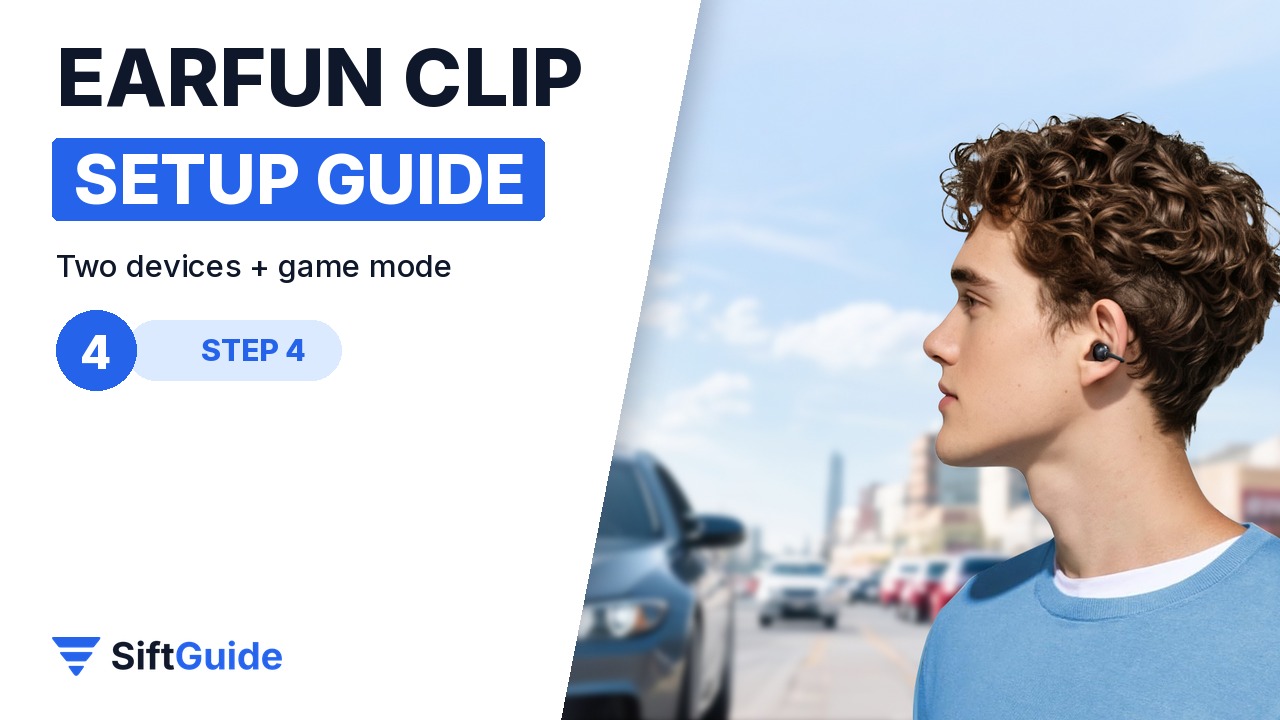
Dual-device connectivity keeps the Clip linked to your phone and laptop at the same time, so a call can interrupt a video without re-pairing. For games and video, switch on the ultra-low-latency game mode, which EarFun rates under 50 ms.
Step 5: Charge over USB-C
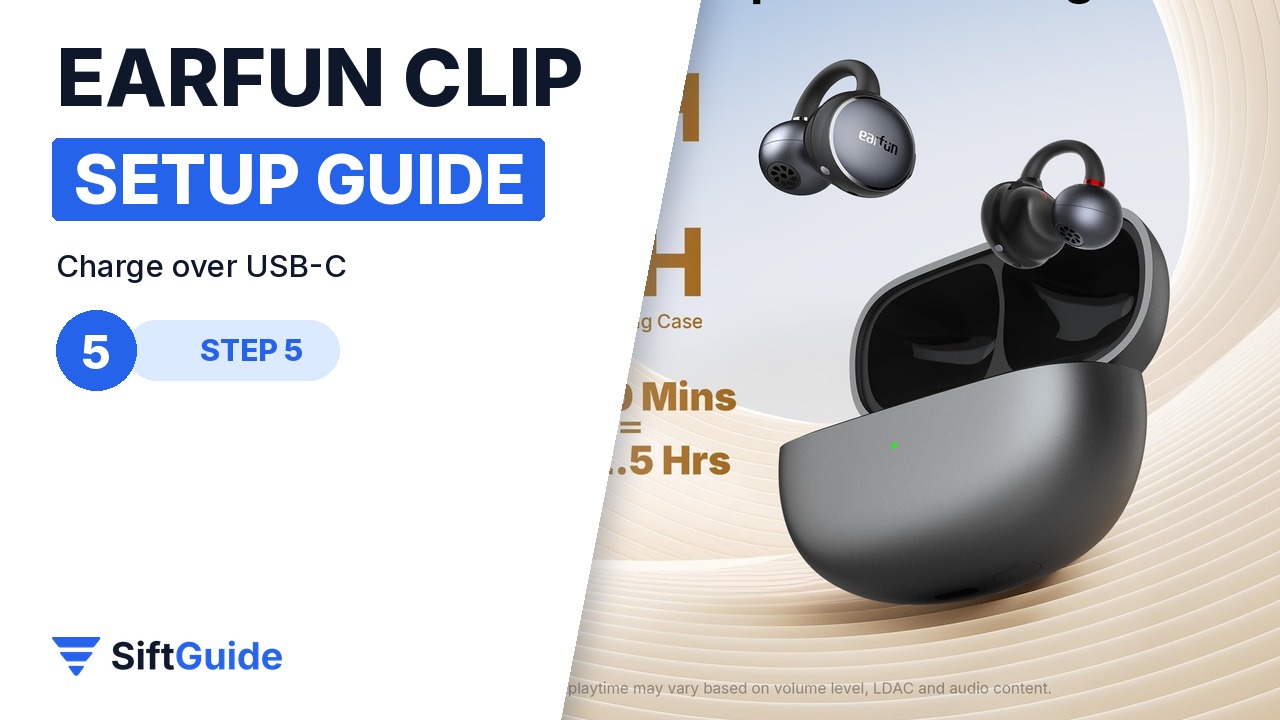
The case charges over USB-C in about 2 hours, the earbuds in about 1 hour. With LDAC off, EarFun rates up to 10 hours per charge and 40 hours with the case; with LDAC on it is up to 5.5 and 22 hours, so keep LDAC for when quality matters most.
Pro tip
If the app will not find the buds, check that Bluetooth and Location permissions are enabled for the EarFun Audio app. If the sound cuts out, keep the phone out of a back pocket: the range is up to 15 m without obstacles, but bodies and walls shorten it.
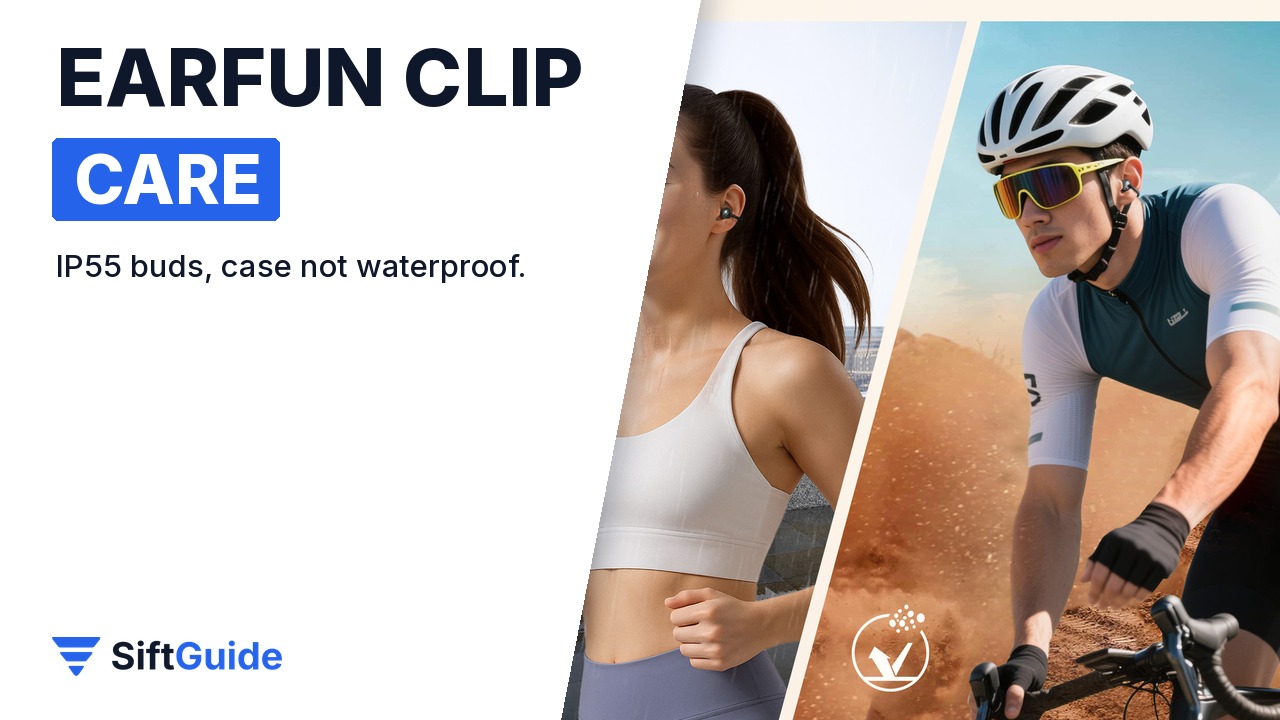
Care: the earbuds are IP55 against sweat, dust and light rain, but the charging case is not waterproof. Wipe the buds after a workout and let them dry before docking them.
EarFun Clip Open-Ear Earbuds (Silver Grey)
Clip-on open-ear wireless earbuds with a Ni-Ti memory alloy C-bridge, 10.8 mm carbon fibre composite drivers, Hi-Res Audio and LDAC, Bluetooth 6.0, Google Fast Pair, dual-device connection, <50 ms game mode, AI 2-mic calls, IP55 and up to 10 h per charge / 40 h with the case. Price on the EarFun UK store on 19 October 2026: £30.89 (list price £49.99). Prices change, so check before you buy.
FAQ
Do the EarFun Clip earbuds go inside the ear?
No. They are open-ear: the sound ball rests in front of the ear canal and a reverse sound wave system directs sound into the ear while keeping you aware of your surroundings.
Does the EarFun Clip support LDAC?
Yes. It supports LDAC and SBC and is Hi-Res Audio certified. LDAC shortens the battery life to about 5.5 hours per charge.
Is the EarFun Clip waterproof?
The earbuds are IP55 against sweat, dust and light rain. The charging case is not waterproof.
Can it connect to two devices?
Yes. Dual-device connectivity lets it stay connected to, for example, your phone and laptop at the same time.
