
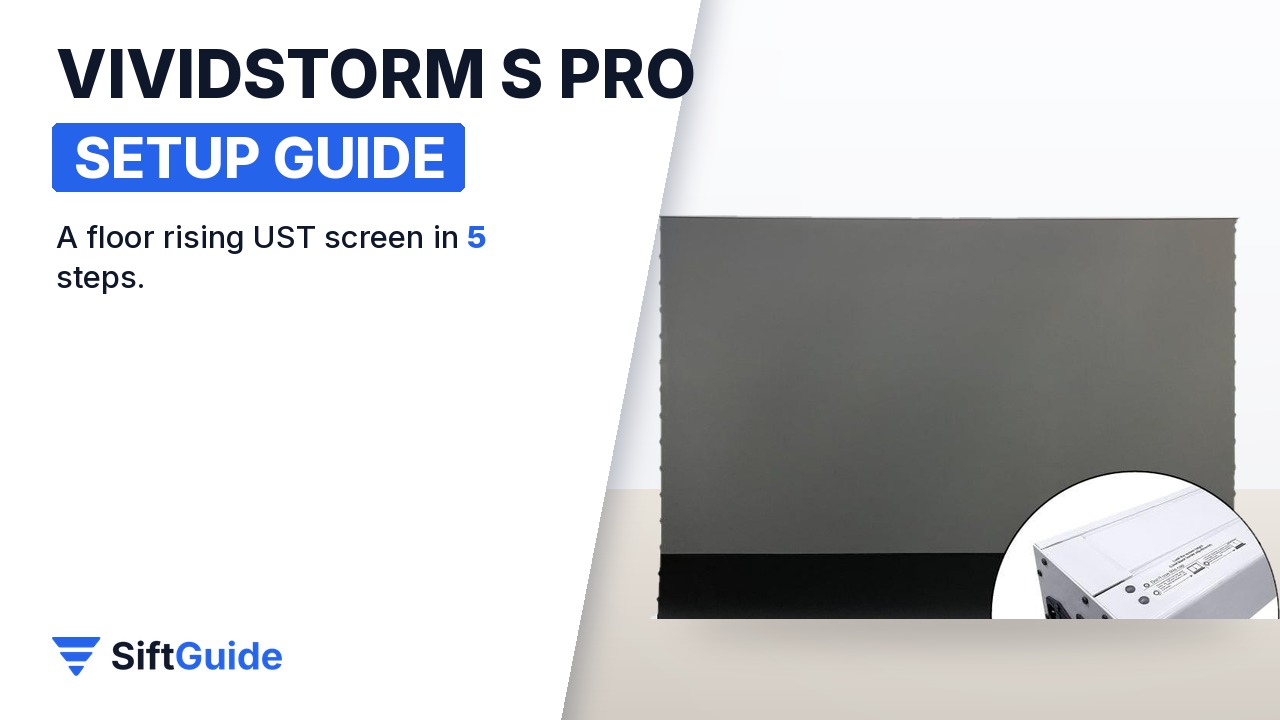
A floor rising screen is the cleanest way to get a 100-inch picture into a living room: it lives in a slim case on the floor and only appears when you want to watch. The VIVIDSTORM S PRO adds an ambient light rejecting (ALR) surface tuned for ultra-short-throw laser projectors, so you do not need a pitch-black room. It comes in 72″, 84″, 92″, 100″, 110″ and 120″ sizes, with a black or white housing. This guide is based on the official listing on Nothing Projector and covers the five steps that matter for a good first picture.
Disclosure: this guide contains affiliate links (Awin). If you buy through them we may earn a commission at no extra cost to you. Specs come from the official product page.
What you need
- An ultra-short-throw (UST) laser projector; the screen is made only for UST projectors placed on a table or the floor
- Floor space in front of the wall for the case and the projector
- A power outlet (the screen is offered in 110V and 220V versions; tell the store which one you need)
- The included remote
- Optional: a low cabinet or console for the projector
Step 1: Check that it matches your projector
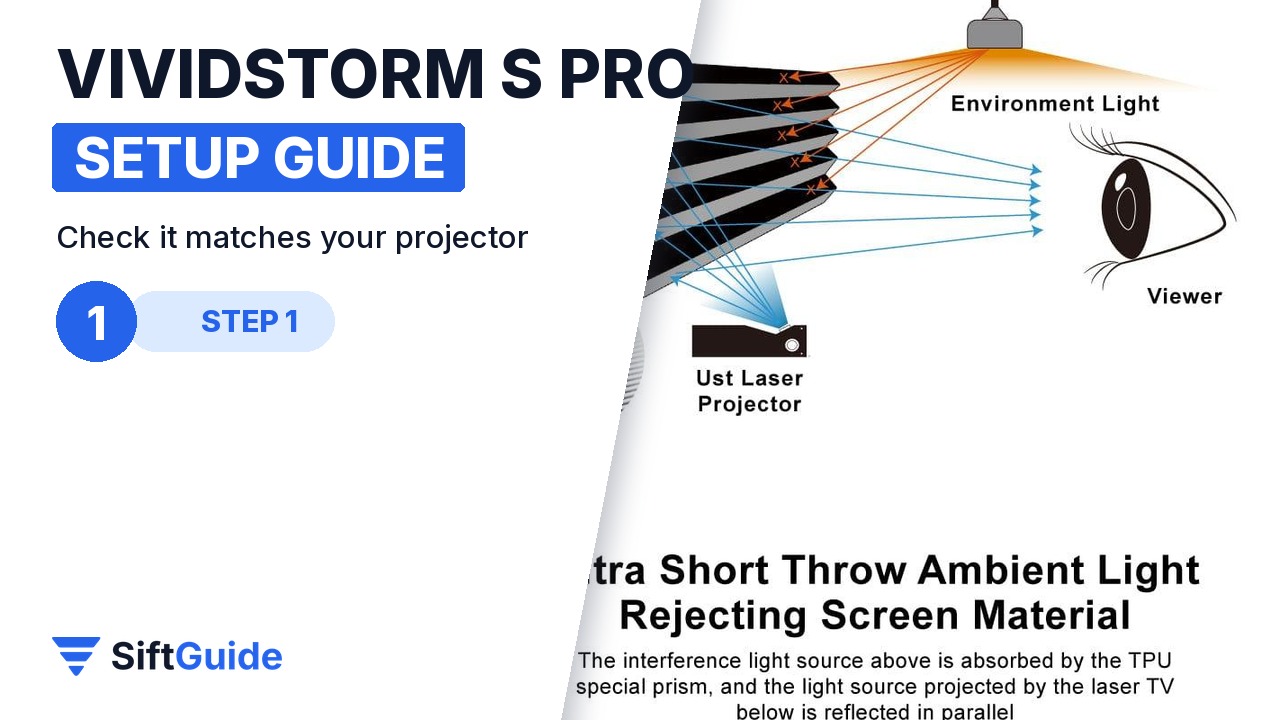
The S PRO uses an ultra-short-throw ALR/CLR lenticular surface. It rejects light coming from above (ceiling lights) and reflects light from a projector below it, which is why it only works with UST projectors that sit under the screen. A normal long-throw projector on the ceiling will look dim on it. VIVIDSTORM also recommends a projector with real brightness of about 1800 ANSI lumens or more.
Step 2: Pick the size and place the case
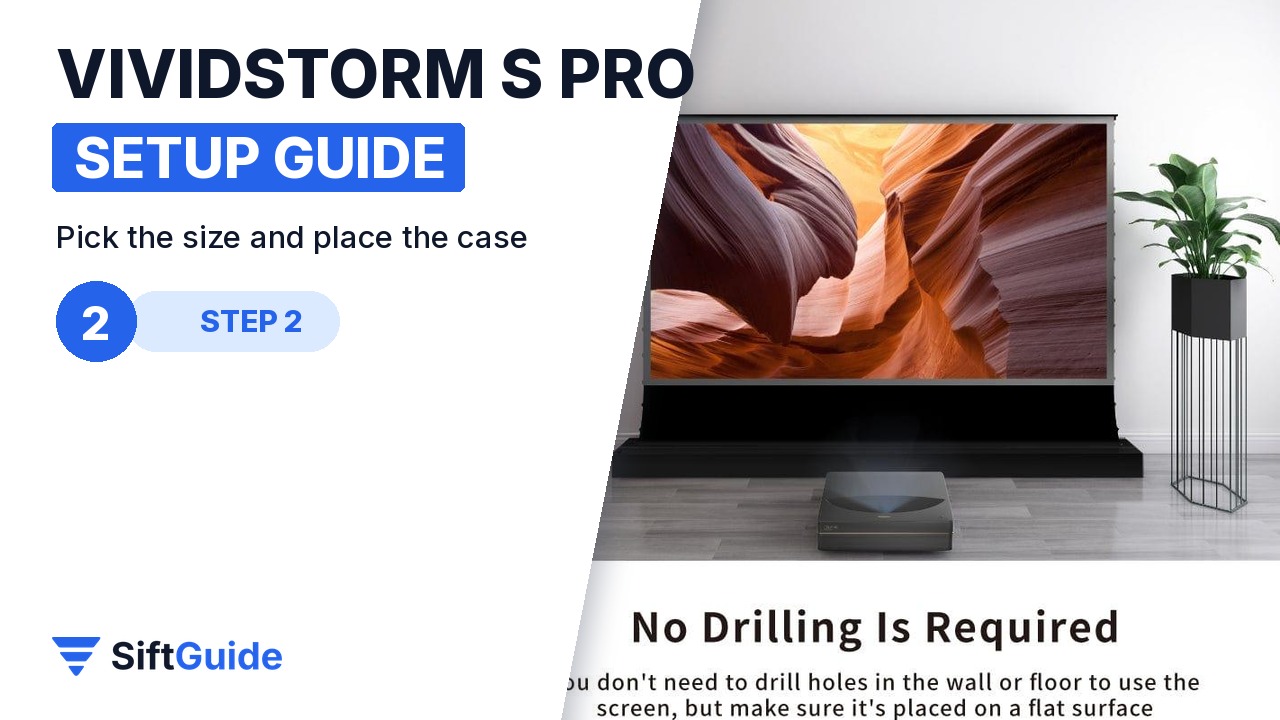
Choose the size by your seating distance and the projector’s throw range: 72″ up to 120″ diagonal, all in a 16:9 format, with a black or white housing. The case simply stands on the floor in front of the wall, so there is nothing to drill and nothing to hang. Leave enough room in front for the projector, and centre the case on your seating position.
Step 3: Plug in and raise the screen
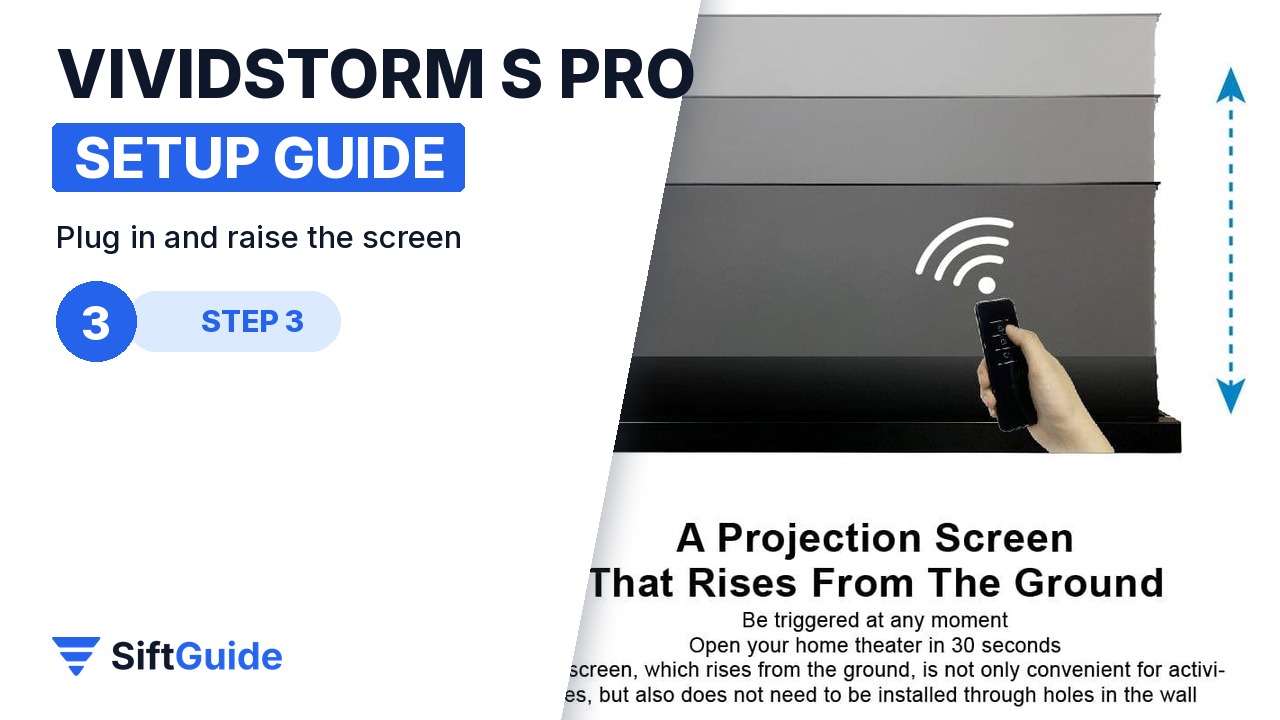
Connect the power lead and use the remote to bring the screen up. The motorized system lifts the fabric out of the case in about 20 to 30 seconds and lowers it back the same way. The listing mentions four control methods in total, so you can also trigger it without the remote; check the manual for the options supplied with your unit.
Step 4: Align the image to the black frame
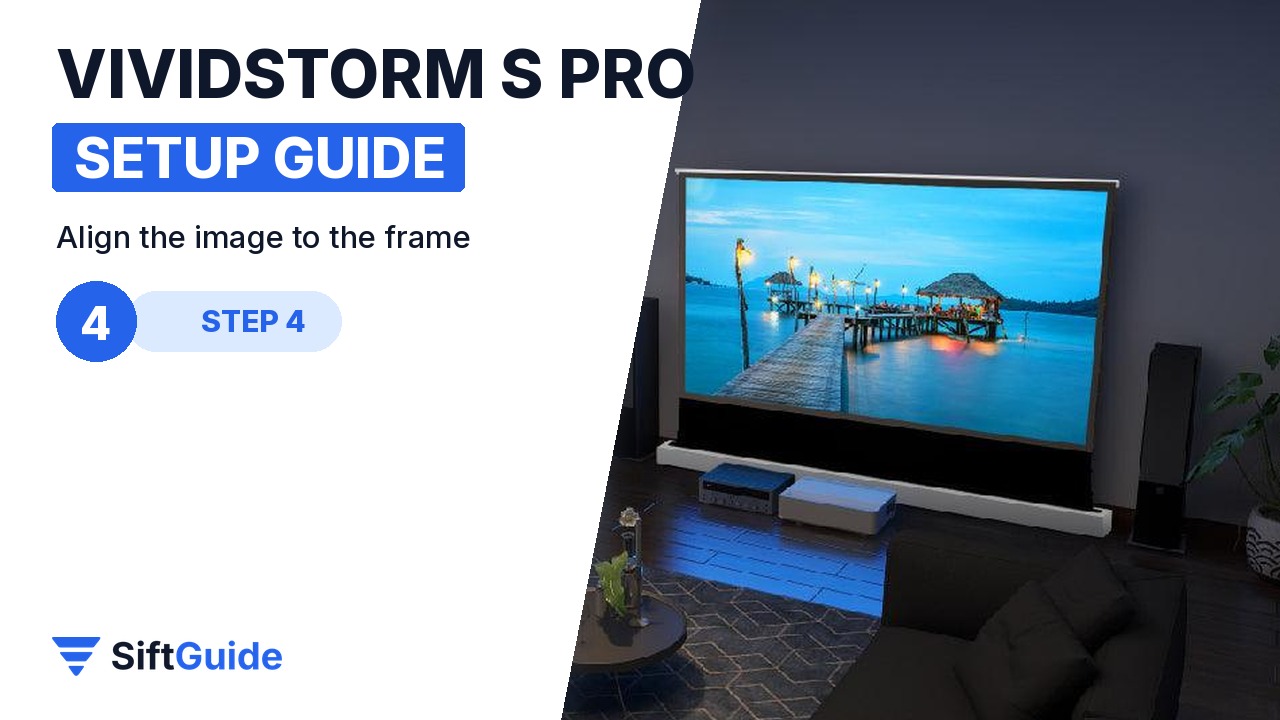
Put the UST projector in front of the screen, close to the wall, and switch it on. Move it forward or back until the picture fills the screen, then adjust left, right and tilt so the edges line up with the black border. Fine-tune with the projector’s own geometry or focus settings, not with digital zoom if you can avoid it, to keep the full sharpness.
Step 5: Watch with the lights on
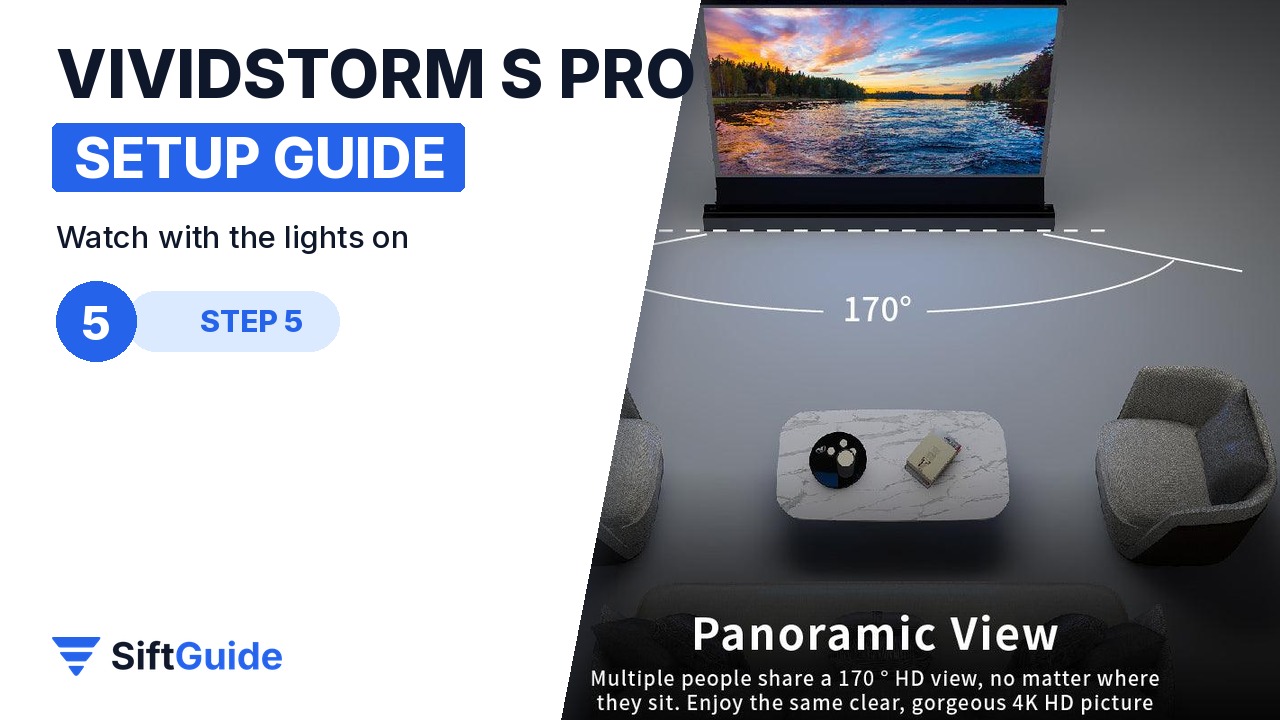
This is what the ALR surface is for. With a 0.6 gain and a 170-degree viewing angle, the picture keeps its contrast with ceiling lights on, and everyone on the sofa sees the same image. In daylight, lower the blinds a little; in the evening, normal room lights are fine.
Pro tip
Raise the screen and leave it up for a while the first time. VIVIDSTORM notes that changes in temperature and humidity can cause slight wrinkles; the tab-tensioned design pulls the surface flat, and a fabric that has rested in a cold delivery van needs a little time at room temperature first.
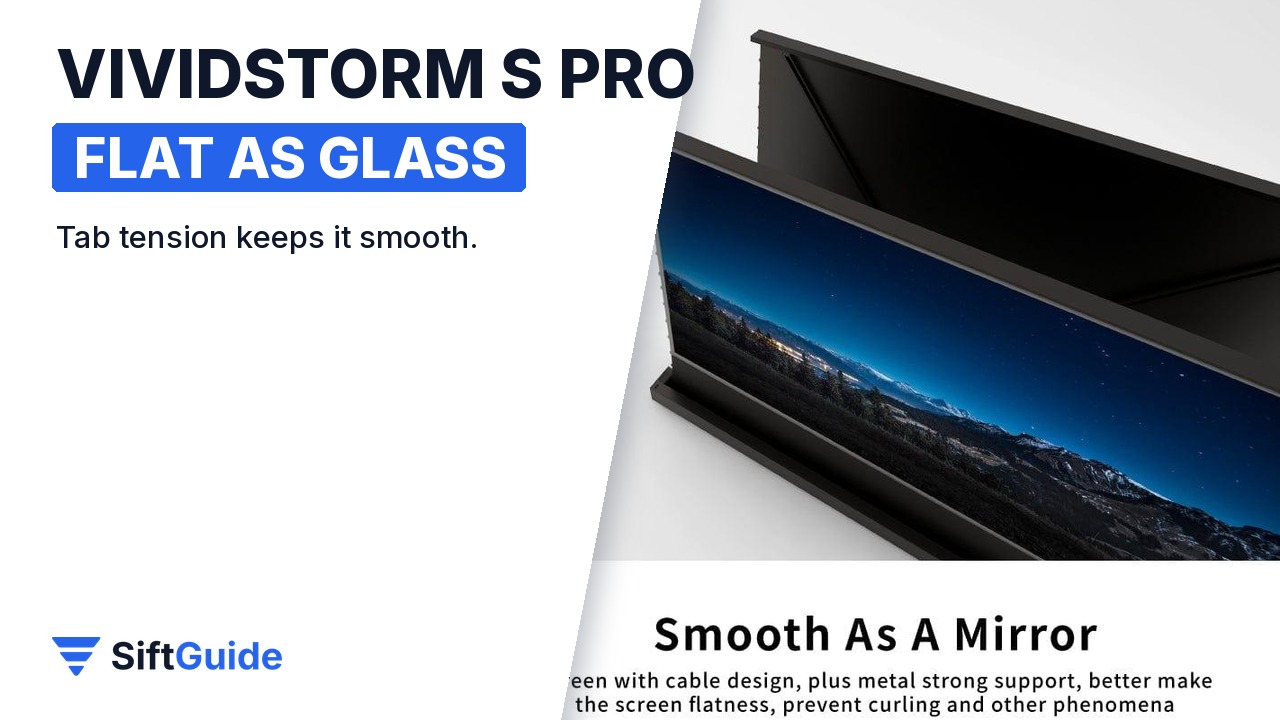
Flat as glass: the S PRO uses a tab-tensioned rope design with a metal support and cable design that keeps the screen flat and stops it curling at the edges. A flat surface matters more with UST projectors than with any other kind, because the light hits the screen at a very steep angle and every ripple shows.
VIVIDSTORM S PRO Motorized Tension Floor Rising UST ALR Screen (72″-120″)
Floor rising projector screen for UST laser projectors: ALR/CLR lenticular surface, 0.6 gain, 170° viewing angle, 4K/8K and 3D support, motorized rise in about 20-30 seconds, four control methods, tab-tensioned surface, no drilling, black or white housing, 110V or 220V. On the official store in October 2026 it starts at $2,048 (72″-84″) and goes up to $2,384 (110″-120″). Prices change, so check before you buy.
FAQ
Can I use it with a normal projector?
No. The ALR lenticular surface is designed for UST projectors placed below the screen. Light from a ceiling-mounted projector is rejected, just like ceiling lights.
Do I need to mount anything on the wall?
No. The screen rises from a case standing on the floor; there is no drilling and no wall bracket.
How long does it take to rise?
About 20 to 30 seconds, according to the official listing.
Which size should I choose?
Check your projector’s throw distance chart and your seating distance. 100″ is the most common size for living rooms; the S PRO goes from 72″ to 120″.
