
EdrawMax is Wondershare’s all-in-one diagramming app. It covers flowcharts, org charts, floor plans, UML, network diagrams, electrical circuits, Gantt charts and a lot more, about 210 diagram types according to Wondershare. That range is the reason people buy it and also the reason new users freeze when they first open it. The trick is to ignore most of it at the start. This guide follows the official EdrawMax pages and shows the shortest path to a finished, good-looking diagram you can send to someone.
Disclosure: this guide contains affiliate links (Awin). If you buy through them we may earn a commission at no extra cost to you. Specs come from the official product page.
What you need
- A Windows, macOS or Linux computer, or just a browser for EdrawMax Online
- A free Wondershare account (needed for the online version and for sharing)
- A rough idea of what you want to show: a process, a team structure or a room layout
- Optional: an EdrawMax subscription to remove the free-plan limits
Step 1: Install it or open it online

Download EdrawMax for Windows, macOS or Linux from edrawsoft.com, or open EdrawMax Online if you do not want to install anything. Wondershare also lists iOS and Android apps for working on the go. The interface is deliberately close to Microsoft Office, with a ribbon at the top and a shape library on the left, so if you have used Word or Visio you will find your way around quickly.
Step 2: Start from a template
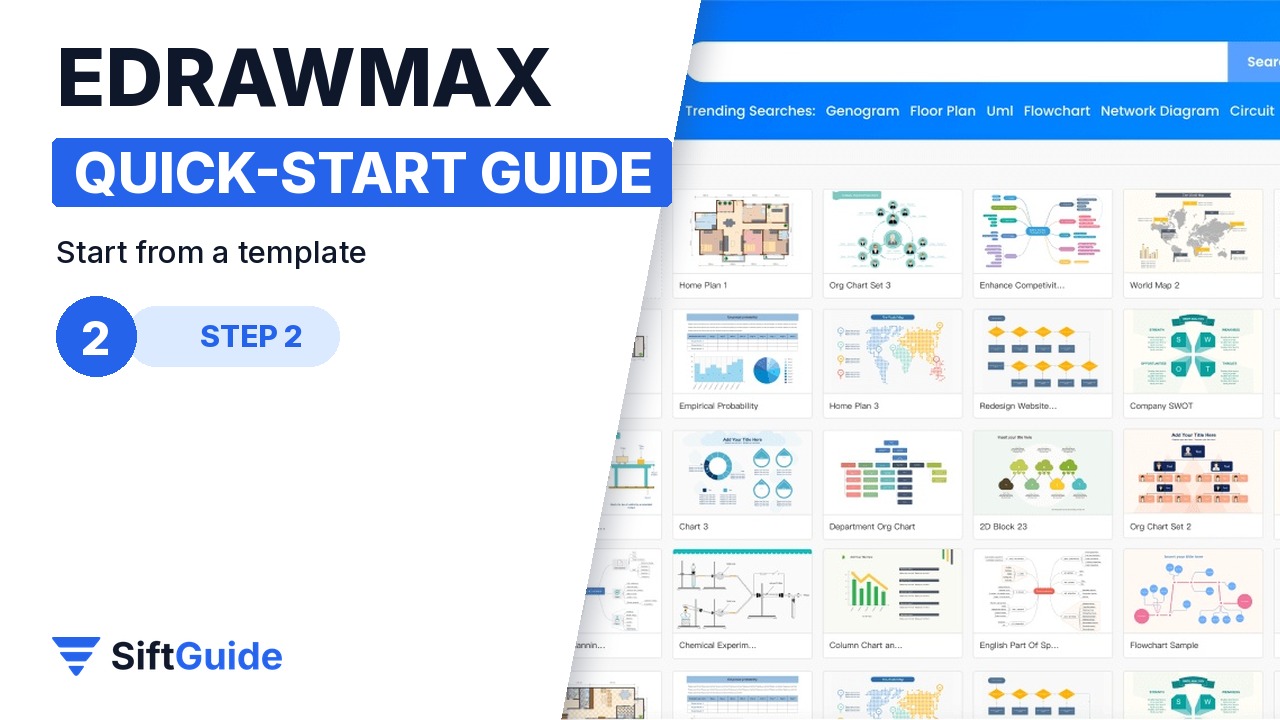
Do not start from a blank page. EdrawMax ships with more than 1,500 built-in templates, and the community gallery adds thousands more made by other users. Pick the category closest to your goal (flowchart, org chart, floor plan, network diagram) and open a template with roughly the right structure. Replacing the text in an existing layout is much faster than placing boxes yourself, and it teaches you how a clean diagram is spaced.
Step 3: Build with drag-and-drop symbols
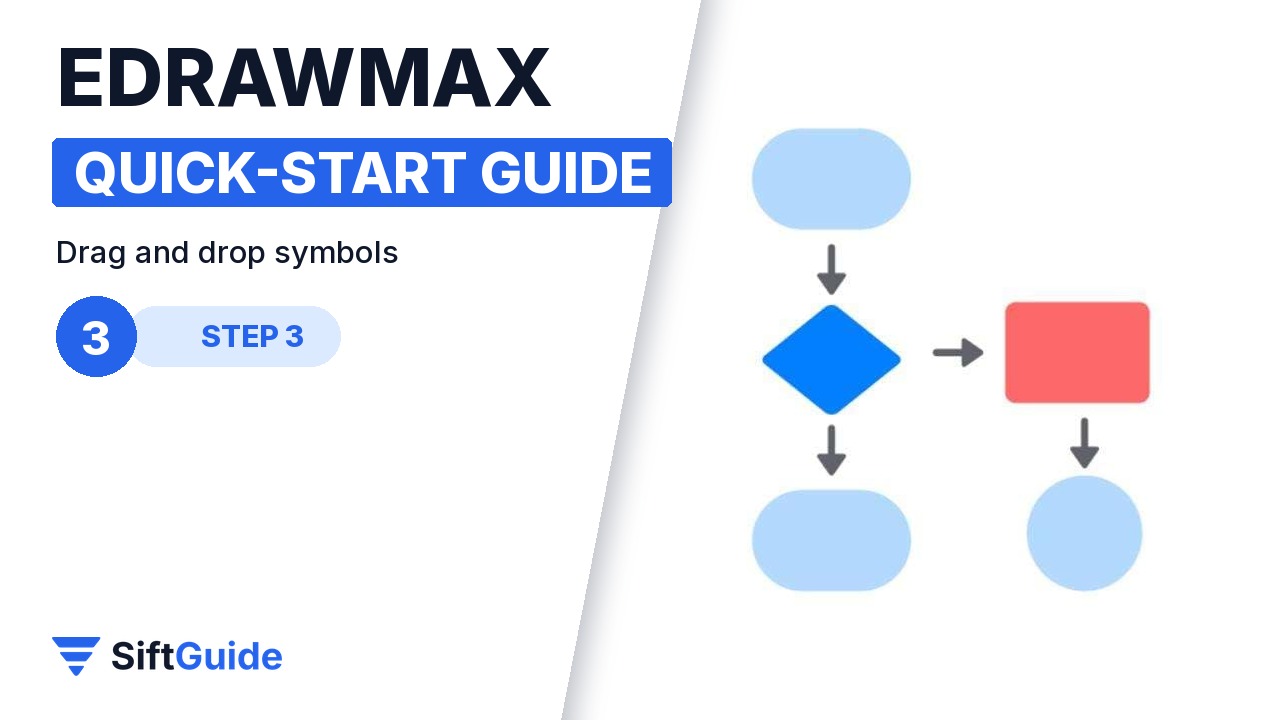
To add elements, drag shapes from the library onto the canvas. Wondershare quotes more than 26,000 symbols, from basic flowchart shapes to network devices, furniture and electrical components. Hover over a shape to get the quick connectors, then drag to the next shape and the line snaps into place. Use the alignment and distribution buttons rather than lining things up by eye. That single habit makes a diagram look professional.
Step 4: Let the AI draft it

If you are short on time, use the AI diagramming tools. You describe what you need in a prompt, for example “flowchart for approving a purchase order”, and EdrawMax drafts a flowchart, a mind map or a table that you then edit like any other diagram. There is also an AI chat for help while you work and an AI analysis tool for charts. Treat the AI output as a first draft: check the logic, rename the steps in your own words and delete what you do not need.
Step 5: Apply a theme, then share or export

When the content is right, apply one of the pre-designed themes. One click changes colours, fonts and connector styles across the whole diagram, which is far quicker than formatting shapes one by one. Then share a view link with your team, so they always see the latest version, or export the file and drop the diagram into a report or a slide deck.
Pro tip
Decide the direction of your diagram before you add shapes: top to bottom for processes, left to right for timelines. Then keep every connector flowing the same way. Most “messy” diagrams are not ugly because of colours, they are messy because arrows go in four directions.

Done: a template, a few dragged-in symbols, an AI draft if you need one and a theme on top. That is the whole workflow for most diagrams, and it stays the same whether you are mapping a process, a team or a floor plan.
Wondershare EdrawMax (annual license)
All-in-one diagramming software for Windows, macOS and Linux, with EdrawMax Online in the browser. About 210 diagram types (flowcharts, org charts, floor plans, UML, network and circuit diagrams, Gantt charts and more), 1,500+ built-in templates, 26,000+ symbols, AI diagram generation, one-click themes, link sharing and export. In the Wondershare affiliate catalog in October 2026 the annual license is listed at $99. Prices and promotions change, so check before you buy.
FAQ
Is EdrawMax free?
You can download it for free to try it. The full features come with a paid plan; the annual license is listed at $99 per year in October 2026.
Does EdrawMax work on Mac and Linux?
Yes. Wondershare offers desktop versions for Windows, macOS and Linux, plus EdrawMax Online in the browser.
Can EdrawMax replace Visio?
For most flowcharts, org charts and network diagrams, yes. Wondershare positions it as a Visio alternative with a similar interface.
What does the AI feature do?
It drafts flowcharts, mind maps and tables from a text prompt, and it offers an AI chat and chart analysis. You edit the result like any other diagram.
