
Affiliate disclosure: this post contains an affiliate link to ElevenLabs (via PartnerStack). If you subscribe through it, SiftGuide may earn a commission at no extra cost to you; it does not change your price. Every step, payout rate and limit below comes from ElevenLabs’ official ElevenReader Publishing FAQ, checked on October 18, 2026. Prices and payouts are in US dollars. The Ultra listening-hours figure is our own arithmetic.
ElevenReader Publishing is ElevenLabs’ free self-publishing program for authors and publishers. You upload your manuscript as text; readers get on-demand AI narration inside the ElevenReader app (iOS, Android and web), and they pick the voice. You keep the rights to your work. This guide covers how to publish, how payouts work (direct sales and Ultra listening), the beta language list, and the limits that matter before you submit.
ElevenReader Publishing at a glance
Question: Cost to publish
- Answer from ElevenLabs: Free. ElevenLabs says there are no costs to create and distribute approved content.
Question: What you upload
- Answer from ElevenLabs: A manuscript as EPUB, PDF, TXT, DOCX or HTML (use EPUB if you need images).
Question: What readers hear
- Answer from ElevenLabs: On-demand AI narration; each listener chooses a voice. You cannot pre-select a narrator or upload your own audio files.
Question: Direct sales share
- Answer from ElevenLabs: 60% of revenue collected, after store fees (App Store / Google Play typically 30%; web about 3% Stripe).
Question: Ultra subscription listening
- Answer from ElevenLabs: US$0.20 per verified listening hour, capped at US$2.50 per book (about 12.5 hours to hit the cap by our math).
Question: Payout rail
- Answer from ElevenLabs: Stripe Connect only (no PayPal / Zelle / Venmo). Minimum US$10. Bank deposit typically 3–5 business days once paid.
Question: Beta languages
- Answer from ElevenLabs: English, Spanish, Portuguese, Polish, German or French only (for now).
Question: Review time
- Answer from ElevenLabs: Within 7 business days after you submit; status becomes Published or Rejected, with an email.
Question: Earnings guarantee
- Answer from ElevenLabs: None. Participating does not guarantee any specific amount.
Open ElevenLabs (PartnerStack referral) — then go to elevenreader.io/publishing to start a publishing account. (As of October 18, 2026, that URL may redirect to ElevenLabs’ audiobooks marketing page; the Help Center still names it as the entry point.)
Narration on ElevenReader vs Studio audiobooks
ElevenLabs draws a clear line between two products:
- AI audio narration (ElevenReader Publishing): on-demand generation; listeners pick the voice; no upfront production or editing from you.
- AI audiobook production (Studio): you produce a fixed audiobook in a full text-and-audio editor, choose the voice(s) yourself, and export files (for example for Spotify). That path uses ElevenLabs credits and plan limits — covered in our ElevenLabs audiobooks guide.
This article is only about the free ElevenReader Publishing path.
How to publish a book on ElevenReader
ElevenLabs’ own seven steps:
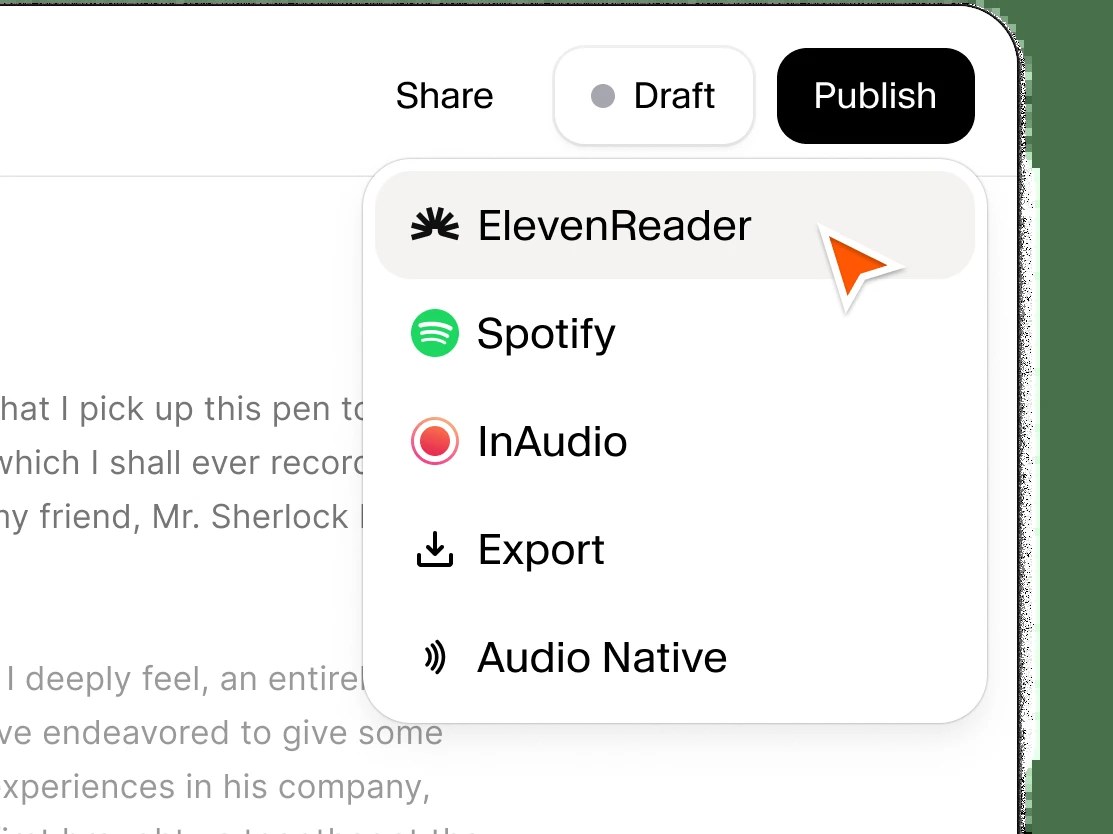
- Create a free account on elevenreader.io/publishing.
- Upload your manuscript as EPUB, PDF, TXT, DOCX or HTML.
- Review formatting in the publishing editor.
- Preview audio in the ElevenReader app by scanning the QR code.
- Configure book details, review the legal terms, and enable payouts.
- Publish and submit the book for review (status moves from Draft to Pending Review).
- After approval, share it with your audience and check reports and payouts.
What to watch in the publishing editor
The editor splits the file into chapters automatically. You can edit text, add, delete or rearrange chapters, and reformat headers. Not all original formatting is kept, so ElevenLabs recommends:
- Check that every chapter transferred; if it looks wrong, try another file type or restart and paste the text by hand.
- Put the title and author on the first chapter or page.
- You can delete the table of contents — the app has its own chapter navigation.
- Format chapter titles as Heading 1–3.
- Move tables or other details that read badly aloud to the back of the book.
- Strip page references, artifacts and extra blank lines.
To keep images, upload an EPUB. You cannot add images inside the publishing editor. Text may be normalized to plain text (for example italics removed) for audio compatibility.
Review, share, update, unlist
- Review: after submit, ElevenLabs reviews against its content guidelines within 7 business days. Status becomes Published or Rejected; you get an email.
- Share: once Published, use the Bookshelf share arrow or View Details → Share for a QR code or unique link that opens a web preview.
- Updates: metadata anytime; manuscript changes only every 14 days, and each manuscript update resets reader progress to zero.
- Remove: you can unlist or delete from the publishing account. Purchased copies stay in readers’ libraries; free content stays available for one month after removal.
How you earn: direct sales and Ultra listening
ElevenLabs lists two ways to earn. There is no earnings guarantee.
1. Direct sales
You set a price. Authors get 60% of the revenue collected after store fees:
- Apple App Store and Google Play fees are typically 30% of the in-app purchase price.
- Web purchases take an approximately 3% Stripe processing fee.
- Tax withholdings may apply depending on where you live.
You can sell to all users (Free and Ultra), or run a hybrid: include the book in Ultra for subscribers (engagement payouts) while free users still buy it outright.
2. Ultra subscription listening
ElevenReader Ultra includes 20 hours of listening in the subscription. Books in Ultra earn US$0.20 per hour of verified listening, with a cap of US$2.50 per book. Listening is based on validated playback. By our arithmetic, the per-book cap is reached after about 12.5 verified hours (US$2.50 ÷ US$0.20).
Try ElevenLabs (then open ElevenReader Publishing)
Payouts: Stripe, threshold, timing
- Who: payouts are open globally (they were previously US-only). You must be 18 or older and in a country where the program is available, with accurate account details.
- How: connect a Stripe Connect account. ElevenLabs does not pay out via PayPal, Zelle, Venmo or other rails. Stripe is free to use; you track status in the Stripe dashboard.
- Threshold: minimum US$10. Below that, earnings roll to the next cycle; any leftover under the threshold is paid once per calendar year.
- Cadence (docs disagree slightly): the FAQ “How often are payouts made?” says payouts are issued weekly once you hit US$10. The FAQ “When will I get paid?” says payments are made every two weeks (same US$10 threshold). We report both wording as published; check your Stripe dashboard for what actually lands.
- Bank timing: once initiated, deposits typically take 3–5 business days, depending on bank and country.
Languages, voice, geography and other limits
Topic: Publishing languages (beta)
- Official rule: English, Spanish, Portuguese, Polish, German or French only. ElevenLabs plans to add more later. The underlying audio model supports 30+ languages, but Publishing does not accept those yet.
Topic: Translations
- Official rule: Not offered. Narration stays in the original language of your text.
Topic: Preferred narrator
- Official rule: You cannot pre-select a voice. Each listener picks from the voice library. ElevenLabs suggests a short note at the start of the book if you want to recommend one.
Topic: Your own audio files
- Official rule: Not supported. Narration is generated on demand in the app.
Topic: Geography
- Official rule: Worldwide distribution for all books today; territory controls are under development.
Topic: Where it appears
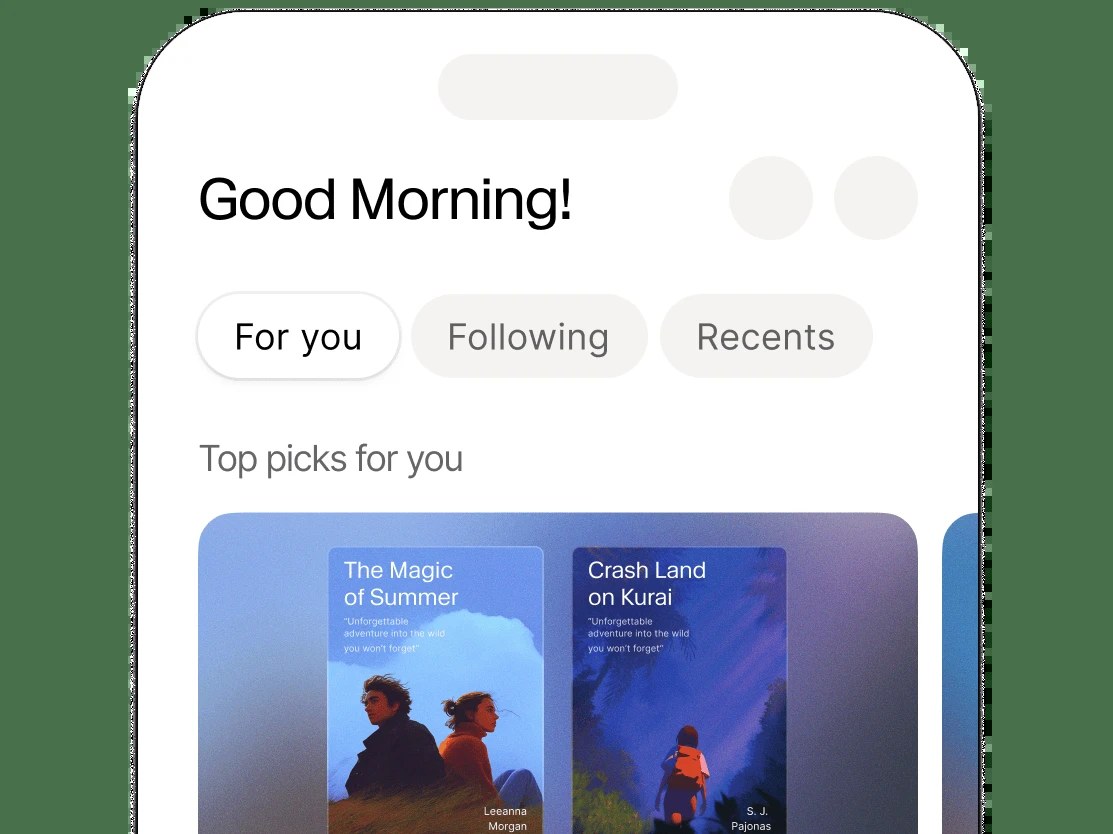
- Official rule: ElevenReader on iOS and Android, plus the web app at elevenreader.io (Explore, or your share link).
Topic: Self-serve ads / boosts
- Official rule: None. Fill metadata thoroughly and use your unique share link.
Topic: Content standards
- Official rule: Must follow ElevenLabs’ content guidelines; non-compliant books can be rejected or removed.
More from ElevenLabs on SiftGuide
Producing a fixed audiobook in Studio (credits, Spotify export, character casting) is a different workflow — see our audiobooks guide. For plan credits and pricing, see the ElevenLabs pricing guide. For a voice that sounds like you inside Studio or other ElevenLabs tools, see Instant vs Professional voice cloning.
FAQ
Is ElevenReader Publishing free?
Yes. ElevenLabs says there are no costs for authors and publishers to create and distribute approved content. You still need an eligible Stripe Connect account to receive payouts.
How much do authors earn on ElevenReader?
On direct sales, 60% of revenue after store fees. On Ultra listening, US$0.20 per verified hour up to US$2.50 per book. There is no earnings guarantee.
Which languages can I publish?
In the current beta: English, Spanish, Portuguese, Polish, German or French.
Can I pick the AI voice for my book?
No. Each listener chooses a voice. You can recommend one in a note at the start of the book.
Can I upload a finished MP3 audiobook?
No. External audio files are not supported on this path.
How long does review take?
Within 7 business days, then Published or Rejected with an email.
How do I get paid?
Connect Stripe Connect, hit the US$10 threshold, then wait for the payout cycle and typically 3–5 business days for the bank deposit.
Sources
All checked on October 18, 2026. Official ElevenLabs Help Center – ElevenReader Publishing FAQ:
- What is ElevenReader Publishing?
- How do I publish a book on the ElevenReader App?
- Are there any costs associated with ElevenReader Publishing?
- How are payouts calculated?
- How do I earn money from my books on ElevenReader?
- How do payouts work?
- How often are payouts made?
- When will I get paid?
- What languages does ElevenLabs support for AI narration?
- What formats are supported for publication?
- Is there a guarantee of earnings in the program?
- ElevenReader Publishing FAQ index
- ElevenReader Publishing entry: https://elevenreader.io/publishing
- Content guidelines: https://elevenreader.io/content-guidelines
