
Affiliate disclosure: this post contains an affiliate link to ElevenLabs (via PartnerStack). If you subscribe through it, SiftGuide may earn a commission at no extra cost to you; it does not change your price. Every step, limit and price below comes from ElevenLabs’ official documentation and pricing page, checked on October 18, 2026. Prices are in US dollars and exclude taxes. The minutes-per-plan figures are our own arithmetic from ElevenLabs’ approximate credit costs, and we have not run a long-term dubbing test ourselves.
ElevenLabs Dubbing takes a video or audio file in one language and gives it back in another, using voices that sound like the original speakers. ElevenLabs says it works across 90+ languages, keeps each speaker’s emotion, timing and tone, and keeps the original background audio, so music and sound effects don’t need re-mixing. This guide covers the exact steps, which plan you need, roughly how many minutes each plan covers, the file limits, and what Dubbing does not do (lip sync is the big one).
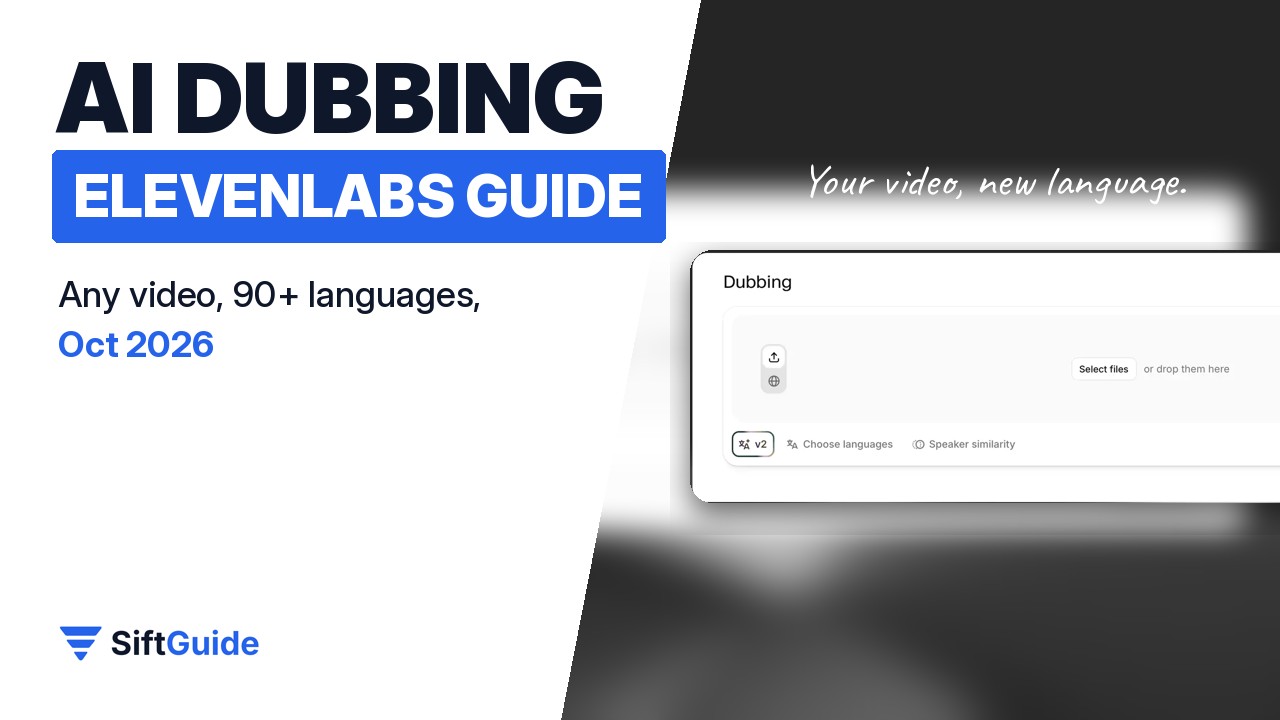
ElevenLabs Dubbing at a glance
Question: Which plans include it?
- Answer from ElevenLabs’ docs: All plans, including Free. Free-plan dubs are watermarked and the watermark can’t be removed; paid-plan dubs have no watermark.
Question: How is it charged?
- Answer from ElevenLabs’ docs: Per minute of source media, for each language you dub into. The app shows the total and asks you to confirm before the dub starts.
Question: Credits per minute
- Answer from ElevenLabs’ docs: About 3,000 credits per minute for an automatic dub without watermark (2,000 with the Free-plan watermark); 5,000 or 10,000 in the legacy Dubbing Studio.
Question: Languages
- Answer from ElevenLabs’ docs: 90+, with dialect options for English, Spanish, Portuguese, French, Arabic and Chinese.
Question: Upload limits
- Answer from ElevenLabs’ docs: Up to 180 minutes per file in the app; 3 GB per source file through the API. Video can be up to 4K.
Question: Lip sync?
- Answer from ElevenLabs’ docs: No. ElevenLabs says Dubbing does not include lip syncing.
Question: What you get back
- Answer from ElevenLabs’ docs: Dubbing v2 returns a single lossless audio file, plus a dubbed video preview (usually 1080p).
Try ElevenLabs Dubbing (free plan available)
How to dub a video with ElevenLabs, step by step
- Sign in and open Dubbing from the left menu.
- Upload your video or audio file, or switch to the Paste URL tab to dub a video straight from YouTube, TikTok or another link.
- In Choose languages, pick the language or languages you want. Each language is charged separately, so start with one.
- Optionally click Speaker similarity (see below) to decide how closely the dubbed voice should copy the original speaker.
- Click the generate button. ElevenLabs shows you the cost and asks you to confirm.
- When the dub is ready, download it from your list of dubs. If the download doesn’t start, ElevenLabs suggests another browser and turning off ad and pop-up blockers (it’s most often reported with Brave).
New dubs use ElevenLabs’ latest model, Dubbing v2, which is automatic: it detects the speakers (even when they talk over each other), translates, and generates the new voices. You can then edit a v2 dub in the web app: change the transcript or the translation and regenerate just that segment, without re-dubbing the whole project.
Speaker similarity: the one setting worth understanding
Speaker similarity (ElevenLabs also calls it cloning strength) runs from 0 to 10, and the default of 7 works well for most content, according to ElevenLabs. Higher values make the dub sound more like the original speaker, but can sound less natural in a language with very different sounds and can carry over more of the original accent. Lower values sound more natural in the new language but less like the original voice. If your Spanish dub sounds like an English speaker reading Spanish, try a lower value.
How many minutes of dubbing does each plan give you?
All ElevenLabs products share one monthly credit pool, so whatever you spend on dubbing is gone for text to speech and the rest. ElevenLabs’ pricing page gives an approximate cost of 3,000 credits per minute for automatic dubbing without a watermark. Dividing each plan’s monthly credits by that gives a rough ceiling, per target language, if you spend the whole allowance on dubbing:
Plan: Free
- Price per month: US$0
- Credits per month: 10,000
- Rough dubbing minutes (one language): About 5 minutes, watermarked (2,000 credits per minute)
Plan: Starter
- Price per month: US$6
- Credits per month: 30,000
- Rough dubbing minutes (one language): About 10 minutes
Plan: Creator
- Price per month: US$22
- Credits per month: 121,000
- Rough dubbing minutes (one language): About 40 minutes
Plan: Pro
- Price per month: US$99
- Credits per month: 600,000
- Rough dubbing minutes (one language): About 200 minutes
This is our arithmetic, not an ElevenLabs promise: the credit costs are labelled approximate and the exact rate depends on the dubbing model, so trust the cost the app shows you before each dub. Dubbing a 10-minute video into two languages costs two languages’ worth. Unused credits on paid plans roll over for up to two months, which helps if you dub in bursts. Prices exclude taxes; for annual billing and the other plans see our ElevenLabs pricing guide.
See ElevenLabs plans and credits
File formats, limits and what you get back
- You can upload: MP4, MOV, MKV, AVI, WEBM, WMV, M4V, MPEG/MPG and 3GPP video, and MP3, WAV, AAC, M4A, FLAC, AIFF, OGG/OGA, OPUS and WEBA audio. Video can be up to 4K.
- Length: up to 180 minutes per file in the web app (ElevenLabs’ docs give the size cap as 1 GB on one page and 2 GB on another, so check the upload screen); 3 GB per source file through the API.
- Output: Dubbing v2 returns a single lossless audio file. The dubbed video is a high-quality preview, not a production master: it is most often 1080p, may not match your source resolution, and audio is at most stereo, so 5.1 surround is not preserved.
- For a final edit, ElevenLabs recommends downloading the dubbed audio and using it to replace the audio track on your original video, which keeps your original picture quality.
What ElevenLabs Dubbing does not do
- No lip sync. Mouths won’t be re-animated to match the new language. ElevenLabs says lip sync is available elsewhere in its app (Image & Video, Flows and Studio) through third-party models, not in Dubbing.
- No surround sound in the output, as above.
- Editing through the API (changing transcripts and regenerating audio on Dubbing v2) is Enterprise-only. Creating and downloading dubs through the API works on every plan, and editing in the web app is open to everyone.
For human-checked dubs, ElevenLabs runs a managed service called ElevenLabs Productions (listed with Enterprise on the pricing page).
Dubbing Studio (legacy): when you need clip-level control
Before Dubbing v2, ElevenLabs’ editor was Dubbing Studio, a timeline where you can edit each clip’s transcript and translation, reassign clips between speakers, split and merge clips, add voiceover or music tracks, and regenerate individual clips. It is still there (the pricing page lists it from Starter), but it is now in maintenance mode: critical bug fixes only, no new features. To use it, choose Dubbing v1 as the model and then Dubbing project; an existing automatic dub can’t be converted into a Dubbing Studio project. Uploads are limited to 1 GB and 45 minutes, and it costs more credits per minute (about 10,000 without watermark).
Dubbing Studio can export MP4 video, AAC audio, AAF timeline data for video editors, SRT captions, and WAV with a separate track per speaker. Select the right language when you export. A tip from ElevenLabs’ help center: if a speaker’s cloned voice sounds unstable, find a clip where it sounds right, right-click to create a clone from that clip, and assign that clone to the whole track.
Dubbing through the API
Developers can dub files with ElevenLabs’ Dubbing API. A project holds one source file and its transcript; each target language is added to it and produces its own dub. Creating a project charges one language up front, which pays for the first language you add; if a language fails, add it again to the same project rather than starting a new one, so you don’t pay the minimum charge twice. This is ElevenLabs’ Python quickstart (it assumes you have an API key in a .env file and have installed elevenlabs, python-dotenv and requests); it dubs an English sample into Spanish and saves dubbed.wav:
# example.py
import os
import time
import requests
from dotenv import load_dotenv
from elevenlabs.client import ElevenLabs

load_dotenv()

elevenlabs = ElevenLabs(
    api_key=os.getenv("ELEVENLABS_API_KEY"),
)

# 1. Create a project from a source URL
project = elevenlabs.dubbing.project.create(
    source_url="https://storage.googleapis.com/eleven-public-cdn/audio/marketing/nicole.mp3",
    source_language="en",
    reference="Quickstart dub",
)

# 2. Wait for the source media to be transcribed
while True:
    project = elevenlabs.dubbing.project.get(project.project_id)
    if project.status == "ready":
        break
    if project.status == "failed":
        raise RuntimeError("Project preparation failed")
    print("Preparing project...")
    time.sleep(5)

# 3. Add a Spanish language target
language = elevenlabs.dubbing.project.language.create(
    project.project_id,
    target_language="es",
)

# 4. Wait for the dub to finish generating
while True:
    language = elevenlabs.dubbing.project.language.get(
        project.project_id, language.language_id
    )
    if language.status == "completed":
        break
    if language.status == "failed":
        raise RuntimeError("Dub generation failed")
    print("Generating dub...")
    time.sleep(5)

# 5. Download the dubbed audio from the signed URL
audio = requests.get(language.outputs.lossless_audio)
with open("dubbed.wav", "wb") as f:
    f.write(audio.content)

print("Saved dubbed audio to dubbed.wav")
The download link in the response is signed and expires about an hour after it’s issued; fetch the language again for a fresh one.
Want the dub in your own cloned voice?
Dubbing already recreates each speaker’s voice in the new language. If you’d rather write new narration than translate an existing track, see our guide to cloning your voice with ElevenLabs, and for the editing side, our guides to Filmora plans and DemoCreator plans.
FAQ
Is ElevenLabs Dubbing free?
You can dub on the Free plan, but those dubs carry a watermark you can’t remove, and 10,000 monthly credits cover only about 5 minutes at the approximate watermarked rate. Paid plans start at Starter, US$6 a month before taxes, with no watermark.
Can ElevenLabs dub a YouTube video from a link?
Yes. In Dubbing, use the Paste URL tab to dub a video from YouTube, TikTok or another link instead of uploading a file. Make sure you have the rights to the video you dub.
Does ElevenLabs Dubbing do lip sync?
No. ElevenLabs says it does not offer lip syncing as part of Dubbing.
Can it dub into Romanian, Spanish or Brazilian Portuguese?
Yes. Romanian is on the Dubbing v2 language list, and Spanish (Argentina, Chile, Spain, Mexico) and Portuguese (Brazil, Portugal) have dialect options.
How long can my video be?
Up to 180 minutes per file in the web app (45 minutes in the legacy Dubbing Studio). The API accepts up to 3 GB per source file.
What happens to my dubs if I cancel?
ElevenLabs says it doesn’t delete your data when you downgrade or cancel; you lose access to paid features until you upgrade again.
Sources
All checked on October 18, 2026.
- ElevenLabs docs – Dubbing overview
- ElevenLabs docs – Dubbing product guide
- ElevenLabs docs – Dubbing Studio
- ElevenLabs docs – Dubbing quickstart (API)
- ElevenLabs Help Center – Dubbing FAQ
- ElevenLabs Help Center – Which languages are supported in Dubbing?
- ElevenLabs – Pricing: https://elevenlabs.io/pricing
